
In a world overflowing with audio content—from podcasts and interviews to crucial meeting recordings—the need to convert speech into searchable, editable text has never been greater. Manually typing it all out is a slow, painstaking process. But what if you could automate it entirely for free? It’s not just possible; it’s easier than ever. Whether you're a content creator captioning your next video, a student reviewing lecture notes, or a professional needing meeting minutes, the right tool can save you hours of work. This guide cuts through the noise to bring you the 12 best ways to transcribe audio to text free.
We'll explore everything from powerful web apps with generous free tiers, like those from MeowTXT and Otter.ai, to completely open-source software like OpenAI's Whisper that you can run on your own computer for total privacy. We'll also uncover the hidden transcription features in tools you might already use every day, such as Google Docs, Microsoft Word, and even YouTube. This comprehensive resource is designed to help you find the perfect solution based on your specific needs, whether that’s accuracy, privacy, or pure ease of use.
Each option in this list includes a practical, hands-on review, complete with direct links and screenshots to guide you. We provide an honest assessment of limitations, file format support, and security considerations, so you know exactly what you're getting. Forget paying for expensive services when a free, high-quality solution is just a click away. Let's dive into the best free transcription tools available today and find the one that will transform your audio workflow.
1. meowtxt
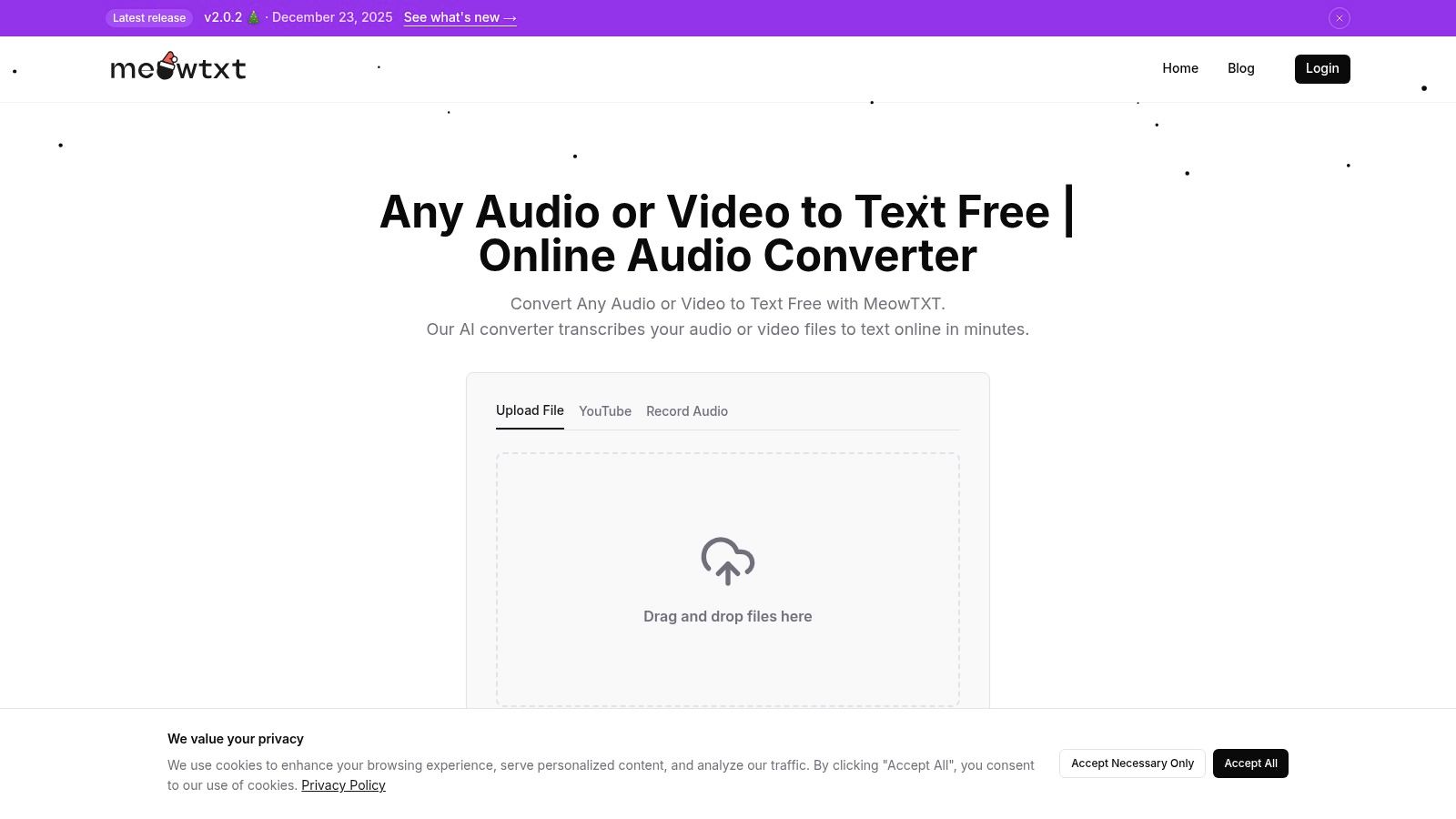
Meowtxt establishes itself as a premier choice for anyone needing a powerful and efficient way to transcribe audio to text free, balancing robust features with an intuitive, streamlined user experience. It's a comprehensive solution designed for creators, teams, and developers who require more than just a basic text output. The platform's core strength lies in its ability to deliver high-quality, actionable transcripts with exceptional speed, often processing audio at up to 40 times its real-time length.
This rapid turnaround doesn't come at the cost of detail. Transcripts from Meowtxt are enriched with precise, word-level timestamps and reliable speaker identification, making them immediately useful for video editors, podcasters, and researchers. The service’s remarkable accuracy, reaching up to 97.5%, minimizes the need for extensive manual corrections—a common bottleneck in other transcription workflows. For anyone wanting to try it out, the platform offers a no-registration-required 15-minute free trial, providing a frictionless way to evaluate its full capabilities.
Key Features and Workflow Integration
Meowtxt excels by fitting seamlessly into professional workflows, offering a suite of tools that go far beyond simple transcription. Users can directly paste YouTube links for instant caption generation, record voice memos on the fly, or upload standard audio/video files (MP3, MP4, WAV).
Once transcribed, the content becomes a launchpad for further action. The built-in AI can generate concise summaries of long meetings or lectures, while the translation feature supports over 50 languages, making content globally accessible. This multi-functionality positions Meowtxt as a central hub for content repurposing and analysis.
Practical Use Cases and Export Flexibility
The platform's versatility is showcased in its diverse export options, catering to specific professional needs.
- Content Creators: Export SRT or VTT files to add perfectly timed captions to videos for platforms like YouTube and Premiere Pro.
- Researchers & Students: Generate DOCX or TXT files for easy-to-search interview and lecture notes.
- Developers: Utilize JSON or CSV exports for seamless integration into applications and data analysis pipelines.
This flexibility, combined with strong security protocols like file encryption and a default 24-hour auto-deletion policy, makes it a trusted tool for handling sensitive information.
Pricing and Accessibility
While the initial free 15-minute trial is generous for testing, ongoing use requires a subscription. The pricing structure is notably accessible, starting with a Starter plan at $4.99/month for 500 minutes. This model provides a scalable path for users as their transcription needs grow, offering significant volume discounts for power users in professional settings.
| Pros | Cons |
|---|---|
| Extremely fast (up to 40× real-time) and highly accurate (~97.5%) | Free tier is limited to a one-time 15-minute trial |
| Comprehensive workflow with AI summaries and 50+ language translations | Requires an internet connection as it is a cloud-based service |
| Multiple import options, including direct YouTube links | Default 24-hour file deletion may necessitate a paid plan for long-term storage |
| Flexible export formats (SRT, VTT, DOCX, JSON) for various use cases | |
| Strong security features with encryption and auto-deletion |
Website: https://www.meowtxt.com
2. MeowTXT
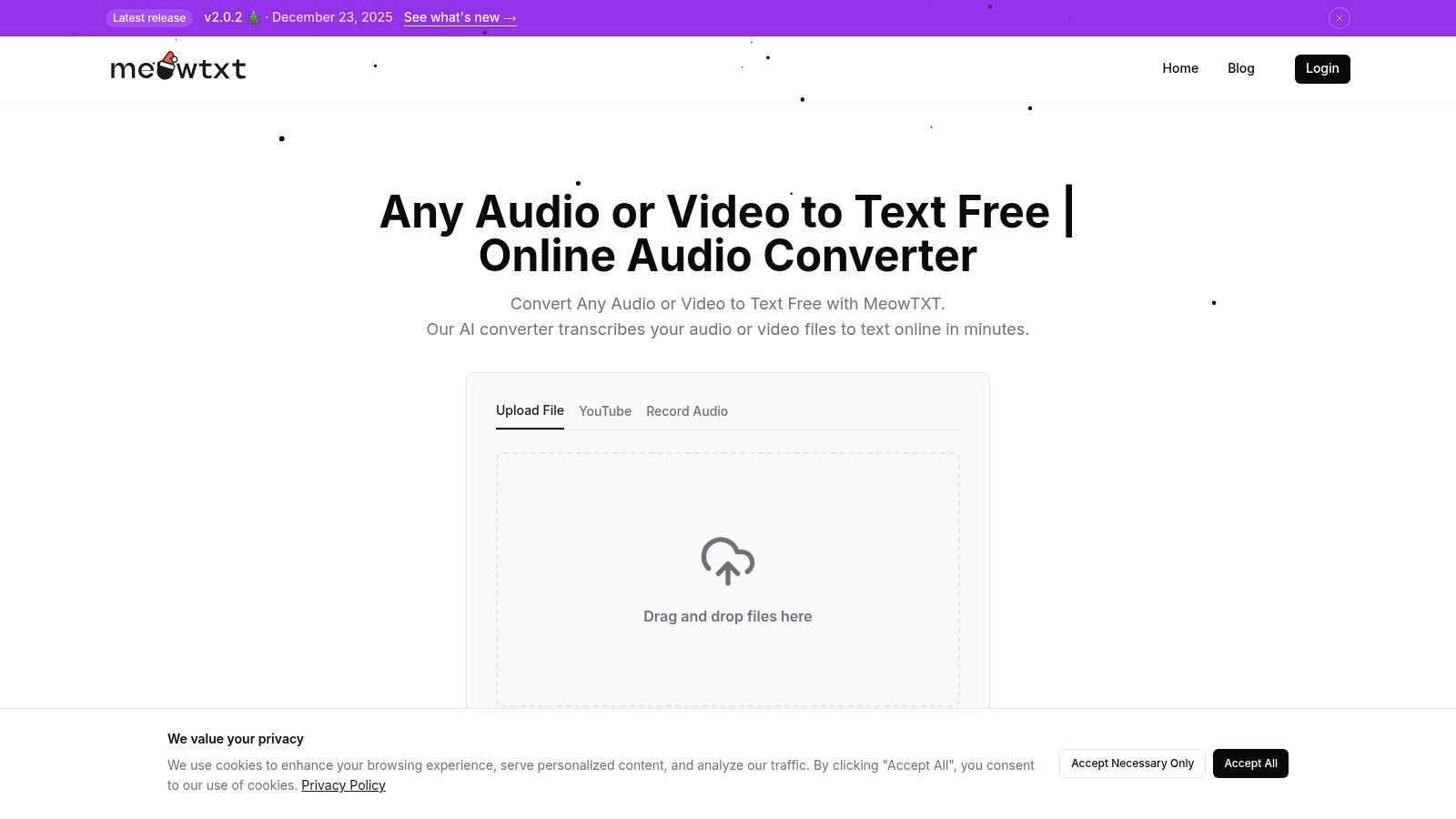
MeowTXT stands out as a remarkably fast and accessible tool for anyone needing to transcribe audio to text free, especially for shorter files. Its best feature is the complete lack of a signup requirement for your first use, allowing you to jump straight into transcription. You can simply drag and drop an audio or video file, paste a YouTube link, or record directly in your browser. This frictionless experience is ideal for one-off tasks or for testing its accuracy before committing to a plan.
The platform processes audio quickly, often delivering a full transcript with speaker labels and word-level timestamps in just a fraction of the audio's length. This makes it an excellent choice for content creators who need to generate SRT captions for a video or a quick text version of a podcast segment. The user interface is clean and intuitive, focusing entirely on getting the job done without any unnecessary clutter.
Key Features and Limitations
MeowTXT isn't just a transcriber; it's a productivity hub. Once your transcript is ready, you can get an AI-generated summary or translate the text into over 100 languages with a single click. The platform also offers a wide array of export options, including TXT, DOCX, SRT, and even JSON for developer use cases.
Pros:
- No Sign-Up Needed: Get your first 15 minutes of transcription completely free without creating an account.
- Versatile Inputs: Supports file uploads, YouTube links, and direct browser recording.
- Rich Exports: Provides multiple formats (TXT, DOCX, SRT, CSV, JSON) suitable for various needs.
Cons:
- Limited Free Tier: The free offering is a one-time 15-minute credit. Continued use requires a paid subscription.
- Temporary Storage: Transcripts are automatically deleted after 24 hours, so you must download your work promptly.
Best for: Content creators needing quick captions, students transcribing a short lecture, or anyone wanting to test a high-quality transcription service without commitment.
Website: https://www.meowtxt.com/
3. Otter.ai
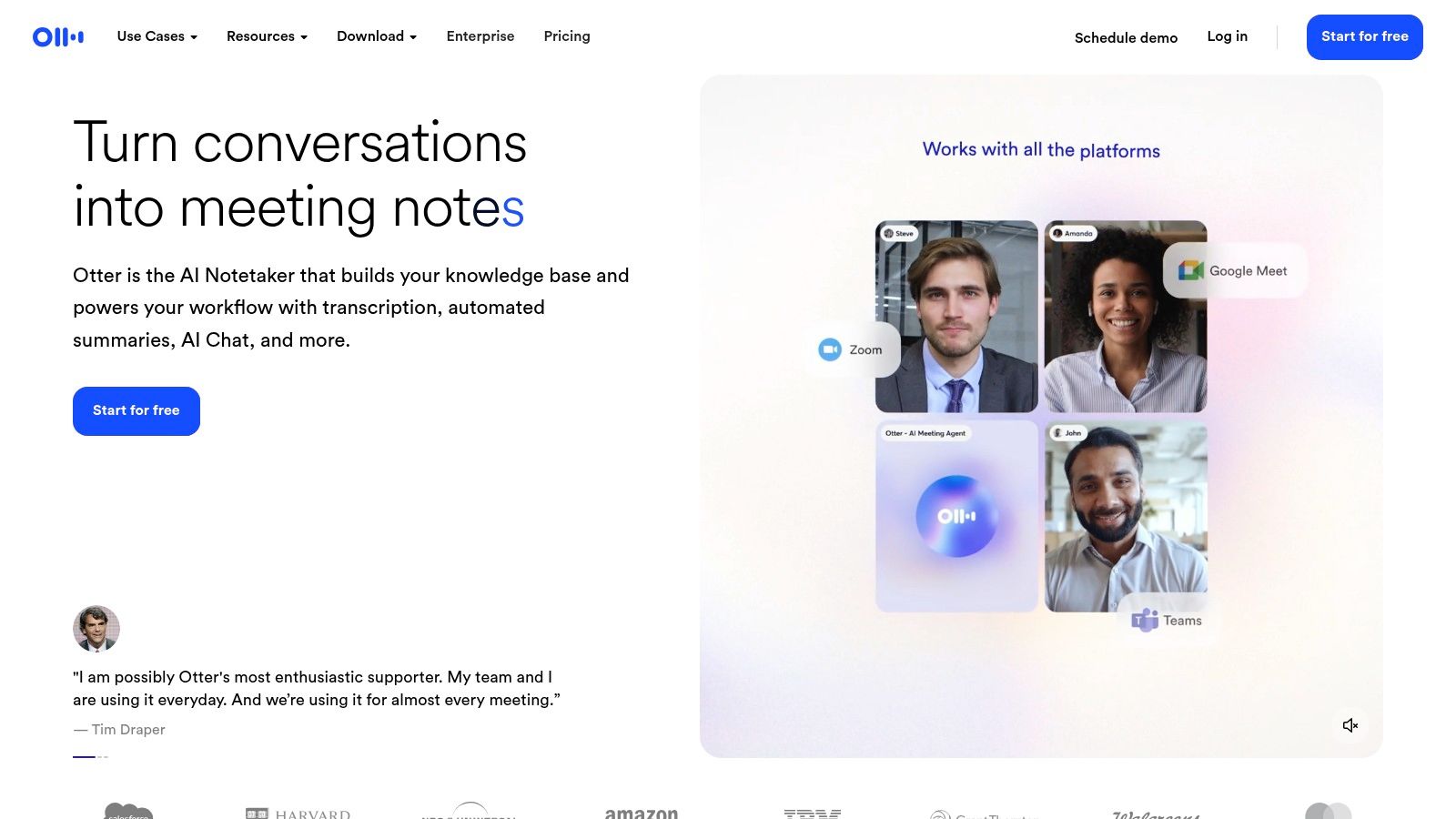
Otter.ai has carved out a niche as a powerful AI meeting assistant, making it a go-to choice for professionals who need to transcribe audio to text free in real time. It excels at capturing conversations from meetings on Zoom, Google Meet, and Microsoft Teams, automatically identifying different speakers and generating a rich, searchable set of notes. The platform is built for collaboration, allowing teams to highlight key points, add comments, and assign action items directly within the transcript.
Its real strength lies in turning messy spoken conversations into structured, actionable records. For content creators, this can be an effective way to document interviews or brainstorming sessions. The accuracy of these transcripts plays a vital role in content accessibility and can even influence search visibility. Understanding how automatically generated captions and quality transcripts contribute to content visibility, you might also be interested in strategies for how to get more views on YouTube Shorts.
Key Features and Limitations
Beyond live transcription, Otter.ai offers mobile apps for both iOS and Android, ensuring you can record and review conversations on the go. Once a meeting is transcribed, the service generates a basic summary with an outline, making it easy to recall the most important topics discussed. The collaborative web editor is intuitive, allowing for seamless sharing and review among team members.
Pros:
- Generous Live Transcription: The free plan includes up to 300 minutes per month for real-time transcription, with a 30-minute cap per meeting.
- Excellent Collaboration: Easily share, comment on, and highlight transcripts with colleagues.
- Multi-Platform Support: Works seamlessly across web, iOS, and Android devices.
Cons:
- Very Limited Imports: The free tier only allows for three lifetime audio or video file uploads, pushing users toward paid plans for file-based work.
- Feature Gating: Advanced export options, custom vocabulary, and deeper integrations are reserved for paid subscriptions.
Best for: Professionals needing live meeting notes, teams collaborating on interview transcripts, and students recording lectures for searchable study guides.
Website: https://otter.ai/
4. YouTube automatic captions and transcripts
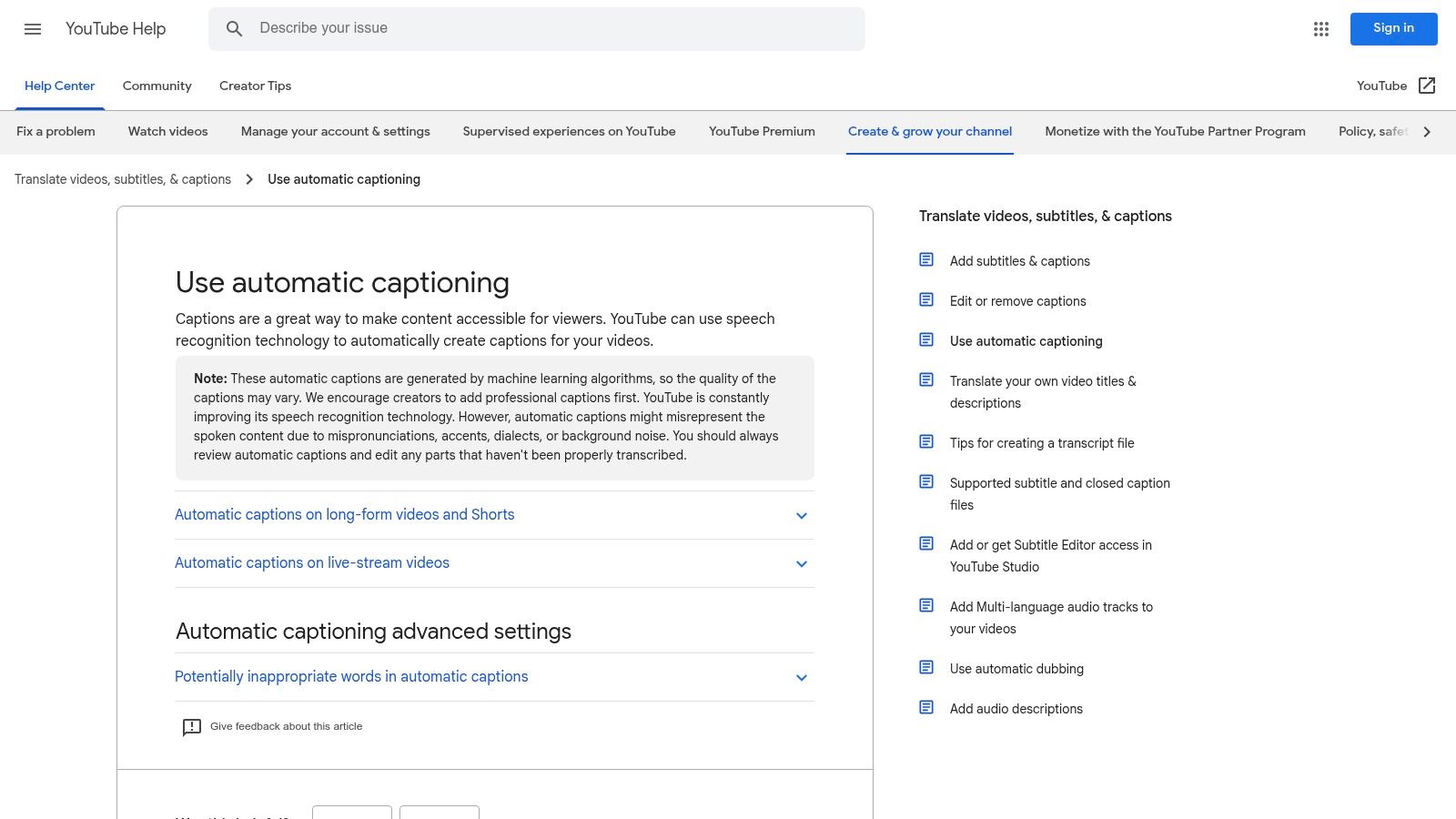
For content creators already on its platform, YouTube provides a powerful, built-in way to transcribe audio to text free. When you upload a video, YouTube automatically processes the audio and generates captions. While primarily intended for accessibility, creators can access and repurpose this generated transcript directly within YouTube Studio. This makes it an incredibly convenient starting point for creating blog posts, show notes, or social media content derived from video footage.
The real value here lies in the integrated workflow. Creators can easily view, edit, and correct the auto-generated text, which is conveniently timestamped to the video. Viewers can also access the interactive transcript panel, allowing them to read along and jump to specific moments in the video. This dual functionality serves both the creator's content-repurposing needs and the audience's viewing experience.
Key Features and Limitations
Beyond simple captioning, the system improves your video's discoverability as search engines can index the text. The transcript serves as a solid baseline that requires manual refinement, but it eliminates the need to start from scratch. For those with long-form content, this feature alone can save countless hours of manual transcription work.
Pros:
- Completely Free: Available at no cost for anyone who uploads a video to YouTube.
- Integrated Editing: A built-in editor allows for easy correction and timing adjustments within YouTube Studio.
- SEO and Accessibility Benefits: Captions and transcripts make your content accessible and help it rank better in search results.
Cons:
- Variable Accuracy: The quality of the transcription can vary significantly based on audio clarity, accents, and multiple speakers.
- Manual Correction Required: You must review and edit the generated text to fix errors before using it professionally.
- Platform-Dependent: This method only works for content you upload to YouTube.
Best for: YouTube creators looking for a no-cost way to generate a first-draft transcript for their videos, improve accessibility, and boost their content's SEO.
Website: https://support.google.com/youtube/answer/6373554
5. OpenAI Whisper
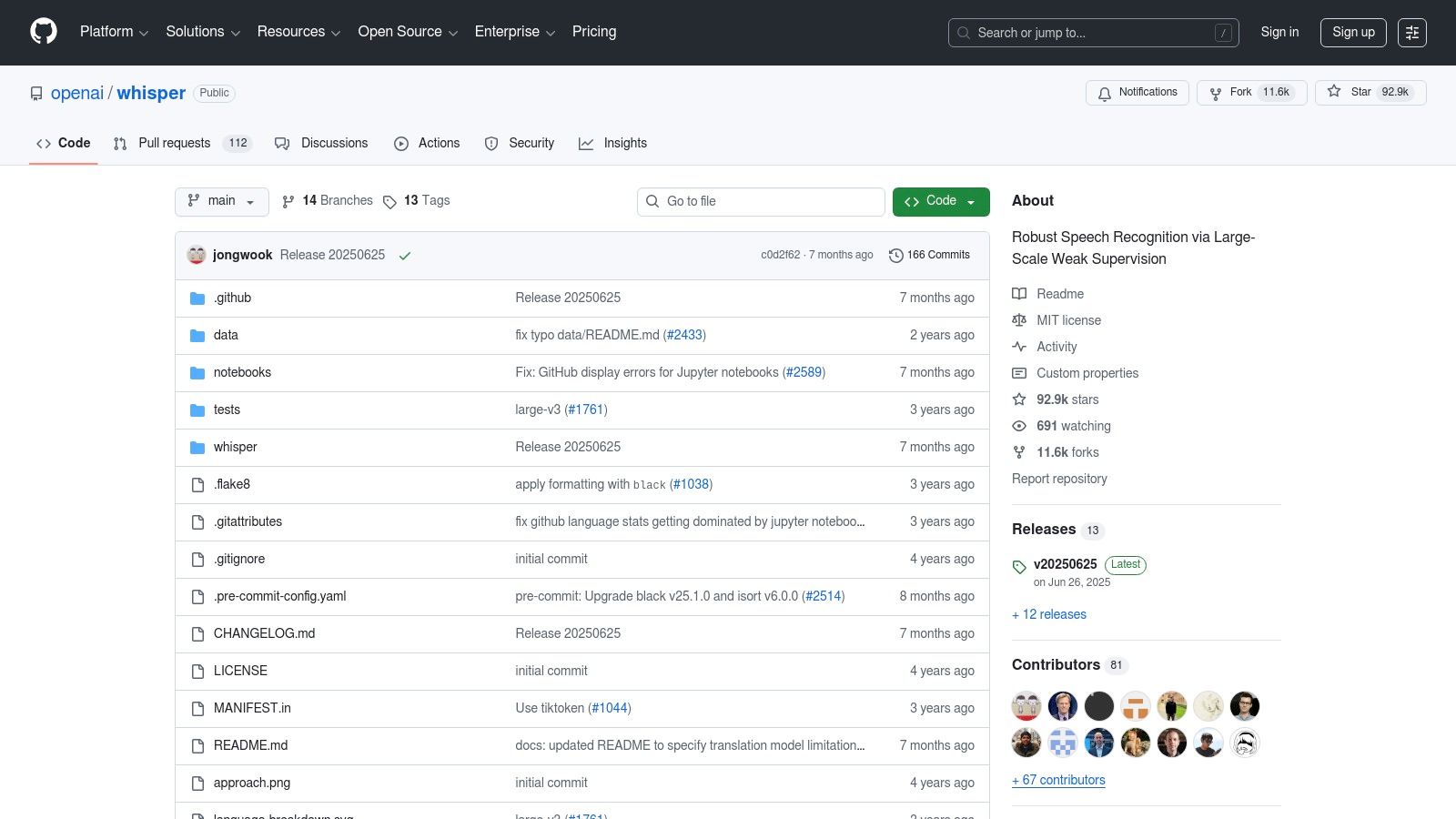
For users who prioritize privacy, control, and are comfortable with a more technical setup, OpenAI Whisper stands out. It's not a website service but an open-source model that you run on your own computer. This approach means your audio files never leave your machine, offering unparalleled security and making it a powerful way to transcribe audio to text free of charge, aside from the cost of your own computing power. Because you control the environment, there are no file size limits or usage quotas to worry about.
Whisper is renowned for its high accuracy across a vast number of languages, accents, and noisy environments. This is the same underlying technology that powers many commercial transcription services, giving you access to state-of-the-art results without a subscription. The model comes in various sizes, allowing you to balance transcription speed with accuracy based on your hardware's capabilities. Understanding the core principles of automated speech recognition (ASR) can help you get the most out of this powerful tool.
Key Features and Limitations
Whisper is fundamentally a developer's tool, but user-friendly interfaces have been built by the community to make it more accessible. Its core strength lies in its robust, multilingual transcription and translation capabilities that run completely offline. This local processing ensures your data remains confidential, a critical feature for sensitive content like legal depositions or private research interviews.
Pros:
- Completely Free: No usage fees or subscriptions; you only need your own computer.
- Total Privacy: Audio is processed locally, so your data never gets uploaded to a cloud server.
- High Accuracy: Delivers excellent results across many languages, even with background noise.
Cons:
- Technical Setup: Requires using the command line or installing third-party applications, which can be challenging for non-technical users.
- Hardware Dependent: Performance is slow on older computers without a powerful GPU, making it impractical for very long files on standard hardware.
Best for: Developers, researchers, and privacy-conscious users who need high-quality, offline transcription and have the technical skills to set it up.
Website: https://github.com/openai/whisper
6. Microsoft Word "Transcribe" (Microsoft 365 / Word for web)
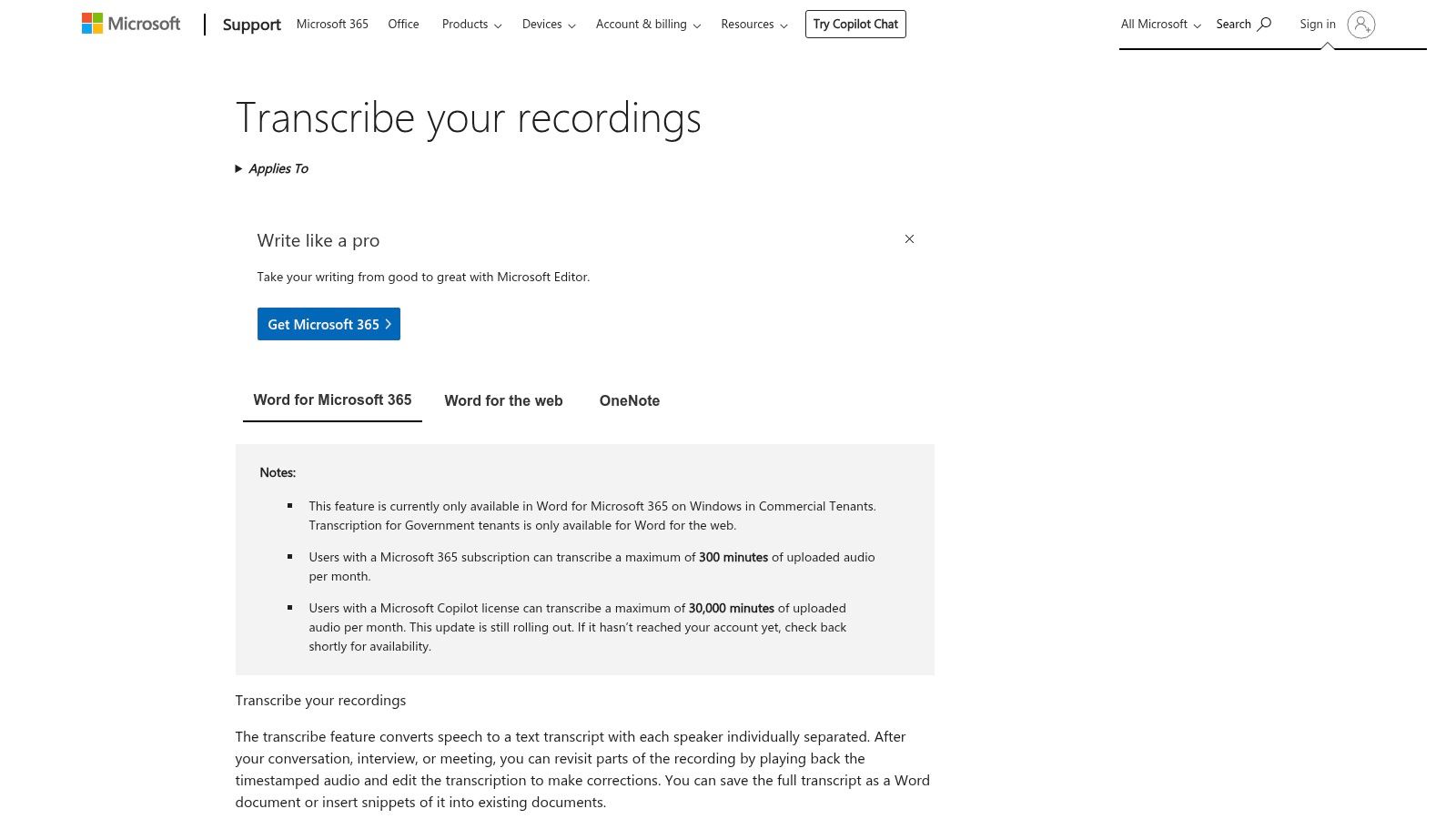
For those deeply integrated into the Microsoft ecosystem, the built-in Transcribe feature in Word for the web offers a seamless way to transcribe audio to text free of additional software. This tool is designed for a document-centric workflow, allowing users to upload existing audio files or record new conversations directly within their browser. Its primary advantage is convenience, transforming spoken words into a fully editable transcript pane right beside your document. The feature automatically separates speakers and adds timestamps, which is perfect for meeting notes or interview analysis.
The transcription pane is interactive, letting you play back the audio while following along with the text. You can easily edit any inaccuracies in the transcript, relabel speakers, and then insert specific quotes or the entire text directly into your Word document with a single click. This tight integration removes the cumbersome process of switching between different apps, making it a highly efficient choice for professionals, students, and anyone preparing reports or articles based on recorded audio.
Key Features and Limitations
Word's Transcribe feature prioritizes workflow efficiency over standalone power. It allows you to transform audio into actionable text without ever leaving your document environment. The ability to pull specific quotes with their corresponding timestamps directly into your working file is a standout capability for researchers and writers.
Pros:
- Seamless Integration: Built directly into Microsoft Word, making it perfect for users already within the ecosystem.
- Document-Centric Workflow: Easily edit and insert transcript snippets or the full text directly into your documents.
- Speaker Identification: Automatically detects and separates different speakers, which is helpful for interviews and meetings.
Cons:
- Subscription Required: This feature is only available to Microsoft 365 subscribers; it is not a standalone free tool.
- Monthly Limits: Usage is capped, with most subscription plans offering up to 300 minutes of uploaded audio transcription per month.
Best for: Microsoft 365 users, business professionals, students, and journalists who need to integrate interview or meeting transcripts directly into their reports and documents.
7. Azure AI Speech to Text
For developers and organizations needing a robust, scalable engine to transcribe audio to text free, Microsoft's Azure AI Speech to Text provides an enterprise-grade solution. Unlike consumer-facing tools, Azure is a cloud-based API designed to be integrated into applications, media pipelines, and large-scale transcription workflows. Its strength lies in its reliability, advanced features like real-time streaming transcription, and powerful model customization options for specific industry jargon or accents.
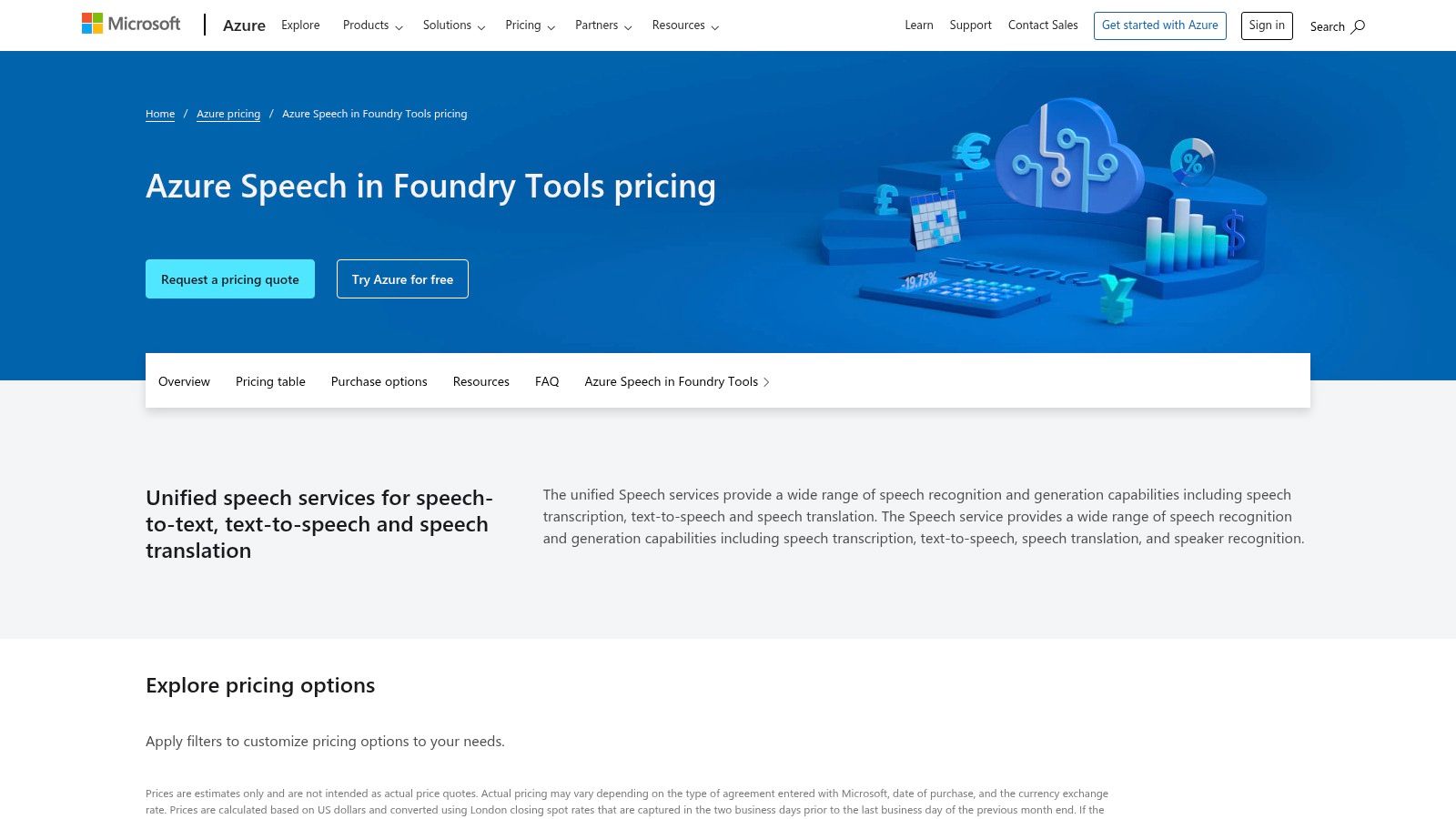
The platform offers a generous free tier that resets monthly, making it perfect for building prototypes, running smaller projects, or integrating transcription into an existing application without initial costs. While it requires setting up an Azure account and billing information, the technical documentation and SDKs for various programming languages (like Python and C#) make implementation straightforward for those with development experience. This is the go-to option when you need to power a feature rather than just convert a single file.
Key Features and Limitations
Azure's service goes beyond basic transcription, offering sophisticated capabilities like speaker diarization (identifying who is speaking) and automatic language identification. It supports both real-time (streaming) transcription for live events and batch processing for pre-recorded files, giving developers immense flexibility. The platform is also built with enterprise needs in mind, providing robust security, compliance, and data privacy controls.
Pros:
- Generous Free Tier: Includes 5 audio hours free per month, which is ideal for development and small-scale use.
- Highly Scalable: Built on Microsoft's cloud infrastructure, it can handle immense workloads for production applications.
- Advanced Features: Offers real-time transcription, speaker diarization, and model customization.
Cons:
- Requires Technical Setup: You must create an Azure account, configure billing, and use its API or SDKs.
- Potential for Overage Costs: Usage beyond the 5 free hours is automatically billed on a pay-as-you-go basis.
Best for: Developers building transcription features into their apps, businesses needing automated meeting transcription, and media companies creating large-scale subtitling pipelines.
Website: https://azure.microsoft.com/en-us/pricing/details/cognitive-services/speech-services/
8. Notta
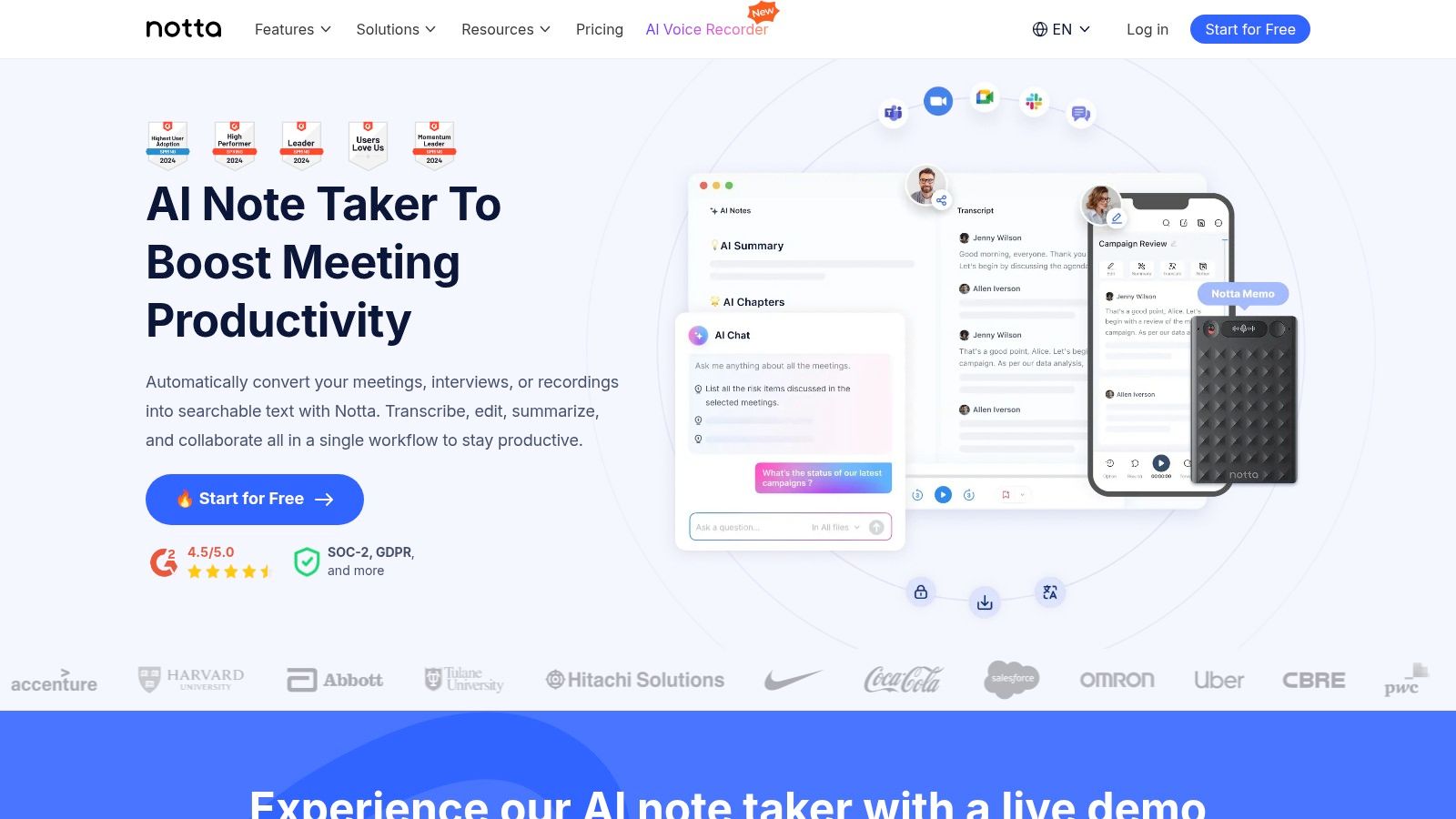
Notta positions itself as a comprehensive productivity tool designed to transcribe audio to text free for meetings, interviews, and personal notes. It stands out with a robust, permanently free plan that offers a generous monthly allowance, making it a sustainable choice for users with recurring, low-volume transcription needs. The platform seamlessly syncs across its web and mobile apps, allowing you to start a recording on your phone and edit the transcript later on your desktop.
This cross-device functionality is a significant advantage for professionals and students who capture audio on the go. Notta's interface is clean and organized, focusing on managing a library of conversations rather than just one-off files. It also integrates AI-powered summaries, a feature that distills long recordings into key takeaways, action items, and highlights, saving you valuable review time.
Key Features and Limitations
Beyond simple transcription, Notta is built for collaboration. You can share transcripts with team members, add notes, and export in various formats. The platform supports both live recording and file uploads, providing flexibility for different use cases. Its AI summary tool is particularly useful for quickly grasping the essence of a lengthy meeting or lecture without reading the entire text.
Pros:
- Generous Free Plan: Offers 120 minutes of transcription per month without requiring an upgrade.
- Cross-Device Sync: Record and access your transcripts seamlessly across web and mobile apps.
- AI Summaries: The free tier includes access to AI-generated summaries to quickly review content.
Cons:
- Feature Gating: Advanced capabilities like translation and more extensive collaboration tools are locked behind paid tiers.
- Plan Inconsistencies: Some limits and promotional offers can differ between the web platform and mobile app stores.
Best for: Students recording lectures, professionals capturing meeting minutes, and anyone needing a reliable, free tool for regular, short-form transcription tasks.
Website: https://www.notta.ai/
9. Descript
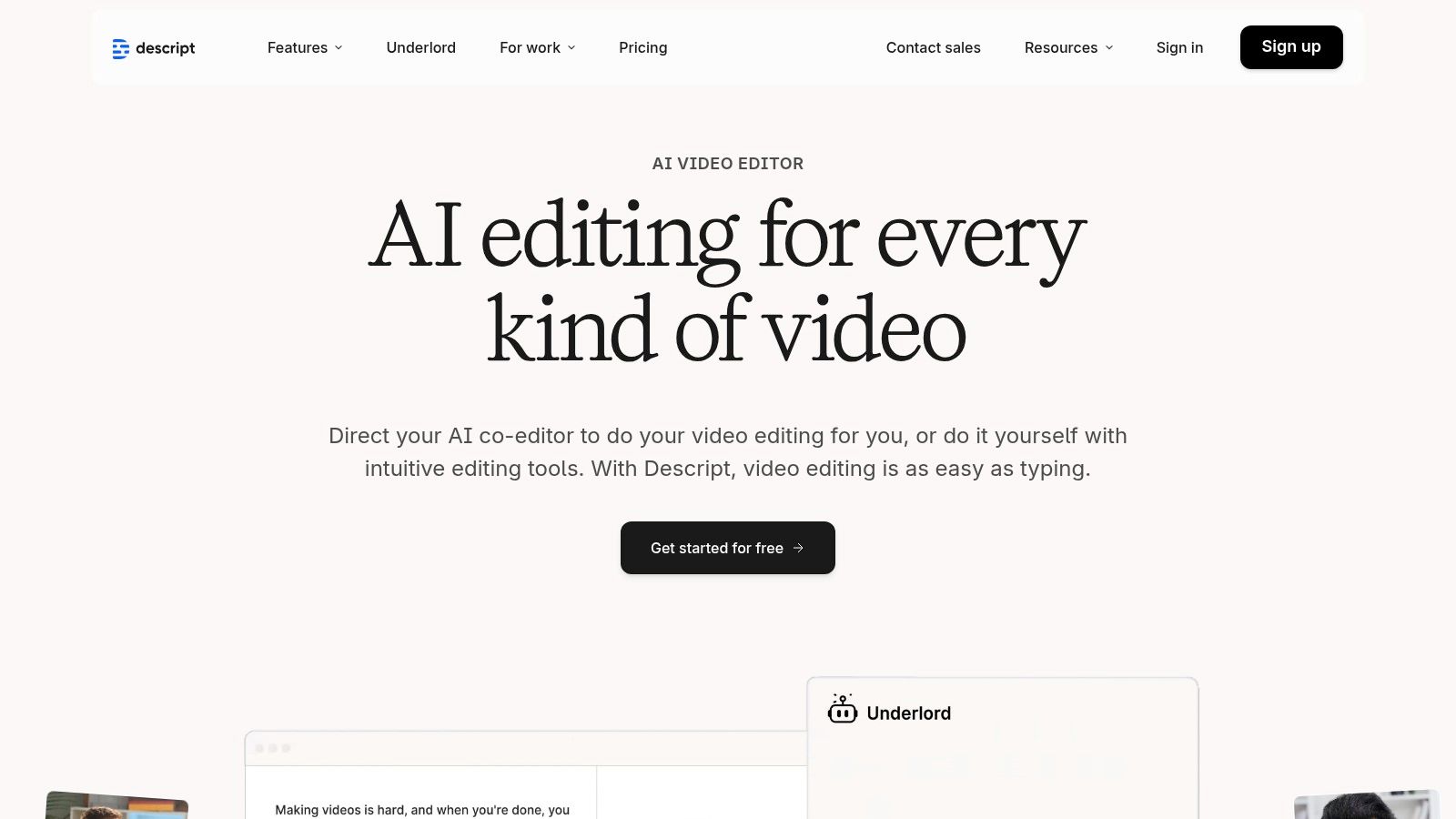
Descript revolutionizes the editing process by treating audio and video as text documents. It’s not just a tool to transcribe audio to text free; it’s a full-fledged production suite where editing media is as simple as editing a Word document. When you upload a file, Descript automatically transcribes it, allowing you to cut, copy, paste, and delete parts of your recording by manipulating the corresponding text. This text-based workflow is a game-changer for podcasters, YouTubers, and anyone who finds traditional timeline editing cumbersome.
The platform is designed for creators, offering powerful features directly tied to the transcript. You can easily remove filler words like "um" and "uh" with a single click, automatically assign speaker labels, and use its AI-powered "Studio Sound" feature to clean up background noise and enhance voice quality. This tight integration of transcription and editing makes it an incredibly efficient tool for producing polished content.
Key Features and Limitations
Descript’s real power lies in its comprehensive creator toolset. Beyond simple transcription, it provides screen recording, multi-track audio editing, and collaboration tools that allow teams to work on a project simultaneously. Once your edits are complete, you can export your work in various formats, including video, audio, and captions (SRT).
Pros:
- Innovative Text-Based Editing: Edit audio and video by simply editing the text transcript.
- Advanced AI Features: Includes one-click filler word removal and Studio Sound for audio enhancement.
- Creator-Focused Workflow: Built-in screen recording and collaboration tools are ideal for production teams.
Cons:
- Limited Free Plan: The free tier is restricted to just one hour of transcription per month.
- Export Limitations: Free users will have a Descript watermark on any video exports.
- Desktop Application Required: Unlike web-only tools, its full functionality requires a software download.
Best for: Podcasters, video creators, and teams who want an all-in-one solution for recording, transcribing, and editing their content.
Website: https://www.descript.com/
10. Kapwing Auto-Subtitle Generator
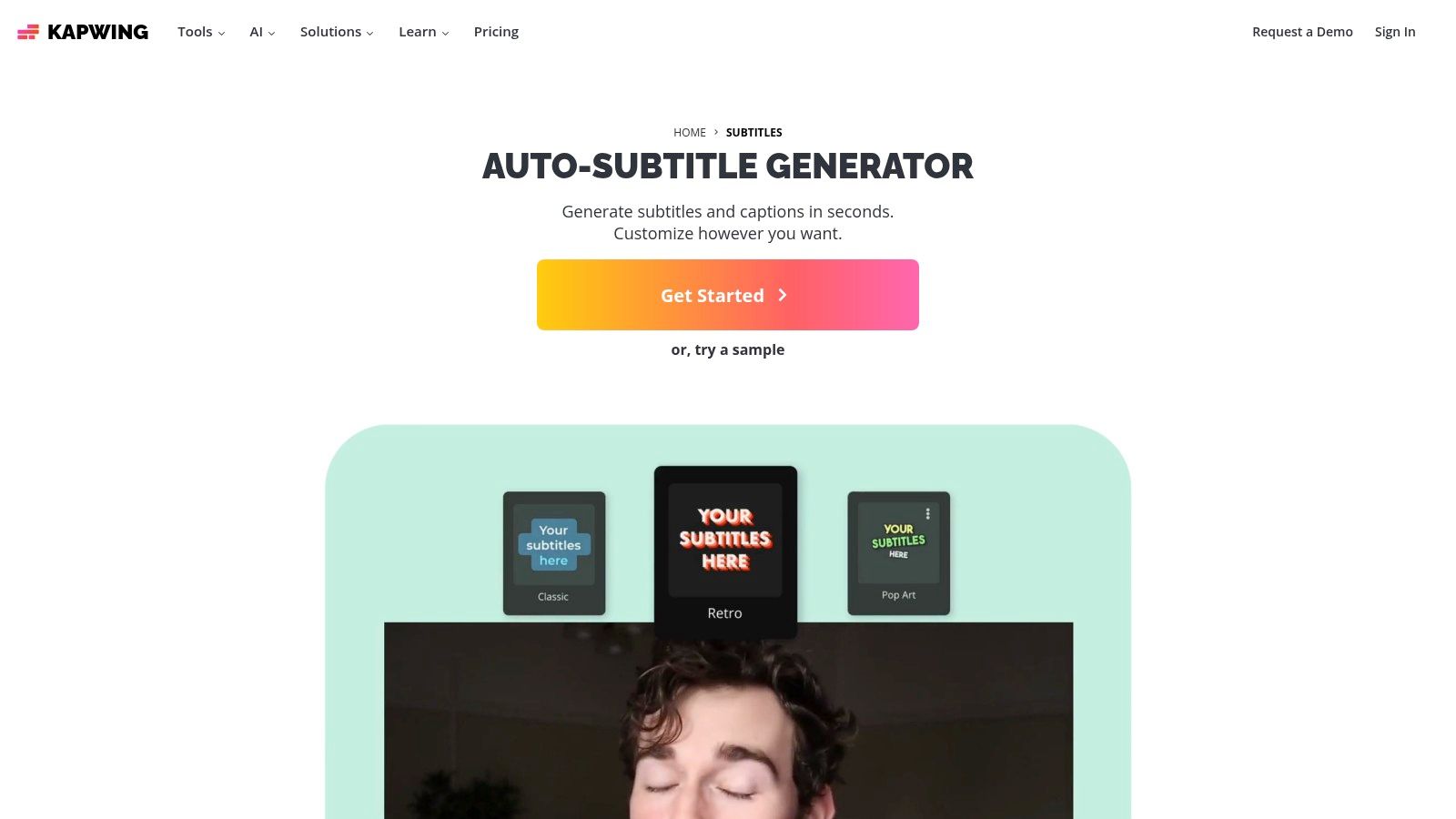
Kapwing is a powerful, browser-based video editor that includes a robust tool to transcribe audio to text free for subtitling purposes. It's designed primarily for social media content creators who need to quickly add captions to their videos. You can upload a video file, and its AI will auto-generate a transcript that you can then edit directly on the video timeline, making it incredibly intuitive to sync text with spoken words.
The platform excels at short-form video workflows, offering extensive styling options for your subtitles. You can change fonts, colors, and animations to match your brand's aesthetic before exporting the final video. This integration of transcription and video editing in one place saves significant time for anyone producing content for platforms like TikTok, Instagram Reels, or YouTube Shorts.
Key Features and Limitations
Beyond simple transcription, Kapwing provides a complete suite for video accessibility and engagement. Once your subtitles are generated, you can easily translate them into other languages or export them as separate files. For creators who need more than just a text document, being able to burn captions directly into the video or download a standard caption file is a major advantage. To dive deeper into caption formats, you can learn more about how to create SRT files for your videos.
Pros:
- Integrated Editor: Edit transcripts and style subtitles directly on your video timeline.
- Social Media Ready: Excellent for quickly captioning short clips for social platforms.
- Flexible Exports: Download your transcript as TXT, VTT, or SRT files, or burn them into the video.
Cons:
- Limited Free Use: The free plan includes a watermark and a very small monthly allowance for auto-subtitling.
- Video-Focused: While it transcribes audio, its core function is video subtitling, not long-form audio transcription.
Best for: Social media managers, video creators, and marketers who need to quickly add stylized and accurate captions to short videos.
Website: https://www.kapwing.com/subtitles/add-subtitles
11. Vosk
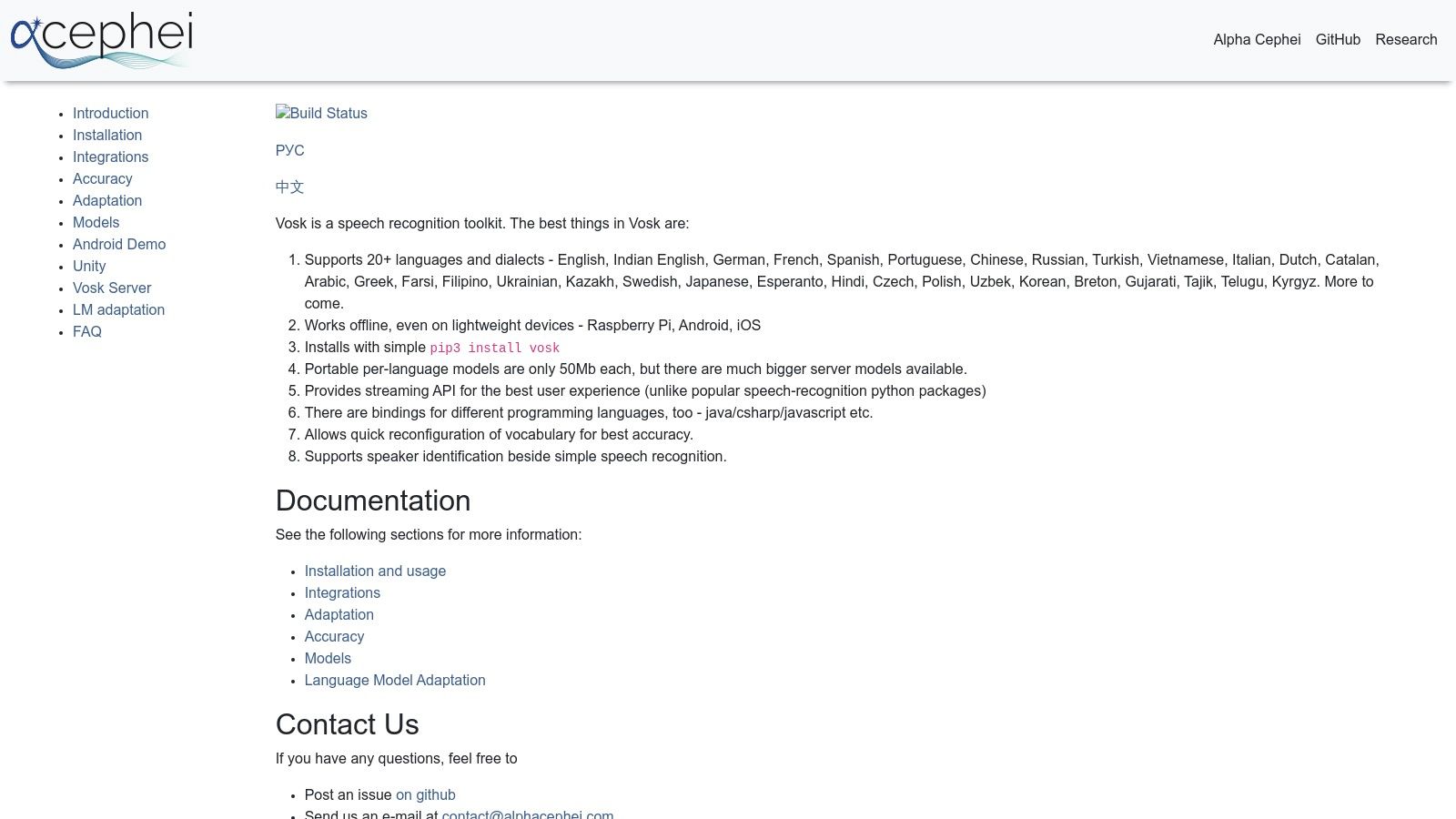
For developers or privacy-conscious users seeking a way to transcribe audio to text free without sending data to the cloud, Vosk offers a powerful open-source solution. This is not a web-based service but an offline speech recognition toolkit that runs directly on your device. Its key advantage is complete privacy and control, as all processing happens locally, making it ideal for sensitive information. Vosk is designed to be lightweight, with models small enough to run on everything from a desktop to a Raspberry Pi.
The toolkit is highly versatile, supporting over 20 languages and providing bindings for popular programming languages like Python, Java, and JavaScript. This allows developers to integrate robust transcription capabilities directly into their own applications. While it requires a technical setup, the trade-off is a completely free, endlessly customizable, and secure transcription engine that you control entirely.
Key Features and Limitations
Vosk’s power lies in its on-device processing and developer-friendly architecture. You can choose from various pre-trained models based on your needs, balancing size, speed, and accuracy. The streaming API is particularly useful for real-time transcription applications, such as live captioning or voice-controlled assistants.
Pros:
- Completely Free & Offline: Zero usage fees and ultimate privacy, as no audio is ever uploaded to a server.
- Highly Portable: Runs on modest hardware, including mobile phones and single-board computers like Raspberry Pi.
- Developer Focused: Extensive language support and bindings make it easy to integrate into custom projects.
Cons:
- Requires Technical Skill: Not a user-friendly tool for non-developers; it requires coding and command-line setup.
- Variable Performance: Accuracy and speed are dependent on the chosen model and the processing power of your device.
Best for: Developers building transcription features into apps, users with strict privacy needs, and hobbyists working on projects with embedded devices.
Website: https://alphacephei.com/vosk/
12. Google Recorder (Pixel phones/tablets)
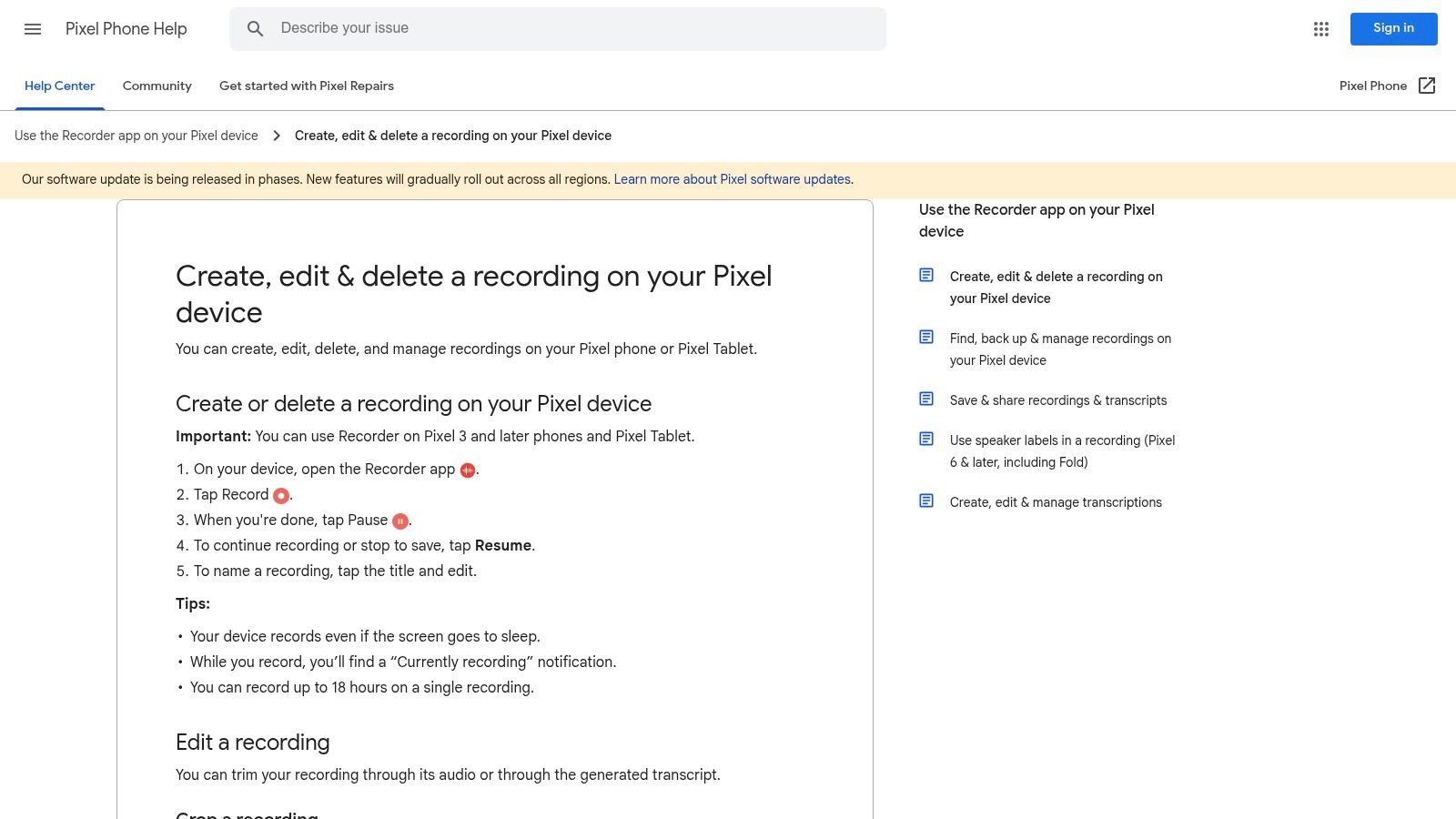
For users in the Google Pixel ecosystem, the Google Recorder app offers a powerful, on-device way to transcribe audio to text free of charge. This tool is built directly into Pixel phones and tablets, providing a seamless and secure method for capturing and transcribing interviews, lectures, or personal notes without needing an internet connection for core functionality. Its standout feature is its tight integration with the device, making recordings and their transcripts instantly searchable right from your phone.
The app is remarkably simple to use, yet it packs advanced features like real-time transcription and speaker labels (primarily in English). It can handle incredibly long recordings—up to 18 hours—and automatically saves both the audio and the live transcript. The user interface is clean, focusing on the essential tasks of recording, playback, and sharing, making it a go-to tool for mobile transcription needs. It's particularly useful for tasks like transcribing voicemails, as the on-device nature ensures privacy.
Key Features and Limitations
Google Recorder shines with its on-device processing, which ensures your recordings remain private. Once a recording is complete, you can easily export the transcript as a TXT file or send it directly to Google Docs for further editing. For more complex needs, the "Transcribe again" feature uses cloud processing to improve accuracy, add more languages, or provide translations, though this requires an internet connection.
Pros:
- Completely Free & Offline: No ongoing fees or subscriptions, and primary transcription works without an internet connection.
- Deep System Integration: Transcripts are searchable on-device, and sharing to Google Drive or other apps is effortless.
- Long Recording Support: Reliably captures and transcribes audio for up to 18 hours per file.
Cons:
- Device Exclusivity: Only available on Google Pixel phones (Pixel 3 and newer) and the Pixel Tablet.
- Limited On-Device Features: Advanced features like speaker labels are best in English, and other languages require cloud reprocessing.
Best for: Journalists, students, and professionals with Pixel devices who need reliable, private, and on-the-go transcription for meetings and interviews.
Website: https://support.google.com/pixelphone/answer/16267367?hl=en
12 Free Audio-to-Text Tools Comparison
| Service | Core features | Quality / UX | Price / Value | Target audience | Unique selling points |
|---|---|---|---|---|---|
| meowtxt 🏆 | Cloud transcription (MP3/MP4/WAV), speaker ID, word timestamps, AI summaries, 100+ translations, TXT/DOCX/JSON/CSV/SRT export | ★ ~97.5% accuracy · up to 40× speed · clean, fast UI | 💰 Free 15m → Starter $4.99/500m; Plus $9.99/1200m; Pro $14.99/3000m; volume discounts | 👥 Creators, teams, developers (podcasts, post‑prod, meetings) | ✨ One‑tap mobile, YouTube imports, API-friendly exports, encrypted at rest, auto-delete |
| MeowTXT | Browser upload/record, speaker labels, timestamps, AI summaries, 100+ lang translation | ★ Fast, near real‑time; no-signup option for short files | 💰 Free first 15m; subscription for extended use | 👥 Casual creators & quick transcribers | ✨ No‑signup quick transcribe & in‑browser recording |
| Otter.ai | Live meeting transcription, searchable notes, speaker ID, mobile/web editor | ★ Reliable for meetings; collaborative editor | 💰 Solid free tier (limited); paid unlocks exports & more | 👥 Teams, meetings, collaboration workflows | ✨ Live meeting agent + easy sharing/collab |
| YouTube automatic captions | Auto captions & transcript panel; edit in YouTube Studio | ★ Accuracy varies; requires creator review | 💰 Free for uploaders/viewers | 👥 Video creators on YouTube | ✨ Built‑in captioning + viewer timestamped transcripts |
| OpenAI Whisper | Open‑source multilingual ASR, multiple model sizes, offline/self‑hosted | ★ Strong accuracy (model‑dependent); offline control | 💰 No model fees; compute costs (local/GPU) | 👥 Developers & privacy‑sensitive users | ✨ Run locally for full data control and customization |
| Microsoft Word "Transcribe" | Upload/in‑app recordings, speaker labels, timestamps, inline editing in Word | ★ Good for document workflows; integrated editor | 💰 Requires Microsoft 365; minute limits apply | 👥 Microsoft 365 users, business/document workflows | ✨ Direct insert into Word with inline editing |
| Azure AI Speech to Text | Batch & streaming API, diarization, language detection, SDKs & compliance | ★ Enterprise‑grade reliability & scalability | 💰 Free F0 (5 hrs/mo); pay‑as‑you‑go after | 👥 Developers, enterprises, large pipelines | ✨ Custom models, enterprise controls & compliance |
| Notta | Web/mobile recording, cross‑device sync, AI summaries, translation | ★ Decent UX; good cross‑device syncing | 💰 Free 120m/month; paid for higher quotas | 👥 Meeting users & light note‑takers | ✨ Permanent free plan (120m) and easy device sync |
| Descript | Text‑based audio/video editing, speaker detection, AI cleanup (Studio Sound) | ★ Creator‑focused editor; text‑first workflows | 💰 Free 1h/mo; paid tiers for full features | 👥 Podcasters & video creators who edit by text | ✨ Text editing of media + AI audio cleanup & filler removal |
| Kapwing Auto‑Subtitle | Auto‑subtitling, editable transcript, timeline styling, SRT/VTT exports | ★ Fast for short clips; browser UI for social formats | 💰 Free limited (watermark/credits); paid removes limits | 👥 Social video creators & short‑form editors | ✨ Timeline styling and social‑format tools in browser |
| Vosk | On‑device/offline ASR, lightweight models, streaming API, multi‑language bindings | ★ Privacy‑focused; accuracy varies by model/device | 💰 Free; no cloud fees (local compute only) | 👥 Developers, embedded & offline use (Raspberry Pi) | ✨ Tiny models for embedded devices and local streaming |
| Google Recorder | On‑device transcription, searchable transcripts, long recordings, TXT export | ★ Accurate offline (English); fast mobile UX | 💰 Free on Pixel devices | 👥 Pixel users & mobile note‑takers | ✨ Fully on‑device offline transcription; up to 18‑hr recordings |
Choosing the Right Free Transcription Tool for Your Needs
Navigating the world of free audio transcription can feel overwhelming, but as we've seen, the landscape is rich with powerful and accessible options. You no longer need a significant budget to convert your spoken words into searchable, editable text. The key takeaway is that the "best" free tool depends entirely on your specific project, your technical comfort level, and your priorities around privacy, speed, and accuracy.
The journey to transcribe audio to text free is not a one-size-fits-all path. Your choice hinges on a clear understanding of your own needs. By breaking down your requirements, you can move from a long list of possibilities to a shortlist of ideal candidates.
A Framework for Your Decision
To make the right choice, consider these critical factors. Think of this as your personal checklist for selecting a transcription service or software that aligns perfectly with your workflow.
- For Absolute Beginners and Quick Tasks: If you need a transcript right now with minimal setup, look no further than browser-based tools. Services like MeowTXT's 15-minute free trial or the free tiers of Otter.ai and Notta are designed for this. You simply upload your file and get a result within minutes, making them perfect for transcribing a single lecture, a short interview, or a quick voice memo.
- For Content Creators in Existing Ecosystems: If you're a YouTuber or a podcaster, leveraging the tools you already use is the most efficient strategy. YouTube's automatic captioning is a fantastic starting point for video content. For those embedded in the Microsoft suite, the Transcribe feature in Word for the web is seamlessly integrated, allowing you to pull quotes and structure documents directly from your audio recordings.
- For Developers and the Privacy-Conscious: When data security is paramount or you need to build transcription into a custom application, local, open-source models are the gold standard. OpenAI's Whisper and Vosk give you complete control. You run the software on your own machine, meaning your sensitive audio files never leave your possession. While they require a bit more technical know-how to set up, the trade-off is unparalleled privacy and customizability.
- For High-Volume or Professional Needs: Free tiers are generous, but they have their limits. If you consistently transcribe hours of audio each month for your business, podcast, or academic research, these free options serve as an excellent "try before you buy" gateway. They allow you to test the accuracy and user interface before committing. When your needs outgrow the free minutes, upgrading to a paid plan with a service like MeowTXT, Descript, or Otter.ai becomes a worthwhile investment in your productivity.
From Chore to Asset: Making Transcription Work for You
Ultimately, the goal is to transform transcription from a time-consuming chore into a strategic asset. A good transcript unlocks the value hidden within your audio content. It makes your videos more accessible, your podcasts more discoverable via search engines, and your meeting notes more actionable.
The most effective approach is to experiment. Take the same five-minute audio clip and run it through two or three of the tools that seem most promising for your use case. Compare the accuracy, the formatting of the output, and the overall user experience. This hands-on test will quickly reveal which platform feels most intuitive and best suits the nuances of your audio. The power to transcribe audio to text free is readily available; your only task is to harness it effectively.
Ready to experience best-in-class accuracy without the hassle? meowtxt provides a fast, secure, and incredibly precise transcription service, and you can test it completely free. Get your first 15 minutes of audio transcribed at no cost to see how effortlessly you can turn your recordings into polished, ready-to-use text by visiting meowtxt today.


