
Turning spoken words from video into text is no longer a luxury; it’s a foundational requirement for modern content. Whether you're a YouTuber aiming for better accessibility, a marketer creating searchable assets, or a legal professional documenting depositions, the right software to transcribe video is a game-changer. It saves countless hours of manual work and makes your video content exponentially more valuable.
The challenge is navigating a crowded market. With dozens of options available, from simple web apps to complex developer APIs, how do you choose the one that fits your workflow and budget? This guide cuts through the noise. We have meticulously tested and analyzed 12 of the top transcription tools available today, focusing on what truly matters for professionals.
Inside, you'll find a detailed breakdown of each platform, complete with screenshots and direct links. We go beyond marketing claims to evaluate real-world performance, including:
- Accuracy benchmarks for various audio qualities and accents.
- Specific use-case recommendations for podcasters, teams, educators, and developers.
- Critical details like privacy policies, export flexibility, and team collaboration features.
This isn't just a list; it's a practical resource designed to help you find the perfect software to transcribe video for your exact needs. Moreover, the advancements in AI, as highlighted in discussions around AI auto captioning, are making video content more accessible than ever, transforming how we interact with digital media. Let's find the tool that will streamline your process and unlock your video's full potential.
1. meowtxt
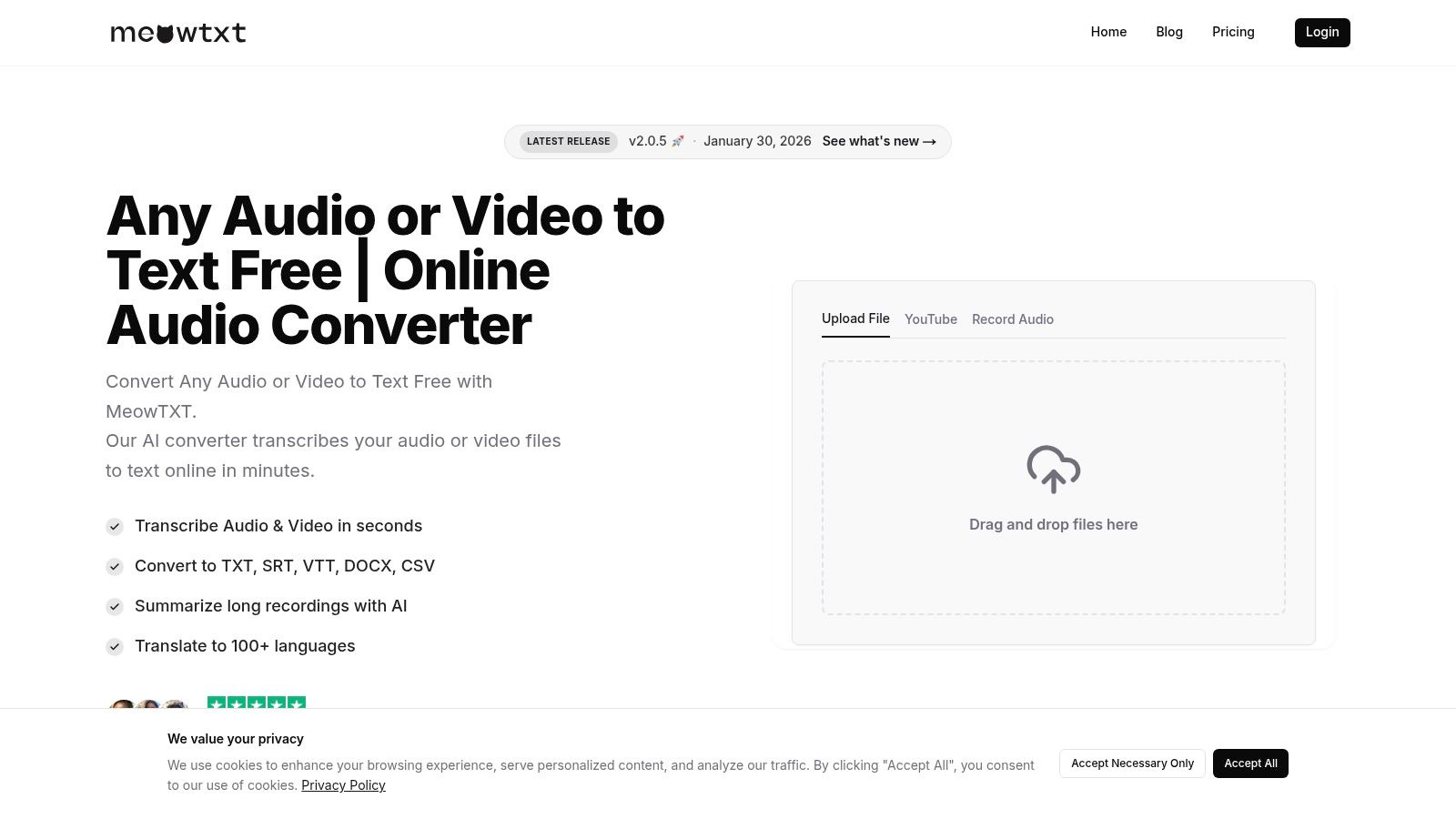
Meowtxt stands out as a premier choice in the landscape of software to transcribe video, offering a powerful and well-rounded solution for a diverse range of users. It excels by blending high-speed processing with impressive accuracy and a comprehensive feature set designed for real-world workflows. From content creators to legal professionals, Meowtxt provides a robust, cloud-first platform that turns video and audio content into searchable, editable, and actionable text.
The platform is engineered for efficiency. It can process files at up to 40 times real-time speed, a significant advantage for anyone on a tight deadline. Its advertised accuracy of up to 97.5% ensures that the initial draft is highly reliable, minimizing the time spent on manual corrections and edits.
Key Features & Benefits
Meowtxt is more than just a transcription tool; it's a complete content-processing hub. Its feature set is designed to streamline entire workflows, from initial upload to final output.
- Versatile Import Options: Users can drag-and-drop common formats (MP4, MP3, WAV), import directly from a YouTube link, or use the one-tap mobile voice memo feature.
- Intelligent Transcription: The service automatically handles speaker identification and adds smart timestamps, making it easy to navigate and edit long conversations or meetings.
- AI-Powered Insights: Beyond basic text, Meowtxt generates AI summaries to quickly distill key points and offers instant translation into over 100 languages, expanding a video's global reach.
- Comprehensive Export Formats: It supports a wide array of export options, including TXT, DOCX, PDF, and JSON, as well as caption formats like SRT and VTT, which are essential for podcasters and YouTubers.
- Developer-Friendly API: For teams needing to integrate transcription into their applications, the platform provides a robust API and offers volume discounts for high-usage scenarios.
Practical Considerations
Meowtxt operates on a subscription model after a free starter allowance (the site mentions both 10 and 15 minutes, so it's best to check directly). For specific costs, users should consult the pricing page after signing in. A key security feature is its privacy-first approach: files are encrypted at rest and automatically deleted after 24 hours. While this is great for confidentiality, users needing long-term storage will need to export their transcripts promptly.
For those interested in the technical aspects, you can learn more about how Meowtxt handles the conversion from video to text and optimizes the process for various file types.
Website: https://www.meowtxt.com
2. Otter.ai
Otter.ai has carved out a significant niche as a go-to platform, especially for teams and individuals who need to transcribe live meetings and interviews. While many tools focus on pre-recorded files, Otter's strength lies in its real-time transcription capabilities and deep integrations with popular video conferencing platforms like Zoom, Google Meet, and Microsoft Teams. This makes it an exceptional piece of software to transcribe video calls automatically, generating notes, action items, and summaries without manual intervention.
The platform's standout feature is the "OtterPilot," an AI meeting assistant that can automatically join your calendar events, record them, and provide a full transcript afterward. This "set it and forget it" approach is invaluable for busy professionals. For content creators, this means you can get an immediate, searchable transcript of a video interview or podcast recording session the moment it ends.
Key Features & Use Cases
Otter.ai excels with its collaborative features. The interactive, in-browser editor allows team members to highlight key passages, add comments, and assign action items directly within the transcript. This transforms a simple text file into a dynamic workspace for project management and content review.
- Best For: Teams needing collaborative meeting notes, podcasters conducting remote interviews, and students recording lectures.
- Unique Feature: The AI-powered "Meeting GenAI" provides automated chapter summaries and outlines, saving significant review time.
- Pricing: Offers a free Basic plan with limited transcription minutes per month. Paid plans (Pro, Business) unlock more minutes, advanced features like OtterPilot, and higher import limits.
- Pro Tip: Before a meeting, pre-load a custom vocabulary list with names, acronyms, and industry-specific jargon to significantly improve the live transcription accuracy.
While highly effective for clear, multi-speaker conversations, its accuracy can dip with poor audio quality or strong accents. The free and lower-tier plans have strict limits on the duration of imported files, making it better suited for transcribing meetings or shorter video clips.
Website: https://otter.ai
3. Rev
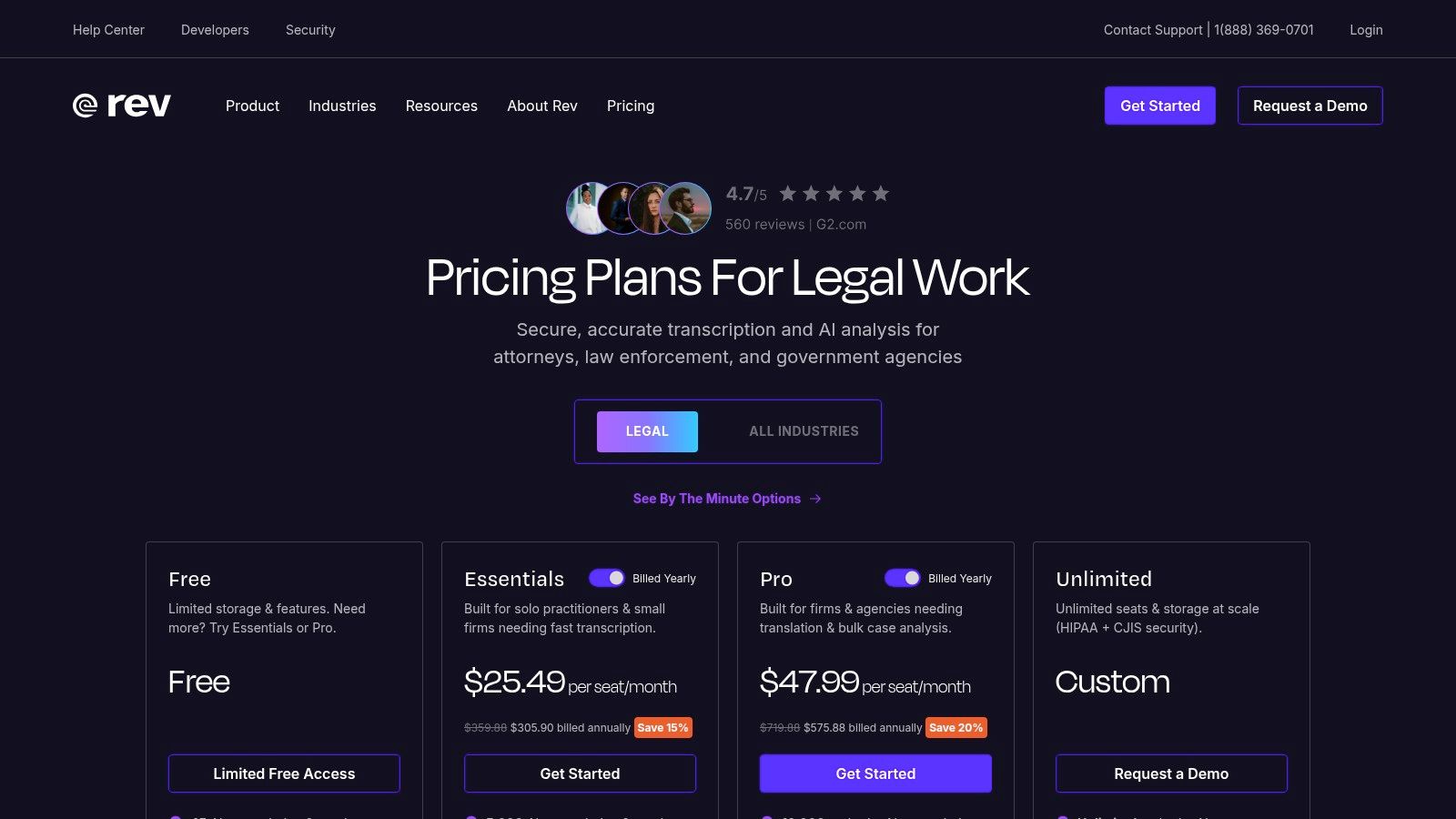
Rev has established itself as a hybrid powerhouse in the transcription space, offering both cutting-edge AI services and a premium, human-powered option. This dual approach makes it a uniquely versatile piece of software to transcribe video, catering to users who need lightning-fast automated transcripts as well as those who require near-perfect accuracy for professional use cases like legal proceedings or broadcast-ready closed captions.
The platform's key differentiator is choice. You can opt for their AI transcription service for a rapid turnaround on interviews, meetings, and content drafts. Alternatively, you can submit your video to their team of professional human transcribers who guarantee a 99% accuracy rate, a critical feature for content creators and legal professionals where precision is non-negotiable. This flexibility lets you match the service level to your specific budget and accuracy requirements for each project.
Key Features & Use Cases
Rev's ecosystem is built for high-stakes and professional workflows. Beyond simple transcription, it provides services for foreign subtitles, video captions (including formats like SRT), and an AI Notetaker for live meetings. The web-based editor is intuitive, allowing for easy review and adjustments to both AI and human-generated transcripts.
- Best For: YouTubers needing accurate captions, legal teams requiring certified transcripts, and businesses creating multilingual video content.
- Unique Feature: The 99% accuracy guarantee on human transcription, which includes speaker identification and timestamps at no extra cost.
- Pricing: AI services are subscription-based or pay-as-you-go. Human services are priced per minute of audio/video, with clear upfront costs and options for rush delivery.
- Pro Tip: For the best results with human transcription, provide a glossary of specific terms, names, or acronyms when you submit your file. This helps the transcriber maintain consistency and accuracy.
While the AI service is competitive, the primary draw is the human-powered accuracy. The main trade-off is cost and turnaround time; human services are significantly more expensive and take longer than automated alternatives. However, for final-version captions or official records, the investment is often justified.
Website: https://www.rev.com/category/pricing?utm_source=openai
4. Descript
Descript revolutionizes the content creation workflow by treating video and audio editing like a word document. Instead of manipulating complex timelines, this innovative software to transcribe video lets you edit the media itself by simply editing the text transcript. This approach dramatically lowers the barrier to entry for video and podcast editing, making it an all-in-one powerhouse for creators who need to produce polished content quickly. It combines transcription, screen recording, a full video editor, and AI-powered tools into a single, cohesive application.
The platform's core magic lies in its text-based editing. When you delete a word or sentence from the generated transcript, Descript automatically makes the corresponding cut in the video or audio file. This is a game-changer for cleaning up interviews, removing filler words like "um" and "uh," and rearranging content on the fly. It effectively merges the transcription and editing processes into one fluid step.
Key Features & Use Cases
Descript excels as a complete production studio. Beyond transcription, its "Studio Sound" feature can remove background noise and enhance voice quality with a single click, while its AI can generate realistic voice clones or fill in misspoken words. The ability to export transcripts, subtitles, and the final video from one place streamlines the entire content creation pipeline, from raw recording to final publication.
- Best For: Podcasters, YouTubers, and video creators who want a unified transcription and editing workflow.
- Unique Feature: Text-based video and audio editing, allowing you to edit media by simply editing the transcript text.
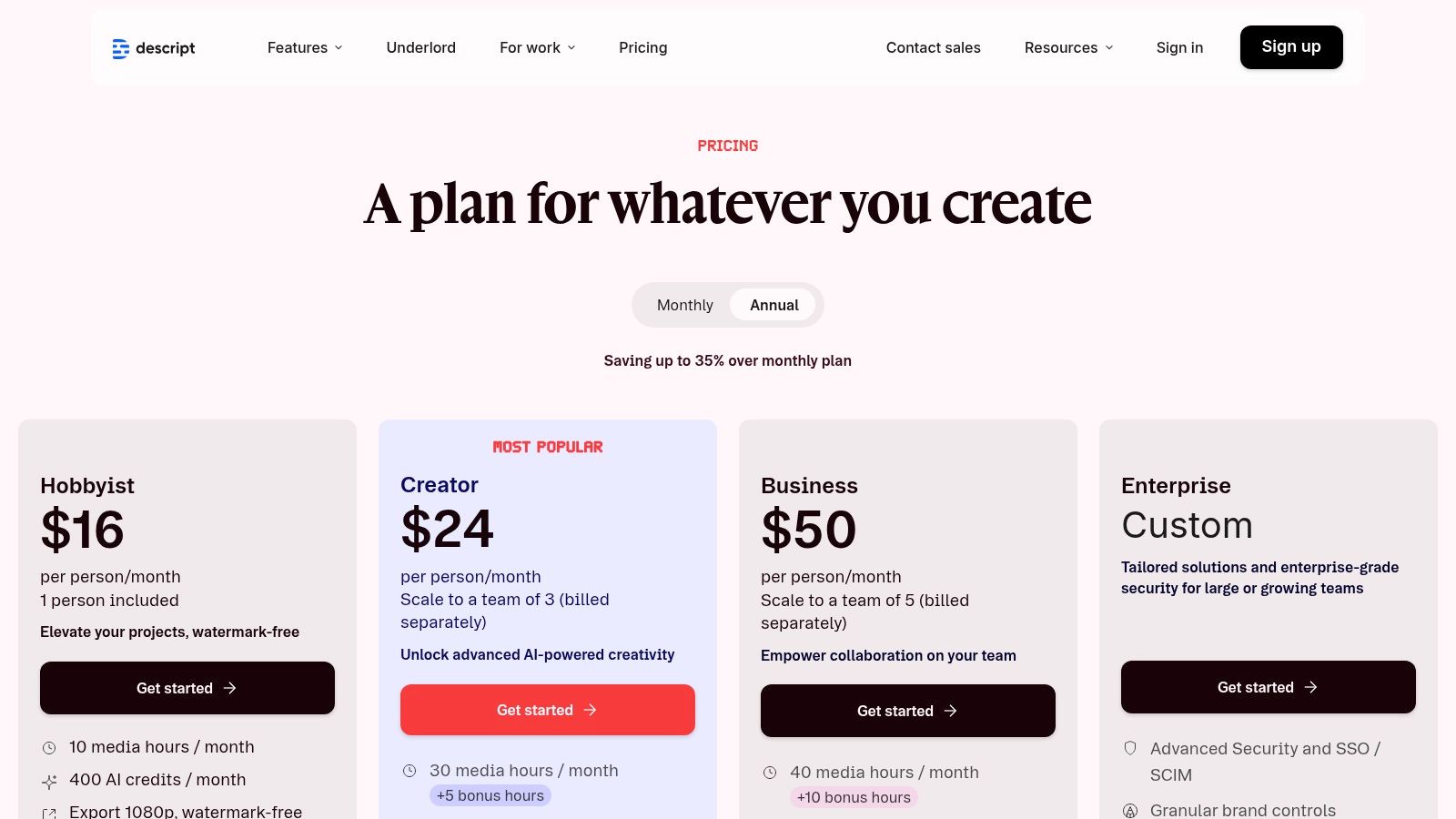
- Pricing: Offers a free plan with limited transcription hours. Paid plans (Creator, Pro) provide more hours, higher-quality transcription, and advanced features like AI voice cloning.
- Pro Tip: Use the "Find filler words" feature to instantly highlight and remove all instances of "ums," "ahs," and other repeated words from your entire recording, saving hours of manual editing.
While incredibly powerful, Descript's all-in-one nature means it can be demanding on system resources, especially with large, high-resolution video projects. The transcription hour limits on lower-tier plans can also be a constraint for prolific creators. For those focused purely on getting text from a video, there are simpler options, and you can learn about free YouTube video to text transcription here.
Website: https://www.descript.com/price?utm_source=openai
5. Trint
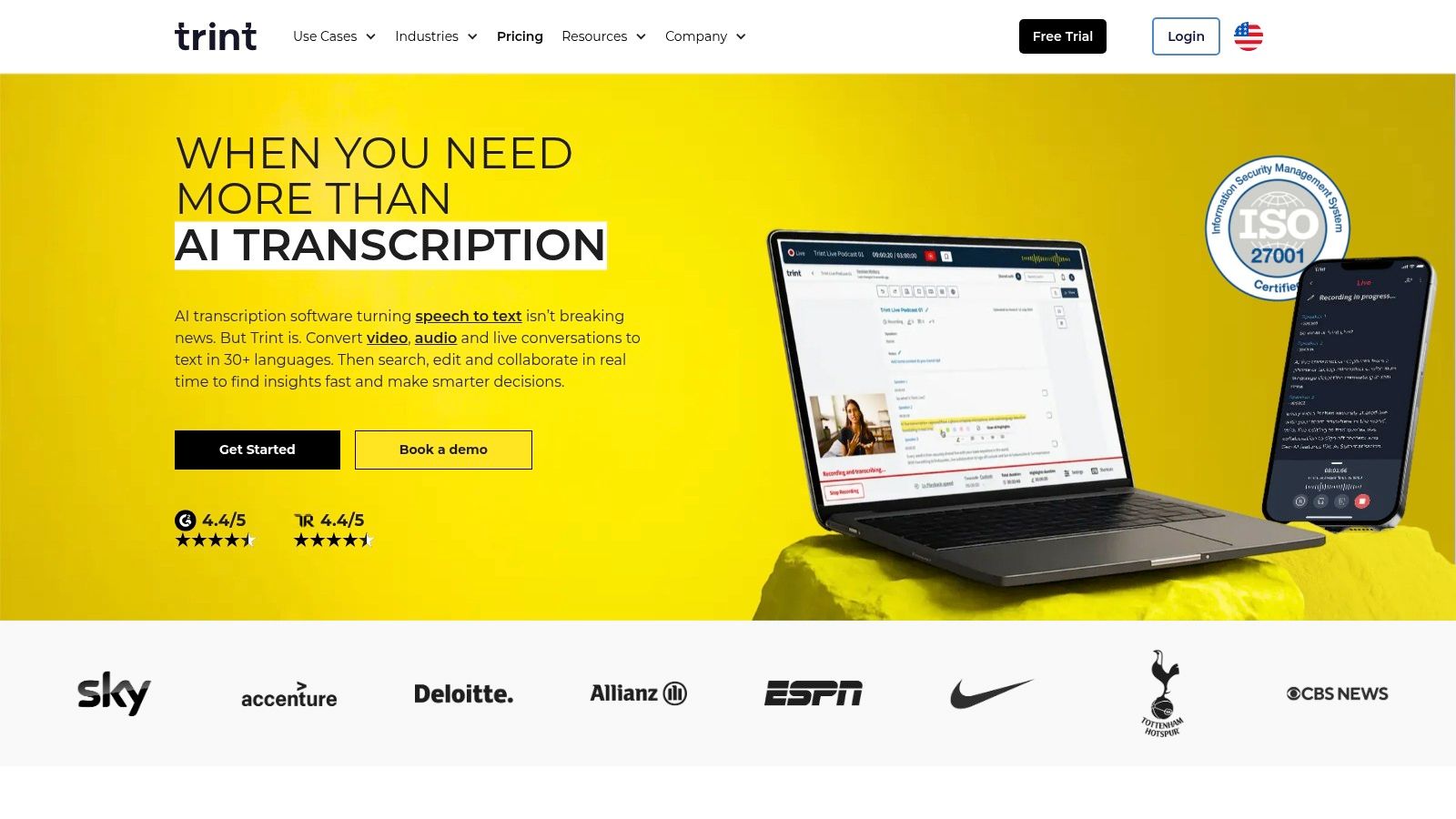
Trint is a powerful, browser-based transcription platform designed with media production and journalism at its core. It goes beyond simple text output by creating an interactive and collaborative environment where audio/video and text are inextricably linked. For teams needing to pull quotes, create soundbites, or build narratives from recorded content, Trint’s editor is a game-changer. It makes the process of finding key moments in your footage incredibly efficient, solidifying its place as a top-tier piece of software to transcribe video for professional workflows.
The platform’s strength lies in its "Trint Editor," which synchronizes the transcript to the video timeline. Clicking on any word instantly plays the corresponding audio or video, which is invaluable for verification and editing. This feature is particularly useful for documentary filmmakers, journalists, and researchers who need to verify quotes and context with absolute certainty.
Key Features & Use Cases
Trint excels in collaborative environments, allowing team members to highlight, comment on, and edit transcripts simultaneously. This streamlines the review process for newsrooms and content production teams, turning a transcript into a shared workspace for story development.
- Best For: Journalists, documentary producers, researchers, and marketing teams who need to analyze and pull key moments from video interviews.
- Unique Feature: The interactive editor that links every word to the original media file, allowing for instant playback and verification.
- Pricing: Offers custom pricing based on team size and usage. A 7-day free trial is available, though it may come with limitations on initial file uploads.
- Pro Tip: Use Trint's "Vocab Builder" before uploading your files to add custom terms, names, and specific jargon. This significantly boosts the initial accuracy of the AI transcription.
While Trint is exceptionally well-suited for professional media workflows, its pricing structure is enterprise-focused and may be less accessible for individual creators or small businesses. The gated pricing requires a direct inquiry, and the free trial may not transcribe your entire first file, serving more as a feature demonstration.
Website: https://trint.com
6. Sonix
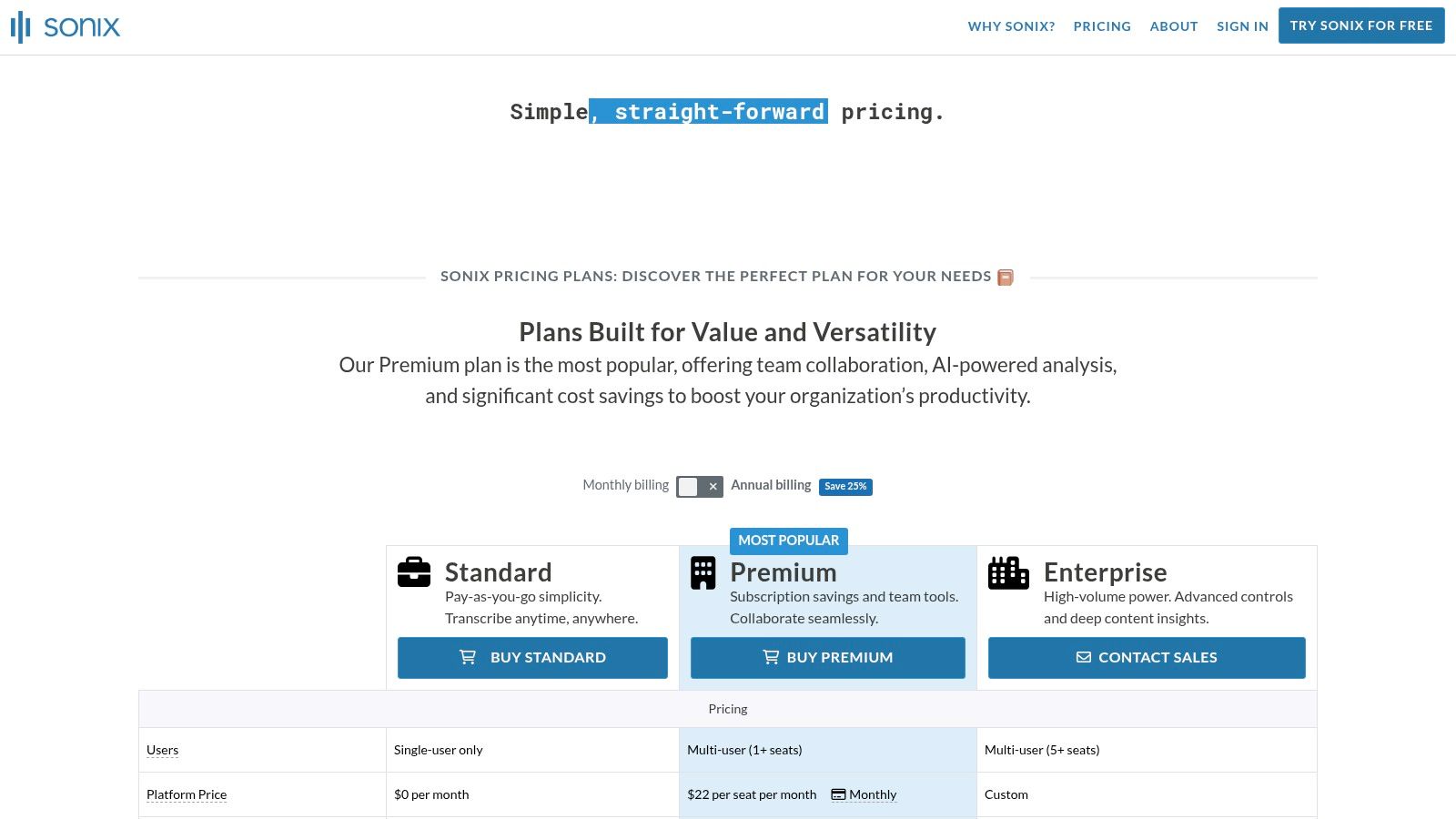
Sonix positions itself as a premium, high-speed automated transcription service perfect for professionals who need both accuracy and multi-language capabilities. Its clean interface and straightforward workflow make it an excellent piece of software to transcribe video, particularly for those requiring translations. The platform emphasizes not just transcription but also creating a fully editable, time-stamped, and speaker-labeled document that can be easily repurposed into subtitles, articles, or social media content.
The service's strength lies in its global reach and powerful in-browser editor, which allows users to click on any word and hear the corresponding audio, simplifying the proofreading process. Sonix is built for both individuals tackling a one-off project with its pay-as-you-go model and for teams needing a collaborative, long-term solution through its subscription plans.
Key Features & Use Cases
Sonix excels with its robust, multi-language support, offering transcription in over 40 languages and dialects, along with automated translation services. This makes it an invaluable tool for global content creators and international businesses looking to make their video content accessible to a wider audience. The platform’s API also allows developers to integrate its powerful transcription engine directly into their own applications and workflows.
- Best For: Media production houses, global marketing teams, and content creators needing to translate their video content.
- Unique Feature: The "Automated Translation" feature can translate a finished transcript into dozens of languages in minutes, a significant time-saver for localization projects.
- Pricing: Offers a flexible pay-as-you-go rate per hour of media, alongside Premium and Enterprise subscription tiers that lower the per-hour cost and add team features. A free trial with 30 minutes of transcription is available.
- Pro Tip: Use the custom dictionary feature to add specific names, technical terms, and company jargon before uploading your file. This trains the AI on your unique vocabulary, leading to a much more accurate initial transcript.
While very powerful, be aware that additional services like translation and media alignment can incur extra costs on top of the base transcription fee. For the best value, users with consistent transcription needs should opt for a subscription plan rather than the standard pay-as-you-go rates.
Website: https://sonix.ai/pricing?utm_source=openai
7. Happy Scribe
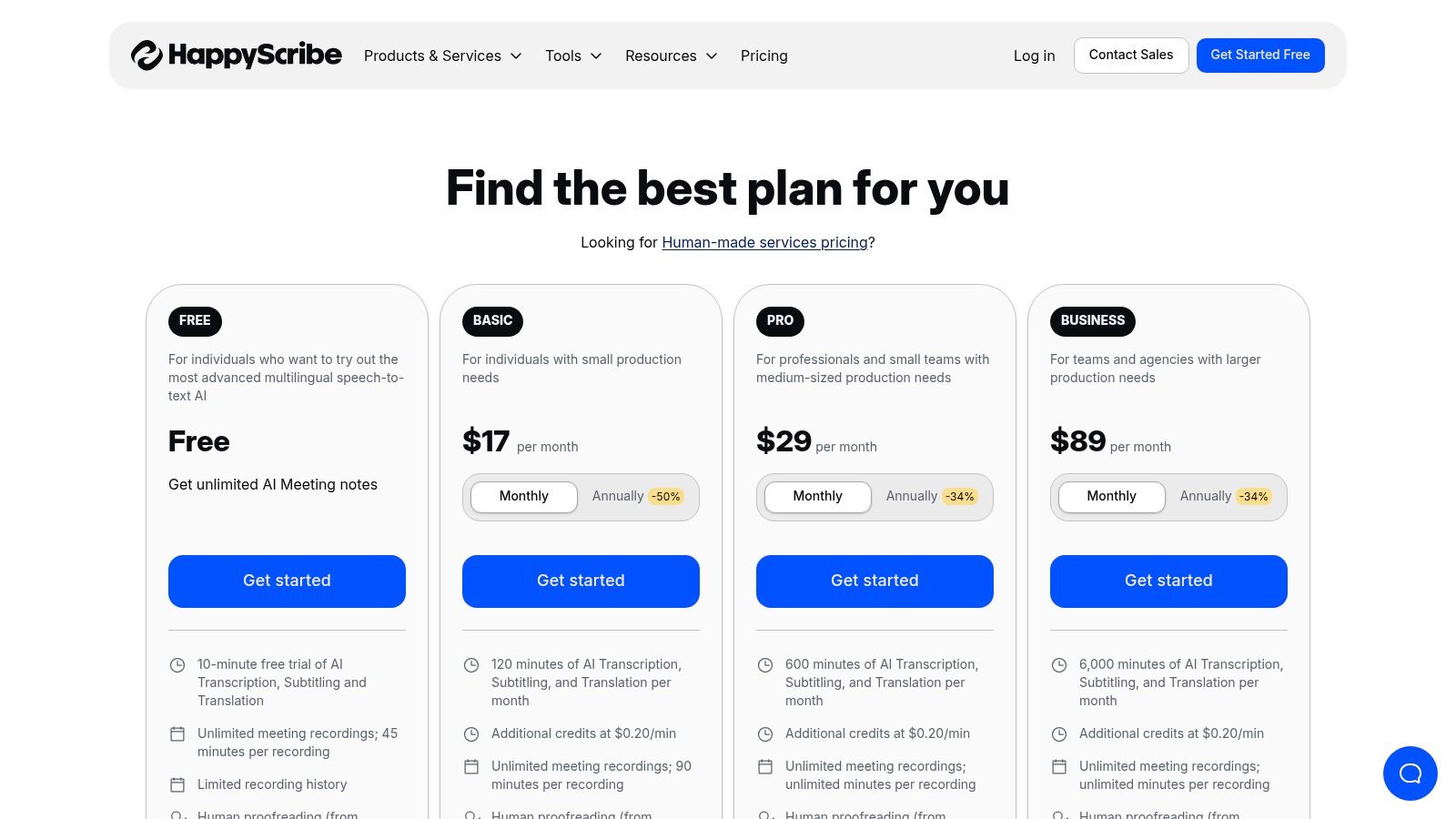
Happy Scribe bridges the gap between purely automated transcription and professional, human-powered services. While many platforms focus on AI-only solutions, Happy Scribe offers a hybrid model that makes it a top choice for projects where accuracy and polish are non-negotiable, such as broadcast-ready subtitles or localization for international audiences. This makes it more than just a piece of software to transcribe video; it's a comprehensive service for high-stakes content.
The platform provides both fast AI-generated transcripts and a more meticulous human transcription service. This dual offering allows users to choose based on their budget and turnaround time needs. If you need a quick draft for internal review, the AI is perfect. If you’re producing a documentary or a corporate video for a global market, you can easily upgrade to human-perfected captions and subtitles, including specialized formats like SDH (Subtitles for the Deaf and Hard of Hearing).
Key Features & Use Cases
Happy Scribe’s strength lies in its extensive language support and professional-grade subtitling editor. The editor allows for precise timing adjustments, character-per-second limits, and adherence to specific broadcast standards, which is a rare find in many automated tools.
- Best For: Media companies, documentarians, and global businesses needing professional-quality, multilingual subtitles and transcripts.
- Unique Feature: The seamless option to escalate a project from an AI transcript to a human-perfected one within the same workflow.
- Pricing: Offers a free trial. AI transcription is priced per minute, while human services have a higher, transparent per-minute rate with a guaranteed turnaround time.
- Pro Tip: Use the AI service first to generate a low-cost draft. Review it and make initial edits yourself before deciding if you need to pay the premium for a human professional to finalize it, which can save a significant amount of money.
While its human services are excellent, they come at a much higher price point and require a longer wait time compared to the instant results of AI. For users who only need quick, "good enough" transcripts for notes, a purely AI-driven tool might be more cost-effective.
Website: https://www.happyscribe.com/pricing
8. VEED
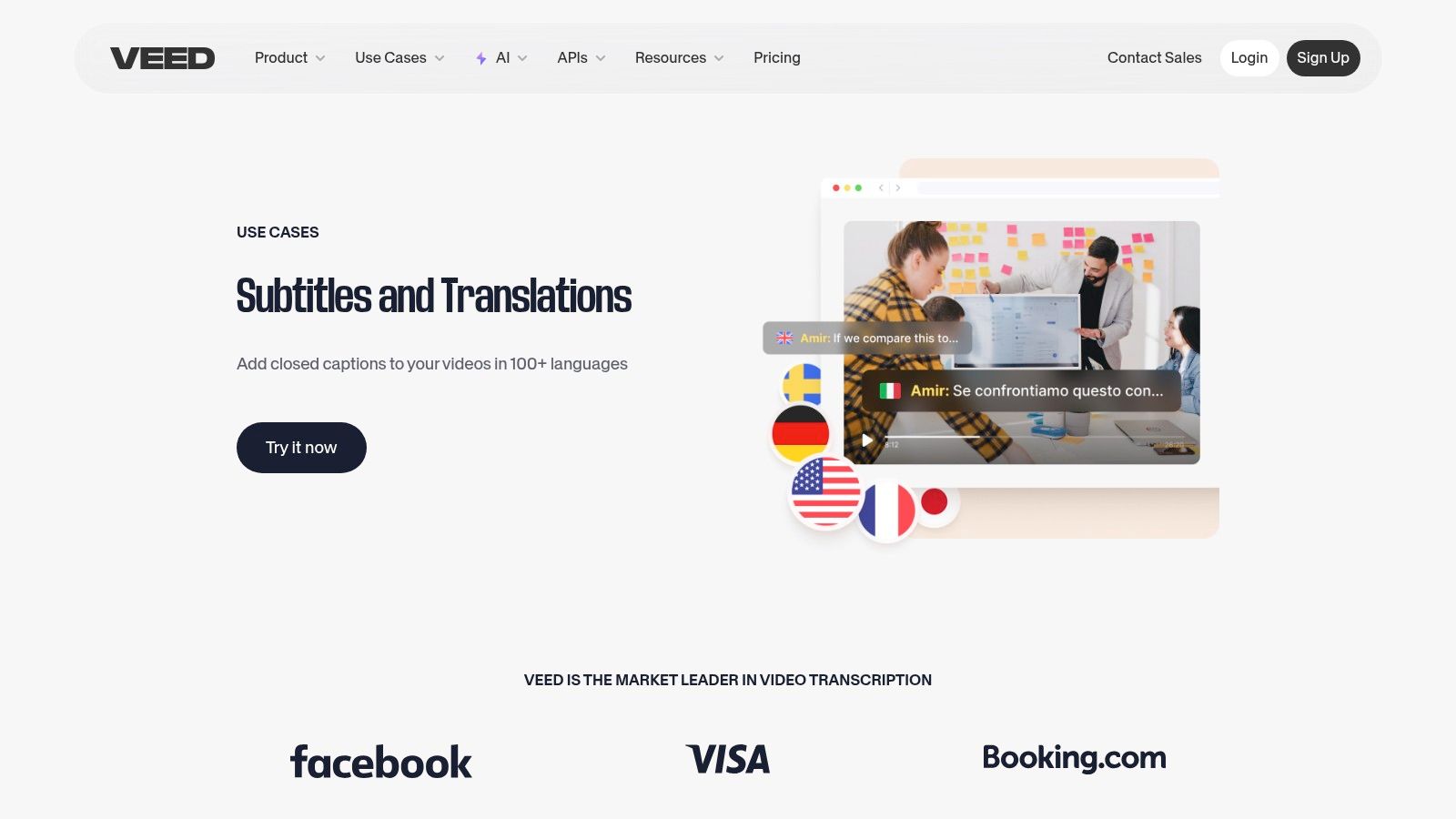
VEED positions itself not just as transcription software, but as a comprehensive, browser-based video editing suite where transcription is a core feature. Its primary strength is its seamless workflow for social media creators and marketing teams who need to add subtitles and captions to videos quickly. Instead of transcribing a file and then importing that text into a separate video editor, VEED handles the entire process in one place, making it incredibly efficient software to transcribe video and immediately burn those captions into the final product.
The platform automatically generates subtitles from your video upload, allows for easy editing, and provides extensive styling options to match your brand's aesthetic. This integration of transcription and video editing is what sets it apart, eliminating the clunky, multi-app process that creators often face. It's built for speed and simplicity, catering to those who need to produce professional-looking, accessible video content without a steep learning curve.
Key Features & Use Cases
VEED shines in its ability to quickly turn spoken content into styled, engaging on-screen text. The user experience is intuitive, centered around a visual timeline that makes adjusting caption timing and appearance straightforward. Beyond transcription, you can trim clips, add music, and apply filters all within the same web-based tool.
- Best For: Social media managers, YouTubers, and marketing teams needing to add branded, burn-in captions to short-form videos.
- Unique Feature: The integrated suite allows you to auto-generate subtitles, translate them into multiple languages, and apply custom styles (fonts, colors, animations) in a single workflow.
- Pricing: Offers a free plan with watermarked exports and limits on video length. Paid plans (Basic, Pro, Business) remove watermarks, increase video duration limits, and unlock advanced features like subtitle translation.
- Pro Tip: Use VEED’s pre-made video templates to jumpstart your project. You can apply a template, upload your video, and let the auto-subtitle feature do the heavy lifting, cutting your creation time in half.
While its all-in-one approach is a major advantage, the free version's watermark and export limitations might be a dealbreaker for professional use. For those who just need a plain text transcript, VEED is capable, but its true value is unlocked when using its powerful subtitle styling and video editing tools.
Website: https://www.veed.io/use-cases/subtitles-transcription?utm_source=openai
9. Adobe Premiere Pro (Speech to Text)
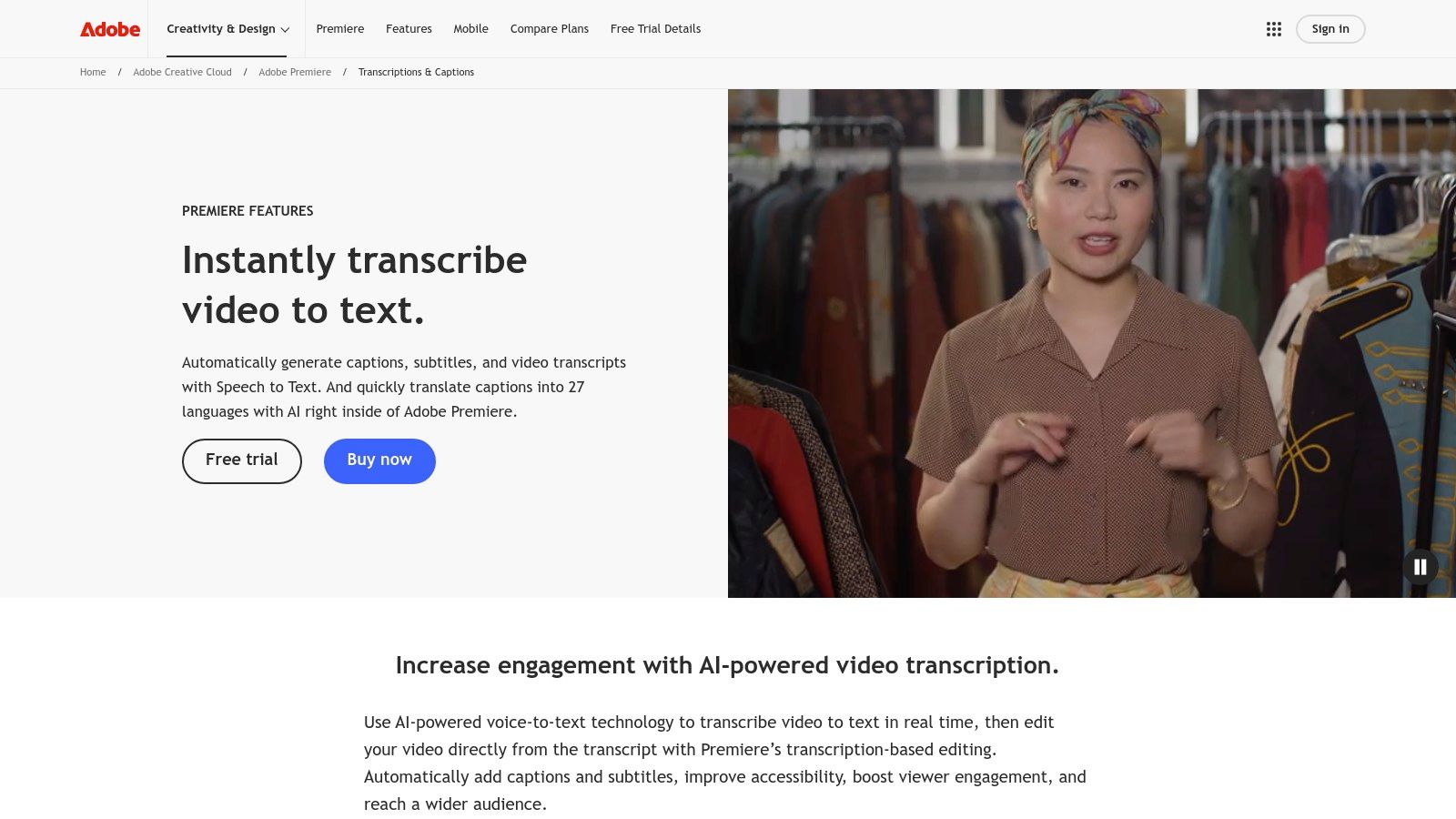
For video editors already working within the Adobe ecosystem, Premiere Pro’s built-in Speech to Text feature is a game-changer. Instead of exporting audio, using a separate service, and re-importing a transcript file, this tool integrates transcription directly into the post-production workflow. It's a powerful piece of software to transcribe video because it eliminates intermediary steps, allowing editors to generate transcripts and captions right on their timeline.
The standout capability is text-based editing. Once a sequence is transcribed, you can edit the video by simply cutting, copying, and pasting the text in the transcript panel. Deleting a sentence in the text automatically removes the corresponding video clip from your timeline, revolutionizing the rough-cut process and making it incredibly fast to shape narrative content like interviews and documentaries.
Key Features & Use Cases
Premiere Pro's tool is not just about transcription; it's about making that transcript an integral part of the editing suite. You can search the entire transcript for specific words or phrases and instantly jump to that point in the video. It also streamlines the process of creating subtitles and captions, which is a critical step for accessibility and social media engagement. For a deeper dive into this, explore some guides on how to caption videos to understand the best practices.
- Best For: Video editors, documentary filmmakers, and content creators who already use Adobe Premiere Pro.
- Unique Feature: Text-based editing allows you to manipulate video clips by editing the transcribed text, dramatically speeding up the editing process.
- Pricing: Included with an Adobe Creative Cloud subscription that contains Premiere Pro; there are no extra per-minute transcription fees.
- Pro Tip: Download the language packs you frequently use for on-device, offline transcription. This enhances both speed and privacy, as your video data never leaves your computer.
The primary limitation is its accessibility; it’s locked behind a Creative Cloud subscription and the Premiere Pro application, which has a significant learning curve. It's not a standalone service, making it impractical for anyone not already invested in Adobe's professional video editing software.
Website: https://www.adobe.com/products/premiere/speech-to-text.html?utm_source=openai
10. Google Cloud Speech-to-Text (V2)
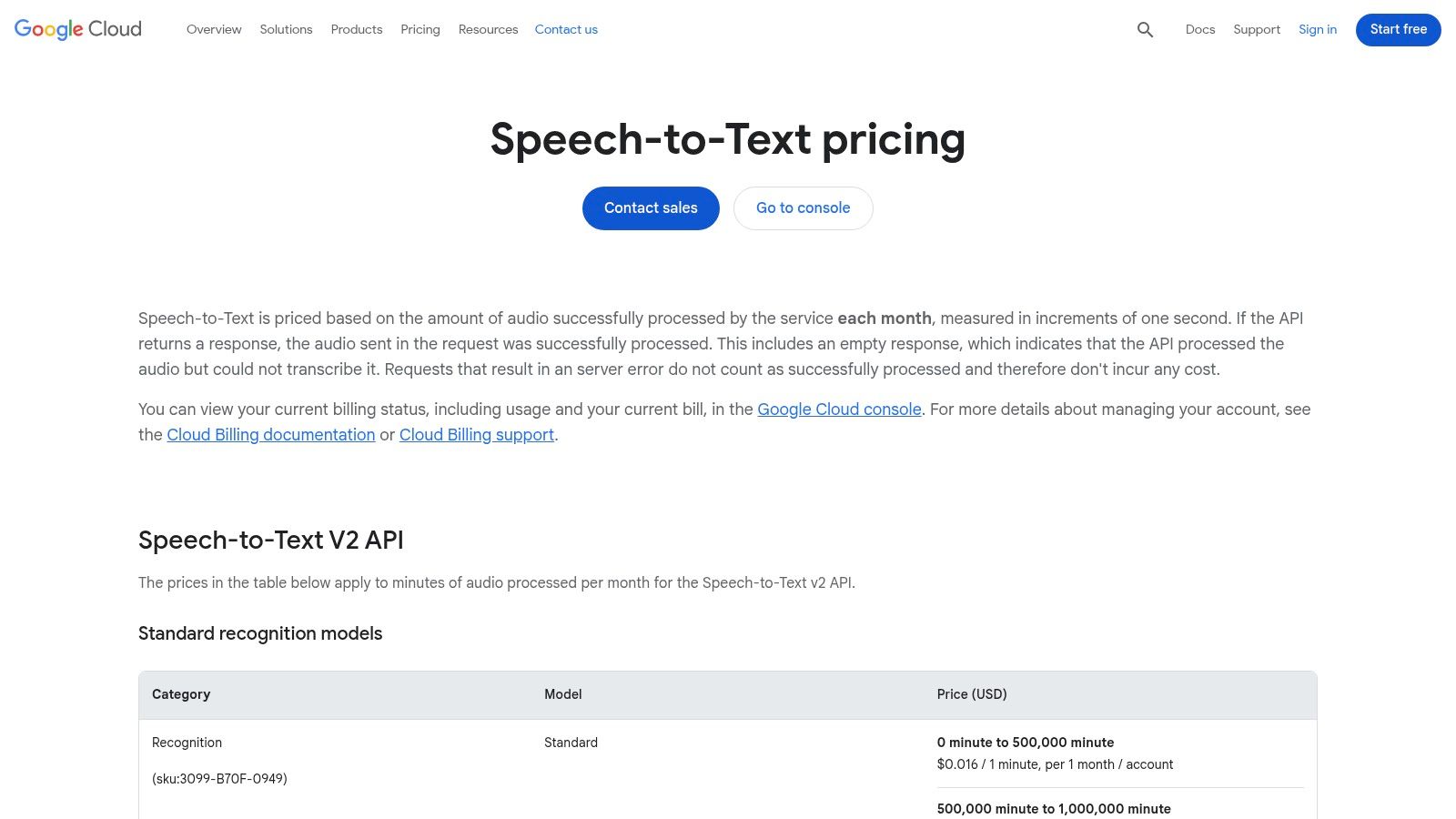
Shifting from user-facing platforms to raw infrastructure, Google Cloud's Speech-to-Text API is the engine powering many transcription applications. This is not a ready-made tool for the average user but a powerful API for developers and businesses needing to integrate high-volume, automated transcription directly into their own software, platforms, or workflows. It’s the foundational technology for building custom solutions like automatic video captioning systems or large-scale media archiving and indexing projects.
The platform excels at processing massive batches of audio and video files and also supports real-time streaming transcription for live applications. Its strength lies in its scalability, language support, and the maturity of the Google Cloud ecosystem. For teams with engineering resources, this API provides the ultimate flexibility to create a bespoke piece of software to transcribe video, tailored exactly to their needs without the constraints of a pre-built interface.
Key Features & Use Cases
Google’s API is built for scale and technical precision, offering multiple transcription models optimized for different use cases, such as video or phone calls. It provides features like speaker diarization, automatic punctuation, and confidence scores for each transcribed word, giving developers granular control over the output.
- Best For: Developers building custom applications, media companies processing large video archives, and tech-savvy businesses needing integrated transcription.
- Unique Feature: Access to specialized transcription models and the ability to train custom models on your own data for superior accuracy with specific jargon or accents.
- Pricing: Operates on a pay-as-you-go model, billed per minute of audio processed. Pricing is tiered, with costs decreasing significantly at higher volumes.
- Pro Tip: Take advantage of the Google Cloud Free Tier, which often includes a monthly credit for Speech-to-Text. This is perfect for testing your integration or handling small, ongoing transcription tasks without any cost.
The primary drawback is its complexity; it requires technical expertise and coding to implement. Costs can also become complex, as you're not just paying for transcription but potentially for cloud storage and data processing within the broader Google Cloud Platform.
Website: https://cloud.google.com/speech-to-text/pricing?utm_source=openai
11. Amazon Transcribe
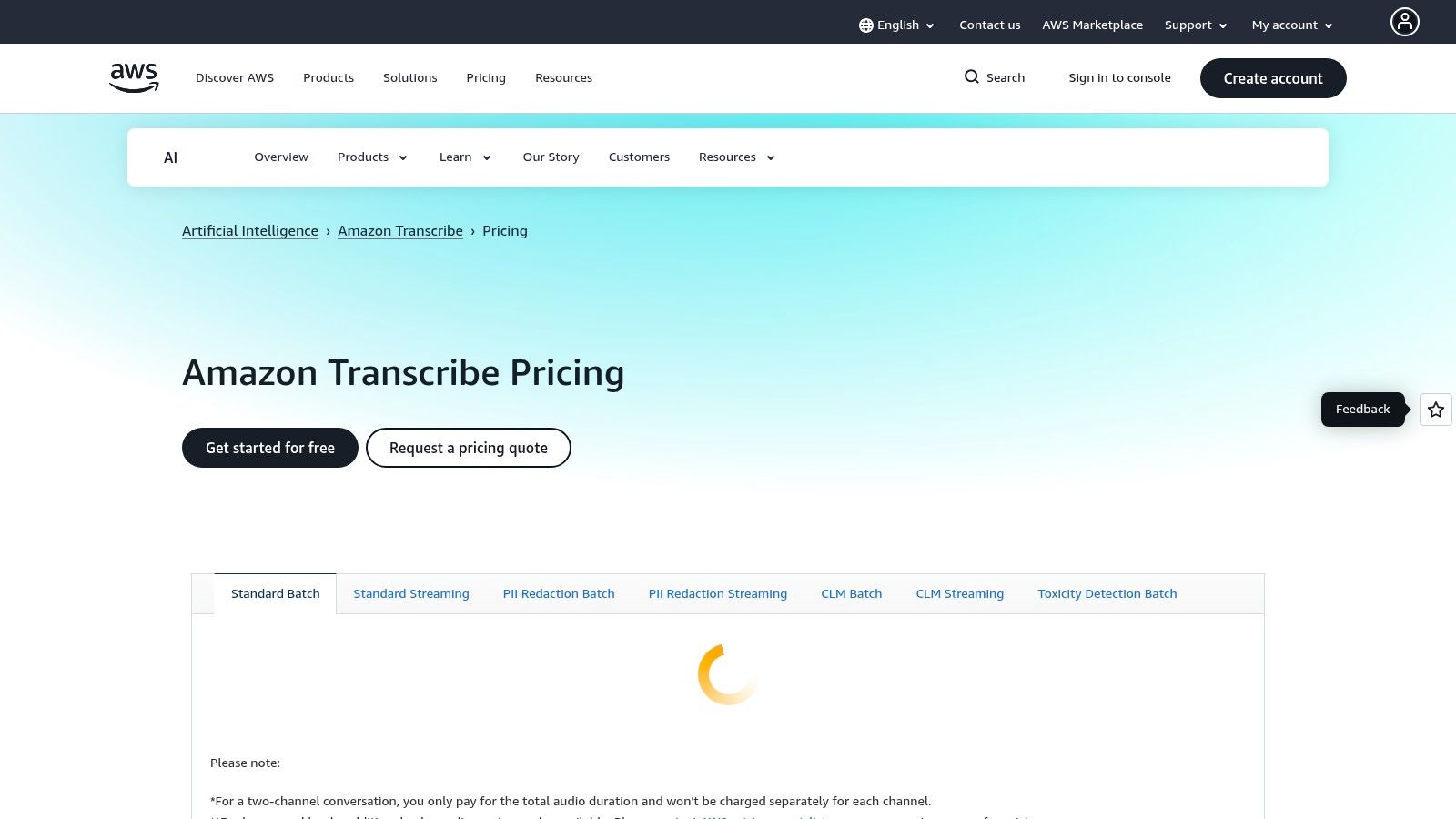
Amazon Transcribe is not a simple click-and-upload tool but a powerful, developer-focused service integrated into the Amazon Web Services (AWS) ecosystem. It's designed for businesses and developers who need to build scalable, automated transcription pipelines directly into their applications or media workflows. This makes it an ideal piece of software to transcribe video at scale, such as for creating subtitles for an entire video-on-demand library or analyzing customer call recordings.
Rather than offering a standalone user interface for transcription, Transcribe provides an API that processes audio and video files stored in Amazon S3. Its strength lies in its enterprise-grade features, such as automatic PII (Personally Identifiable Information) redaction, custom vocabulary to recognize brand-specific terms, and multi-channel audio transcription, which can accurately separate speakers in a single audio track. This is the engine behind many other transcription services and platforms.
Key Features & Use Cases
Amazon Transcribe excels in automated, high-volume environments. It integrates seamlessly with other AWS services, allowing for complex workflows, like automatically generating SRT subtitle files for videos uploaded to a media server. Its call analytics capabilities can also provide sentiment analysis and categorize call content without human intervention.
- Best For: Developers building transcription features into apps, media companies with large content libraries, and call centers needing analytics.
- Unique Feature: Built-in PII redaction and toxicity detection for compliance and content moderation in user-generated content platforms.
- Pricing: Operates on a pay-as-you-go model, charging per second of audio transcribed. Pricing varies by region and feature, with a free tier for new users.
- Pro Tip: Use the Custom Language Model (CLM) feature by feeding it samples of your domain-specific content (like medical or legal terminology) to drastically improve transcription accuracy for specialized videos.
The primary drawback is its complexity; it requires engineering knowledge to set up and manage. For individuals looking for a simple tool to transcribe a few files, Amazon Transcribe is overkill, but for programmatic, large-scale transcription, it is an industry standard.
Website: https://aws.amazon.com/transcribe/pricing/?utm_source=openai
12. Deepgram
Deepgram is not a ready-to-use application but a powerful, developer-focused speech-to-text API designed for building custom transcription solutions. This makes it a unique piece of software to transcribe video, appealing to businesses and developers who need to integrate high-speed, accurate transcription directly into their own platforms, such as video hosting sites, live streaming services, or internal media workflows. Its architecture is built for scale, handling high concurrency for both pre-recorded files and real-time audio streams with impressive performance.
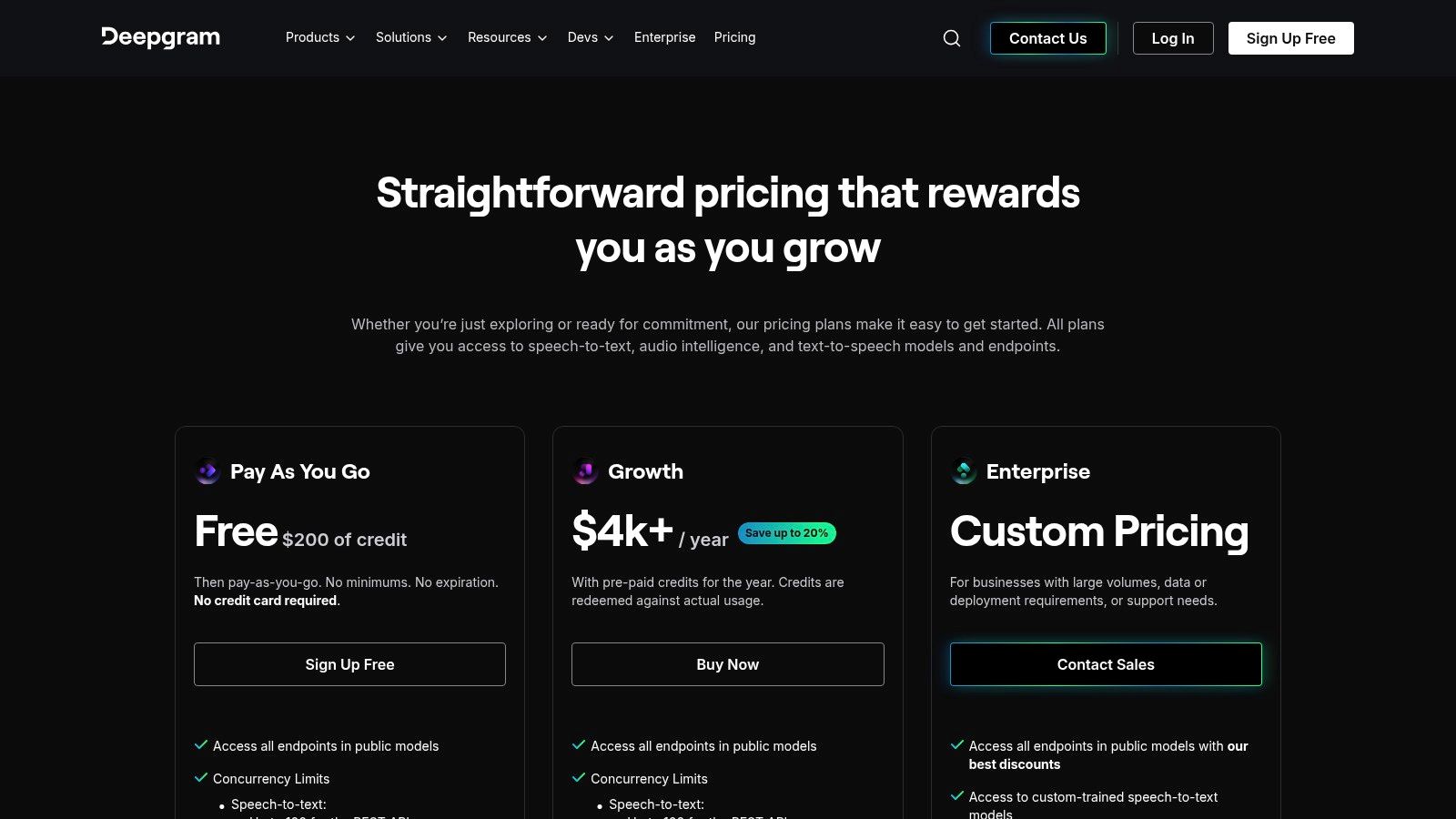
The platform stands out with its transparent, competitive per-minute pricing and multiple AI model tiers, including "Nova-2," which offers a balance of speed and accuracy. This flexibility allows developers to choose the right model for their specific use case, whether it's generating captions for a video library or transcribing customer support calls in real-time. The generous $200 in free starting credits provides a substantial runway for testing and development before committing.
Key Features & Use Cases
Deepgram's strength lies in its speed, scalability, and developer-friendly tools. Features like diarization (speaker identification), keyword boosting, and audio intelligence can be controlled directly via the API, giving builders precise control over the final transcript output. This is ideal for creating sophisticated transcription pipelines without managing the underlying AI infrastructure.
- Best For: Developers building video platforms, companies needing scalable captioning solutions, and real-time application builders.
- Unique Feature: Multiple, specialized AI model tiers that users can select via the API to optimize for cost, speed, or accuracy.
- Pricing: A Pay-As-You-Go model with transparent per-minute rates that vary by model. Offers a significant $200 in free credits to start, with enterprise and self-hosted options available.
- Pro Tip: Use the "keyword boosting" feature to improve accuracy for niche terminology, product names, or acronyms specific to your video content.
Because it's an API, Deepgram requires engineering work to implement; it is not a drag-and-drop tool. The sheer number of models and features can also be overwhelming for newcomers. However, for those with the technical resources, it offers unparalleled control and performance at a very competitive price point.
Website: https://deepgram.com/pricing?utm_source=openai
Top 12 Video Transcription Tools — Quick Comparison
| Service | Core features ✨ | Quality & Speed ★ | Pricing & Value 💰 | Best for 👥 |
|---|---|---|---|---|
| meowtxt 🏆 | ✨ Drag‑&‑drop + YouTube import, 40× speed, speaker ID, smart timestamps, 100+ language translation, AI summaries, SRT/JSON exports | ★ Claimed ~97.5% accuracy, near real‑time, mobile 1‑tap transcription | 💰 Free starter (10–15m), subscription + volume discounts, files encrypted & auto‑deleted 24h | 👥 Creators, teams, developers, podcasters, legal, researchers |
| Otter.ai | ✨ Live & file transcription, speaker labels, AI summaries, Zoom/Meet integrations | ★ Strong for meetings; accuracy depends on audio quality | 💰 Freemium with limits; premium tiers for advanced features | 👥 Teams, meeting note takers, students |
| Rev | ✨ Human (99%) + AI transcription, captions, subtitle workflows, web editor | ★ Human option for near‑perfect accuracy; AI for low latency | 💰 Transparent per‑minute human pricing; higher cost for human services | 👥 Creators, legal teams, broadcast & high‑accuracy needs |
| Descript | ✨ Text‑based editing (edit media by editing text), auto transcripts, Studio Sound, captions | ★ Excellent for edit workflows; accuracy varies by audio | 💰 Per‑editor plans, add‑hours model for heavy projects | 👥 Podcasters, YouTubers, creators & editors |
| Trint | ✨ Timecoded web editor, speaker tools, collaboration & publishing exports | ★ Proven newsroom quality for searchable, time‑linked transcripts | 💰 Pricing gated; 7‑day trial with limited uploads | 👥 Journalists, media teams, researchers |
| Sonix | ✨ Pay‑as‑you‑go or subscription, diarization, API, 40+ languages, exports | ★ Solid multi‑language accuracy; web editor & team features | 💰 Transparent rates + free trial minutes; Premium for advanced features | 👥 Teams, one‑off projects, localization workflows |
| Happy Scribe | ✨ AI & human transcripts/subtitles, SDH support, localization workflows | ★ Professional broadcast quality with human option | 💰 Clear per‑minute human pricing (USD/EUR/GBP); human = higher cost | 👥 Broadcast/localization teams, legal, pro deliverables |
| VEED | ✨ Auto‑subtitles, translation & styling, export SRT/VTT, web templates | ★ Fast web workflow; great for short social videos | 💰 Free tier (watermark/limits); paid plans unlock longer/translate features | 👥 Social/video teams, creators needing quick captions |
| Adobe Premiere Pro (Speech to Text) | ✨ Auto‑transcribe sequences, timeline editing from text, offline language packs | ★ Integrated NLE workflow; accuracy good with desktop resources | 💰 Included with Premiere/Creative Cloud subscription | 👥 Video editors & post‑production professionals |
| Google Cloud Speech‑to‑Text (V2) | ✨ Batch & streaming API, multiple models, many languages, enterprise tooling | ★ Mature platform; competitive at scale, model‑dependent accuracy | 💰 Tiered per‑minute billing, volume discounts, cloud costs apply | 👥 Developers, platforms, large‑scale transcription pipelines |
| Amazon Transcribe | ✨ Batch/streaming, custom language models, PII redaction, multi‑channel support | ★ Enterprise features + AWS integration; accuracy varies by model | 💰 Pay‑as‑you‑go with regional pricing; integrates with AWS billing | 👥 AWS users, enterprises, media pipelines |
| Deepgram | ✨ Streaming & pre‑recorded APIs, diarization, keyword boosting, model tiers | ★ High concurrency & low per‑minute rates; strong API performance | 💰 Clear per‑minute pricing, $200 free credit to start, enterprise options | 👥 Developers, real‑time apps, captioning platforms |
Making Your Final Choice: How to Pick the Best Transcription Software
Navigating the world of video transcription can feel overwhelming. We've explored a wide array of options, from developer-centric APIs like Google Cloud Speech-to-Text and Amazon Transcribe to creatively integrated platforms like Descript and Adobe Premiere Pro. Your final decision on the best software to transcribe video shouldn't be about finding a single "best" tool, but rather the right tool that aligns perfectly with your specific needs, workflow, and budget.
The key is to move beyond marketing claims and focus on practical application. An enterprise team collaborating on meeting notes has vastly different requirements than a documentary filmmaker needing frame-accurate subtitles. A podcaster may prioritize a tool with built-in audio editing, while a legal professional will demand the highest possible accuracy and robust security protocols.
Key Takeaways for Your Decision
To simplify your choice, let's distill the most crucial factors down to a few core principles. Before committing to a subscription, filter your options by asking these essential questions:
- What is my primary use case? Are you creating marketing content, archiving academic lectures, producing legal records, or captioning social media clips? Tools like Rev excel at human-perfected accuracy for legal needs, whereas VEED is built for the speed of social media content creation.
- How important is accuracy versus speed? While all automated services have improved, there's still a trade-off. Do you need a near-instant draft you can clean up yourself, like those from Sonix or Happy Scribe, or can you wait for a more polished, human-verified transcript?
- What does my workflow integration look like? If you spend your day in Adobe Premiere Pro, its native Speech to Text feature is the most frictionless option. If you're building a custom application, a powerful API from a provider like Deepgram is the only logical path.
- What is my budget and volume? Pricing models vary significantly, from per-minute rates to monthly subscriptions with generous allotments. Calculate your expected monthly video volume to determine which plan offers the best value and avoid overpaying for features you'll never use.
A Framework for Your Final Selection
Choosing the right software ultimately comes down to a process of elimination based on your non-negotiables. A freelance YouTuber might prioritize Descript for its all-in-one video editing capabilities, while a corporate team might select Otter.ai for its live meeting integrations and collaborative features. Developers, of course, will gravitate toward the power and scalability of AWS, Google, or Deepgram.
However, for a significant majority of users-from content creators and marketers to researchers and small business owners-the ideal solution occupies a powerful middle ground. It needs to be fast, highly accurate, feature-rich, and intuitively easy to use without a steep learning curve. This is the precise niche where a tool like Meowtxt demonstrates its strength. It effectively combines rapid, AI-driven transcription with essential post-production features like summarization, translation, and flexible exporting (including SRT and VTT for captions), all wrapped in a user-friendly interface. Many advanced transcription solutions leverage cutting-edge AI technology to deliver high accuracy and efficiency. To understand the broader landscape of such applications, you can explore various AI tools and their use cases.
The single most effective final step is a hands-on test. Take a challenging 3-5 minute video file with multiple speakers or background noise. Run it through the free trials of your top two or three contenders and compare the raw output, the editing experience, and the export quality side-by-side. This real-world test will reveal more than any feature list ever could, ensuring the software to transcribe video you choose is a perfect fit for your projects.
Ready to experience a transcription tool that balances speed, accuracy, and powerful features in one simple platform? Try meowtxt today to see how quickly you can turn your video and audio content into accurate, editable, and shareable text. Get your first transcription done in minutes by visiting meowtxt.


