
Turning spoken words into text used to be a costly, time-consuming chore. Today, a wealth of powerful tools allows anyone to transcribe audio files free, whether you're a podcaster creating show notes, a student capturing lecture details, or a researcher analyzing interviews. This accessibility transforms how we interact with audio content, making it searchable, editable, and far more useful.
But with so many options out there—from slick web apps and open-source models to clever built-in workarounds—how do you choose the right one? Some offer generous free tiers perfect for occasional use, while others provide developer-focused tools for custom projects. Finding the best fit depends entirely on your specific needs: the length of your audio, the accuracy you require, and your comfort level with technology.
This guide cuts through the noise. We'll explore 12 distinct methods for getting accurate transcripts without spending a dime, breaking down the practical pros, cons, and ideal use cases for each. Forget generic feature lists; we're focusing on real-world workflows, complete with screenshots and direct links, so you can find the perfect free solution for your project. Beyond just transcription, consider how direct voice input as a powerful productivity tool can further streamline your workflow. Our goal is to provide a clear, actionable roadmap, helping you select the most efficient and cost-effective tool to unlock the valuable information trapped in your audio files.
1. meowtxt
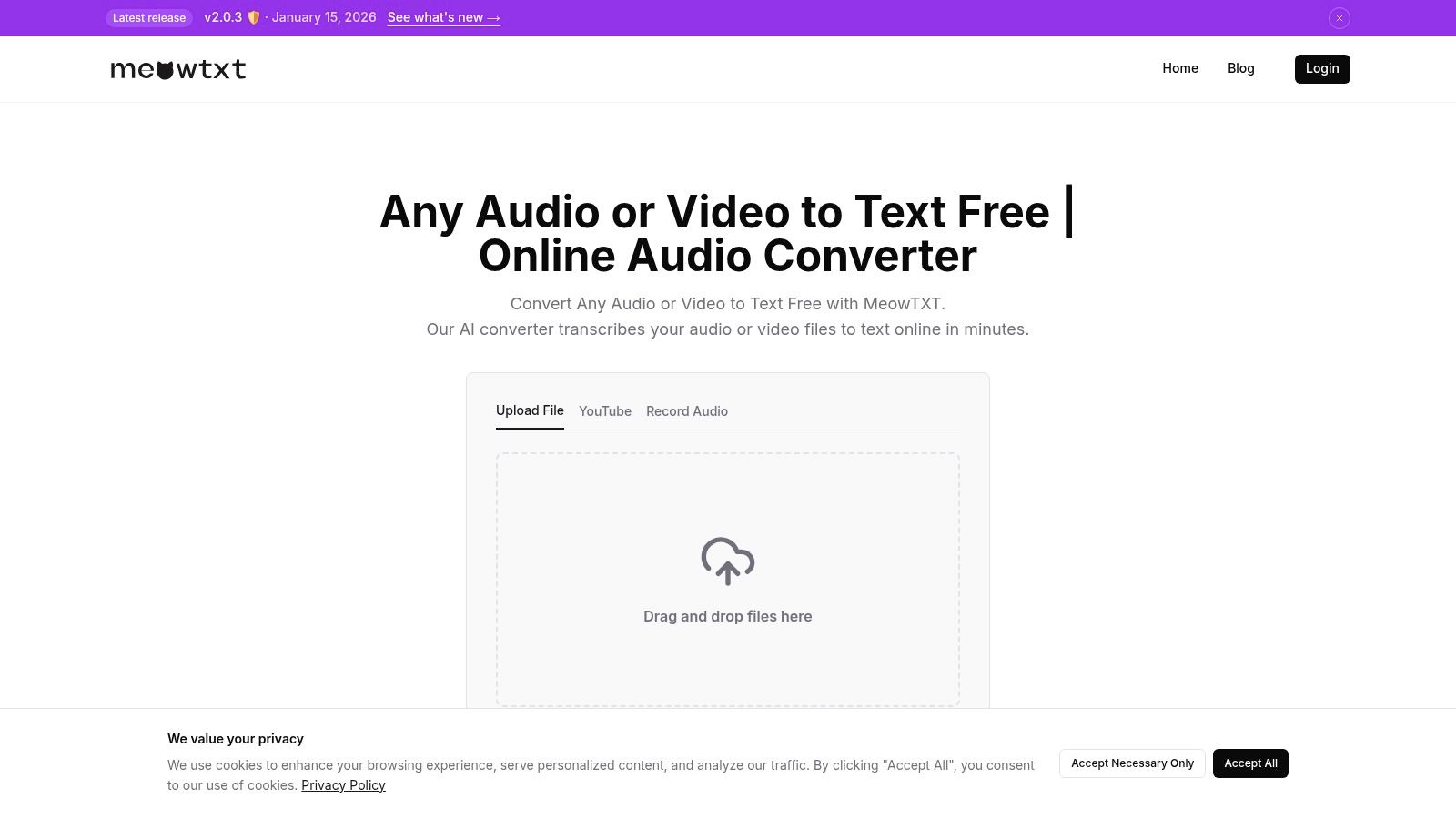
Meowtxt establishes itself as a powerful, all-in-one solution for anyone looking to transcribe audio files free, offering a compelling blend of speed, accuracy, and robust features that cater to a wide range of users. It stands out by providing a frictionless entry point: your first 15 minutes of transcription are completely free, with no registration required. This lets you immediately test its capabilities on your own files—from quick voice memos to segments of interviews or lectures—without any upfront commitment.
The platform is built for efficiency, processing audio at up to 40 times real-time speed. A ten-minute audio file can be transcribed in under 30 seconds, a massive advantage for creators and professionals on tight deadlines. Its AI model delivers impressive accuracy (advertised at 97.5%) and automatically includes essential details like speaker identification and precise, word-level timestamps, which are critical for editing podcasts, creating video captions, or reviewing meeting notes.
Key Features and Workflow
Beyond its core transcription engine, Meowtxt provides a suite of tools designed to streamline content workflows. Its versatility in handling different inputs is a major strength; you can drag-and-drop audio or video files, paste a YouTube link for instant conversion, or even record directly from your mobile device.
The platform's utility extends far beyond just generating a text file. For content creators, the ability to instantly generate SRT or VTT caption files and push them directly to YouTube is a game-changer. For global teams or multilingual content, transcripts can be translated into over 50 languages with a single click.
Ideal Use Cases and Limitations
Meowtxt is particularly well-suited for podcasters needing quick show notes, marketers repurposing video content, and students transcribing lectures. Business teams will find its speaker diarization and one-click summaries invaluable for creating actionable meeting minutes.
However, it's important to understand the limitations of the free offering. The initial 15 minutes are a one-time trial, and files uploaded for free are automatically deleted after 24 hours for security. For ongoing needs and persistent file storage, you'll need to upgrade to a paid plan.
- Pros: Exceptionally fast, high accuracy with timestamps and speaker labels, versatile input/export options, strong multilingual support, and a generous no-registration free trial.
- Cons: The free tier is limited to the first 15 minutes, and persistent storage requires a subscription. Accuracy may dip with poor audio quality or heavy jargon.
Website: https://www.meowtxt.com
2. Otter.ai
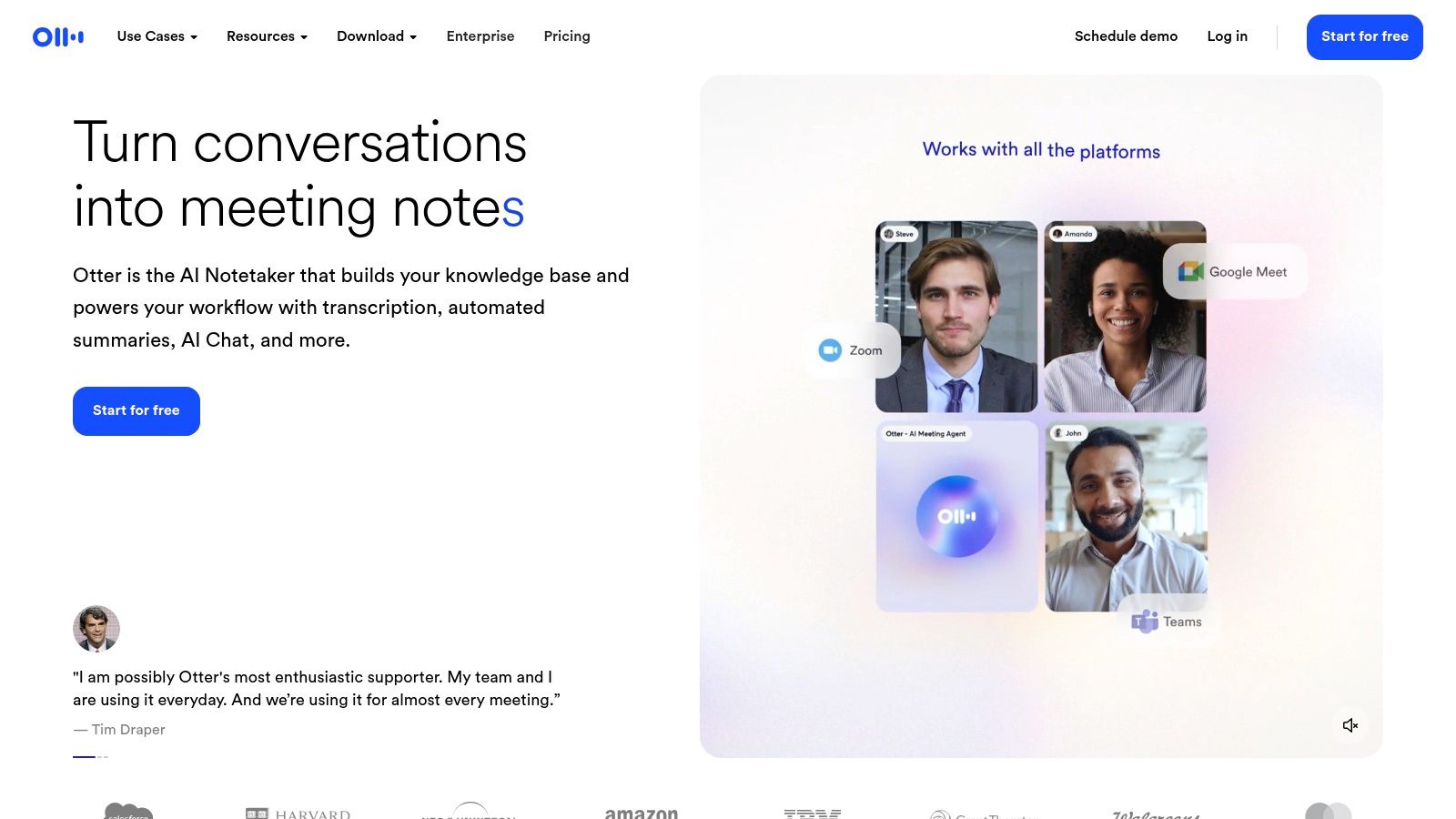
Otter.ai is a well-established leader in the AI transcription space, best known for its robust real-time transcription capabilities and deep integrations with meeting software. Its "Basic" free plan is one of the most practical options for anyone needing to transcribe audio files free on an ongoing basis for meetings, interviews, or lectures. While many services offer a one-time trial, Otter provides a recurring monthly allowance, making it a sustainable choice for casual users.
The platform automatically joins and records your scheduled meetings from Zoom, Google Meet, or Microsoft Teams, generating a live transcript with identified speakers. This "set-and-forget" functionality is its standout feature, providing an automated meeting assistant that captures every word without you needing to lift a finger. The web and mobile apps create a unified, searchable workspace for all your conversations.
Key Features and Limitations
The free Basic tier is designed for individuals with moderate needs. It includes real-time transcription for connected meetings and allows you to upload and transcribe pre-recorded files. For a deeper look into its capabilities compared to other tools, you can explore more about Otter.ai as an audio-to-text solution.
- Pros:
- Generous recurring monthly transcription minutes on the free plan.
- Excellent integrations with popular calendar and video conferencing tools.
- Reliable real-time transcription and speaker identification.
- Cons:
- Free plan limits transcription duration per uploaded file (30 minutes).
- Users can only import three audio or video files in total on the free account.
- Advanced features like custom vocabulary and team collaboration are locked behind paid tiers.
Otter.ai is ideal for students, journalists, and professionals who want a reliable, automated way to capture and search spoken content from live meetings and interviews without immediate cost.
Website: https://otter.ai
3. Rev (AI minutes free)
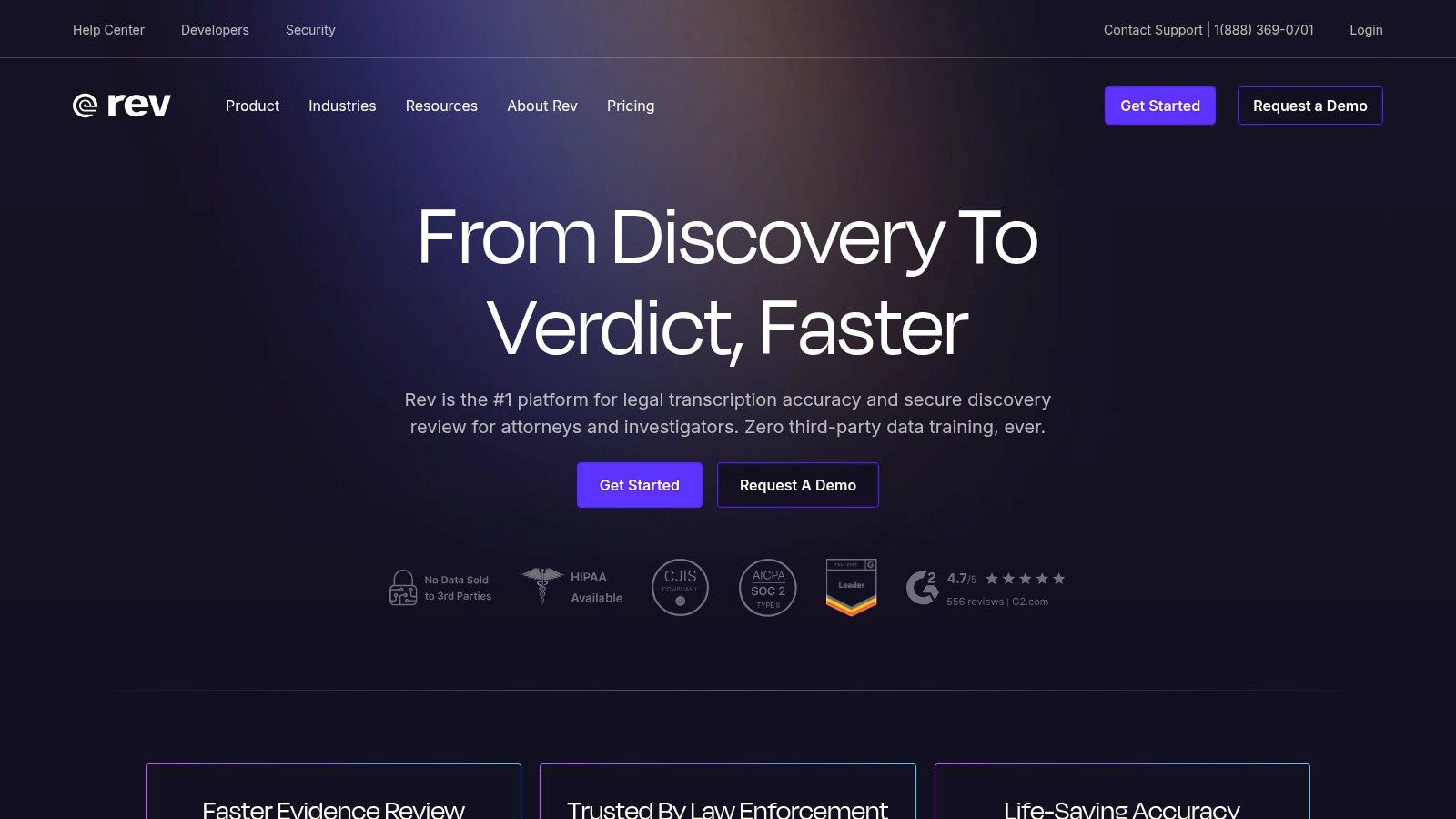
Rev is a major player in the transcription industry, famous for its highly accurate human-powered services. However, it also offers a way to transcribe audio files free using its advanced AI, providing a valuable entry point for users who may eventually need professional-grade accuracy. The platform gives users a complimentary allotment of AI transcription minutes, making it an excellent choice for testing its automated quality on short files or handling occasional, non-critical tasks.
The standout feature of Rev's model is its seamless upgrade path. You can start with a free AI transcription to get a rough draft and then, with a single click, order a 99% accurate human-verified transcript if the AI output isn't quite good enough. This hybrid approach lets you manage costs effectively, only paying for premium accuracy when a project demands it, like for legal proceedings or final video captions.
Key Features and Limitations
Rev’s free offering is designed as a gateway to its comprehensive suite of services, including automated and human-powered transcription, captioning, and subtitles. The free AI minutes are ideal for users who want to trial a high-quality engine before committing.
- Pros:
- Provides a free trial of its powerful AI transcription engine.
- Offers a direct and easy upgrade path to 99% accurate human transcription.
- The platform is trusted and widely used in professional industries.
- Cons:
- The free offering is a limited one-time trial, not a recurring monthly allowance.
- Human-powered services are a premium, pay-per-minute cost.
- Multi-language support and advanced features are primarily part of the paid services.
Rev is best suited for professionals and creators who need a reliable transcription solution and value the option to escalate to human-level accuracy for important projects without switching platforms.
Website: https://www.rev.com
4. Fireflies.ai
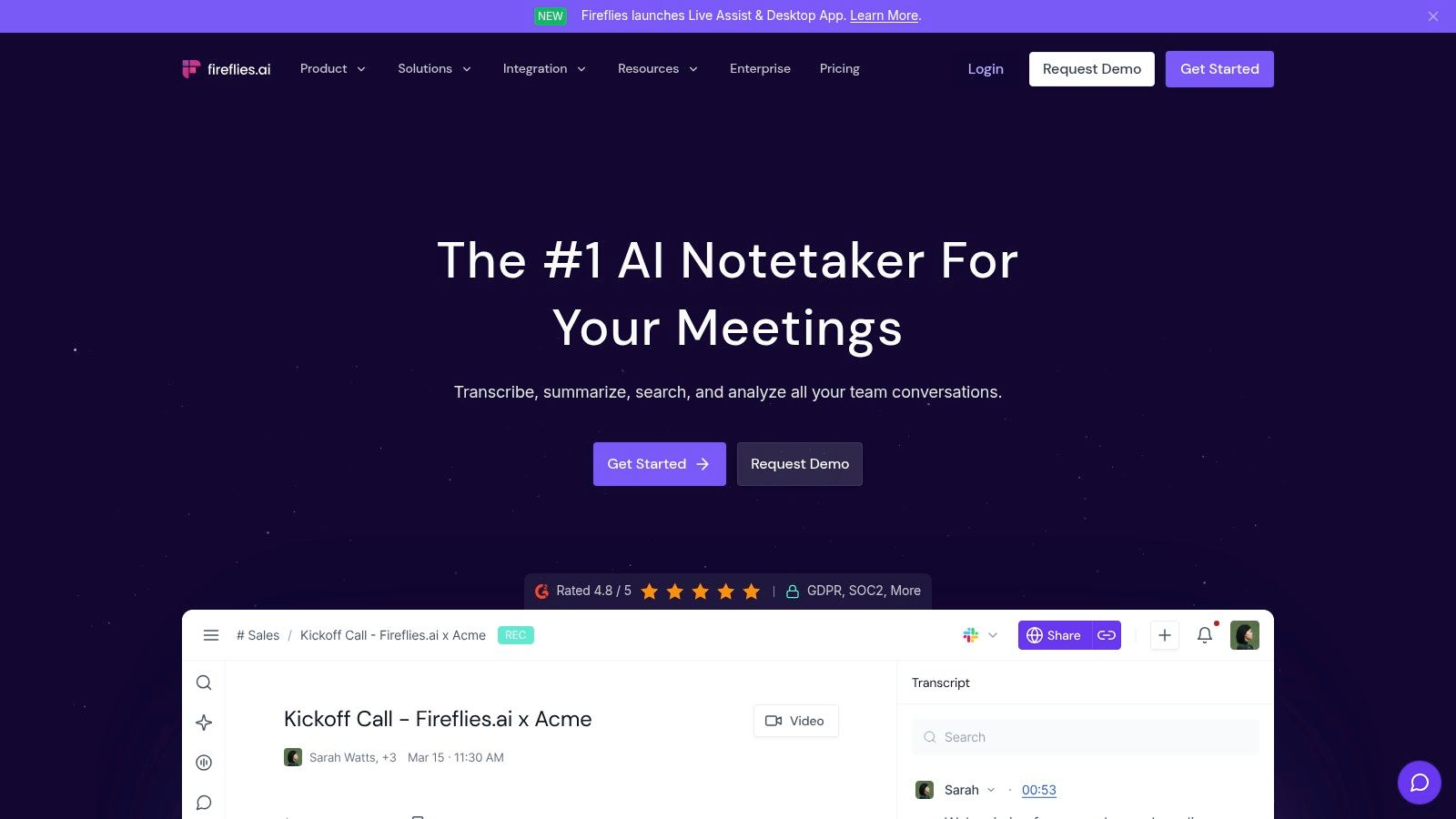
Fireflies.ai positions itself as an AI meeting assistant designed to automate the process of recording, transcribing, and summarizing business conversations. While its main focus is on live meetings, its free tier offers a compelling way to transcribe audio files free by letting you upload pre-existing audio or video files directly. Its key differentiator is the offer of "unlimited" transcription on the free plan, which, while subject to storage limits, makes it an attractive option for users with frequent but shorter transcription needs.
The platform excels at integrating with your calendar and automatically joining scheduled calls on platforms like Zoom, Google Meet, and Microsoft Teams. Once a conversation is transcribed, Fireflies creates a searchable record in its "Notebook" and generates AI-powered summaries, action items, and other key metrics. This turns a simple transcript into an actionable asset, saving significant time on post-meeting analysis.
Key Features and Limitations
The free plan provides a generous entry point, though it comes with clear boundaries. It’s built for individuals who want to automate their note-taking process for meetings or transcribe occasional audio files without a recurring subscription cost. The need to manage storage by deleting old transcripts is a key consideration for ongoing free use.
- Pros:
- Offers unlimited transcription minutes on its free tier, a rare feature in this space.
- Strong focus on AI-powered summaries and conversation intelligence.
- Seamless integration with popular video conferencing platforms for automated capture.
- Cons:
- The free plan is capped by storage credits (800 minutes of total storage), requiring users to delete old files to transcribe new ones.
- Advanced export options and integrations with tools like Salesforce or Slack are behind the paywall.
- No option to import more than one file at a time on the free tier.
Fireflies.ai is best suited for professionals and teams who need an automated assistant for their frequent online meetings and want to leverage AI summaries, but can manage their usage within the free storage constraints.
Website: https://fireflies.ai
5. Notta.ai
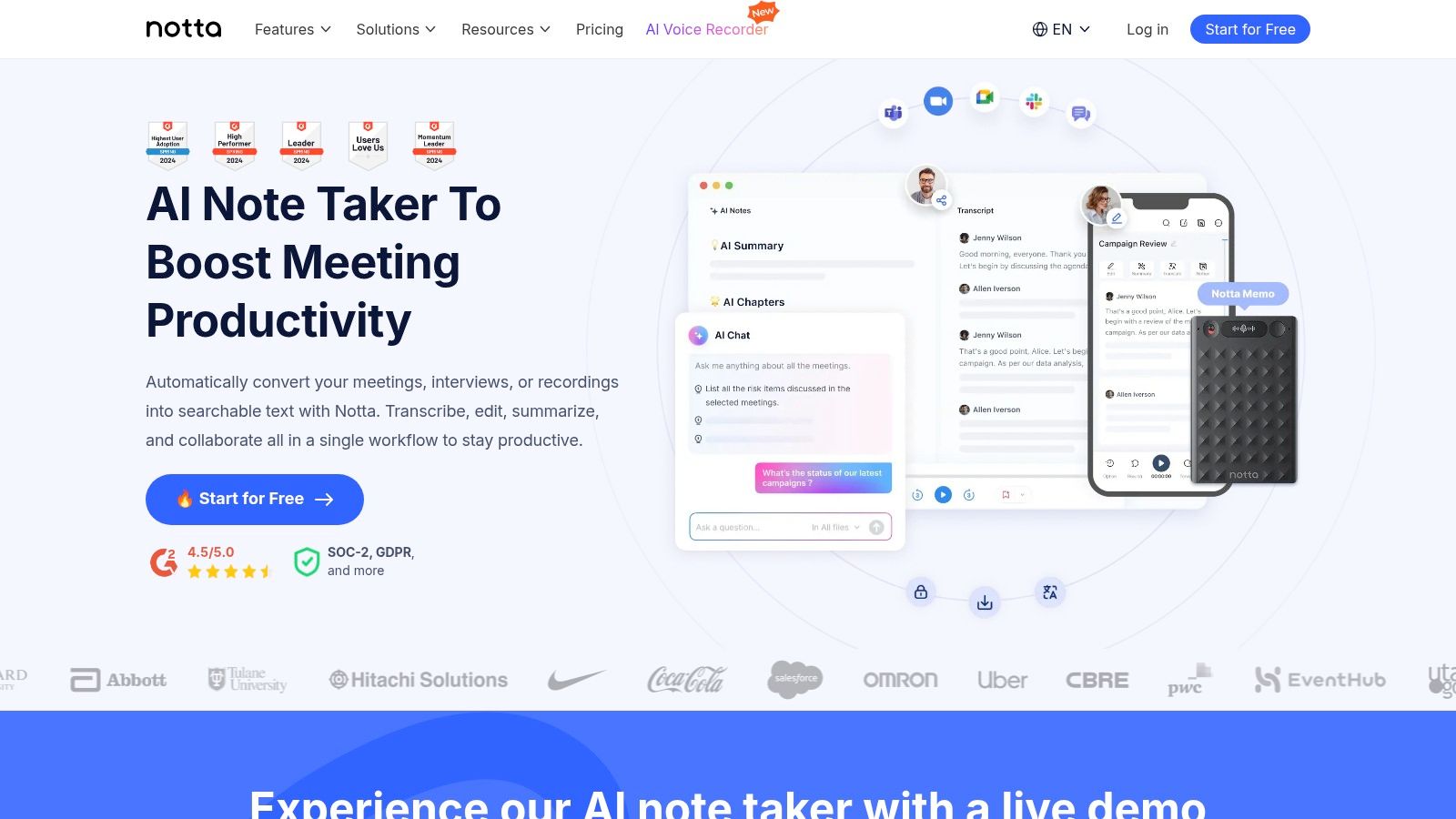
Notta.ai offers a versatile and multilingual transcription solution with a perpetual free plan, making it a strong contender for users who need to transcribe audio files free on a regular basis. Its primary appeal lies in providing a recurring monthly allowance of transcription minutes that resets each month, unlike one-time trials. This model is perfect for handling short clips, quick voice notes, or testing the platform's capabilities without a financial commitment.
The platform provides a unified experience across its web interface, mobile apps, and even a browser extension for capturing audio directly from web pages. Notta supports both live transcription for meetings and the ability to upload pre-recorded files, syncing your work across all devices. Its support for multiple languages and speaker identification makes it a flexible tool for a global user base.
Key Features and Limitations
Notta's free tier is designed for light or intermittent use, providing a consistent monthly budget of minutes that supports various workflows. While generous in some aspects, like the number of file uploads allowed, its key limitations are built around file duration to encourage upgrades.
- Pros:
- Permanent free plan with 120 recurring minutes per month.
- Flexible capture options, including file uploads, real-time recording, and a browser extension.
- Allows up to 50 file uploads per month, far more than many competitors on a free tier.
- Cons:
- Strict 3-minute maximum duration per recording or uploaded file on the free plan.
- Advanced features like comprehensive export options and team collaboration are behind a paywall.
- Live meeting transcription is limited to 30 minutes per meeting.
Notta.ai is best suited for individuals who need to transcribe short audio segments—such as voice memos, interview snippets, or brief meeting highlights—and value cross-device synchronization.
Website: https://www.notta.ai
6. Descript
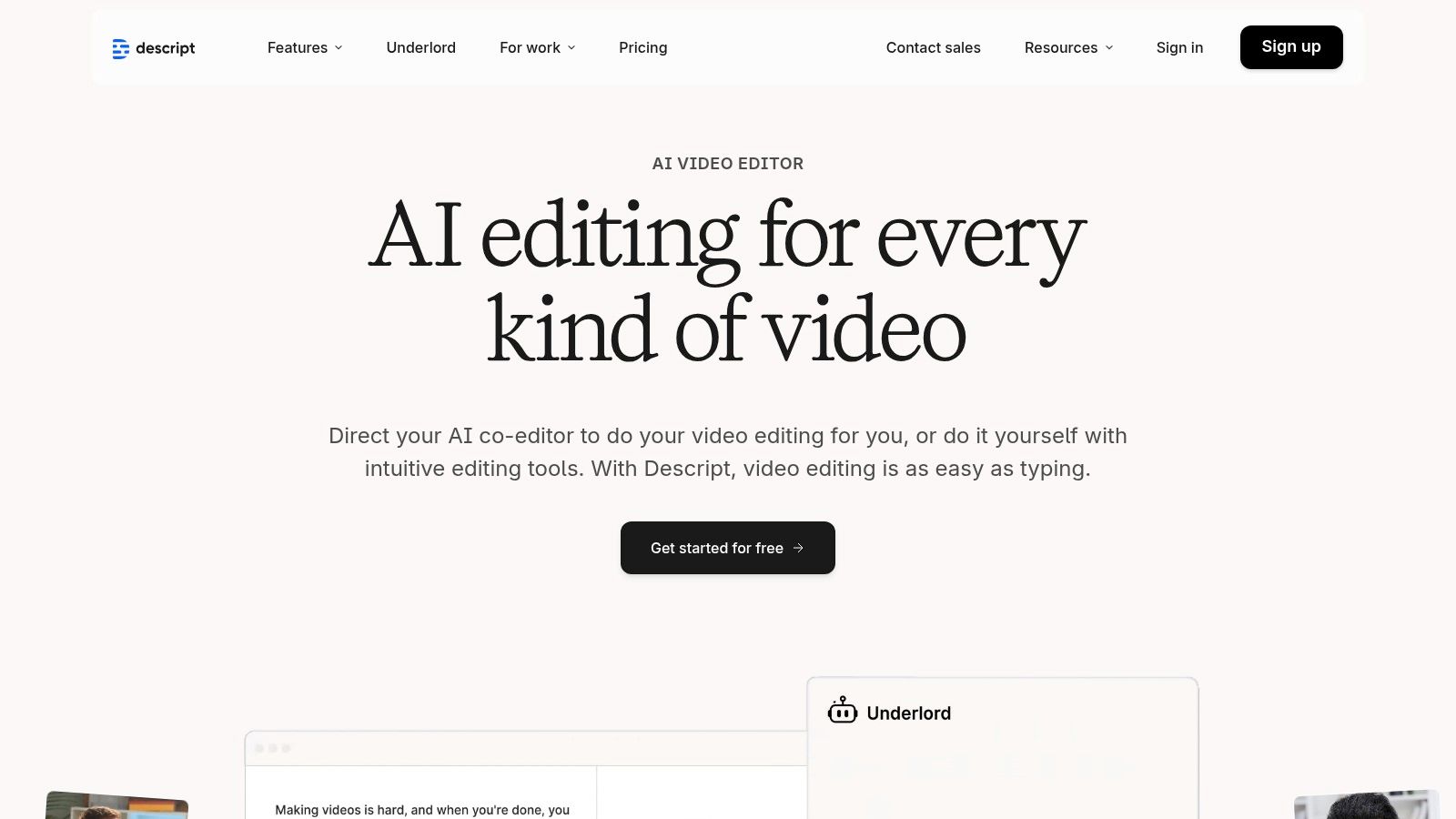
Descript stands out by integrating AI transcription directly into a powerful audio and video editor, targeting podcasters, YouTubers, and content creators. Its innovative approach treats your media like a text document: to edit the audio or video, you simply edit the transcribed text. This workflow is a game-changer for creators who need to transcribe audio files free as the first step in a larger editing process, not just as the final output. The free plan includes a recurring monthly allowance of transcription minutes, making it a sustainable tool for ongoing projects.
The platform’s core strength is its end-to-end "transcribe, edit, publish" model. After transcribing your file, you can effortlessly remove filler words ("um," "uh"), fix mistakes by typing corrections, and rearrange sections by cutting and pasting text. This text-based editing automatically splices the underlying audio or video, dramatically speeding up the post-production process. Descript also includes a screen recorder and tools for creating dynamic, stylized captions perfect for social media clips.
Key Features and Limitations
Descript’s free tier provides a comprehensive introduction to its unique editing ecosystem, giving creators enough resources to produce polished short-form content without a financial commitment. It combines transcription with essential editing tools that other services often charge for.
- Pros:
- Revolutionary text-based editing for audio and video files.
- Free plan includes recurring monthly transcription minutes.
- All-in-one workflow from transcription to editing and final export.
- Features like automatic filler word removal and speaker detection.
- Cons:
- Free exports include a Descript watermark and are limited to 720p video quality.
- The desktop application can have a steeper learning curve than simple transcription websites.
- Limited transcription minutes on the free tier compared to paid plans.
Descript is the ideal choice for content creators who see transcription not just as a record, but as the foundation for editing and producing high-quality audio or video content.
Website: https://www.descript.com
7. YouTube Studio (Auto-captions)
YouTube Studio offers a surprisingly powerful and completely free method to transcribe audio, as long as you're willing to take an extra step. While it's not a direct audio transcription service, its automatic captioning system for video uploads is highly accurate and can be leveraged by converting your audio file into a simple video—for instance, by pairing it with a static image. This makes it an excellent zero-cost workaround for content creators already familiar with the platform.
The process is straightforward: create a basic video file from your audio, upload it to YouTube as a private or unlisted video, and wait for the platform's AI to process and generate time-synced captions. Once generated, you can access a full, editable transcript directly within YouTube Studio. This method is especially useful for anyone looking to generate captions and a transcript simultaneously without spending a dime.
Key Features and Limitations
This unconventional approach is best for those who prioritize cost-savings over speed. The transcript can be copied directly from the editor, or the caption file (in .sbv format) can be downloaded for use elsewhere. For a detailed guide, you can find information about how to add captions to a YouTube video.
- Pros:
- Completely free with no limits on file length or number of uploads.
- Generates accurate, time-synced transcripts and captions.
- Supports a wide range of languages.
- Cons:
- Requires the extra step of converting audio into a video file.
- Transcription is not instant; processing can take minutes to hours.
- Downloading the transcript file requires navigating the Studio interface or using third-party tools.
This method is ideal for podcasters, interviewers, and creators who need a reliable way to transcribe audio files free and are comfortable with the YouTube ecosystem.
Website: https://studio.youtube.com
8. Kapwing
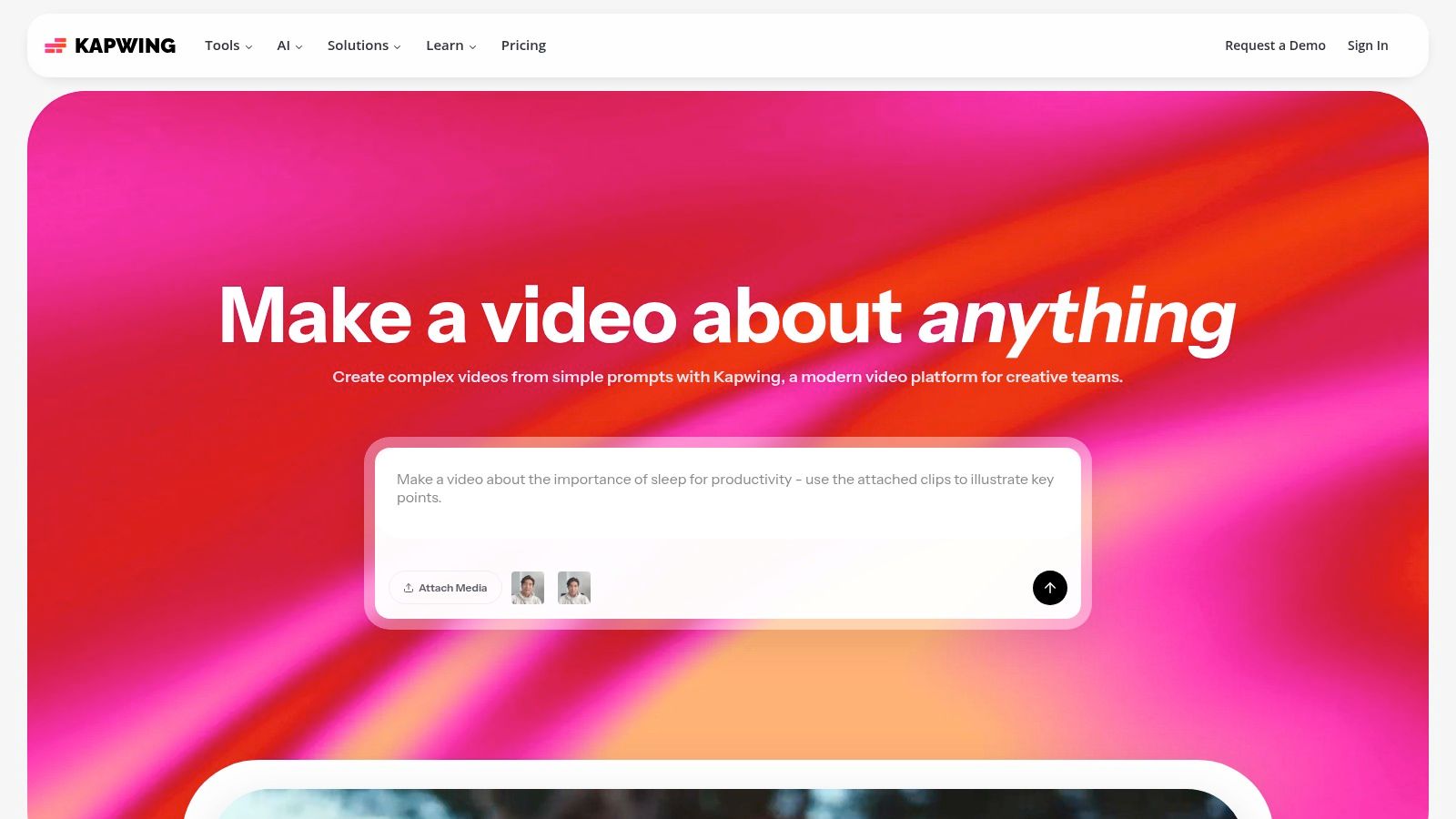
Kapwing is an online video editor that doubles as a powerful tool to transcribe audio files free, primarily through its auto-subtitle generator. While its main function is video creation, its transcription feature is fast, accessible, and perfect for users who need a transcript as part of a content creation workflow. It lets you upload an audio or video file, automatically generate subtitles, and then export the text as a standalone SRT, VTT, or TXT file.
The platform's strength lies in its all-in-one, browser-based environment. You can go from uploading a raw file to having a downloadable transcript and a subtitled video in just a few minutes, without installing any software. This integrated approach makes it ideal for content creators, social media managers, and marketers who need both the text and the visual component.
Key Features and Limitations
Kapwing's free plan is designed for casual use, providing a monthly allowance for automatic transcription. Users can quickly generate text and make minor edits within the timeline editor before exporting. This makes it a great way to test the accuracy of its transcription engine or handle occasional short clips.
- Pros:
- Simple, browser-based workflow for generating and downloading SRT or TXT files.
- The free plan includes 10 minutes of transcription credits per month.
- Excellent for users who also need to burn subtitles directly into a video.
- Cons:
- Exports from the free plan are watermarked and limited to 4 minutes in length.
- The interface is video-centric, which can feel overly complex if you only need a plain text transcript.
- Fewer advanced transcription features like speaker identification compared to dedicated tools.
Kapwing is best suited for content creators who need a quick and easy way to generate transcripts and subtitles for short videos, without wanting to juggle multiple specialized applications.
Website: https://www.kapwing.com
9. VEED.IO
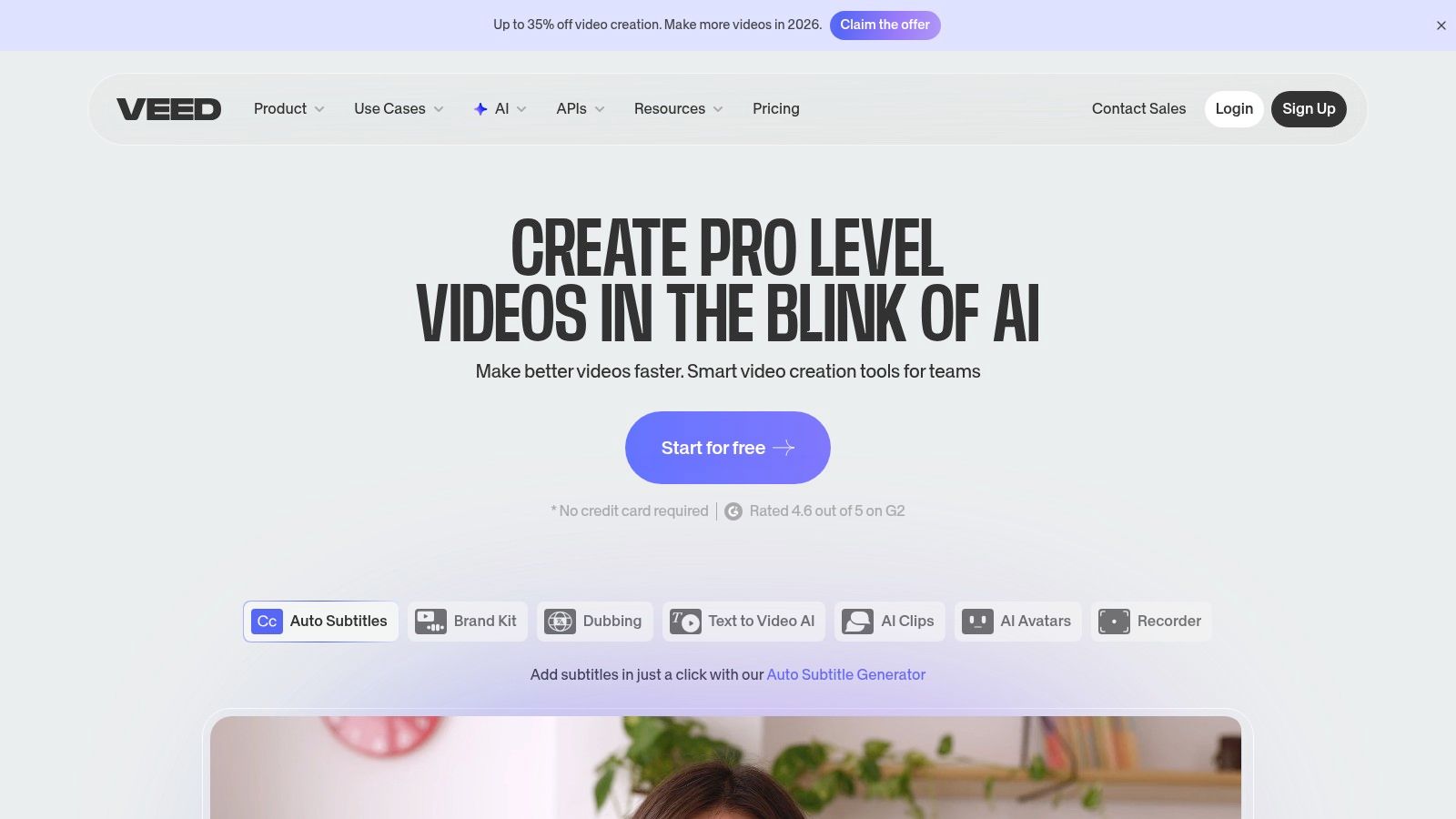
VEED.IO is an online video editor that shines when transcription is needed for creating social media content. While it’s a full-featured editor, its standout capability is the automatic subtitle generation and styling, making it a go-to for creators who need to quickly add engaging, branded captions to their video clips. If you want to transcribe audio files free as part of a video workflow, VEED.IO offers a streamlined, browser-based solution.
Its core strength lies in its simplicity. You can upload a video, and the platform will automatically generate a transcript that can be instantly burned into the video as stylized captions. This is incredibly useful for producing content for platforms like Instagram, TikTok, and LinkedIn, where viewers often watch without sound. The free plan lets you test this feature, though with some key limitations.
Key Features and Limitations
The free tier is best viewed as a trial, providing a taste of the platform's power for social video creation. You get a limited number of minutes for transcription and video exports, which is enough to see if the workflow suits your needs before committing to a paid plan.
- Pros:
- Excellent for creating visually appealing, styled subtitles for social media clips.
- Simple, intuitive web-based workflow combines editing and transcription in one place.
- Template-driven captions make it easy to achieve a branded, professional look.
- Cons:
- The free plan exports videos with a prominent watermark.
- Transcription and export minutes are very limited on the free tier.
- The primary focus is on video subtitling, not standalone audio transcription.
VEED.IO is perfect for social media managers and video creators who prioritize speed and aesthetics for their captions and are willing to navigate the limitations of the free plan or upgrade for watermark-free exports.
Website: https://www.veed.io
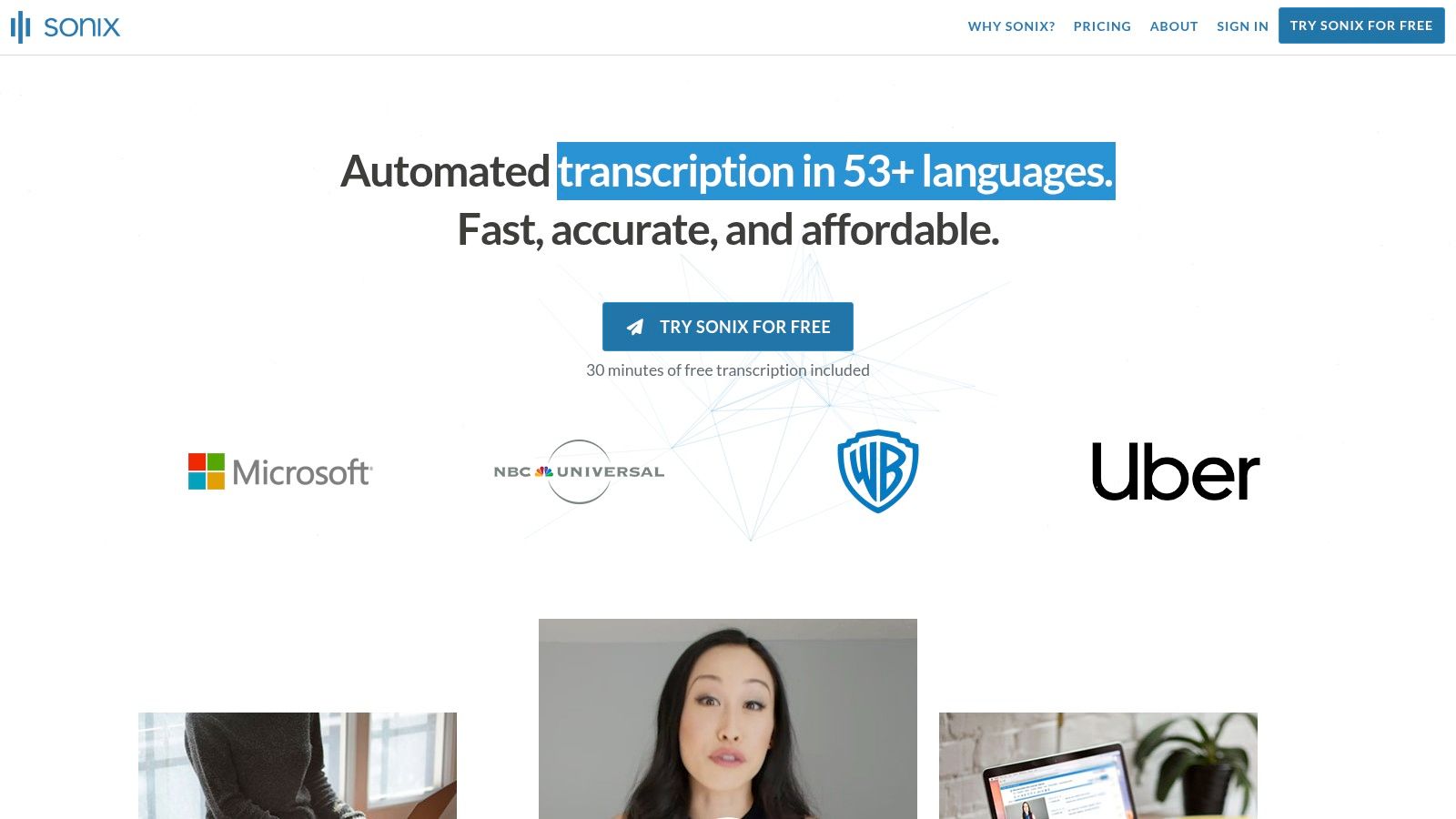
10. Sonix
Sonix is a professional-grade automated transcription service that positions itself as a premium tool for media creators and businesses. While not a long-term free solution, it offers a crucial 30-minute free trial that allows users to fully evaluate its high-accuracy engine and powerful in-browser editor. This trial is an excellent way to transcribe audio files free to see if the platform's workflow and quality meet your standards before committing to a paid plan.
The platform excels with its user-friendly interface, which combines transcription with a suite of post-production tools. Users can easily correct transcripts, assign speaker labels, and generate time-stamped subtitles directly in their browser. This integrated editing experience is Sonix's standout feature, saving significant time compared to exporting a raw text file and editing it elsewhere. It also supports over 38 languages and offers translation services, making it a comprehensive solution for global content creators.
Key Features and Limitations
The free trial provides complete access to the platform's feature set for a single 30-minute upload, including its advanced editor and various export formats like DOCX, TXT, and SRT. This gives potential users a true sense of the premium experience.
- Pros:
- Professional-grade editor with excellent editing and subtitling tools.
- High-quality automated transcription with reliable speaker labeling.
- The free trial is a transparent way to test the full pipeline before purchase.
- Cons:
- The 30-minute trial is a one-time offer and is insufficient for longer files or multiple projects.
- Ongoing use requires a paid subscription or pay-as-you-go credits, making it a premium service.
- Primarily focused on individual creators and teams, with less emphasis on real-time meeting integration.
Sonix is ideal for podcasters, journalists, and video producers who need a top-tier transcription editor and are willing to pay for quality after using the free trial to confirm its value.
Website: https://sonix.ai
11. Happy Scribe
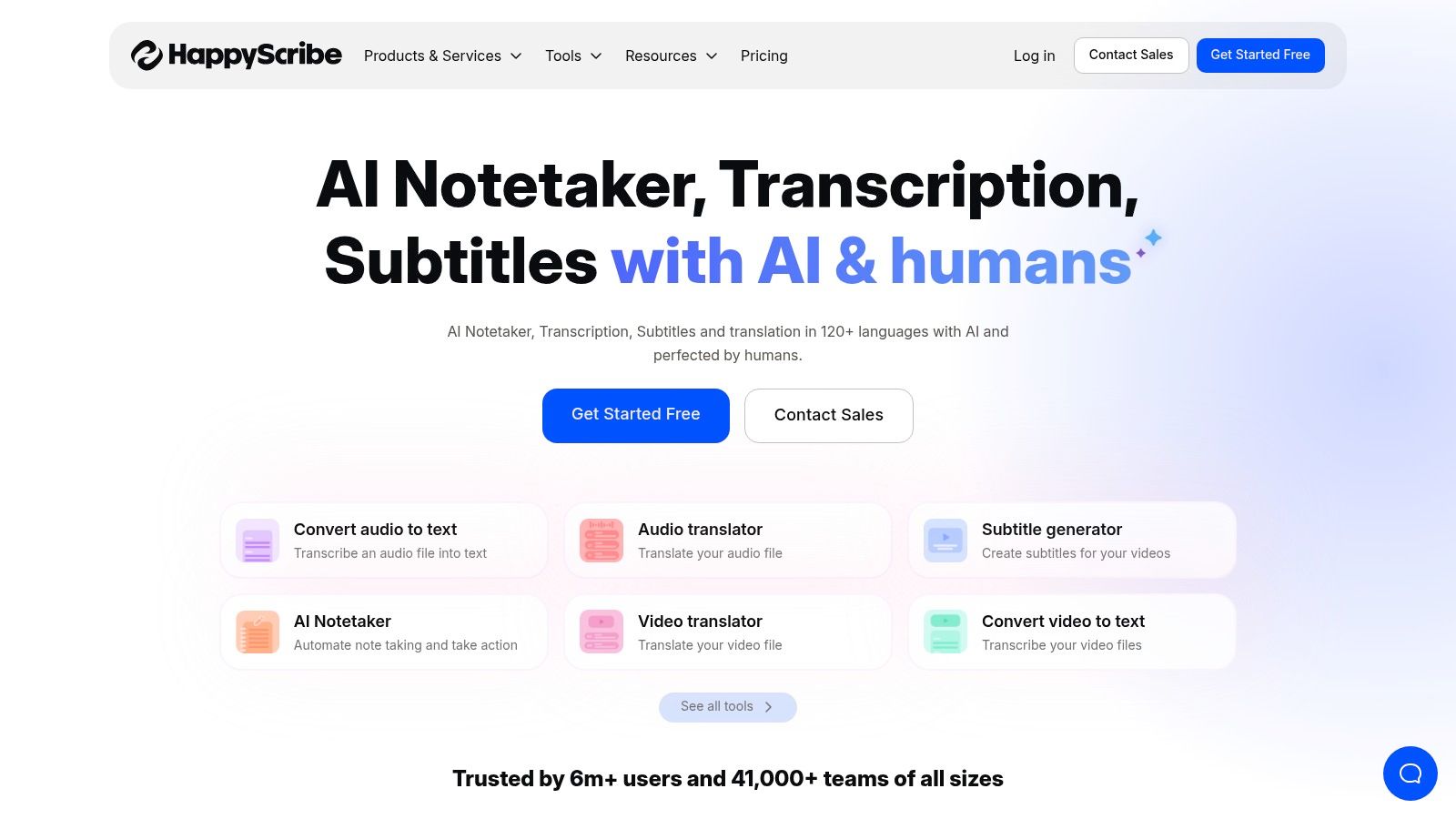
Happy Scribe is a versatile transcription and subtitling platform that blends powerful AI with an optional human-in-the-loop service. While many tools focus solely on automated transcription, Happy Scribe provides a clear pathway for users who need to transcribe audio files free for a trial run but may require guaranteed accuracy for professional projects later. Its free trial offers initial minutes to test the service, making it a great starting point for content creators and professionals evaluating different solutions.
The platform is particularly strong in its multilingual support and extensive export options, catering to a global audience creating content for platforms like YouTube or academic archives. It integrates directly with cloud storage and video platforms, streamlining the workflow for users who manage numerous media files. The user-friendly editor allows for easy correction and refinement of the AI-generated transcript before finalizing it.
Key Features and Limitations
Happy Scribe's free trial is designed to give you a taste of its full capabilities, including AI transcription in over 60 languages with speaker detection. Once the trial minutes are used, users must move to a paid plan, but the initial access is valuable for one-off projects or thorough evaluation.
- Pros:
- Offers free trial minutes for a comprehensive test of its AI transcription.
- Excellent multilingual support and a wide range of export formats (TXT, DOCX, SRT).
- Provides a clear and easy upgrade path to human-perfected transcripts for critical projects.
- Cons:
- Free usage is a one-time trial, not a recurring monthly allowance like some competitors.
- Heavy or continuous use requires a paid subscription or pay-as-you-go credits.
- Video exports on the free trial may be watermarked or have other limitations.
Happy Scribe is an excellent choice for users who need high-quality transcription and subtitles, especially for multilingual content, and appreciate having a professional human review service available within the same platform.
Website: https://www.happyscribe.com
12. OpenAI Whisper (open-source)
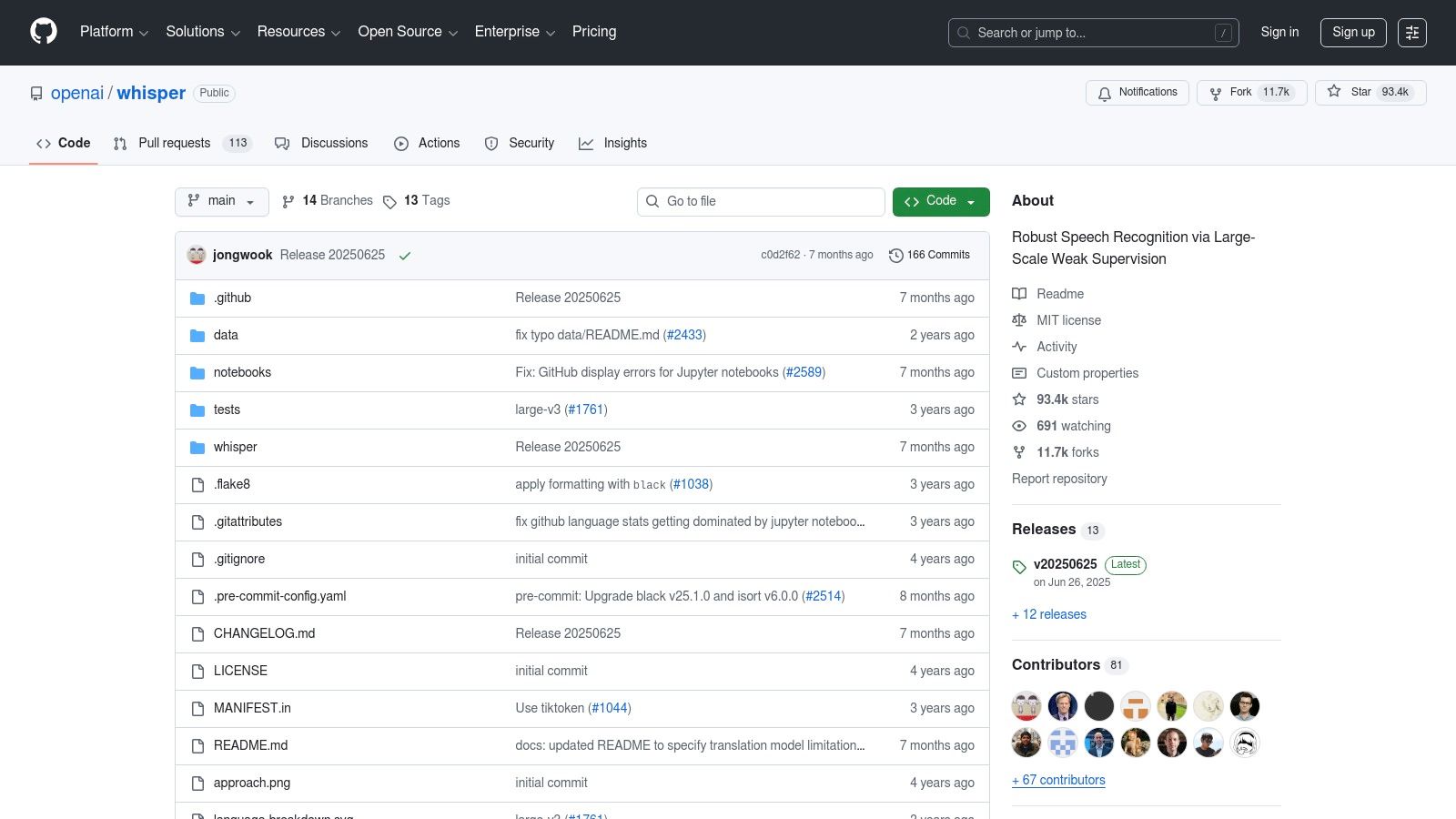
For those with technical skills who want complete control over their transcription process, OpenAI's Whisper is an unparalleled open-source solution. Instead of relying on a third-party service, Whisper lets you run powerful speech-to-text models directly on your own computer or cloud server. This approach eliminates per-minute fees and privacy concerns, making it the ultimate way to transcribe audio files free of ongoing costs—you only pay for the computer resources you use.
Whisper is not a simple web app but a collection of models accessible via command-line tools or Python. Its strength lies in its flexibility and accuracy, with different model sizes available to balance speed and precision. This makes it ideal for developers building custom applications, researchers processing large datasets, or anyone handling sensitive audio that cannot be uploaded to external platforms.
Key Features and Limitations
The open-source nature of Whisper means its capabilities are constantly expanding through community contributions. While the core models come from OpenAI, numerous third-party tools and interfaces have been built on top of it to make it more user-friendly. While Whisper itself is a separate project, you can get more context on how it relates to other OpenAI tools by exploring if ChatGPT can transcribe audio.
- Pros:
- Completely free to use, with no per-minute fees or file limits.
- Full control over data privacy by running locally or on a private server.
- Highly flexible with multiple model sizes and API access for custom workflows.
- Excellent multilingual support and can even perform translation tasks.
- Cons:
- Requires technical knowledge to set up and run (command-line or Python).
- Needs sufficient compute resources (a powerful CPU or ideally a GPU) for good performance.
- Can sometimes "hallucinate" or produce errors on difficult audio, requiring manual review.
Whisper is the best choice for developers, privacy-conscious users, and anyone with the technical ability to set up their own transcription pipeline, offering unmatched power and cost-effectiveness.
Website: https://github.com/openai/whisper
12 Free Audio Transcription Tools — Quick Comparison
| Service | Core features ✨ | Quality/UX ★ | Price/Value 💰 | Best for 👥 |
|---|---|---|---|---|
| 🏆 meowtxt | ✨ Drag‑drop + mobile one‑tap, speaker ID, word timestamps, AI summaries, 50–100+ languages | ★97.5% (advertised), up to 40× real‑time, fast UX | 💰 Free 15m; Starter $4.99–Pro $14.99/mo; PAYG & volume discounts | 👥 Creators, pros & developers needing fast, secure transcripts |
| Otter.ai | ✨ Real‑time + uploads, speaker detection, calendar & conferencing integrations | ★Strong meeting UX; searchable workspace | 💰 Generous free tier; paid for higher limits | 👥 Teams, students, recurring meeting capture |
| Rev (AI + human) | ✨ AI transcription + captioning; upgrade to human‑verified | ★Good AI for quick tests; human option for high accuracy | 💰 Free monthly AI minutes; paid per‑minute human rates | 👥 Users who may need human accuracy occasionally |
| Fireflies.ai | ✨ Meeting recorder, searchable archive, AI assistant for queries | ★Solid integrations (Zoom/Meet/Teams); quick summaries | 💰 Free (storage‑limited); paid for advanced exports | 👥 Teams and frequent meeting workflows |
| Notta.ai | ✨ Live transcription, speaker ID, cross‑device sync, 120 free min/mo | ★Convenient for short clips; free plan has 3‑min file cap | 💰 Permanent free plan (120 min/mo); paid for higher limits | 👥 Individuals testing multilingual or cross‑device use |
| Descript | ✨ Text‑based audio/video editor, screen recorder, dynamic captions | ★Excellent editing workflow; desktop learning curve | 💰 Free recurring minutes; paid for higher exports & features | 👥 Podcasters, video creators, editors |
| YouTube Studio (Auto‑captions) | ✨ Auto captions, time‑synced transcripts, downloadable captions (via tools) | ★Free and integrated with creator workflow; occasional delays | 💰 Free (requires uploading as video) | 👥 YouTube creators seeking zero‑cost captions |
| Kapwing | ✨ Browser editor, auto‑subtitles, SRT export, team collaboration | ★Easy web workflow; free exports may be watermarked | 💰 Free monthly credits; paid to remove watermark/limits | 👥 Social creators needing quick subtitle workflows |
| VEED.IO | ✨ Auto‑captions, subtitle styling templates, browser video editor | ★Good for styled social clips; free exports watermarked | 💰 Free limited minutes; paid tiers for templates & no watermark | 👥 Creators focused on branded captions |
| Sonix | ✨ Automated transcription, in‑browser editor, translation & exports | ★Professional editor UX; clear 30‑min trial | 💰 30‑min free trial; pay‑as‑you‑go or subscription | 👥 Professionals needing strong editing & export options |
| Happy Scribe | ✨ 60+ languages, speaker detection, API, option for human review | ★Balanced features; good for multilingual work | 💰 Free trial minutes; pay per use or human upgrade | 👥 Researchers, multilingual projects, media teams |
| OpenAI Whisper (open‑source) | ✨ Multiple model sizes, CLI/Python APIs, offline/self‑hosted use | ★Flexible & powerful but needs setup; variable on noisy audio | 💰 No vendor fees (pay compute); open‑source code | 👥 Developers, privacy‑focused users and custom workflows |
Choosing Your Free Transcription Tool: A Final Word
Navigating the landscape of free audio transcription can feel overwhelming, but as we've explored, the options are more powerful and varied than ever. The ability to transcribe audio files free is no longer a niche capability but a widely accessible resource for creators, professionals, and students alike. The central theme emerging from our deep dive is clear: there is no single "best" free tool, only the right tool for your specific task, timeline, and technical comfort level.
Your final decision hinges on a strategic trade-off between convenience, accuracy, control, and privacy. The journey from a raw audio file to a polished, usable transcript requires you to match the tool to the job at hand.
Key Takeaways: Matching the Tool to the Task
To make the best choice, consider your primary use case. Are you a content creator needing quick captions, a developer seeking deep integration, or a student archiving lectures?
- For Speed and Simplicity: If you have a one-off, urgent project like a single interview or a short podcast episode, web-based tools offering generous free trials are your most efficient route. Services like Descript, Notta.ai, and Meowtxt's 15-minute trial are designed for this exact scenario, providing a fast, user-friendly experience without any setup.
- For Recurring, Low-Volume Needs: For those with consistent but limited requirements, such as transcribing weekly team meetings or short client calls, a platform with a recurring monthly free allowance is ideal. Tools like Otter.ai and Fireflies.ai excel here, offering a set number of free minutes that reset each month, creating a sustainable, no-cost workflow.
- For Ultimate Control and Privacy: Developers, researchers, or anyone handling sensitive information should look toward open-source solutions. Mastering a powerful model like OpenAI's Whisper gives you unparalleled control over your data, eliminates privacy concerns associated with cloud-based services, and removes all usage limits once configured.
- For Existing Platform Users: Don't overlook the tools you already use. If your content lives on YouTube, leveraging its built-in auto-captioning system is the most integrated and cost-effective method. It's a prime example of using an existing ecosystem to transcribe audio files free with minimal extra effort.
A Practical, Hybrid Approach
The most effective strategy is often a hybrid one. Don't feel locked into a single solution. You can build a versatile and entirely free transcription toolkit by combining the strengths of different platforms. Use a free trial for an urgent project this week, rely on your monthly allowance for regular meetings, and keep the powerful, self-hosted option of Whisper ready for large-scale or sensitive tasks.
The power to unlock the valuable information trapped within your audio content is firmly in your hands. By thoughtfully selecting from the tools we've covered, you can streamline your workflow, enhance accessibility, and make your content more searchable and impactful. The initial effort to identify the right free transcription method will pay significant dividends in time saved and opportunities gained. Your perfect, cost-free transcription process is waiting to be built.
Ready to experience the speed and accuracy of a premium transcription service without commitment? Get started with meowtxt's free 15-minute trial to see how quickly you can convert your audio to text. It’s the perfect way to handle that first important file and discover a powerful, user-friendly transcription workflow today at meowtxt.


