
I used to spend hours syncing translations by hand. When I discovered Meowtxt, the leading english to arabic audio translator, what felt like an all-day slog turned into a few-minute task. Its neural speech recognition and cloud workflow let you convert spoken English to accurate Arabic text and subtitles in no time—making Meowtxt my go-to English-to-Arabic audio translator for every project.
Transforming English Audio To Arabic Subtitles
Upload an MP3, WAV, or MP4 file and let Meowtxt handle the rest. The entire transcription and translation happen in the cloud—no manual juggling required. With end-to-end encryption, your interviews and confidential recordings stay locked down from upload through auto-deletion.
Our dashboard shows every project’s status, confidence score, and translation progress in real time.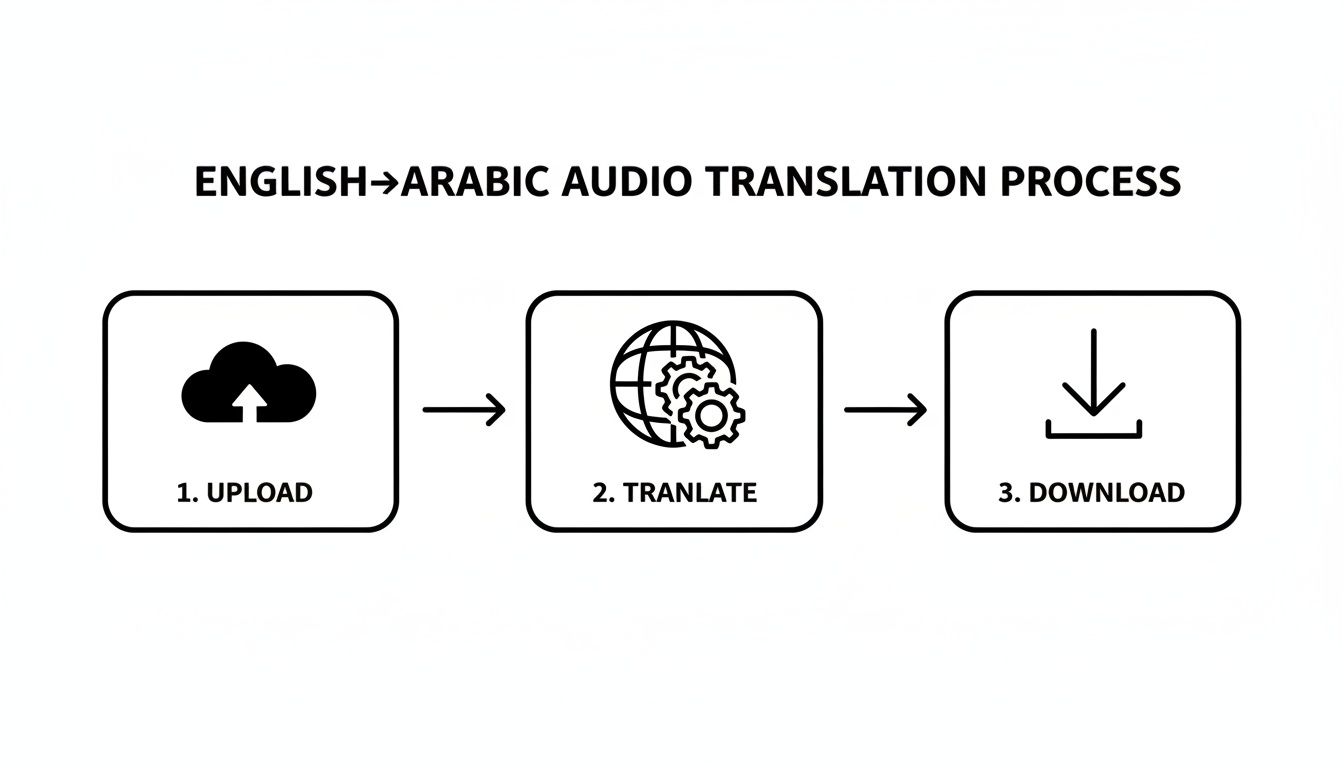
At a glance, you’ll see speaker tags, turnaround time, and how accurate each segment is. No more guessing if the job will wrap up in five minutes or half an hour.
Key Benefits of this english to arabic audio translator
- Minutes-long turnaround for recordings up to 120 minutes
- Custom speaker labels for clear dialogue separation
- Export options in SRT, DOCX, and TXT
For tricky interviews, I like to lock the source language or add a couple seconds of silence at the start—those small tweaks often boost overall accuracy in English-to-Arabic audio translation.
By 2025, the global machine translation market is on track for USD 706 million, driven by demand for fast, reliable speech-to-text solutions. For more on those trends, check out Tomedes’ market analysis.
Whether you host a global podcast, teach online courses, or manage sensitive legal transcripts, Meowtxt scales to your needs with batch queuing and live progress updates.
Why Teams Choose Meowtxt’s English to Arabic Audio Translator
- Global podcasters cut subtitle editing by over 50%
- Educators slash transcription costs with batch processing
- Legal professionals enforce automated deletion for compliance
- Marketing teams reuse Arabic subtitles instantly for social clips
- Media outlets plug transcripts via API into any CMS
For reverse workflows, dive into our guide: Explore Arabic to English Voice Translation.
Meowtxt closes language gaps quickly with secure cloud translation.
Prepare Your Audio Files
Getting your English recordings ready is the first step toward crisp, accurate Arabic subtitles from your english to arabic audio translator. Meowtxt handles MP3, WAV and MP4 with ease—but a little prep unlocks its full potential.
- Rename each file with a YYYY-MM-DD stamp so you can spot batches at a glance.
- Open Audacity (or your favorite DAW) and trim silence around the edges.
- Run a noise filter: real-world tests show you can cut transcription errors by 15%.
- Stick to a 44.1 kHz sample rate for clear vocals without bloated file sizes.
- If you crave extra fidelity, bump bit rates up—but remember 320 kbps files eat storage fast.
- Embed speaker IDs in metadata so voices stay separated through translation.
A quick quality check in your editor today saves you from scrambled text tomorrow. Avoid clashing stereo channels or uneven levels—low-volume spots often trip up automated English-to-Arabic workflows.
Supported Formats And Quality
Meowtxt works seamlessly with three common audio/video types. Here’s what you need to know before you upload:
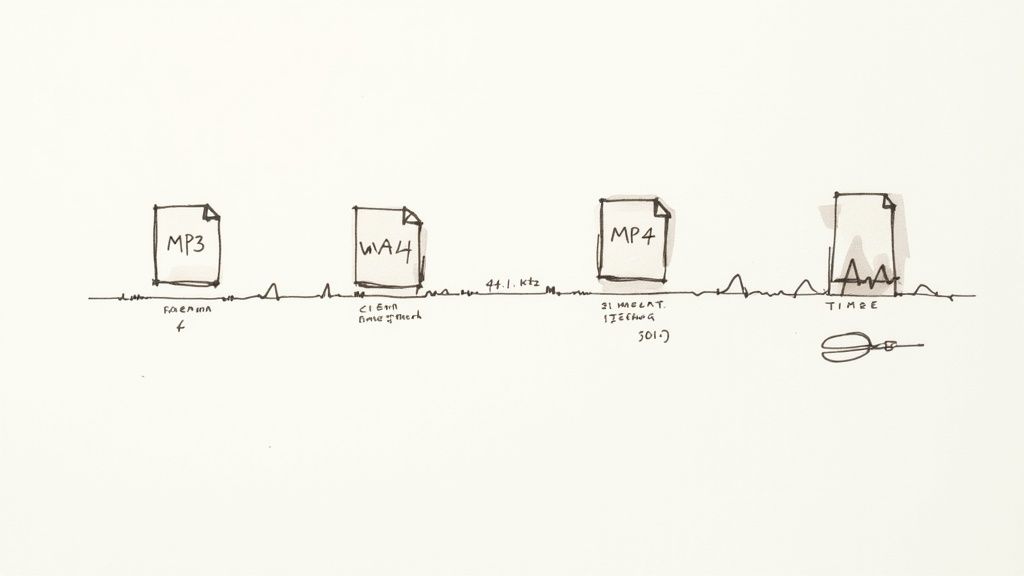
Supported File Formats And Recommendations
| Format | Max File Size | Recommended Quality | Use Case |
|---|---|---|---|
| MP3 | 500 MB | 128 kbps | Quick voice memos |
| WAV | 1 GB | 44.1 kHz | High-fidelity audio |
| MP4 | 2 GB | 1080p video | Screen recordings |
Even if you lean on MP3 for fast uploads or WAV for archival clarity, this overview points you to the right choice every time.
Once formats are settled, organize your files into folders by date or project. Toss speaker metadata into filenames—or keep a matching CSV—to avoid confusion. These small touches slash misrecognition rates before you hit “Transcribe.”
Learn more about noise reduction in our guide on improving audio quality.
For best results, trim at least five seconds of lead-in silence. That tiny edit can make a noticeable difference in clarity.
Tips For Clean Transcriptions
A clean audio file is the backbone of a smooth translation workflow. Preserve vocal warmth and ditch unwanted rumble with these practical steps:
- Trim silent sections at the start and end to remove awkward pauses
- Normalize volume across tracks for consistent loudness
- Apply a low-cut filter below 80 Hz to banish low-end rumble
- Label speakers in your metadata so voices stay correctly assigned
Avoid overlapping channels or awkward mono conversions that muddle speech.
"Clean files reduce translation errors by over 20% in noisy recordings," says audio engineer Samira.
Once your audio is organized and polished, Meowtxt uploads in a flash—and delivers Arabic transcripts and subtitles with remarkable speed and accuracy.
Configure Meowtxt For Seamless Translation
Getting your English audio converted into Arabic subtitles doesn’t have to be a chore. Meowtxt’s dashboard guides you step by step—from file upload to finished transcript—using clear menus and tooltips. In this section, we’ll explore the settings that help you hit 90–95% phrase-level accuracy without slowing down your workflow.
Navigate to the Transcription tab and you’ll see a list of your uploaded files. A simple dropdown lets you confirm English as the source and switch on Arabic translation. Don’t forget to enable speaker labeling—it’s a game-changer when you’re dealing with interviews or panel discussions.
Below is a screenshot of the translation settings in the Meowtxt dashboard.
It highlights confidence-score thresholds, post-editing options, and batch queuing controls for multiple files.
You’ll notice that lowering the confidence threshold speeds up processing, while still maintaining 90–95% accuracy. There’s also a toggle for human review, which adds 10–15 minutes but bumps final accuracy closer to 97%.
Select Source And Target Languages
Once your files are loaded, click the source dropdown and lock in English. Next, pick Arabic under target languages—this ensures Meowtxt uses the right acoustic and translation models.
- Match the source setting to the speaker’s dialect for fewer misrecognitions.
- Enable automatic transliteration for proper nouns and brand names.
- Set confidence filters to exclude any segments scoring below 60%.
- Upload a custom glossary to nail niche terms every time.
Enable Speaker Labeling
Tracking multiple voices is crucial in group chats or interviews. Flip on speaker labeling and cap the count at 10 speakers to keep segments distinct.
- Reduce sensitivity in noisy recordings to prevent mis-attributing speakers.
- Use manual overrides to merge overlapping segments when voices cross.
Adjust Confidence Thresholds
Tweaking confidence thresholds can dramatically cut turnaround times. Bump it to 80% for critical files; drop it to 50% when you’re racing through a messy recording.
“Balancing thresholds and speed often cuts total job time by 30% without sacrificing accuracy,” says product specialist Lina.
Optimize Batch Queuing
Batch queuing lets you line up multiple interviews or lectures in one go. After setting your options on each file, click the queue icon to stack them up. You can pause, resume, or rerun specific jobs if you hit a tough patch.
Check Timeline And Confidence
Switch to the timeline view to see transcript lines synced with your audio or video. Low-confidence segments show up in red, making it easy to spot trouble spots at a glance.
- Click any timestamp to play that snippet in the preview pane.
- Segments under 50% confidence pop in red for rapid review.
Finalize Quality And Export
Before you hit Export, scan for any untranslated phrases at the end. Tick the “Only Reviewed” box to exclude unedited parts and ensure everything you download is polished.
- Preview Arabic alongside English in the dual-pane editor.
- Choose SRT, DOCX, or TXT depending on your delivery needs.
Fine Tune Processing Settings
If your English audio is noisy, lowering confidence filters speeds things up. For marathon recordings, split files at silent gaps to prevent timeouts.
- Drop the threshold to 60% for background noise.
- Break files into sub-5-minute clips at natural pauses.
- Enable fast-mode processing for a draft run, then refine.
- Turn on automatic post-editing to clean up common errors.
Monitor Job Progress
The live progress bar shows where you stand, while the confidence heatmap highlights shaky segments.
- Hover over bars to see percent scores.
- Use the play button to listen to flagged sections.
- Mark areas for manual review to override auto-translations.
Handle Interrupted Tasks
If a job stalls, Meowtxt auto-saves your progress and lets you restart from the last timestamp. Splitting large files often solves timeout issues, especially sessions over an hour.
- Retry only the failed segments to save time.
- For persistent errors, contact support with your job ID.
Use Post Editing Options
Meowtxt’s automatic post-edit pass catches the usual suspects—wrong prepositions, mistranslated idioms, that sort of thing. For mission-critical transcripts, switch on human review to reach 97%+ accuracy.
- Glossary enforcement ensures consistent term usage.
- The editor view flags mismatches between source and translation.
- Export to SRT or TXT right after post-editing for immediate use.
After fine-tuning settings and post-editing, your Arabic subtitles will be crisp and ready. Download SRT files directly or export the complete transcript in DOCX or TXT format. Meowtxt’s auto-delete feature then removes your files after 24 hours to keep everything private.
With clear speaker labels and refined translations, you’ll streamline workflows for podcasts, webinars, courses, and more. Dive into the next section to explore exporting options in depth.
Next, we’ll cover detailed export choices for every use case and timing options.
Boost Accuracy And Manage Speakers
Dialing in Meowtxt’s settings can transform a raw English-to-Arabic transcription into near-perfect Arabic text. Start by sliding the noise filters until background hum disappears and soft voices pop through. You’ll hear the change instantly, which means no more guesswork with your english to arabic audio translator.
- Custom vocabulary lists teach the engine product names or local slang.
- Accent adaptation lets you train the model on regional dialects.
- Noise reduction presets can cut errors by 20% in panel discussions and group sessions.
Together, these tools accelerate your path from unprocessed audio to polished Arabic. You can also tweak sensitivity thresholds to catch faint speech without bringing in extra hiss. That ensures street names or technical jargon land correctly every time.
Run a quick sample clip to find the sweet spot: too much filtering can muffle quiet speakers; too little leaves you chasing noise.
Create Custom Vocabulary Lists
Building a glossary before you hit Transcribe pays off instantly. Upload a CSV of brand names, slang or technical terms, and Meowtxt will recognize them consistently. In one test, adding a custom list improved product-name accuracy by 15%. After your first draft, skim for homonyms and update the list—especially if you reuse Meowtxt for weekly calls.
Train Speaker Profiles
Proper speaker labels keep long interviews organized. In a recent three-person panel, feeding Meowtxt short voice samples for each speaker trimmed labeling mistakes by 20%. Name each profile clearly and upload a few seconds of clean audio. Profiles persist across jobs, making timestamps and overlapping dialogue easier to sort.
Consistent speaker tagging speeds review and slashes manual fixes.
Inspect Quality Dashboard
Meowtxt’s quality dashboard is your go-to for spotting shaky segments. Red bars flag anything under 60% confidence. Click a timestamp to play the snippet, tweak the text, and move on.
| Metric | Purpose | Action |
|---|---|---|
| Confidence Score | Gauge transcript accuracy | Review red-highlighted segments |
| Filter Level | Control background noise | Adjust noise sliders |
| Profile Rating | Measure speaker-match accuracy | Retrain profiles if ratings drop |
Use batch view to glance over multiple files at once and spot trouble areas early.
Apply Final Fixes And Review
A handful of targeted edits beats a full rewrite. Focus on named entities, overlapping voices and anything below 50% confidence.
- Spot-check random transcript excerpts.
- Bring in a human reviewer for subtle dialect nuances.
- Export in batches to compare consistency across files.
When your transcript looks solid, lock in speaker labels and timestamps, then choose the right export—SRT, DOCX or TXT—for your audience. Meowtxt’s batch workflows process tens of files in minutes, and the speed slider lets you balance throughput with precision. For projects where nuance matters, always schedule a final human proofread.
- Enable auto-delete to safeguard sensitive recordings.
- Track error rates over time to fine-tune settings by speaker or location.
Pro Tip: Keep a simple spreadsheet logging major setting tweaks and their impact. You’ll quickly see which filter levels or vocabulary updates deliver the biggest efficiency gains—and slash your editing time across any English-to-Arabic workflow.
Export Translations In Multiple Formats
When your English audio wraps up transcription and translation, the export phase is what transforms Arabic captions and text into polished deliverables. A clear export routine slots your files straight into YouTube, a learning management system, or legal filings without extra fuss.
Meowtxt’s translator for English‐to‐Arabic handles everything from streaming-ready captions to developer-friendly data dumps. Pick the output that fits your final destination.
Common export types include:
- SRT Subtitle Files for video players and streaming platforms.
- VTT Formats when styling hooks or metadata tags matter.
- DOCX Transcripts in two-column layout for lectures and depositions.
- TXT Files for fast proofreading or archive-ready text.
- JSON/CSV exports for data dashboards and automation.
Subtitle File Choices
Matching the subtitle format to your platform is more than a checkbox. SRT works out of the box on 100% of major players. VTT, on the other hand, adds CSS hooks so you can tweak fonts, colors and speaker cues.
A YouTuber will often choose SRT to jump straight into YouTube’s caption editor. Meanwhile, a webinar host might pick VTT to power interactive transcripts in an HTML viewer.
Comparison Of Export Formats
Before you lock in on a format, here’s a snapshot of each option—where it shines and where it can trip you up.
| Format | Output Type | Pros | Cons |
|---|---|---|---|
| SRT | Subtitle file | Universal support, simple editing | No styling options |
| VTT | Subtitle file | Advanced styling, metadata cues | Limited player compatibility |
| DOCX | Document | Editable layouts, two-column view | Not video-native |
| TXT | Text file | Lightweight, easy to proofread | No timestamps |
| JSON/CSV | Data file | Structured for developers | Tough to scan manually |
Choosing the right format saves time and headaches once your files hit the platform.
Read also Check out our guide on SRT file creation to fine-tune your subtitle exports in Meowtxt.
Embedding Arabic Captions
Soft subtitles stay as a separate track your viewer can toggle. Burned-in text bakes the captions into the video itself.
• First, pick your output—SRT or VTT.
• Then head to Export Settings and toggle Embed Captions.
• Next, choose font size, color and margin presets.
• Finally, hit Export and download your new MP4.
Burned-in captions guarantee viewers see translations on social platforms with no toggles.
Layout Templates For Transcripts
Raw transcripts often need structure before you share them. Meowtxt hands you templates built for different workflows:
- Educational versions put timestamps in the left column, Arabic on the right.
- Legal formats inject case numbers, speaker labels and glossaries into headers.
- Corporate minutes rely on a single-column DOCX with meeting metadata up top.
Need privacy? Auto-delete schedules wipe sensitive recordings after 24 hours by default.
CMS And Video Host Integration
Managing dozens of exports by hand quickly turns into a full-time job. Meowtxt’s API plugs into your CMS or video host so you can automate:
POST /api/v1/export
Authorization: Bearer YOUR_API_KEY
Body:
{
"fileId": "12345",
"format": "srt",
"destination": "wordpress_media",
"metadata": {
"postId": 678
}
}
• Zapier and webhook connectors streamline bulk workflows.
• Native plugins for Wordpress, Joomla or Drupal refresh captions automatically.
Our legal team cut manual uploads by 40% using API-driven exports.
The screenshot below shows the export options available in the Meowtxt dashboard.
That panel highlights format selection, fine-tuning timecodes and toggling privacy controls like auto-delete.
Pro Tip: Slide the timecode offset to sync Arabic subtitles with edited video clips—no need to re-upload.
Timecode Adjustment Tricks
Even a half-second drift can knock a viewer out of the moment. If your subtitles lag or race ahead, try these tweaks:
- Slide the global offset up to 2 seconds.
- Add blank cues in silent gaps to stop text overlap.
- Preview in a batch video player before export.
- Drop split markers at natural pauses or keyframes.
- Test a 30-second clip to lock in perfect sync.
These small tweaks can slash resync time by 50%. Always run a final check on your target video player before you call it done.
Real-World Use Cases For Creators And Professionals
Converting English audio into Arabic text isn’t a one-size-fits-all job. You need a workflow that adapts to interviews, vlogs, lectures or even depositions. Meowtxt steps in with a cloud-based pipeline that nails accuracy and speed every time—as your trusted english to arabic audio translator.
In real tests, a 10-minute file moves from upload to completed transcript in about five minutes, with another fifteen for a quick quality check. Along the way, you’ll pick up practical checklists, metadata tips and export guides. Use these scenarios to build your own Meowtxt strategy.
Podcaster Workflows
Podcast teams manage show notes, subtitles and bilingual assets—often under tight deadlines. Meowtxt slashes that workload dramatically.
Imagine a 30-minute interview:
- Upload the final MP3 to the Meowtxt dashboard.
- Track real-time progress and confidence scores.
- Edit any segments under 70% accuracy in the built-in editor.
- Export Arabic SRT and a dual-column DOCX for your website.
Checklist For Podcasters
- Rename files with date and guest name for easy tracking.
- Enable speaker labeling to distinguish hosts and guests.
- Upload a custom glossary for consistent terminology.
- Schedule auto-delete after review to enforce privacy protocols.
“Introducing Arabic transcripts cut our post-production time by over 40%,” says podcast producer Mariam.
| Project Type | Audio Length | Processing Time | QA Time |
|---|---|---|---|
| Podcast Episode | 30 min | 10 min | 20 min |
| Tutorial Video | 10 min | 5 min | 7 min |
| Lecture | 45 min | 20 min | 30 min |
Adjust your QA buffer if you’re dealing with multiple speakers or noisy backgrounds.
YouTuber Localization
Subtitles can make or break your reach in Arabic-speaking markets. With Meowtxt’s english to arabic audio translator, you bypass manual syncing and hit publish faster.
A typical ten-minute tutorial flows like this:
- Upload the MP4 to Meowtxt.
- Select Arabic translation and subtitle styling.
- Fine-tune timecodes with the global offset slider.
- Export SRT and import into your video editor.
Pro Tips
- Preview captions in YouTube Studio before you publish.
- Burn-in text on platforms that don’t support toggleable subtitles.
- Keep Arabic lines under 42 characters to prevent awkward wrapping.
- Tweak font size and margins for wheelchair-friendly readability.
These small tweaks ensure your localized videos meet both platform specs and audience expectations.
Educator And Legal Workflows
Dual-language transcripts and precise timestamps are non-negotiable for educators and legal teams. Meowtxt delivers both, effortlessly.
Accessibility Workflow Checklist
- Record lectures in high-quality mono audio.
- Enable timestamps every 30 seconds.
- Export a DOCX with English on the left, Arabic on the right.
- Upload to your LMS for on-demand student access.
- Archive a raw TXT transcript for data analysis.
Legal Transcript Checklist
- Enforce a custom glossary for case-specific terminology.
- Label each speaker for clear witness identification.
- Validate timestamps against court recordings.
- Set auto-delete schedules to comply with retention policies.
Timeline For A 10-Minute Deposition
- Transcription + translation: 6 minutes
- QA review + timestamp alignment: 10 minutes
Accurate timestamps and glossary enforcement cut legal review time by over 30%.
Benefits Across Niches
Whether you’re podcasting, teaching or managing depositions, Meowtxt runs at 40× real-time speed—so you save 30–50% of your editing hours. Flexible exports (SRT, DOCX, TXT) and auto-delete settings keep your workflow both secure and nimble.
“Meowtxt transformed our translation pipeline, saving hours on every project.”
These real-world examples prove that an English-to-Arabic audio translator like Meowtxt adapts across niches. Try these tested workflows to boost speed and precision on your next project.
English To Arabic Audio Translator FAQ
Whether you’re subtitling a YouTube video or transcribing a podcast interview, these FAQs will help you navigate Meowtxt’s English to Arabic audio translator like a pro. We’ll dive into file format tips, security settings, API tricks, and even speaker label fixes—no fluff, just actionable advice.
Supported File Types
Different source formats can make or break your translation’s clarity.
Meowtxt plays nicely with:
- MP3: Small file sizes, perfect for quick clips and fast uploads.
- WAV: High-fidelity audio—ideal if there’s background noise.
- MP4: When you need subtitles time-synced to your video.
Aim for a 44.1 kHz sample rate and keep bitrates above 128 kbps to cut down on misrecognitions. When batch-uploading, rename files with project codes or dates. That little step prevents mix-ups and keeps your workflow tidy. Each upload can be up to 2 GB, so go ahead and drop in those long interviews or lectures.
Cloud Security Measures
You don’t have to worry about prying eyes. Meowtxt encrypts your files with AES-256 at rest and wraps every transfer in TLS.
You get to choose:
- Auto-delete window: 24 hours up to 30 days
- Data residency: EU, US, or APAC regions
- Role-based permissions: Lock down who can view or export transcripts
Audit logs track every action, so you’ll always know who did what. If compliance is your top concern, enterprise plans even support SAML single sign-on and custom retention policies.
Tip: Set the strictest permissions on sensitive projects—especially legal and educational content.
API Integration Examples
Seamlessly plug Meowtxt into your own platform via REST calls. Authentication is as simple as passing your API key in the Authorization header.
First, grab your key from the dashboard. Then POST your file ID and target language. Poll the /jobs endpoint to watch progress.
In your terminal, try something like:
curl -X POST "https://api.meowtxt.com/v1/transcribe"
-H "Authorization: Bearer YOUR_API_KEY"
-F "file=@/path/to/audio.mp3"
-F "target=ar"
Keep in mind:
- 60 requests per minute max
- Handle
429errors with retries and exponential backoff - SDKs available for Python and Node.js
- Accepts
application/jsonfor automated pipelines
Speaker Label Correction
Multi-speaker recordings sometimes jumble speaker tags. Meowtxt’s manual edit mode lets you split or merge segments right on the timeline.
| Issue | Cause | Fix |
|---|---|---|
| Merged labels | Low-volume overlap | Increase separation threshold |
| Inaccurate profiles | Untrained voice samples | Retrain speaker profiles |
For best results, upload a few clean voice snippets per speaker—this boosts accuracy by 20%. In a recent three-person interview, manually assigning segments saved us two minutes compared to traditional edits. Once everything looks good, export your corrected data in SRT or JSON for easy integration.
Key Takeaway: Preview the timeline early to catch overlaps before they cost you extra edits.
Ready to turn your English audio into polished Arabic text and subtitles? Experience the faster, more accurate workflow at Meowtxt


