
In today's fast-paced world, manually transcribing audio is a bottleneck nobody has time for. Whether you're a podcaster creating show notes, a legal professional documenting depositions, a developer integrating captions, or simply trying to capture accurate meeting minutes, finding the best speech to text software is a genuine game-changer. The challenge isn't a lack of options, but a surplus of them. With a crowded market full of powerful APIs, specialized creator suites, and AI-powered notetakers, making the right choice can feel overwhelming.
This guide cuts directly through that noise. We're not just listing features; we're breaking down the top 12 transcription tools based on rigorous, real-world performance. Our analysis focuses on what truly matters: transcription accuracy, processing speed, specific industry use cases, and pricing models that align with your budget and workflow. We provide a detailed look at everything from developer-centric APIs like Google Cloud to all-in-one editing platforms like Descript, complete with screenshots and direct links for each entry.
Our goal is to give you a clear, actionable comparison to help you find the perfect tool to reclaim your time and streamline your workflow. We'll explore solutions designed for everything from simple dictation to complex, multi-speaker audio processing. For a broader perspective on converting spoken language, you might also find value in exploring the capabilities of the best audio translation apps, which often incorporate robust speech processing technologies. Let's dive in and find the right software for your needs.
1. meowtxt
Meowtxt establishes itself as a powerful and exceptionally well-rounded contender for the best speech to text software available today. It expertly balances high-performance features with a user-friendly, accessible design, making it a standout choice for a diverse range of users, from individual creators to large-scale development teams. The platform’s core strength lies in its blend of speed, accuracy, and built-in intelligence, turning audio and video files into actionable text with remarkable efficiency.
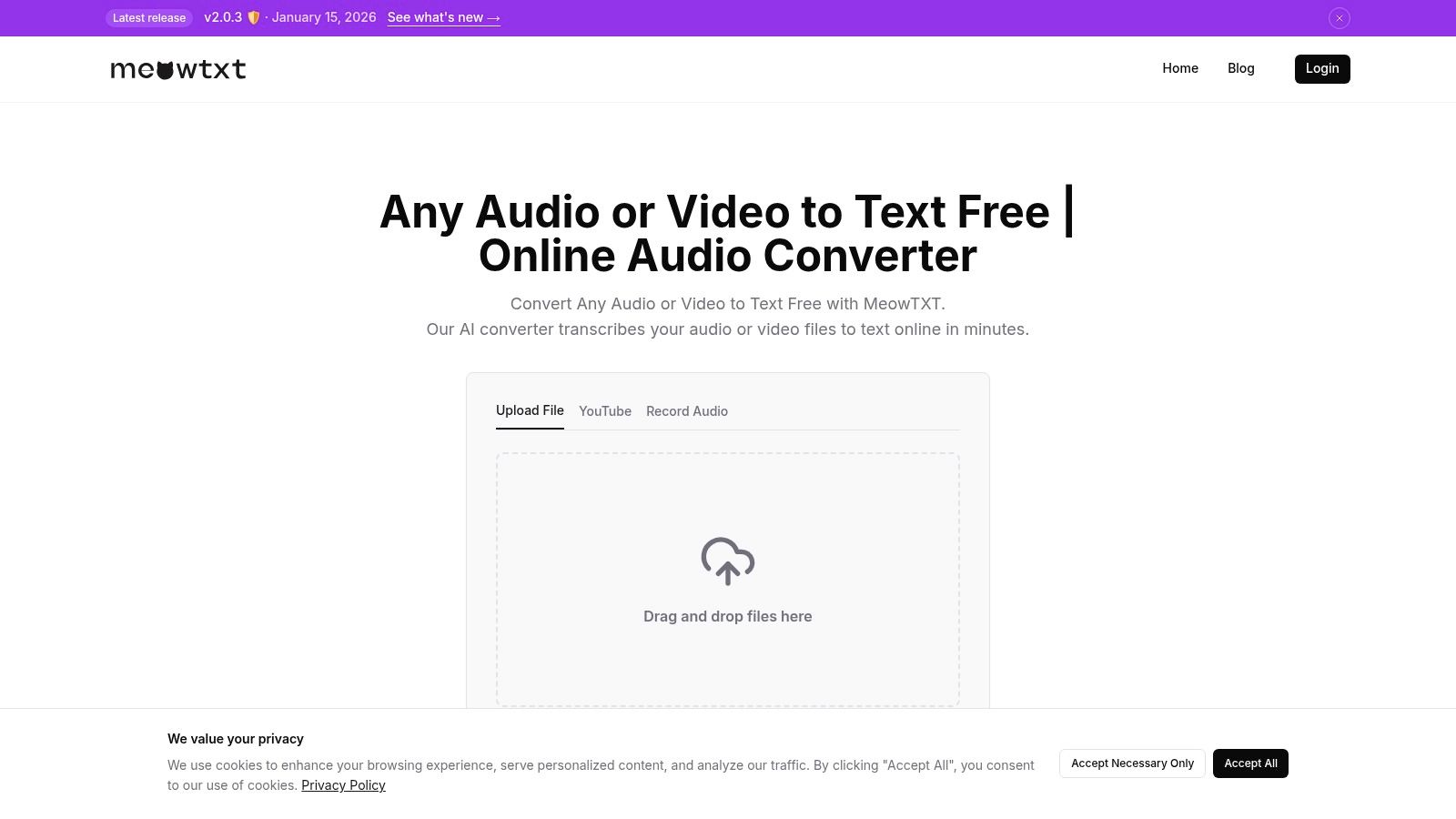
The workflow is streamlined and intuitive. Users can simply drag and drop files, import directly from YouTube, or use a one-tap mobile recording feature. Meowtxt then processes this media at speeds up to 40× real-time, boasting an impressive accuracy rate of approximately 97.5%.
Key Features and Use Cases
Beyond basic transcription, Meowtxt provides a suite of advanced tools right out of the box. Every transcript includes speaker identification and precise, word-level timestamps, which are crucial for editing and analysis. An AI-generated summary offers a quick overview of key points, while the ability to instantly translate text into over 100 languages makes content globally accessible.
This versatility serves several key use cases:
- Podcasters and YouTubers: Can quickly generate accurate SRT/VTT files for captions, improving accessibility and SEO. The simple workflow significantly cuts down on production time.
- Business and Legal Teams: Benefit from fast, searchable transcripts of meetings, depositions, or interviews. The ability to handle industry jargon and export to DOCX or CSV simplifies documentation and analysis.
- Developers: Can integrate transcription directly into their applications using JSON exports, creating a seamless pipeline for media processing and data extraction.
Pricing and Accessibility
Meowtxt's pricing model is notably flexible. New users can transcribe their first 15 minutes for free without registration, providing a frictionless trial. For ongoing needs, options include pay-as-you-go minutes or cost-effective monthly subscriptions that offer substantial discounts. Paid plans also unlock unlimited YouTube imports and file storage, while all uploads are secured with encryption at rest.
| Pros | Cons |
|---|---|
| High Speed & Accuracy: Processes files up to 40x real-time with ~97.5% accuracy. | Source Dependent: Quality of transcription can degrade with poor audio or heavy cross-talk. |
| Versatile Exports: Supports TXT, DOCX, JSON, CSV, SRT, and VTT for various workflows. | Limited Free Tier: Continuous heavy use requires purchasing minutes or a subscription. |
| Value-Added Features: Includes speaker ID, AI summaries, and 100+ language translations. | |
| Flexible Pricing: Offers a free trial, pay-as-you-go, and discounted monthly bundles. |
Website: https://www.meowtxt.com
2. Google Cloud Speech-to-Text
Google Cloud Speech-to-Text is a developer-focused, enterprise-grade transcription service that stands out for its raw power and scalability. Rather than a standalone application, it's an API that developers can integrate directly into their own software, making it a cornerstone for businesses building custom voice-enabled features or high-volume transcription pipelines. Its accuracy is consistently ranked among the best speech to text software available, especially when using its specialized models.
The platform’s key differentiator is its model selection. Users can choose models fine-tuned for specific audio sources like phone calls, video content, and even medical dictation (which requires specific compliance agreements). This specialization allows for significantly higher accuracy in contexts where general-purpose models might struggle with jargon or audio quality. The underlying technology relies on advanced machine learning, a core competency of Google's. You can delve into how this works by reading more about the fundamentals of ASR technology.
Pricing and Use Cases
Pricing is pay-as-you-go and billed per second, which can be complex but cost-effective for variable workloads. Google also offers a "Dynamic Batch" mode, providing substantial discounts for transcribing large archives of non-urgent audio. This makes it ideal for businesses processing historical call center recordings or vast media libraries. For organizations with strict data residency requirements, Google provides an on-premise deployment option via its Anthos platform, ensuring sensitive audio never leaves the company's private infrastructure.
- Best For: Developers, large enterprises, and businesses with specific audio needs (e.g., call centers, media archives).
- Not Ideal For: Individuals needing a simple, one-click transcription tool without technical setup.
| Feature | Details |
|---|---|
| Accuracy & Speed | Very high, especially with specialized models. Real-time streaming is fast. |
| Primary Use Cases | Application development, call center analytics, video captioning at scale, medical dictation. |
| Pricing Model | Pay-as-you-go per second, with volume and batch discounts. A free tier is available for small-scale testing. |
| Privacy & Security | Enterprise-grade security. On-premise deployment via Anthos is a key feature for data-sensitive industries. |
| Website: | cloud.google.com/speech-to-text |
3. Microsoft Azure AI Speech (Speech to Text)
As a direct competitor to Google Cloud, Microsoft Azure AI Speech offers a powerful, enterprise-focused API for converting audio to text. It is deeply integrated into the Microsoft ecosystem, making it a natural choice for organizations already invested in Azure or Microsoft 365. The platform excels in both real-time transcription for live events and batch processing for large audio archives, positioning itself as a versatile tool for corporate deployments and developers.
Azure’s standout features include robust speaker diarization (identifying who spoke when) and multi-language identification within the same audio file. It also provides the flexibility to deploy custom models tailored to specific vocabularies or acoustic environments. For businesses with strict security or connectivity constraints, Azure offers disconnected containers, allowing the speech-to-text engine to run entirely on-premise or at the edge, ensuring data never leaves a private network.
Pricing and Use Cases
Azure’s pricing is pay-as-you-go, metered per audio hour, which offers scalability for various workloads. A generous free tier provides five audio hours per month, making it accessible for developers to experiment and build prototypes without initial investment. The platform's strong compliance certifications (like HIPAA and ISO) make it a trusted choice for regulated industries. This makes it one of the best speech to text software options for large-scale corporate applications, from transcribing Teams meetings to powering voice-enabled customer service bots.
- Best For: Enterprises using the Microsoft stack, developers needing on-premise solutions, and regulated industries.
- Not Ideal For: Casual users seeking a simple drag-and-drop interface for occasional transcription.
| Feature | Details |
|---|---|
| Accuracy & Speed | High accuracy with both real-time streaming and batch processing. |
| Primary Use Cases | Corporate meeting transcription, call center analytics, voice-enabled apps, on-premise deployments. |
| Pricing Model | Pay-as-you-go per audio hour. A generous free tier (5 hours/month) is available for standard models. |
| Privacy & Security | Strong enterprise compliance (HIPAA, ISO). Disconnected containers offer maximum data privacy and control. |
| Website: | azure.microsoft.com/en-us/products/ai-services/speech-to-text |
4. Amazon Transcribe (AWS)
Amazon Transcribe is a core component of Amazon Web Services (AWS), offering a powerful, developer-centric automatic speech recognition (ASR) service. Similar to its competitors, it’s not a ready-to-use app but an API designed for integration into custom workflows. It excels for organizations already invested in the AWS ecosystem, providing seamless connections to services like S3 for storage and Lambda for event-driven processing, making it a natural choice for scaling transcription tasks.
The platform's key strengths lie in its specialized features tailored for business and compliance needs. It offers both batch processing for large audio archives and real-time streaming transcription. Key differentiators include built-in PII (Personally Identifiable Information) redaction to automatically scrub sensitive data from transcripts and custom vocabulary support, which improves accuracy for industry-specific terminology. This makes it a strong contender among the best speech to text software for regulated industries.
Pricing and Use Cases
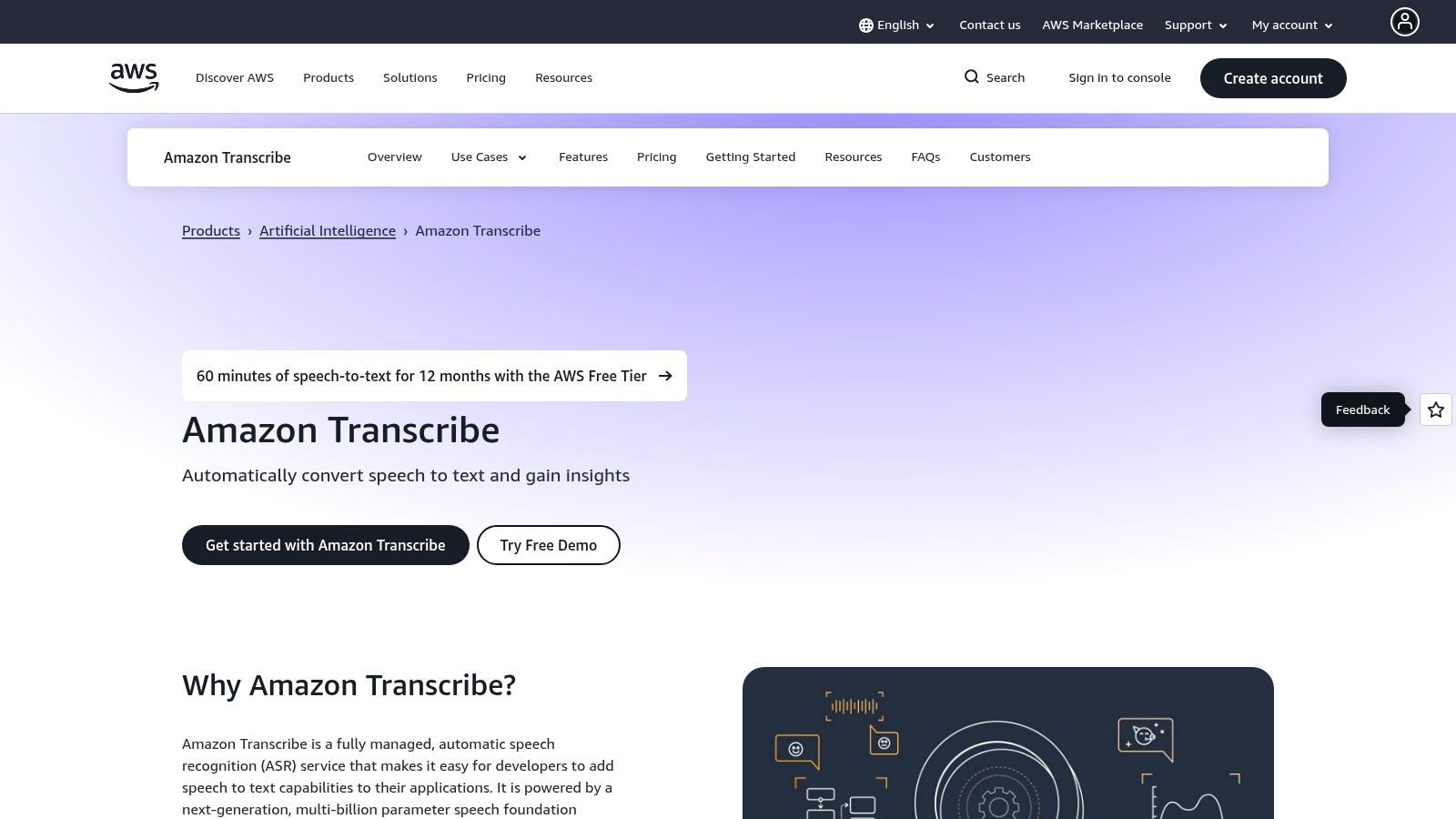
Amazon Transcribe uses a pay-as-you-go pricing model based on the amount of audio transcribed per second, with volume-based discounts. A generous 12-month free tier provides 60 minutes of transcription per month for new AWS customers, allowing for thorough evaluation. This model is ideal for businesses that need to transcribe customer service calls, generate media subtitles, or build voice control into applications. Its native call analytics features also provide out-of-the-box sentiment analysis and call summarization for contact centers.
- Best For: Developers, businesses using the AWS ecosystem, and contact centers needing advanced call analytics.
- Not Ideal For: Non-technical users looking for a simple drag-and-drop transcription tool.
| Feature | Details |
|---|---|
| Accuracy & Speed | High, with real-time streaming capabilities. Custom vocabularies significantly boost accuracy for jargon. |
| Primary Use Cases | Call center analytics, application development, media asset subtitling, compliance-focused transcription. |
| Pricing Model | Pay-as-you-go per second. Tiered discounts apply for high volume. A 12-month free tier is available. |
| Privacy & Security | Enterprise-level security within the AWS framework. PII redaction is a key feature for privacy. |
| Website: | aws.amazon.com/transcribe |
5. OpenAI API (Whisper and GPT-4o-transcribe)
The OpenAI API provides developer access to some of the most advanced and widely recognized transcription models, including Whisper and the newer GPT-4o-transcribe. Instead of a pre-packaged application, this is a toolkit for developers to build sophisticated voice features directly into their own software. It has gained popularity for its strong accuracy and a unified platform that allows for easy integration with other AI modalities, like text generation or analysis, creating a powerful end-to-end workflow.
The primary advantage of using OpenAI's API is its seamless integration within a broader AI ecosystem. A developer can transcribe a meeting with GPT-4o, which supports diarization (speaker identification), and then immediately pass that transcript to a GPT model to generate a summary, identify action items, and perform sentiment analysis. This tight coupling simplifies development significantly. While ChatGPT itself offers some transcription capabilities, the API provides far greater control and power; you can explore this further by reading about how ChatGPT can be used for transcription.
Pricing and Use Cases
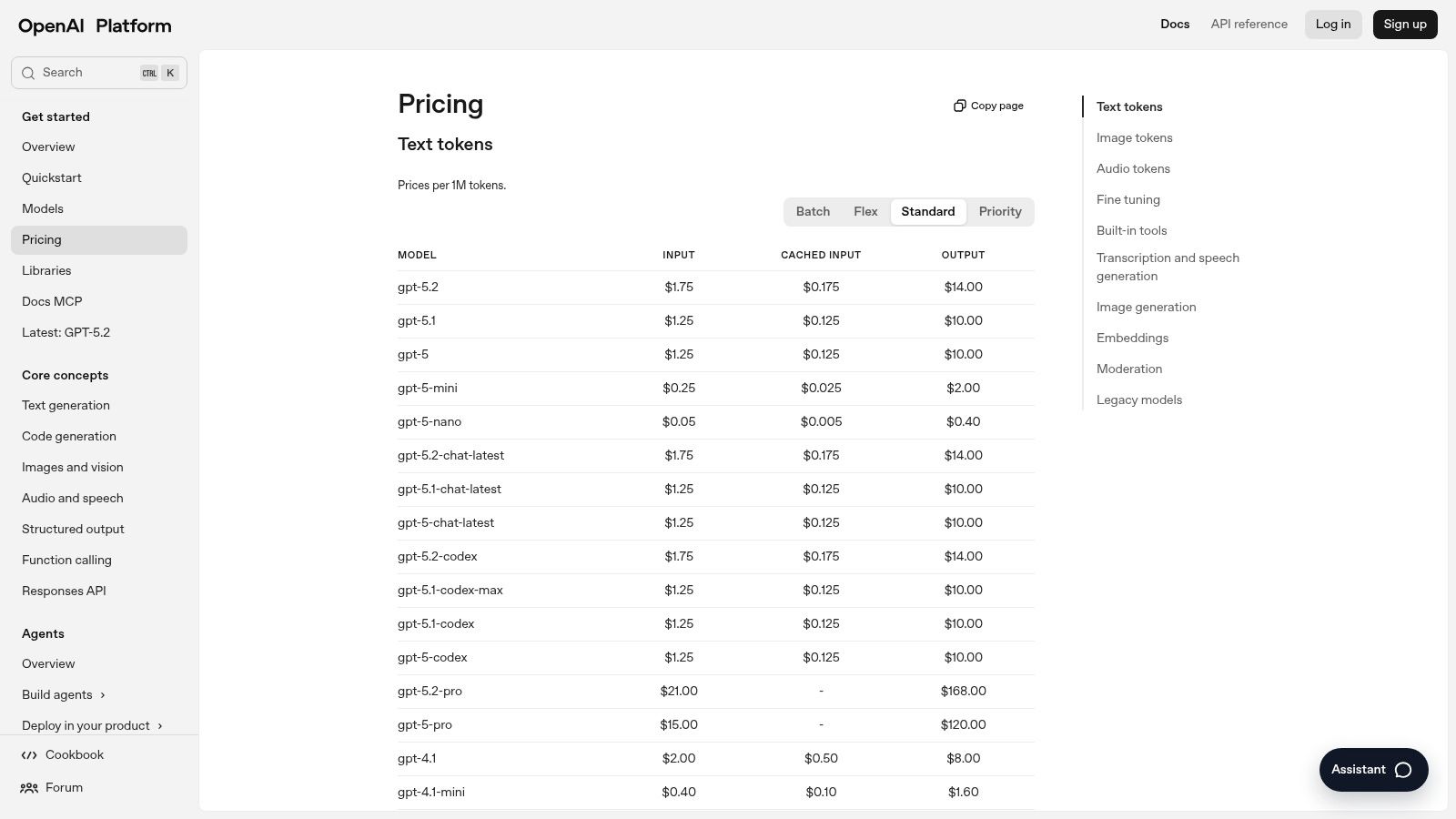
OpenAI employs a very straightforward pay-as-you-go pricing model, billed per minute of audio processed. This transparent structure is appealing for developers and businesses that need predictable costs without complex tiering or subscriptions. Its strong developer experience, comprehensive documentation, and robust performance make it an excellent choice for startups and tech companies building next-generation voice applications, from custom meeting assistants to automated content moderation systems. However, being a cloud-only service, it may not be suitable for organizations with strict data residency requirements.
- Best For: Developers building custom applications, tech startups, and businesses integrating AI workflows.
- Not Ideal For: Non-technical users or companies requiring on-premise data processing.
| Feature | Details |
|---|---|
| Accuracy & Speed | High accuracy with both Whisper and GPT-4o models. Processing is fast for batch and near-real-time use cases. |
| Primary Use Cases | Custom application development, integrated AI workflows (transcribe + summarize), voice-enabled products. |
| Pricing Model | Simple pay-as-you-go per minute. |
| Privacy & Security | Standard cloud security practices. Limited controls for data residency, which may be a concern for some. |
| Website: | platform.openai.com/pricing |
6. Deepgram
Deepgram is an AI-powered speech-to-text API engineered for speed, accuracy, and developer-centric control. Positioned as a high-performance alternative to hyperscalers, it excels in real-time streaming and batch processing, making it one of the best speech to text software options for applications demanding low latency. Its modern architecture allows for rapid model training and deployment, providing businesses with tailored solutions that can outperform generic models.
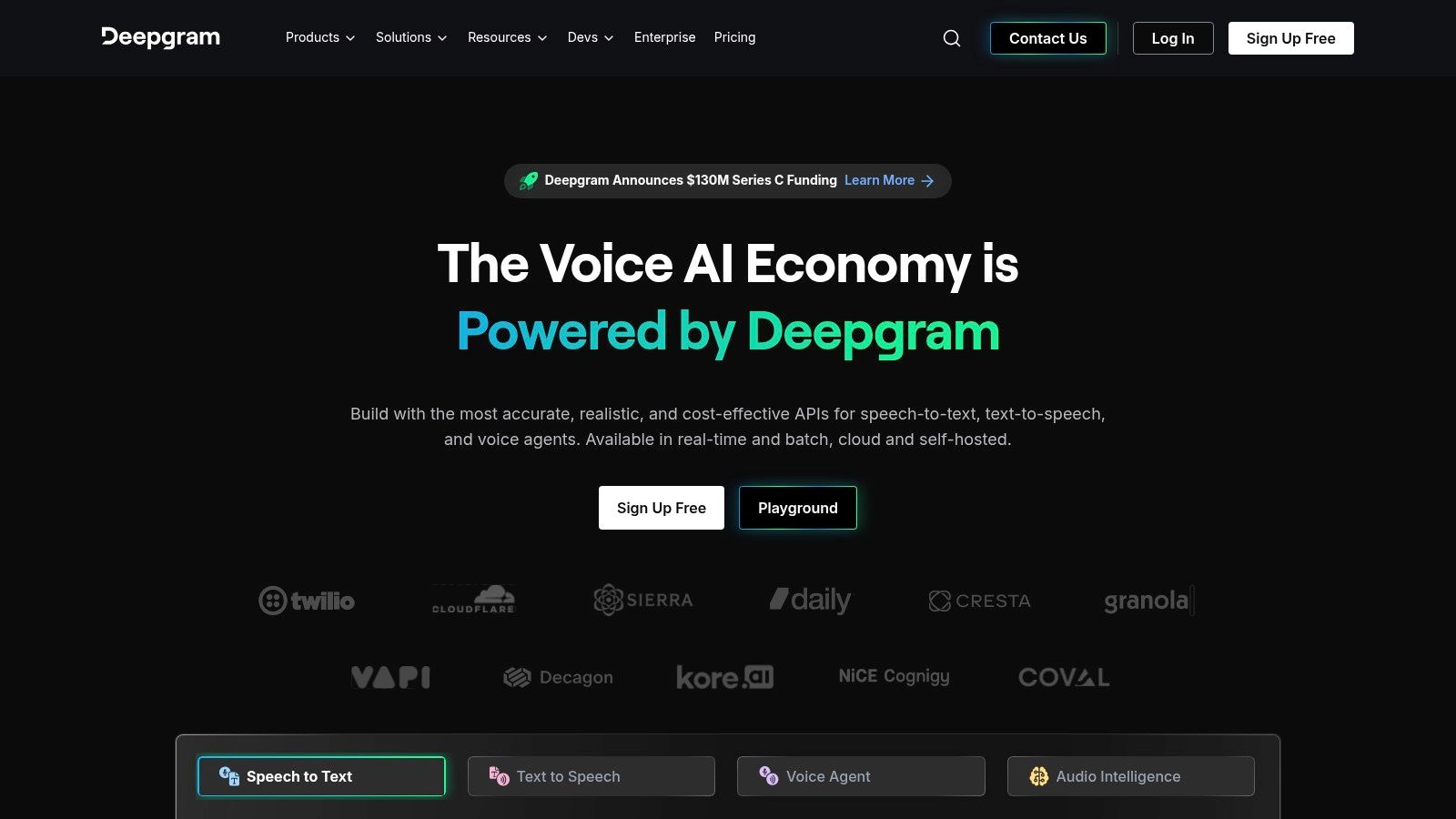
The platform’s standout features are its proprietary Nova-2 model and a managed version of OpenAI's Whisper, giving developers a choice between Deepgram's cost-effective accuracy and Whisper's broad language support. Features like real-time diarization, word-level timestamps, and smart formatting are built-in, simplifying the development of sophisticated voice applications like AI sales agents or live meeting analysis tools. This focus on performance and advanced features makes it a powerful engine for building next-generation voice experiences.
Pricing and Use Cases
Deepgram offers a pay-as-you-go pricing model with generous free credits (currently $200) for new users to test the platform extensively. Its pricing is competitive, particularly for high-volume streaming and batch transcription, which appeals to startups and enterprises looking to scale cost-effectively. Pre-built SDKs in popular languages like Python and JavaScript accelerate integration, reducing the time from concept to deployment. The API is ideal for building real-time captioning, voice-controlled interfaces, and call center analytics where speed is critical.
- Best For: Developers building real-time voice applications, startups needing a scalable transcription API, and companies focused on call center or agent-assist tools.
- Not Ideal For: Non-technical users looking for a simple drag-and-drop web application for occasional transcription.
| Feature | Details |
|---|---|
| Accuracy & Speed | Extremely fast with low latency for real-time streaming. High accuracy with Nova-2 and Whisper models. |
| Primary Use Cases | Real-time transcription, voice bots, call center analytics, media captioning, conversational AI. |
| Pricing Model | Pay-as-you-go with a substantial free tier ($200 in credits) and competitive per-minute rates. |
| Privacy & Security | Enterprise-grade security protocols. On-premise deployment options are available for data-sensitive customers. |
| Website: | deepgram.com |
7. Speechmatics
Speechmatics is a powerful and versatile speech-to-text provider known for its extensive language support and flexible deployment options, catering to both developers and large enterprises. It positions itself as a strong contender in the best speech to text software landscape by offering highly accurate real-time and batch transcription through a clear, developer-friendly API. Its commitment to covering a wide array of languages and dialects makes it a go-to solution for global media, broadcast, and contact center operations.
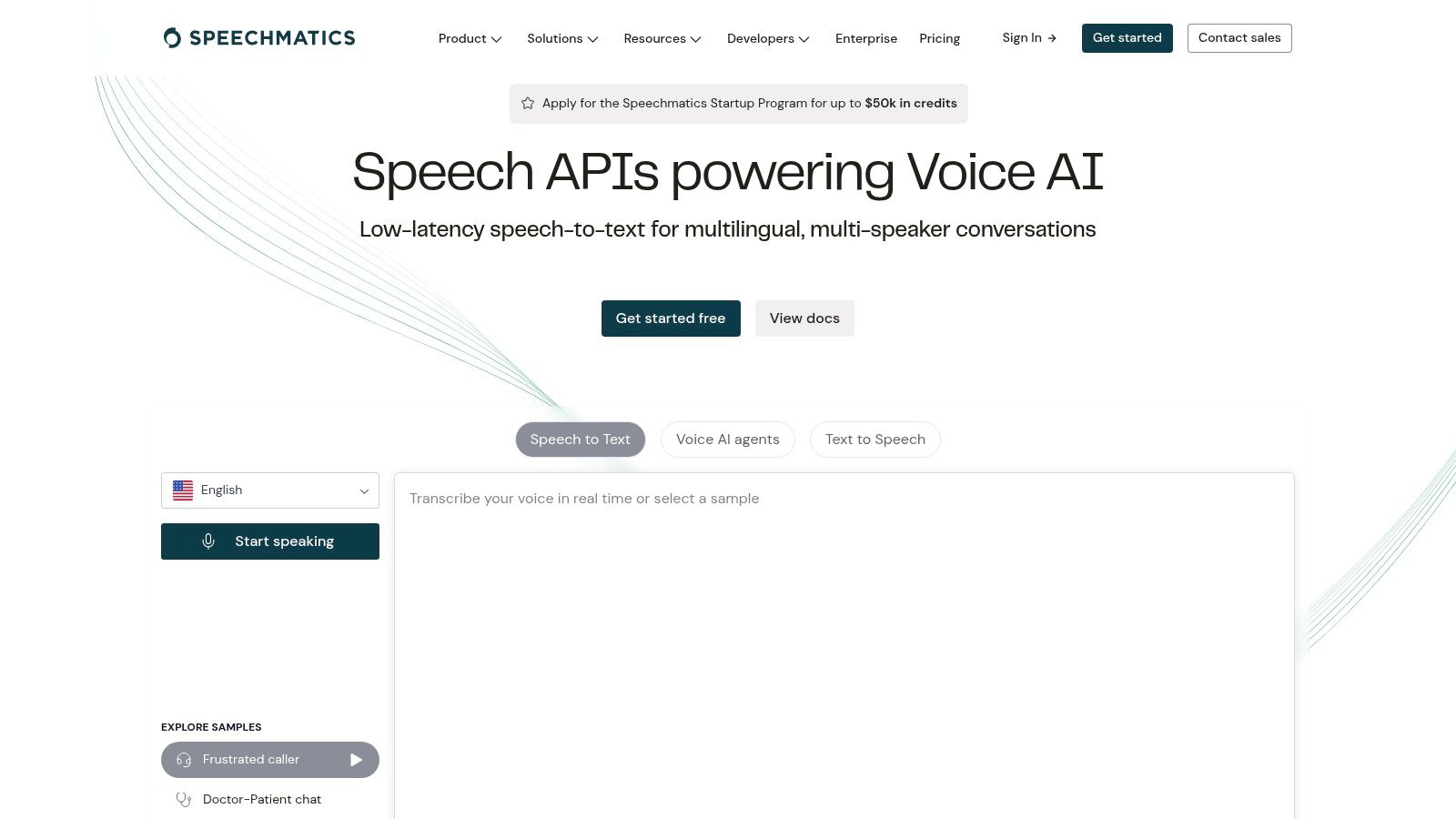
The platform’s standout feature is its Autonomous Speech Recognition engine, which is engineered for high accuracy across a broad spectrum of audio qualities and accents without needing extensive model training. Users can choose between Standard and Enhanced transcription models, with the latter offering superior accuracy for a higher price point. This flexibility allows businesses to balance cost and performance based on the specific needs of their transcription tasks, from internal meeting notes to broadcast-quality captioning.
Pricing and Use Cases
Speechmatics offers a transparent, consumption-based pricing model that bills per hour of audio processed, with different rates for its Standard and Enhanced models. A generous free tier provides 480 minutes per month for testing and low-volume use. For businesses with stringent data privacy or latency requirements, Speechmatics provides on-premise and private cloud deployment options, ensuring that sensitive audio data remains within the organization's control. This makes it an excellent choice for government, finance, and healthcare sectors.
- Best For: Global enterprises, media companies, and developers needing broad language support and deployment flexibility.
- Not Ideal For: Casual users who need a simple, no-code application for occasional transcription.
| Feature | Details |
|---|---|
| Accuracy & Speed | High accuracy with Standard and Enhanced models. Offers robust real-time streaming capabilities. |
| Primary Use Cases | Broadcast media captioning, call center analytics, global market research, application integration. |
| Pricing Model | Pay-as-you-go per hour. Includes a free monthly allowance of 480 minutes. Custom enterprise plans available. |
| Privacy & Security | Strong cloud security. On-premise and private cloud deployments are key for data-sensitive organizations. |
| Website: | www.speechmatics.com |
8. Otter.ai
Otter.ai has carved out a powerful niche as a meeting-focused transcription service and AI notetaker. Rather than a general-purpose tool, it's designed to integrate directly with your workflow by connecting to calendars and automatically joining Zoom, Google Meet, or Microsoft Teams calls. It acts as a dedicated meeting assistant, capturing conversations in real-time and identifying different speakers to produce a structured, actionable transcript. For teams drowning in back-to-back meetings, it stands out as one of the best speech to text software solutions for automating documentation.
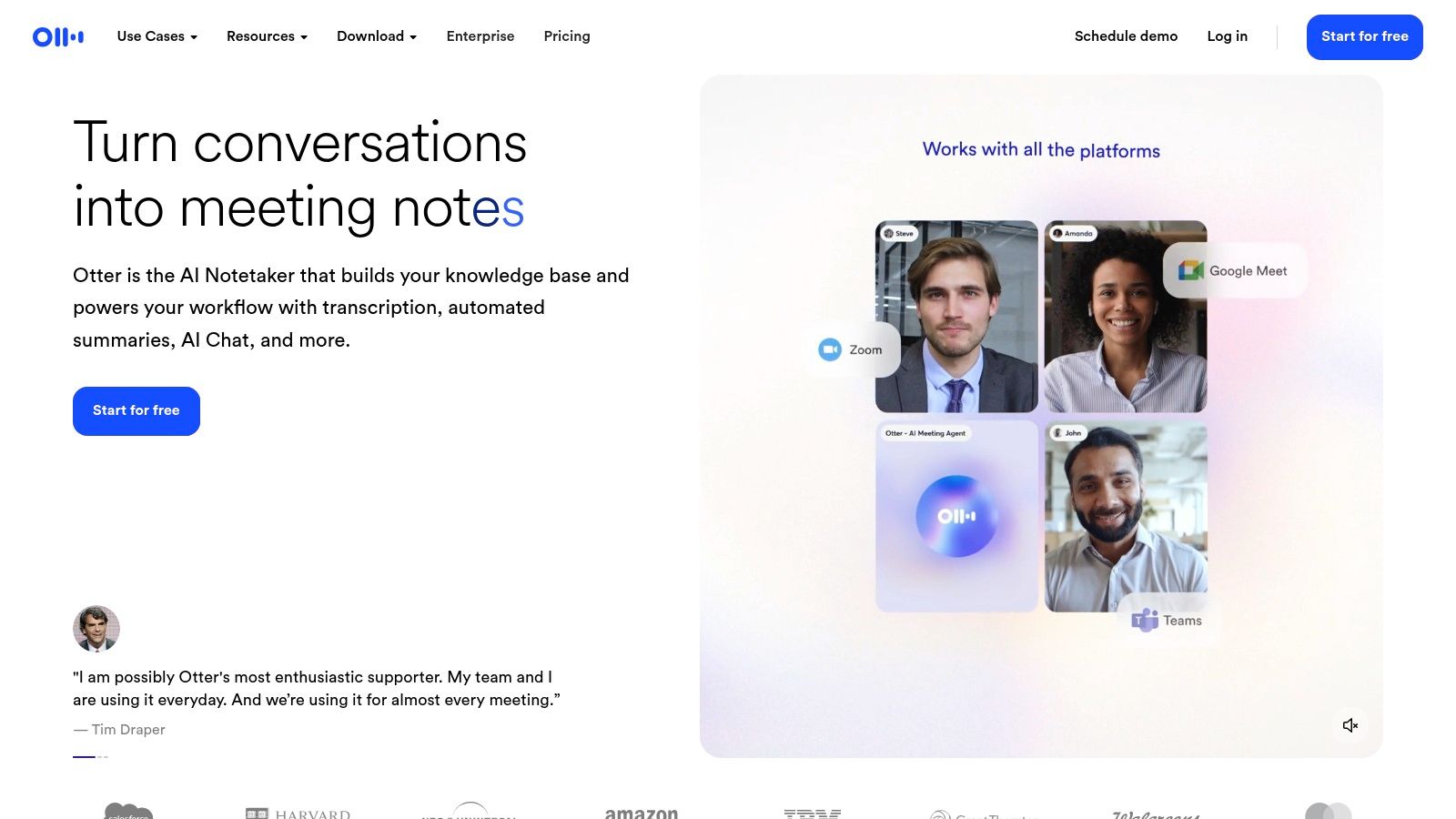
The platform’s key differentiator is its post-meeting intelligence. Once the call is over, Otter generates a clickable summary, outlines key topics, and identifies action items. Users can search the entire conversation, add comments, highlight key takeaways, and share the notes with colleagues in a collaborative workspace. This turns a simple transcript into a productivity hub, which is why it's so popular among project managers, consultants, and remote teams looking to improve meeting efficiency and accountability.
Pricing and Use Cases
Otter.ai operates on a freemium model. The free Basic plan offers limited transcription minutes, while paid tiers (Pro, Business, and Enterprise) unlock more minutes, advanced features like custom vocabulary, and deeper team integrations. The value scales well for organizations that rely heavily on virtual meetings for decision-making and project updates. It's less suited for developers needing a raw API or users transcribing long-form, non-meeting audio like podcasts or interviews, as its feature set and pricing are optimized for collaborative, conversational content.
- Best For: Business teams, project managers, students, and anyone needing automated meeting notes and summaries.
- Not Ideal For: Developers needing an API, users with high-volume non-meeting audio, or those requiring offline functionality.
| Feature | Details |
|---|---|
| Accuracy & Speed | High accuracy for multi-speaker conversations in English. Real-time transcription is a core feature. |
| Primary Use Cases | Automated meeting notes, live transcription for virtual calls, team collaboration, interview documentation. |
| Pricing Model | Freemium. Paid plans are subscription-based (per user/month) and offer more minutes and advanced features. |
| Privacy & Security | Data is encrypted. Enterprise plans offer more advanced security controls like SSO and org-wide deployment. |
| Website: | otter.ai |
9. Rev
Rev offers a unique hybrid approach in the speech-to-text market by combining AI-powered transcription with professional human-led services on a single platform. This makes it a go-to choice for users who need a mix of speed and guaranteed accuracy. You can opt for its fast, automated AI transcription for quick turnarounds or choose human transcription for files that require near-perfect accuracy, such as legal proceedings or final-cut video captions.
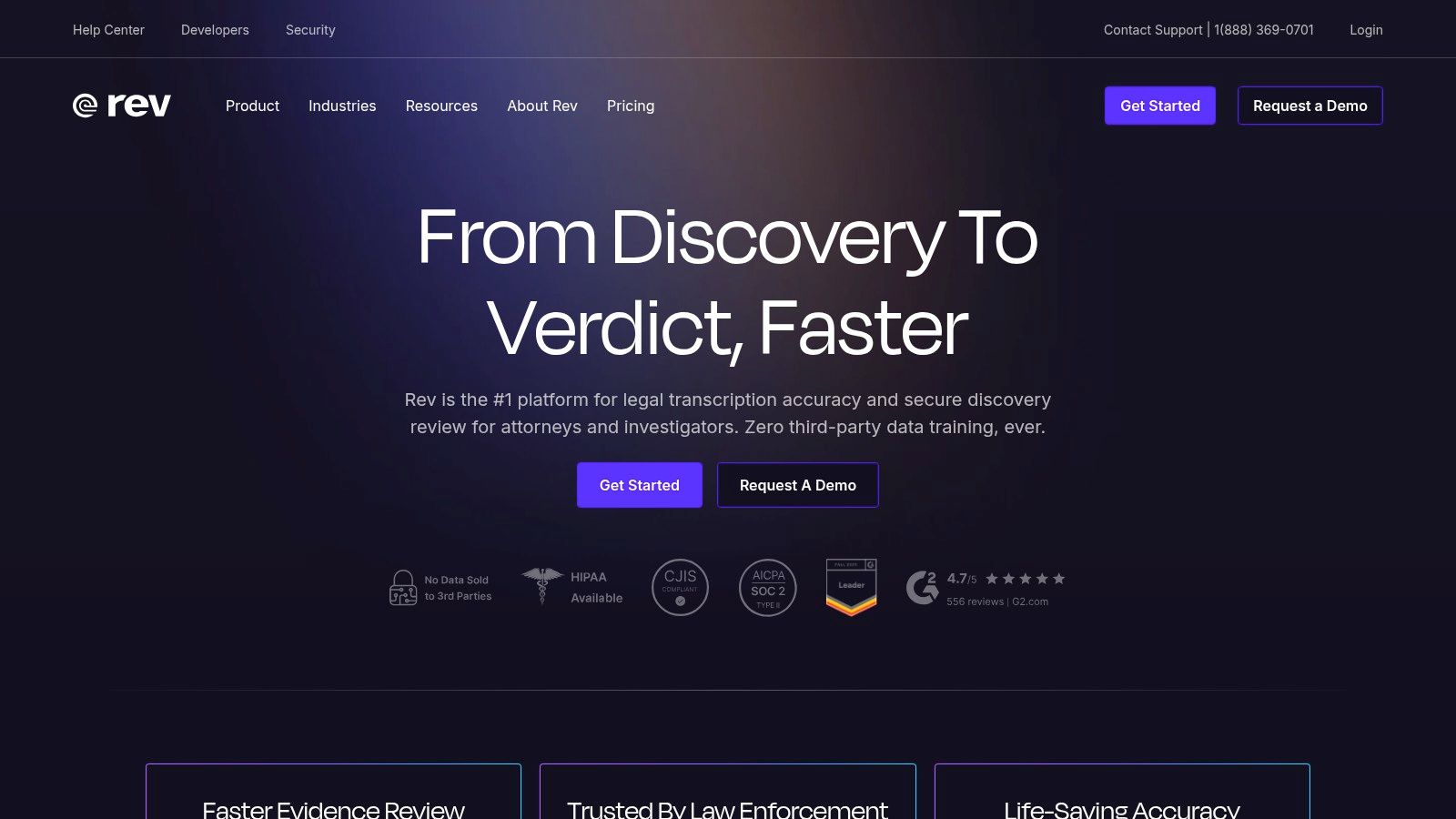
The platform’s key differentiator is its one-stop-shop model. A team might use the AI service for transcribing internal meeting notes and then switch to the human service for public-facing content where errors are unacceptable. Rev also offers an AI Notetaker and subscription bundles with large monthly minute allowances, catering to teams with high-volume, recurring needs. For those just getting started, understanding the basics can be helpful; you can read more about how to transcribe audio files effectively.
Pricing and Use Cases
Rev provides clear, transparent pricing with both pay-as-you-go and subscription options. The AI transcription is competitively priced per minute, while human services have a higher per-minute rate reflecting the manual review process. The subscription plans are particularly useful for businesses that can anticipate their monthly usage, offering significant cost savings on AI minutes and team collaboration features. This flexibility makes Rev one of the best speech to text software choices for organizations that need both speed and precision.
- Best For: Content creators, legal professionals, and businesses needing a mix of AI speed and guaranteed human accuracy.
- Not Ideal For: Users seeking the absolute lowest-cost AI-only transcription or who do not need human review.
| Feature | Details |
|---|---|
| Accuracy & Speed | AI is fast with high accuracy; human service is slower but offers 99% accuracy. |
| Primary Use Cases | Video captions, podcasts, legal depositions, market research interviews, and meeting transcription. |
| Pricing Model | Pay-per-minute for both AI and human services. Subscription bundles available for high-volume AI usage. |
| Privacy & Security | Secure platform with confidentiality agreements in place for human transcribers. |
| Website: | https://www.rev.com/ |
10. Descript
Descript redefines transcription by integrating it directly into an all-in-one audio and video editor. Instead of just delivering a text file, Descript treats your transcript as the primary interface for editing media. This unique approach allows podcasters, YouTubers, and video creators to edit audio and video simply by editing the text transcript, dramatically speeding up the production workflow. It's less a standalone transcription service and more a complete content creation suite powered by exceptionally good speech-to-text software.
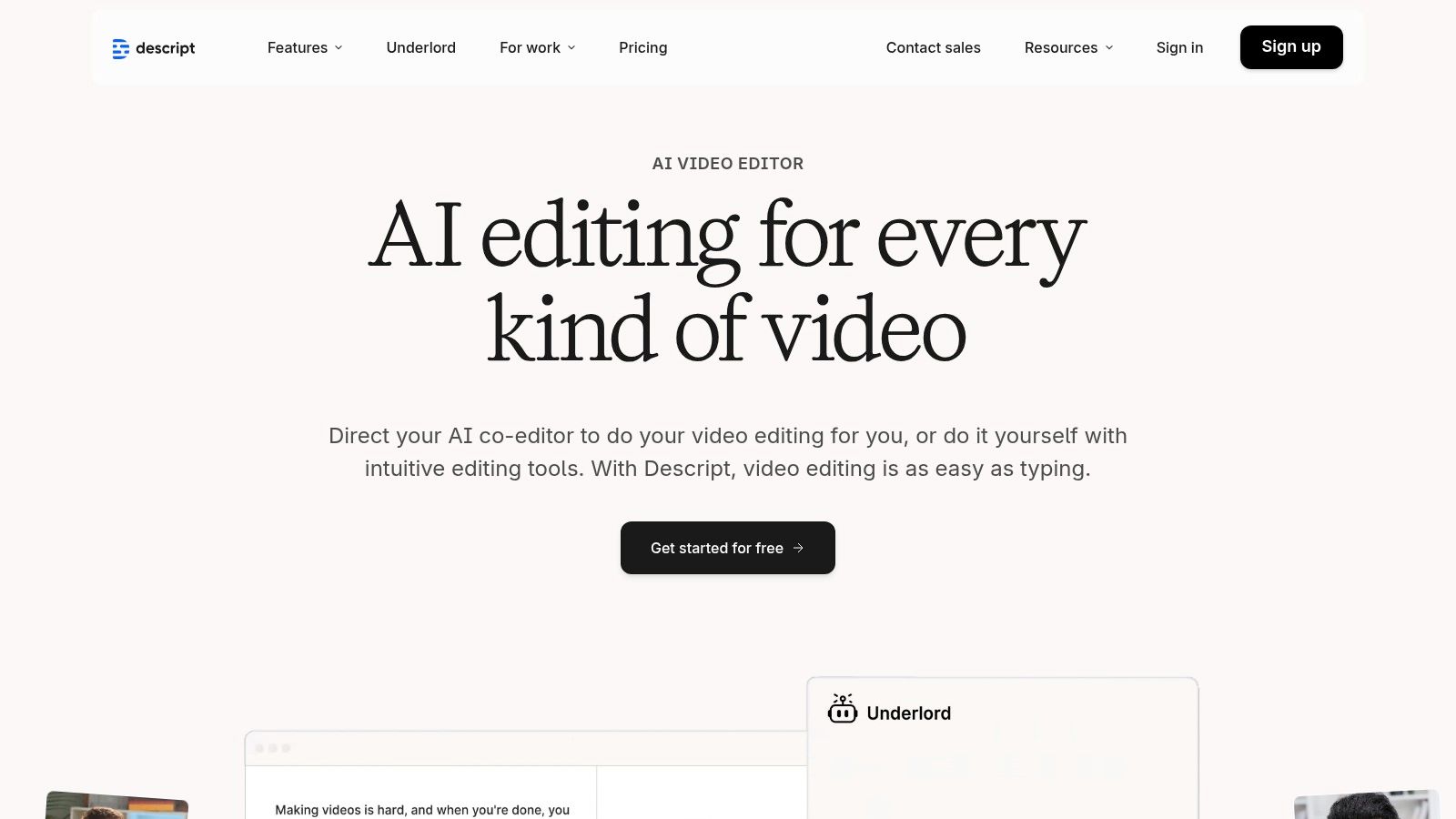
The platform's standout feature is its text-based editing model. Deleting a word or sentence in the transcript automatically cuts the corresponding audio or video segment, while rearranging text blocks shuffles the media clips accordingly. Descript also includes powerful AI features like Studio Sound, which removes background noise with a single click, and Overdub, which lets you create an AI clone of your voice to correct mistakes or add new words without re-recording. This makes it an invaluable tool for creators focused on producing polished, high-quality content efficiently.
Pricing and Use Cases
Descript operates on a subscription model with tiered plans that include a set number of transcription hours per month. For users who need more, additional transcription hours can be purchased. The free plan is excellent for trying out the core features, while paid plans unlock more transcription time, advanced features like Overdub, and collaborative tools for teams. This makes it a scalable solution, from solo creators to entire production teams working on complex projects.
- Best For: Podcasters, video creators, YouTubers, and marketers who need transcription as part of a larger editing workflow.
- Not Ideal For: Users needing a simple, bulk transcription API or those who don't require media editing capabilities.
| Feature | Details |
|---|---|
| Accuracy & Speed | High accuracy for clean audio. Transcription is fast, often completed in minutes. |
| Primary Use Cases | Podcast editing, video production, social media content creation, correcting audio with AI voice. |
| Pricing Model | Tiered subscription plans (Free, Creator, Pro) with included monthly transcription hours. |
| Privacy & Security | Standard security practices. Data is processed to provide the service; users control their content. |
| Website: | www.descript.com |
11. Nuance (Microsoft) Dragon Professional — Official Store
Nuance Dragon Professional is a long-standing leader in dictation software, offering a robust, on-device solution for Windows users. Unlike cloud-based services, Dragon processes all audio locally, providing a significant advantage for those with strict privacy requirements or unreliable internet access. It excels at single-speaker dictation, learning the user's voice and vocabulary over time to achieve exceptional accuracy for creating documents, composing emails, and navigating applications via voice command. This makes it one of the best speech to text software options for dedicated professional workflows.
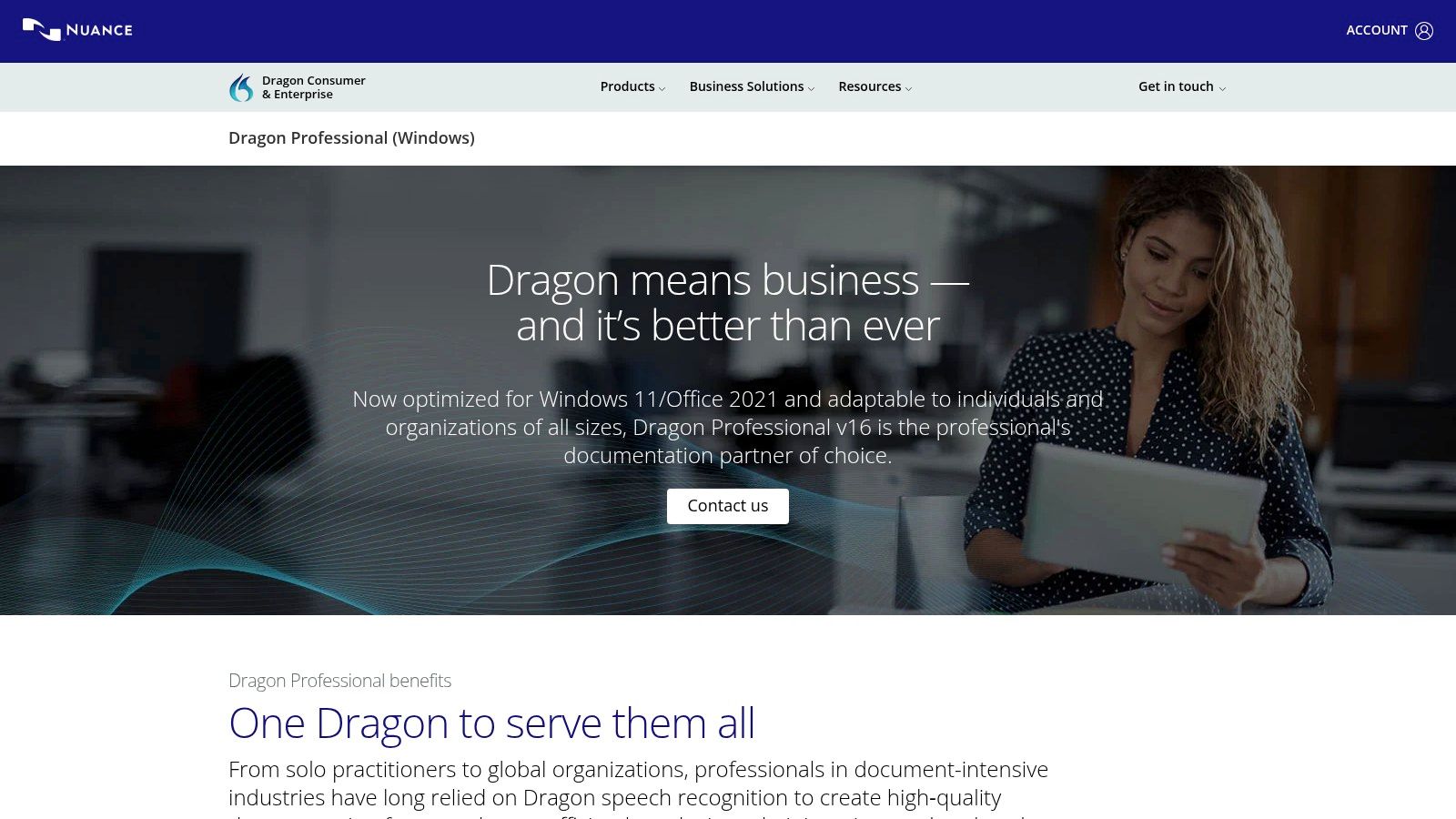
The key differentiator for Dragon is its deep customization and offline functionality. Users can create custom commands to automate repetitive tasks and add specialized terminology to its vocabulary, tailoring the software precisely to their field, whether it's legal, medical, or academic. Its personalized acoustic and language adaptation means the software gets progressively better and faster the more you use it. This focus on individual productivity and control sets it apart from subscription models geared toward multi-speaker meeting transcription.
Pricing and Use Cases
Dragon Professional is sold with a perpetual license, meaning you pay a one-time fee for the software without recurring subscription costs. While the initial investment is higher than many monthly services, it can be more cost-effective in the long run for heavy individual users. This model is ideal for professionals like lawyers, writers, and academics who spend hours dictating daily and require a tool that works seamlessly within their Windows environment without sending sensitive data to the cloud.
- Best For: Professionals (legal, medical, academic) needing heavy-duty, single-user dictation and workflow automation on Windows.
- Not Ideal For: Transcribing multi-speaker meetings, collaboration, or users on macOS.
| Feature | Details |
|---|---|
| Accuracy & Speed | High accuracy for single-speaker dictation, which improves over time. Processing is fast as it's done locally. |
| Primary Use Cases | Document creation, email dictation, hands-free computer control, professional note-taking. |
| Pricing Model | One-time perpetual license fee. No recurring subscription costs for usage. |
| Privacy & Security | Maximum privacy with all processing done on-device. No audio data is sent to the cloud. |
| Website: | shop.nuance.com/dragon-professional |
12. Staples — Dragon Professional v16 (Download)
While not a software developer itself, Staples provides a crucial procurement channel for one of the most established names in dictation: Dragon Professional. For organizations with strict vendor policies or those that prefer purchasing through major retailers for invoicing and simplicity, Staples offers an official, straightforward way to acquire licenses. This isn't about new features, but about access and procurement efficiency, making it a key destination for corporate and institutional buyers looking for some of the best speech to text software available in a downloadable format.
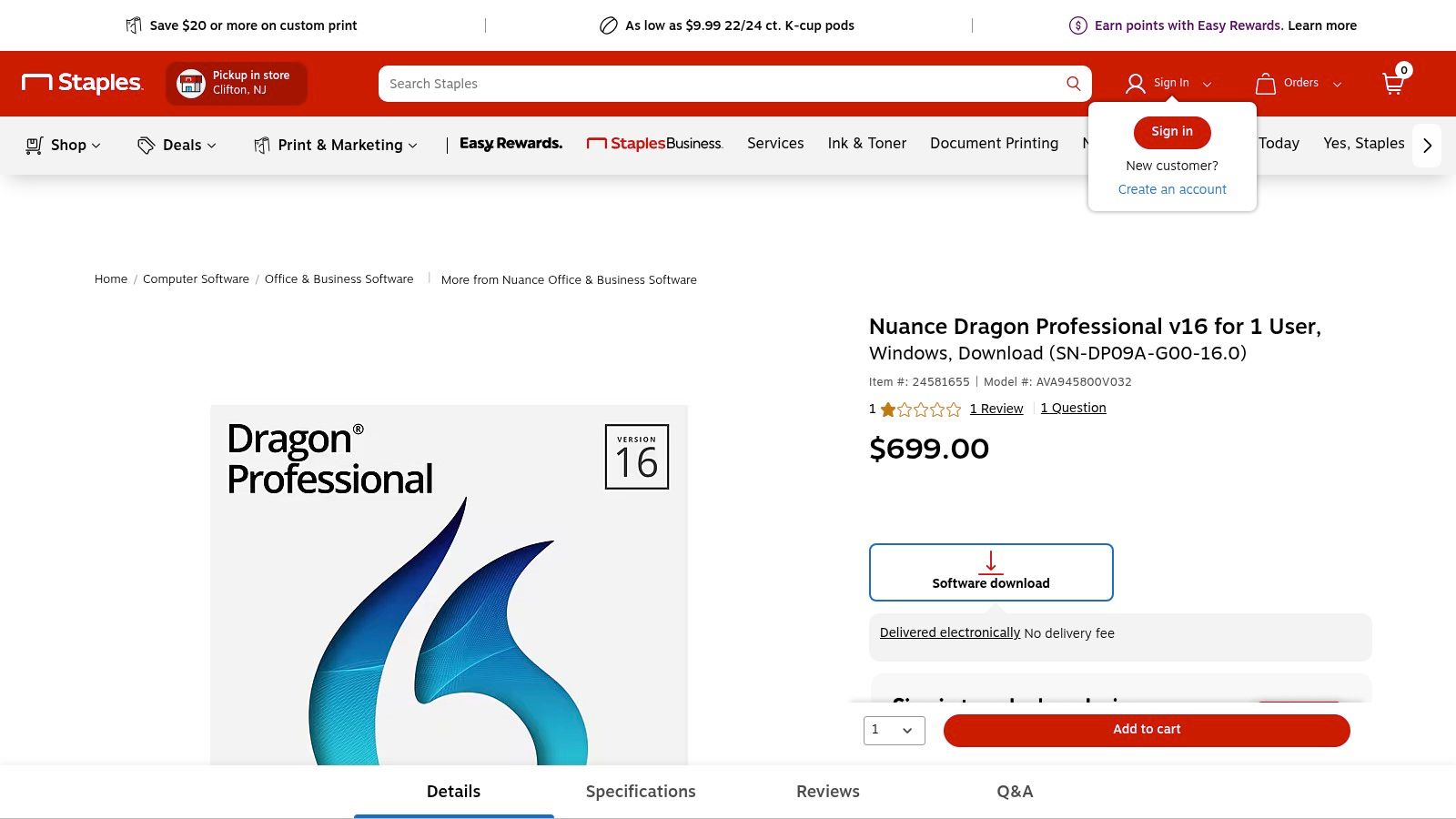
The key advantage here is process. Many companies have Staples pre-approved as a vendor, which dramatically simplifies the purchase order and payment process compared to setting up a new account directly with a software developer. The platform provides an electronic delivery of the license key and download link, enabling immediate deployment after purchase. It also facilitates bulk purchases, allowing IT departments to easily equip entire teams or departments with Dragon's powerful, locally-run dictation and transcription capabilities without complex enterprise agreements.
Pricing and Use Cases
Pricing is typically set at the manufacturer's suggested retail price (MSRP) for a perpetual license of Dragon Professional v16. While discounts are less common than on other platforms, the value comes from the streamlined procurement and the trust associated with a major national retailer. This purchasing route is ideal for legal firms, medical practices, and government agencies that require formal invoices and need to adhere to established purchasing protocols. It ensures a legitimate license is acquired through a familiar, reliable business-to-business transaction.
- Best For: Businesses, government agencies, and educational institutions that need to purchase Dragon through an approved, established retailer.
- Not Ideal For: Individual users or small businesses looking for the lowest price or subscription-based models.
| Feature | Details |
|---|---|
| Accuracy & Speed | N/A (Platform for purchasing Dragon software). Dragon itself offers high accuracy for professional dictation. |
| Primary Use Cases | Corporate procurement, bulk license purchasing for teams, fulfilling IT hardware/software bundles. |
| Pricing Model | One-time perpetual license fee for Dragon Professional v16, typically at MSRP. |
| Privacy & Security | Secure purchasing through a major retailer. The software itself (Dragon) runs locally on the user's machine. |
| Website: | staples.com/nuance-dragon-professional-v16 |
Top 12 Speech-to-Text Tools — Quick Comparison
| Service | Core features | Quality & UX (★) | Pricing & Value (💰) | Target audience (👥) | Unique selling points (✨) |
|---|---|---|---|---|---|
| 🏆 meowtxt | Drag‑&‑drop, MP3/MP4/WAV, 40× speed, speaker ID, timestamps, 100+ translations, AI summaries | ★★★★☆ (~97.5% accuracy); fast, editable transcripts | 💰 Free 15m; pay‑as‑you‑go; Subs: Starter $4.99/500m, Plus $9.99/1200m, Pro $14.99/3k m; volume discounts | 👥 Creators, podcasters, teams, researchers, devs | 🏆 ✨ Instant translations, ChatGPT integration, mobile one‑tap, encrypted storage, multiple export formats |
| Google Cloud Speech‑to‑Text | Multiple model families (phone/video/medical), real‑time & batch, Anthos on‑prem | ★★★★☆ Enterprise‑grade; scalable and mature UX | 💰 Pay‑as‑you‑go; dynamic batch discounts; complex pricing matrix | 👥 Enterprises, archives, devs needing scale/data residency | ✨ Tuned models, dynamic batch pricing, deep Google Cloud integration |
| Microsoft Azure AI Speech | Real‑time/batch, diarization, language ID, offline containers | ★★★★☆ Strong enterprise compliance; integrated with M365 | 💰 Free 5h/month F0; pay‑as‑you‑go; region/model pricing variance | 👥 Microsoft shops, enterprises, Teams users | ✨ Offline containers, Teams/M365 integration, custom models |
| Amazon Transcribe (AWS) | Streaming & batch, PII redaction, custom vocab, call analytics | ★★★★☆ Reliable for contact centers; good timestamps | 💰 Pay‑as‑you‑go; 12‑mo free tier (60m/mo); tiered discounts | 👥 AWS users, contact centers, devs | ✨ PII redaction, S3/Lambda integration, call analytics |
| OpenAI API (Whisper / GPT‑4o‑transcribe) | Whisper + GPT‑4o models, diarization, LLM pairing | ★★★★☆ Strong transcription + LLM post‑processing | 💰 Simple per‑minute pricing; cloud‑only; rate limits possible | 👥 Developers, apps needing LLM integration | ✨ Easy developer UX; combine transcription with LLM workflows |
| Deepgram | Low‑latency streaming, diarization, Nova models, timestamps | ★★★★☆ Optimized for low‑latency & streaming | 💰 Competitive list pricing; trial credits available | 👥 Real‑time voice/agent pipelines, devs | ✨ Low‑latency streaming, accuracy/price tuned Nova models |
| Speechmatics | Cloud & on‑prem, 55+ languages, real‑time & batch | ★★★★☆ Wide language coverage; consistent UX | 💰 Clear per‑hour pricing; free 480m/month offer | 👥 Media, global enterprises, localization teams | ✨ Broad language support, enterprise deployment options |
| Otter.ai | Calendar sync, auto‑join meetings, speaker ID, summaries | ★★★★☆ Meeting‑focused UX; strong collaboration tools | 💰 Good team value; limits on lower plans | 👥 Teams, meeting‑heavy users, creators | ✨ Meeting automation, collaborative notes, auto summaries |
| Rev | AI + human transcription, AI Notetaker, mobile app | ★★★★★ (human) / ★★★★☆ (AI) — accuracy-guaranteed with human option | 💰 Human transcriptions cost more; clear a‑la‑carte and subs | 👥 Legal/media teams, users needing guaranteed accuracy | ✨ Human+AI in one vendor, guaranteed accuracy option |
| Descript | Text‑based audio/video editing, Overdub, multitrack | ★★★★☆ Creator‑friendly editor + STT | 💰 Plans include transcription hours; add‑ons available | 👥 Podcasters, video creators, editors | ✨ Integrated editing + Overdub voice cloning, Studio Sound |
| Nuance Dragon Professional | On‑device dictation, personalized adaptation, custom commands | ★★★★☆ Excellent for single‑speaker offline dictation | 💰 One‑time perpetual license; higher upfront cost | 👥 Professionals (legal/medical), heavy single‑speaker users | ✨ Offline processing, personalized models, no recurring fees |
| Staples — Dragon (reseller) | Retail delivery of Dragon license/download | ★★★★☆ Same Dragon quality; retailer convenience | 💰 MSRP retail pricing; bulk purchase options, invoicing | 👥 Organizations preferring retail procurement | ✨ Fast license delivery, invoicing & bulk purchase via retailer |
Making the Right Choice for Your Transcription Needs
Navigating the landscape of modern transcription tools reveals a clear truth: the best speech to text software is not a one-size-fits-all solution. Your ideal choice hinges entirely on your specific needs, workflow, and technical comfort level. Throughout this guide, we've explored a diverse range of powerful options, from developer-centric APIs to user-friendly applications, each with its own distinct advantages and limitations.
The journey to find your perfect transcription partner begins with a clear understanding of your primary goal. Are you building a custom application that requires programmatic access to transcription? Or are you a content creator looking to generate captions and show notes with minimal friction? Answering this fundamental question is the first and most critical step.
Key Takeaways: From APIs to Applications
Our analysis highlights a distinct split in the market. On one side, you have the raw power and scalability of cloud-based APIs from giants like Google Cloud, Microsoft Azure, Amazon Transcribe, and innovators like Deepgram and OpenAI. These services are the engines of the transcription world, offering unparalleled accuracy, language support, and customization for developers who can integrate them into larger systems. They are the go-to for building transcription features into apps, analyzing massive audio archives, or handling complex, high-volume enterprise workflows.
On the other side are purpose-built applications designed for end-users. Tools like Otter.ai excel at real-time meeting transcription and collaboration, creating an interactive, shareable record of discussions. Descript redefines content creation by treating audio and video editing like a text document, a game-changer for podcasters and YouTubers. And legacy software like Dragon Professional continues to serve niche professional markets requiring deep vocabulary customization and offline functionality.
How to Choose Your Ideal Transcription Tool
To make an informed decision, move beyond feature lists and focus on these practical considerations:
- Workflow Integration: How easily does the tool fit into your existing process? For a creator, this might mean seamless export to SRT files or direct integration with editing software. For a business team, it could be calendar integration and automatic sharing with participants.
- Accuracy vs. Context: Raw accuracy is important, but contextual understanding is crucial. Does the software correctly identify speakers, punctuate sentences logically, and handle industry-specific jargon? Test each potential tool with a sample of your own audio to gauge its real-world performance.
- Cost vs. Value: Don't just look at the price tag. Evaluate the total cost of ownership, including the time you save. A slightly more expensive tool that delivers 99% accuracy and perfect formatting might save you hours of manual editing, offering a far greater return on investment than a cheaper, less accurate alternative.
- Security and Privacy: Where is your data being processed and stored? For those in legal, healthcare, or other sensitive fields, ensuring compliance with privacy regulations is non-negotiable. Always review the provider's security policies carefully.
For students and academics, the ability to transcribe lectures and research interviews is invaluable. While selecting the ideal speech-to-text solution is crucial, those seeking broader academic assistance might also find value in exploring the best AI study tool options available.
Ultimately, the goal is to find a solution that feels less like a task and more like a natural extension of your workflow. For many creators, professionals, and teams, this means finding a sweet spot: a tool that balances power with simplicity. This is where a solution like Meowtxt shines, offering high-quality transcriptions, captions, and AI-powered summaries through a straightforward interface without the complexity of an API or the narrow focus of a meeting-only assistant.
The perfect software is out there waiting to reclaim your time and unlock the value hidden within your audio content. Take advantage of the free trials offered by these services. Test them with your own files, evaluate the output, and experience the workflow firsthand. This hands-on approach is the surest way to discover which tool will truly revolutionize the way you work.
Ready to experience fast, accurate, and hassle-free transcription? meowtxt provides the perfect blend of simplicity and power, turning your audio and video files into accurate text, captions, and summaries in minutes. Stop spending hours on manual transcription and start focusing on what you do best by trying meowtxt today.


