Learning how to transcribe interviews is the essential skill of turning spoken audio into precise, written text. It’s a craft that demands attention to detail, whether you're transcribing manually for flawless accuracy or using AI-powered services for incredible speed. This guide walks you through the entire process, from setting up your recording to polishing the final document.
Why Accurate Transcription Is Your Secret Weapon
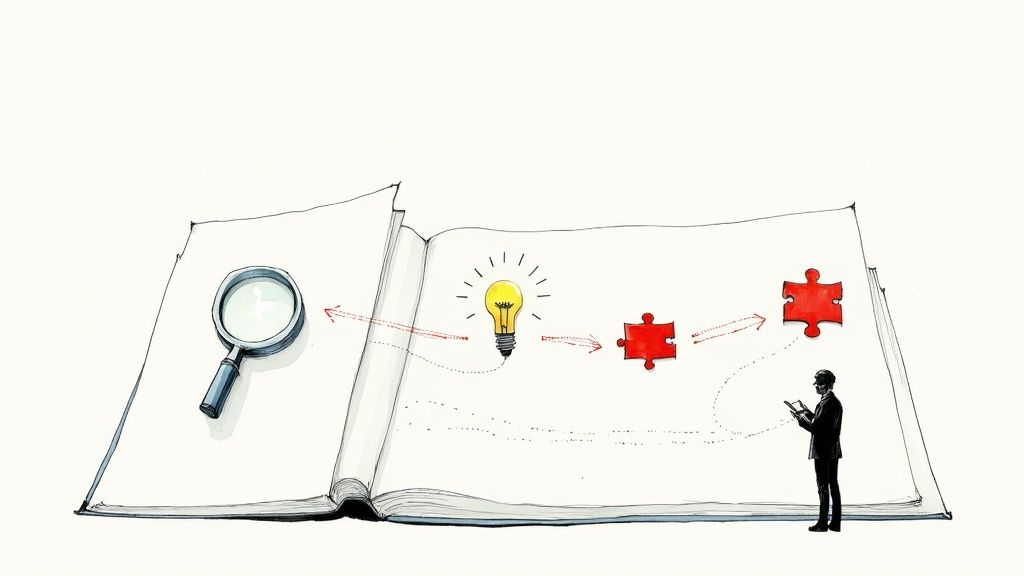
Before we dive into the "how," let's talk about the why. A high-quality transcript is far more than just a written record; it's the foundation for reliable research, compelling content, and an undeniable log of what was said.
Think about it this way: your memory of a conversation is like a blurry photo. You get the gist, but the details are fuzzy. A professionally transcribed interview, however, is a crystal-clear image, packed with verifiable details you can quote, analyze, and reference with total confidence.
The Power of a Precise Record
An accurate transcript is your single source of truth, protecting against misinterpretation and preserving vital information. For a journalist, an exact quote is undeniable proof. For a market researcher, a subtle turn of phrase in a customer interview can unlock a breakthrough product idea.
This isn't just about typing; it's about extracting the full value from every conversation.
The benefits span countless fields. Interview transcription is a critical tool in at least nine major industries. In market research, a striking 64% of experts use interview transcripts to analyze consumer behavior from focus groups and in-depth interviews. You can discover more insights about transcription use in various industries on transcriptionwing.com.
A high-quality transcript transforms a fleeting conversation into a permanent, searchable, and analyzable asset. It ensures that the vital information shared isn't lost to memory or misinterpretation.
Mastering how to transcribe interviews lets you:
- Support In-Depth Analysis: Search, tag, and organize text to uncover patterns and themes that are nearly impossible to catch just by listening.
- Create Compelling Content: Easily pull direct quotes, key soundbites, and powerful narratives for articles, case studies, or video scripts.
- Maintain an Accurate Archive: Build a dependable knowledge base for future projects, team training, or even legal documentation.
Setting Up for a Clear and Crisp Recording
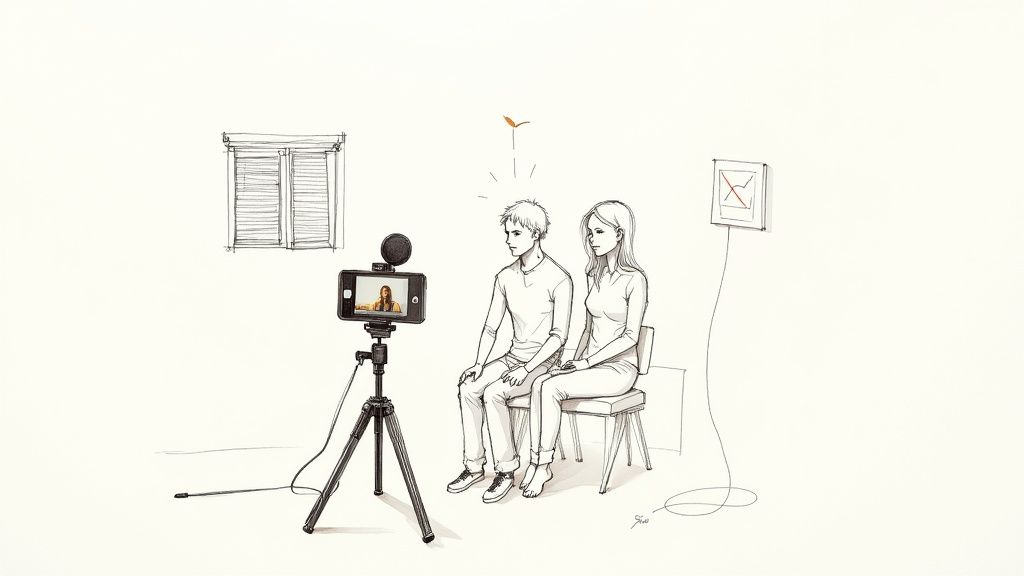
Here’s a transcription secret: the quality of your finished transcript is determined long before you start typing. The single most important factor for an easy and accurate transcription is a clean audio recording. This holds true whether you’re doing it by hand or using an AI transcription service.
Think of this as your pre-flight checklist. A little effort upfront will save you hours of frustration later. Even the best human transcriptionist or the most advanced AI will struggle with muffled, echoey, or noisy audio.
You don't need a professional recording studio, but your equipment should be up to the task. A smartphone can work in a pinch, but a dedicated external microphone makes a huge difference. Even an affordable lapel mic can dramatically reduce room echo and capture voices with much greater clarity.
Control Your Environment
Your recording space is just as crucial as your microphone. The best location is quiet and filled with soft surfaces that absorb sound. Background noise is the enemy of clean audio, and hard surfaces like tile floors or bare walls create echoes that can make voices sound distant and garbled.
Before you press record, take a moment to listen. What do you hear?
- Choose a small, carpeted room. Rooms with couches, curtains, or even blankets hung on the walls are great for deadening sound. A walk-in closet is a go-to trick for solo recordings for good reason.
- Eliminate the hum. Turn off air conditioners, fans, and noisy refrigerators.
- Silence all devices. This means notifications on your phone, your guest's phone, and any nearby computers.
- Shut out the world. Close windows and doors to block out street noise, sirens, or a neighbor's dog.
For a deeper dive, check out our guide on how to improve audio quality for transcription to get your source material right.
Manage the Conversation Flow
It’s not just about the room; it’s about how people interact with the microphone. Ensure everyone is roughly the same distance from the mic to keep the audio levels consistent. If you have multiple interviewees, using separate microphones for each person is the ideal setup.
Remind everyone to speak one at a time. This seems simple, but it’s easily forgotten in a lively conversation. Overlapping speech, known as crosstalk, is one of the biggest headaches in transcription. A quick, friendly reminder before you start can save you hours of work.
Taking these steps ensures your audio is as clean as possible, laying the groundwork for a smooth and accurate transcription.
For When Accuracy Is Everything: The Manual Transcription Method
Sometimes, "good enough" isn't an option. For sensitive legal depositions, detailed academic research, or a high-stakes interview where every word counts, manual transcription remains the gold standard. While AI has made huge strides in speed, the nuanced understanding of a human ear is still unmatched for achieving 100% accuracy.
This method is more than just typing; it’s a craft. A human transcriber can decipher overlapping speech, understand complex jargon, and interpret a critical pause or hesitation that an algorithm might miss. This hands-on control is why the professional transcription market, valued at $21 billion in 2022, continues to grow and is projected to exceed $35 billion by 2032. The demand for quality is here to stay. You can dive deeper into the full research on transcription market trends here.
Gearing Up for the Manual Workflow
If you decide to transcribe an interview yourself, don't just open a text editor and hit play. That path leads to frustration. Professional transcribers use specific tools to streamline their workflow and boost efficiency.
- Transcription Software: Stop juggling different windows. Tools like Express Scribe or the free, browser-based oTranscribe are game-changers. They combine your audio player and text editor, allowing you to control playback with keyboard shortcuts so your fingers can stay on the keys.
- A USB Foot Pedal: This might seem like overkill, but it's the single best piece of equipment for serious transcription work. By controlling play, pause, and rewind with your foot, you free up your hands to type without interruption. It’s a massive productivity booster.
- High-Quality Headphones: Good, noise-canceling headphones are essential. They help you block out distractions and catch those quiet, mumbled words that could be crucial to the transcript's meaning.
Verbatim vs. Clean Verbatim: Which Style Is Right for You?
Before you type a single word, you need to decide on your transcription style. The two main types, verbatim and clean verbatim, serve very different needs. Choosing the right one from the start will save you a lot of rework.
This table highlights the key differences to help you choose.
| Feature | Verbatim Transcription | Clean Verbatim Transcription |
|---|---|---|
| Includes | Every single sound—filler words (um, uh), stutters, false starts, and non-verbal cues (laughs, sighs). | The core message of the speaker, lightly edited for clarity and readability. |
| Removes | Nothing. It's a precise, word-for-word record of exactly what was said. | Filler words, stutters, and grammatical errors that don't alter the speaker's meaning. |
| Best For | Legal cases, psychological analysis, or linguistic research where every pause has meaning. | Content creation (blog posts, articles), market research, and general business interviews. |
In short, verbatim focuses on how something was said, while clean verbatim focuses on what was said.
The goal of a clean verbatim transcript is to present the speaker's ideas in a clear, readable format without losing their authentic voice. It cleans up the natural messiness of spoken language, turning a conversation into a polished, professional document. For most business and content-related interviews, this is the style you'll want to use.
Using AI Transcription Tools to Work Smarter, Not Harder
While manual transcription offers unbeatable precision, let's be honest—AI has revolutionized the process. Services built on Automated Speech Recognition (ASR) technology can generate a nearly complete transcript in minutes, transforming hours of tedious work into a quick task. The key, however, is not just to upload and forget.
The most effective way to use these tools is to treat them as a powerful first-draft assistant. The AI does the heavy lifting, and you follow up to refine, correct, and polish the text. This hybrid approach gives you the raw speed of a machine combined with the critical eye of a human editor. If you're curious about the tech behind this, you can learn more about what ASR is and how it functions.
Essentially, AI automates the most time-consuming parts of the job: listening, typing, and adding initial timestamps.
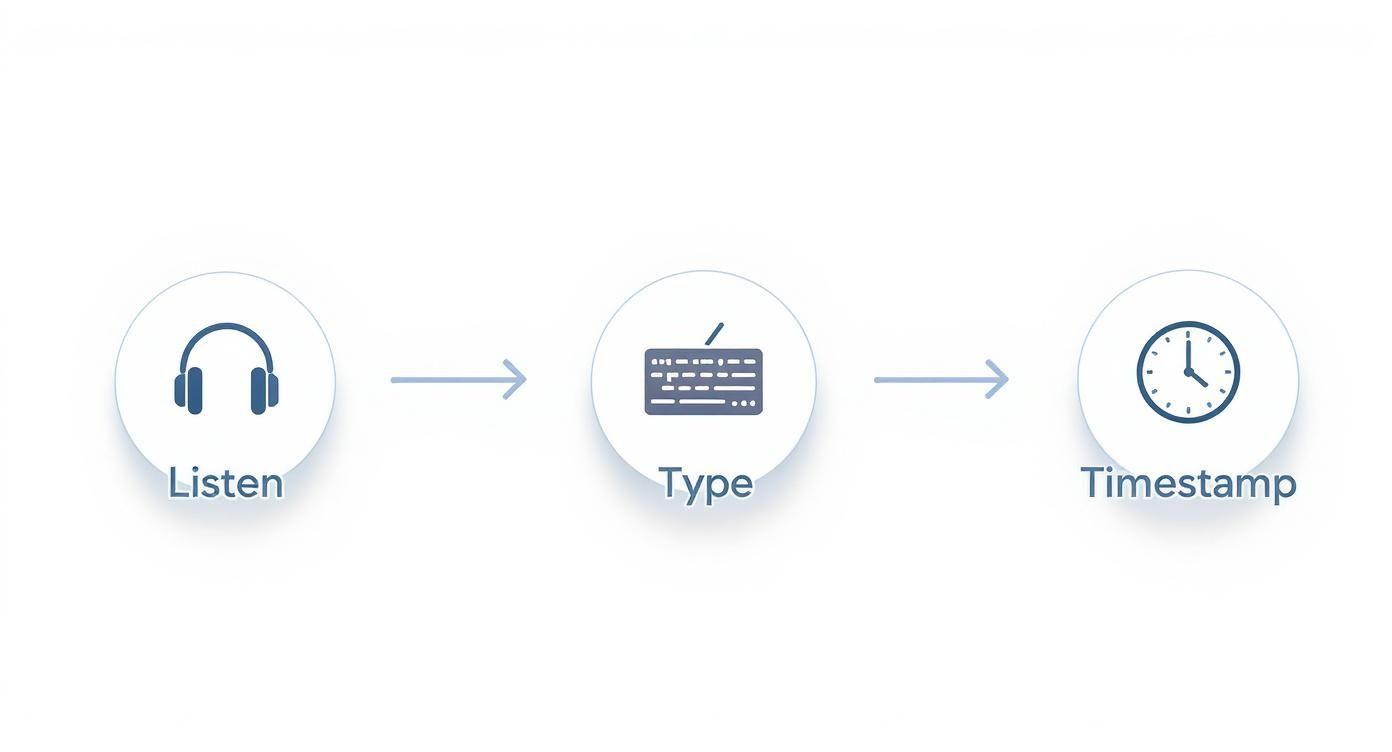
By handling these repetitive steps, AI frees you to focus on ensuring the transcript is accurate and readable.
Editing Your AI-Generated Transcript
Here's the reality: no AI is flawless. Your automated transcript will almost certainly contain errors, especially with things like proper nouns, industry-specific jargon, or heavy accents. The global market for this software is booming—valued at $2.5 billion in 2024 and projected to reach $4 billion by 2028—because these tools are incredibly valuable but still require a human touch for quality control.
When you receive your AI draft, use this checklist to clean it up efficiently:
- Check Proper Nouns: AI frequently misspells the names of people, companies, and locations. This should be your first proofreading pass.
- Verify Technical Terms: Scan for any specialized terminology from your interview. An AI might hear "FinTech" but write "fin tech," altering the meaning.
- Correct Speaker Labels: Ensure the software correctly identified who was speaking and when. It’s easy to fix any mislabeled sections.
- Read for Context: The trickiest errors are words that are spelled correctly but are wrong in context (like "their" versus "there"). The only way to reliably catch these is to read along while listening to the audio.
The goal isn't just to fix mistakes; it's to ensure the transcript accurately reflects the speaker's true intent and is genuinely easy for someone to read and understand.
Even with the best AI, a human touch is needed to make the final text feel natural. It's a valuable skill to learn how to humanize AI text for free to give your transcripts that final polish. This last step is what elevates a good automated draft into a professional, trustworthy document.
The Final Polish That Makes Your Transcript Shine
Getting the words right is only half the job. A raw, unformatted block of text is a nightmare to read, let alone analyze. This final polish is where you transform an accurate transcript into a professional, genuinely useful document.
The goal here isn't just about aesthetics; it's about making the content easy to navigate and comprehend at a glance. Simple formatting choices can turn a jumble of words into a clear, organized record, saving you—and anyone you share it with—a ton of time and effort.
Your Essential Formatting and Quality Checklist
Before you declare the job finished, run through this final quality check. Even the best AI tools can miss nuances that a human eye will catch immediately. This is what separates an amateur transcript from a credible, professional one.
- Consistent Speaker Labels: Choose a clear, uniform format for identifying speakers (e.g., Interviewer: or Dr. Smith:). Whatever style you pick, apply it consistently throughout the entire document.
- Actionable Timestamps: Adding timestamps at logical intervals—such as every 30 seconds or at the start of a new paragraph—is a lifesaver. It makes it incredibly easy to cross-reference a specific moment in the audio.
- Logical Paragraph Breaks: Don't let a long monologue become an intimidating wall of text. Break it into shorter, more readable paragraphs whenever the topic shifts or there’s a natural pause in the speaker's thoughts.
That final read-through is your last line of defense against embarrassing errors. Pay extra attention to names, technical terms, and company-specific jargon—these are the exact spots where automated software often gets things wrong.
This final review elevates your work from a simple text file to a trusted source of information. If you really want to level up your skills, our guide on the importance of proofreading in transcription dives even deeper with more expert tips.
Common Questions About Transcribing Interviews
Once you start transcribing, a few common questions almost always come up. Getting these sorted out early will save you a lot of time. Let's tackle the big ones.
How Long Does It Take to Transcribe an Hour of Audio?
A professional transcriber can typically transcribe one hour of clean audio with two speakers in about four hours. But that's in a perfect world. Real-world interviews are often messy, and several factors can easily double that time:
- Poor Audio Quality: Background noise, echoes, or speakers who are too quiet will have you constantly hitting rewind.
- Multiple Speakers: Trying to distinguish between three or more voices turns transcription into a complex puzzle.
- Heavy Accents or Jargon: Unfamiliar speech patterns or technical language will naturally slow down your typing speed.
Using an AI tool for the first draft reduces this time significantly. Even so, you should still plan to spend at least one to two hours proofreading that same hour of audio, listening along to catch the mistakes the software made.
Should I Transcribe Every Single Um and Uh?
It completely depends on your purpose for the transcript. There's no single right answer, just two main styles to choose from.
A strict verbatim transcript captures everything—including filler words ("um," "uh"), stutters, and false starts. This is essential for legal cases or linguistic analysis, where every hesitation could be meaningful.
For almost everything else—like converting an interview into a blog post, creating meeting minutes, or quoting a source for research—a clean verbatim style is your best bet. This method edits out distracting filler words and repetitions, making the final text clean and readable without altering the speaker's core message.
The biggest mistake beginners make is trusting an AI transcript without proofreading it against the original audio. Software often stumbles on names, company-specific terms, and conversational nuances. A quick skim isn't enough; you must listen and read simultaneously to guarantee accuracy.
For more insights and tips on transcription, the vidfarm blog is a great resource to explore.
Ready to turn your interviews into accurate, easy-to-read text in minutes? Try MeowTxt and get your first 15 minutes of transcription free. No subscriptions, just fast, reliable results. Get started at meowtxt.com.


