
In a world overflowing with audio and video, manually transcribing interviews, meetings, podcasts, and lectures is a monumental time sink. The right voice to text transcription software can reclaim hours from your week, making content searchable, accessible, and repurposable in minutes, not days. But with a dizzying array of options, from simple pay-as-you-go tools to complex developer APIs, how do you choose the one that truly fits your workflow, budget, and accuracy needs?
This guide cuts through the noise. We have meticulously evaluated the top 12 platforms available today, comparing them on the features that actually matter: accuracy rates, turnaround speed, file type support, security protocols, and specific use cases. We move beyond marketing claims to provide an honest assessment of each tool's strengths and limitations. To understand the broader context and professional workflows involved in converting spoken information, our modern guide to translating audio to text offers additional helpful insights.
Whether you're a podcaster needing precise SRT files for YouTube, a legal professional requiring certified verbatim records, or a researcher analyzing qualitative interview data, you will find a tailored solution here. Each review includes direct links and screenshots to help you visualize the platform in action. Our goal is simple: to help you find the best voice to text transcription software for your specific project, so you can stop typing and start creating.
1. meowtxt
Meowtxt establishes itself as a powerful, cloud-first voice to text transcription software by blending exceptional speed with high accuracy and a feature set tailored for professionals. It’s an ideal solution for creators, teams, and developers who require fast turnarounds without compromising on quality. The platform can process audio and video files at up to 40 times real-time speed, delivering transcripts with a claimed accuracy of up to 97.5%. This efficiency makes it a top-tier choice for anyone working under tight deadlines.
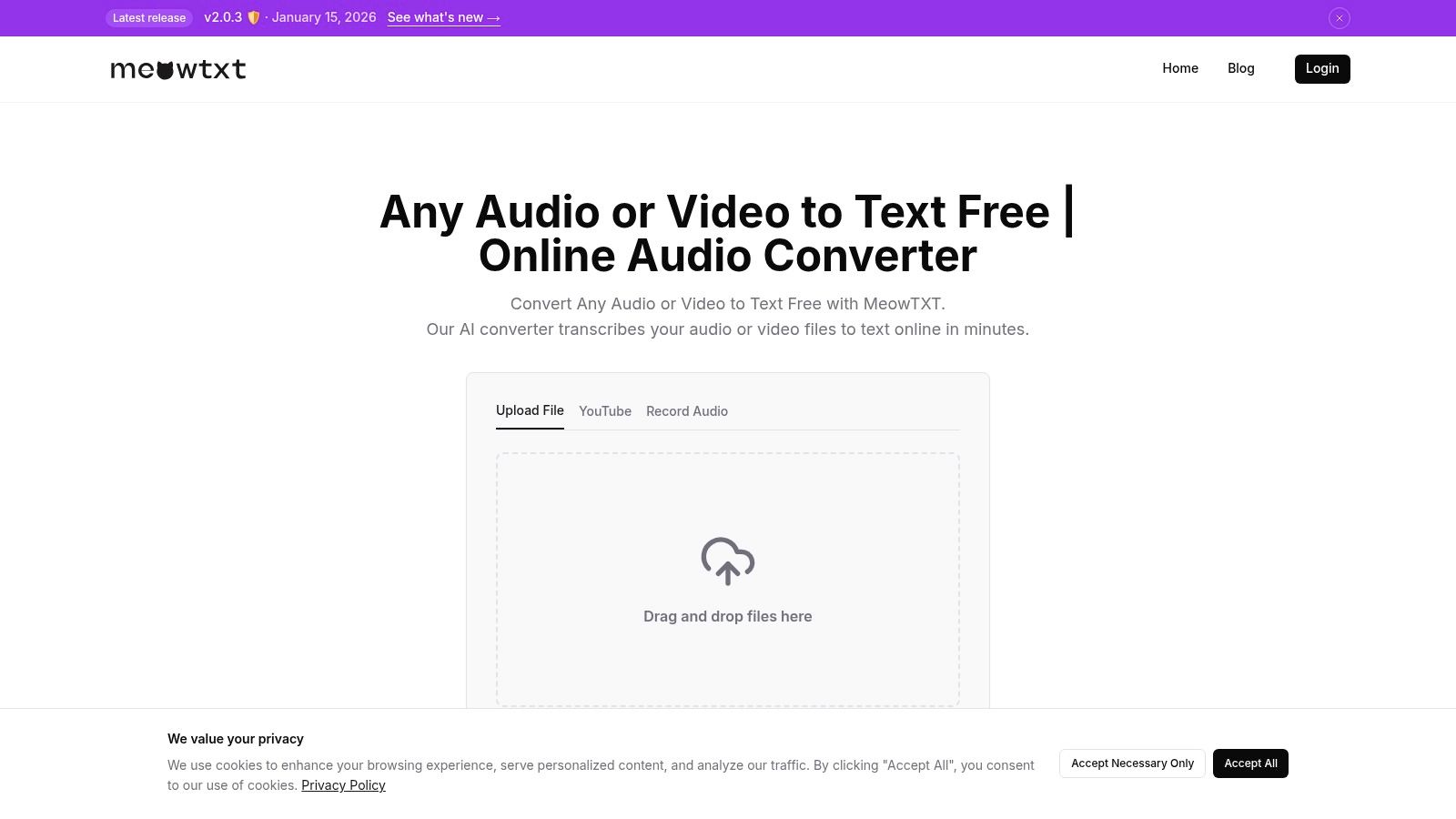
What truly sets Meowtxt apart is its combination of robust core features with practical, AI-driven conveniences. It automatically handles speaker identification and provides word-level timestamps, which are indispensable for editing podcasts, creating video captions, or analyzing interviews. Users can instantly generate AI-powered summaries to grasp key points or translate content into over 100 languages, significantly streamlining multilingual content creation.
Key Features & Use Cases
- High-Speed Transcription: With processing speeds up to 40x faster than real-time, it's perfect for podcasters, journalists, and video editors needing to quickly generate show notes, articles, or subtitles.
- Multiple Export Formats: Outputs include TXT, DOCX, SRT, VTT, and JSON, ensuring seamless integration with tools like Adobe Premiere, Google Docs, and custom developer workflows.
- AI-Powered Tools: The built-in summary and translation features help teams quickly repurpose content for different platforms and international audiences.
- Flexible Import Options: Users can drag and drop files, import directly from a YouTube link, or transcribe mobile voice memos with a single tap.
Pricing and Access
Meowtxt offers a uniquely accessible entry point: the first 15 minutes are free with no registration required, perfect for testing or one-off tasks. For regular use, its subscription model is transparent and scalable:
- Starter: €4.99/mo (promo) for 500 minutes
- Plus: €9.99/mo (promo) for 1200 minutes
- Pro: €14.99/mo (promo) for 3000 minutes
The service also offers volume discounts, making it cost-effective for heavy users. A notable privacy feature is the default 24-hour auto-deletion of files, though higher-tier plans offer unlimited storage for those who need it.
- Pros: Extremely fast processing, high accuracy, excellent export options, built-in AI summaries and translation, and a strong focus on privacy.
- Cons: The free trial is limited to 15 minutes, and the default auto-deletion of files might not suit users who prefer automatic cloud archiving without upgrading their plan.
Website: https://www.meowtxt.com
2. Otter.ai
Otter.ai has carved out a significant niche as a premier AI meeting assistant and voice to text transcription software, especially for teams and individuals who live in virtual meetings. Its core strength lies in its ability to automatically join your calls on platforms like Zoom, Google Meet, and Microsoft Teams. It then transcribes the conversation in real-time, creating a collaborative space where attendees can highlight key points, add comments, and assign action items directly within the transcript.
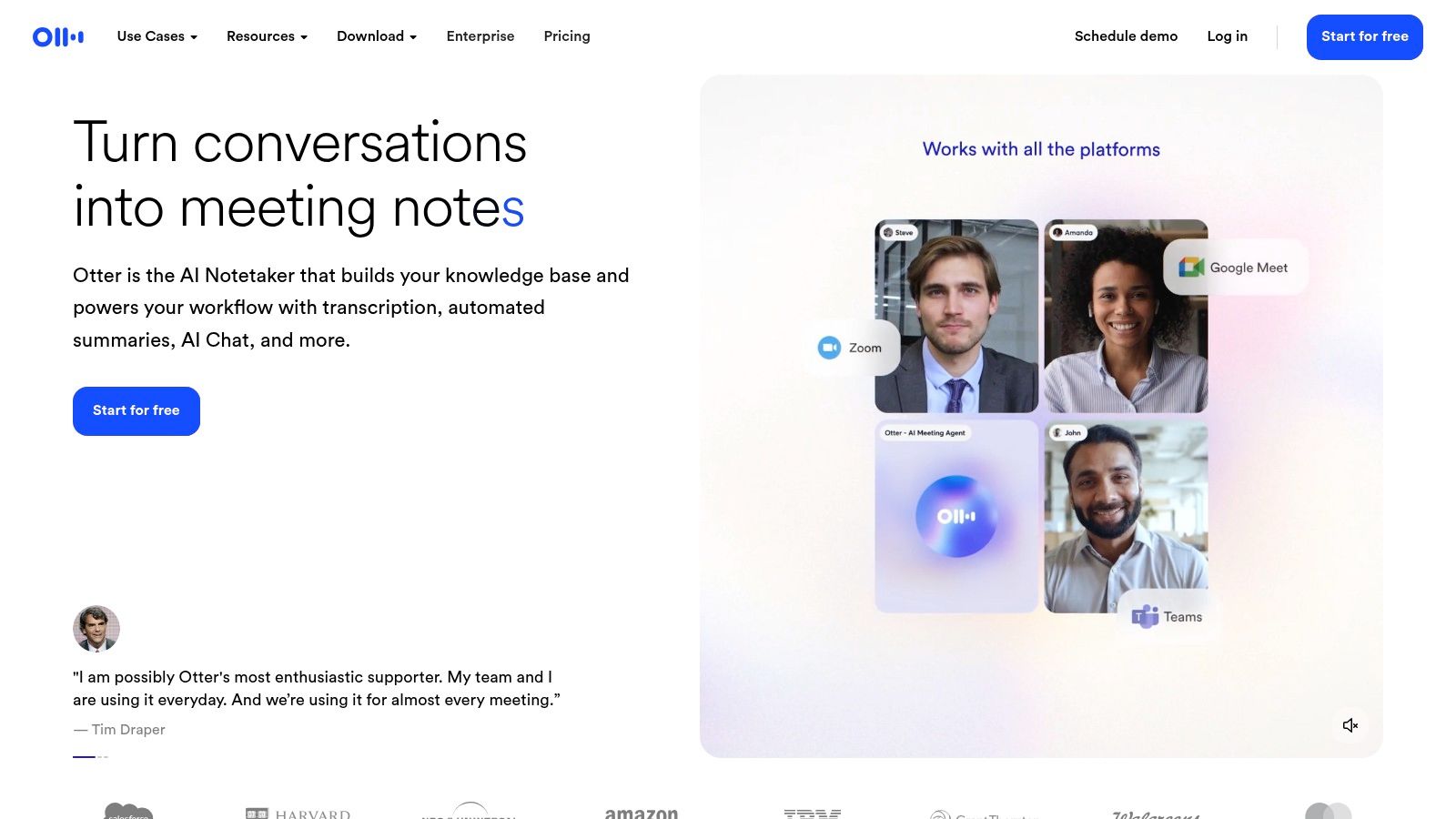
The platform goes beyond simple transcription by generating automated summaries, outlines, and keywords after each meeting, making it easy to recall crucial information without re-reading the entire text. This focus on meeting productivity and seamless workflow integration makes it a standout choice for business teams, educators, and students. While its free tier offers a generous starting point, more advanced features, higher transcription minute allowances, and broader import/export options are reserved for its paid plans.
Key Features and Considerations
- Best For: Business teams, students, and anyone needing automated meeting notes and summaries.
- Core Offering: Real-time transcription with an "OtterPilot" that automatically joins and records scheduled meetings.
- Pricing: Offers a free Basic plan with limited monthly transcription minutes. Paid plans (Pro, Business, Enterprise) unlock more features, higher minute caps, and team collaboration tools. EDU discounts are available for users with .edu email addresses.
- Limitation: The platform’s primary focus is on English, and its multilingual capabilities are less developed compared to some competitors. While you can learn how to transcribe audio files effectively, Otter's best use case remains live meeting transcription.
Website: https://otter.ai
3. Rev
Rev stands out in the voice to text transcription software market by uniquely blending AI-powered speed with the option for human-powered precision. It operates as an all-in-one platform where users can get a fast, automated transcript and then, if needed, elevate it to 99% accuracy by ordering a human-verified version, all within the same ecosystem. This hybrid model is ideal for professionals in fields like law or journalism who might need a quick draft for review but require a flawless final document for official use.
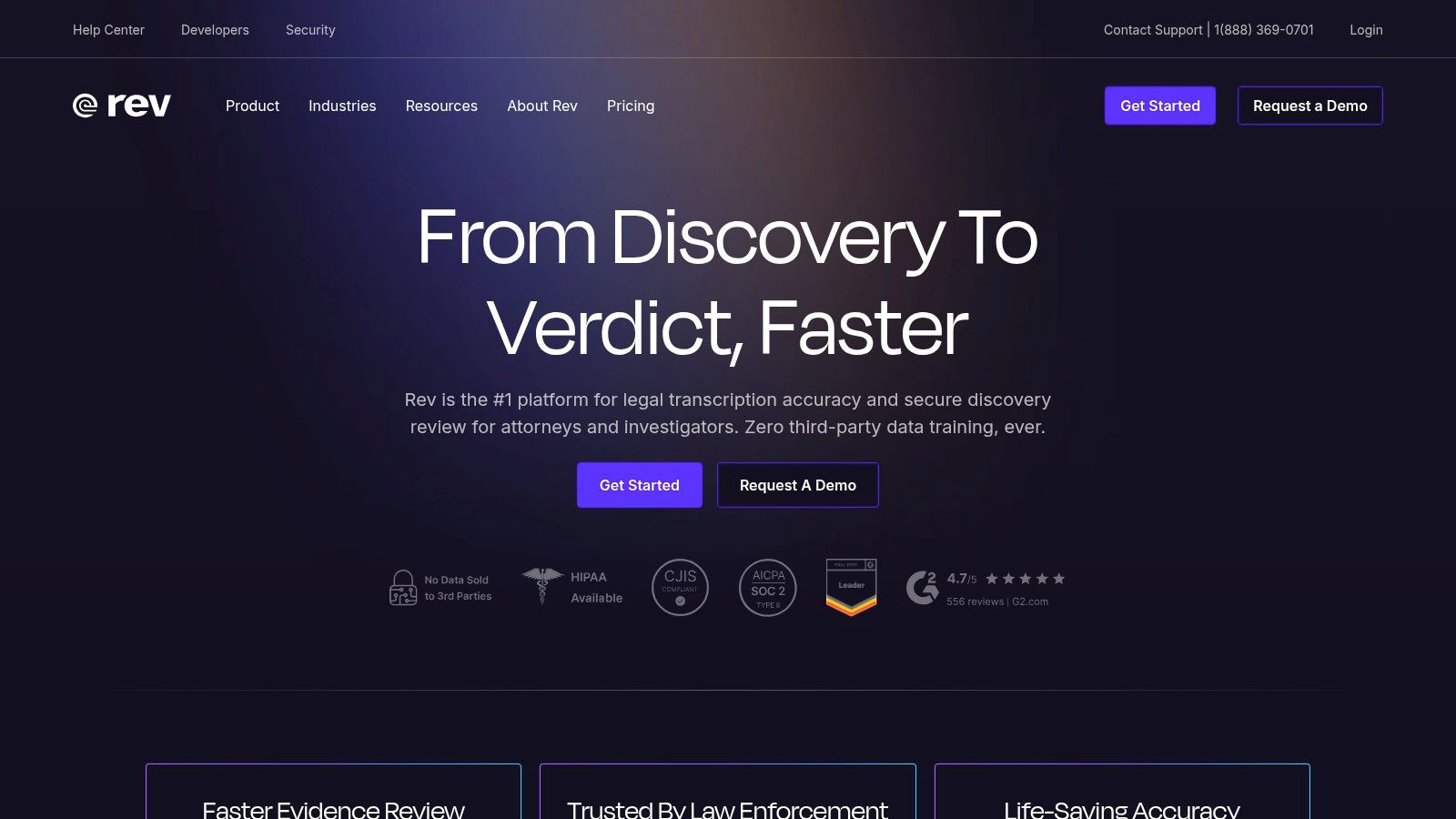
The platform offers a robust editing workspace to polish transcripts, an AI Notetaker for live meetings, and a convenient mobile app for on-the-go recording. Rev's structure is particularly beneficial for businesses that need both rapid AI transcription for internal meetings and high-accuracy human services for public-facing content like video captions or legal depositions. This flexibility, combined with enterprise-grade security options, makes it a powerful and versatile choice for a wide range of professional applications.
Key Features and Considerations
- Best For: Legal professionals, content creators, and businesses needing a mix of fast AI drafts and high-accuracy human transcripts.
- Core Offering: A unified platform for both automated AI transcription (with pooled minutes for teams) and on-demand human transcription, captioning, and subtitling services.
- Pricing: Offers subscription plans for AI transcription with different minute allowances. Human services are priced separately, typically per audio minute.
- Limitation: The cost can increase significantly when relying on human services, and the extensive feature set across different service tiers can feel complex for new users to navigate. While Rev excels at both AI and human services, you can explore other options for converting audio to text for various needs.
Website: https://www.rev.com
4. Descript
Descript revolutionizes the content creation process by merging a powerful voice to text transcription software with a full-fledged audio and video editor. Its standout feature is the text-based editing workflow: instead of manipulating complex timelines, you edit your media simply by editing the transcribed text. Deleting a sentence in the transcript automatically cuts the corresponding audio or video clip, making the editing process as intuitive as editing a document. This unique approach is a game-changer for podcasters, YouTubers, and video creators.
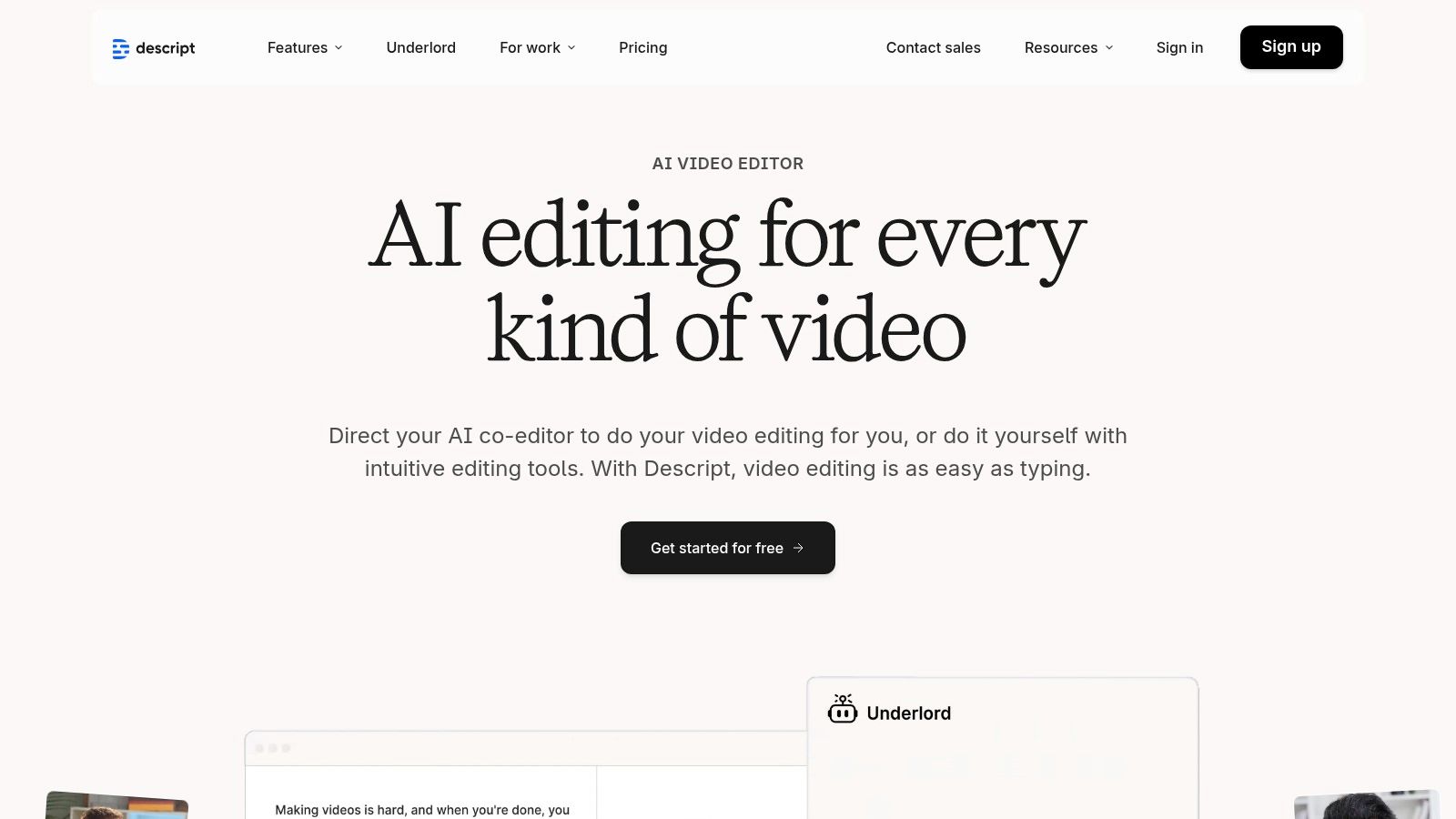
The platform is packed with AI-powered tools designed to streamline production. Features like "Studio Sound" enhance voice quality with a single click, while its filler word removal tool can instantly clean up "ums" and "ahs" from your recording. Descript also offers Overdub for creating AI voice clones and generating new audio from text. While its integrated nature is a huge plus, the platform has a steeper learning curve than simple transcription services and reserves its most advanced features for higher-tier plans.
Key Features and Considerations
- Best For: Podcasters, video creators, and content teams who need an all-in-one solution for recording, transcribing, and editing.
- Core Offering: A text-based audio/video editor that allows users to edit media by editing the transcript, complete with multitrack editing and AI tools.
- Pricing: A free plan is available with limited transcription hours. Paid plans (Creator, Pro, Enterprise) offer significantly more transcription and remote recording hours, along with advanced features like filler word removal and AI voice capabilities.
- Limitation: The software can be resource-intensive and presents a more complex interface than basic upload-and-transcribe tools, which might be overkill for users only needing a simple transcript.
Website: https://www.descript.com
5. Sonix
Sonix positions itself as a premium, automated voice to text transcription software designed for speed, accuracy, and collaboration. It appeals strongly to media professionals, researchers, and marketing agencies who need polished transcripts with robust editing and team-based workflows. The platform boasts a sophisticated in-browser editor that allows users to seamlessly edit, highlight, and comment on transcripts while listening to the synchronized audio, streamlining the review process for teams.
What sets Sonix apart is its transparent pricing model and developer-friendly features. It offers both pay-as-you-go and subscription options, providing flexibility for users with fluctuating needs. This makes it an excellent choice for one-off projects or for agencies managing multiple client accounts. Its strong emphasis on team features, speaker labeling, custom dictionaries, and API access further solidifies its place as a powerful tool for professional environments where transcript quality and efficient collaboration are paramount.
Key Features and Considerations
- Best For: Media teams, researchers, and marketing agencies needing high-quality transcripts with collaborative editing tools.
- Core Offering: Fast automated transcription with an advanced in-browser editor, speaker diarization, and automated translation capabilities.
- Pricing: Offers a free trial with 30 minutes of transcription. Paid options include a monthly subscription with bundled hours or a flexible pay-as-you-go plan with clear per-hour rates.
- Limitation: The pay-as-you-go model can become costly for users with very high-volume transcription needs compared to some unlimited subscription plans. Additionally, translation services are an extra cost on top of transcription.
Website: https://sonix.ai
6. Trint
Trint is a powerful, browser-based voice to text transcription software engineered for high-stakes, collaborative workflows. It has become a favorite among journalists, media houses, and production teams who need to move quickly from raw audio or video to a polished, publishable final product. Its platform excels at turning spoken word into searchable, editable, and shareable content, with an emphasis on team-based review cycles.
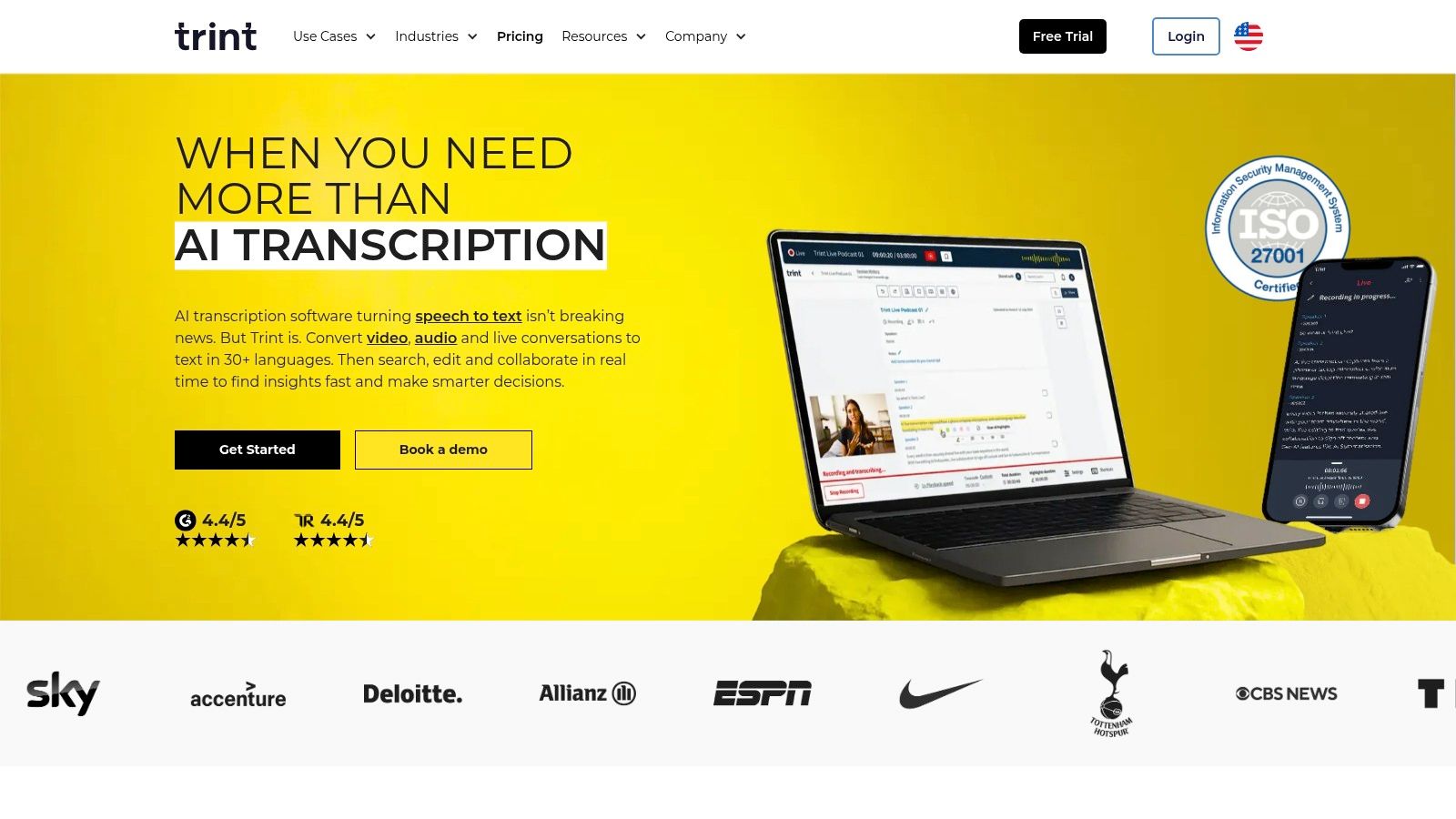
The platform’s core strength is its collaborative editor, where multiple users can simultaneously highlight, comment on, and verify transcripts. This shared workspace streamlines the fact-checking and editing process, making it ideal for fast-paced newsrooms. Trint also integrates translation and captioning tools directly into its workflow, allowing teams to repurpose content for global audiences without leaving the application. While it offers a 7-day trial, its premium features and collaborative power are best realized through its subscription plans.
Key Features and Considerations
- Best For: Journalists, media production teams, and organizations needing collaborative transcription and content publishing workflows.
- Core Offering: A browser-based platform with powerful collaborative editing, commenting, translation, and caption export features.
- Pricing: Offers a 7-day free trial. Subscription plans are available on a monthly or annual basis, with custom Enterprise invoicing for larger teams. Exact pricing is typically shown during the checkout process.
- Limitation: The U.K.-based billing may result in foreign transaction fees for some users with U.S. credit cards. The lack of upfront public pricing can also be a hurdle for users trying to compare costs directly.
Website: https://trint.com
7. Happy Scribe
Happy Scribe carves out its space in the voice to text transcription software market by offering a powerful hybrid model that combines both AI-driven and human-powered services. This dual approach makes it an excellent choice for users who need the speed and affordability of automated transcription but also require the near-perfect accuracy that only a human professional can provide for critical projects. It is particularly well-suited for content creators targeting subtitles and international audiences, thanks to its extensive language support.
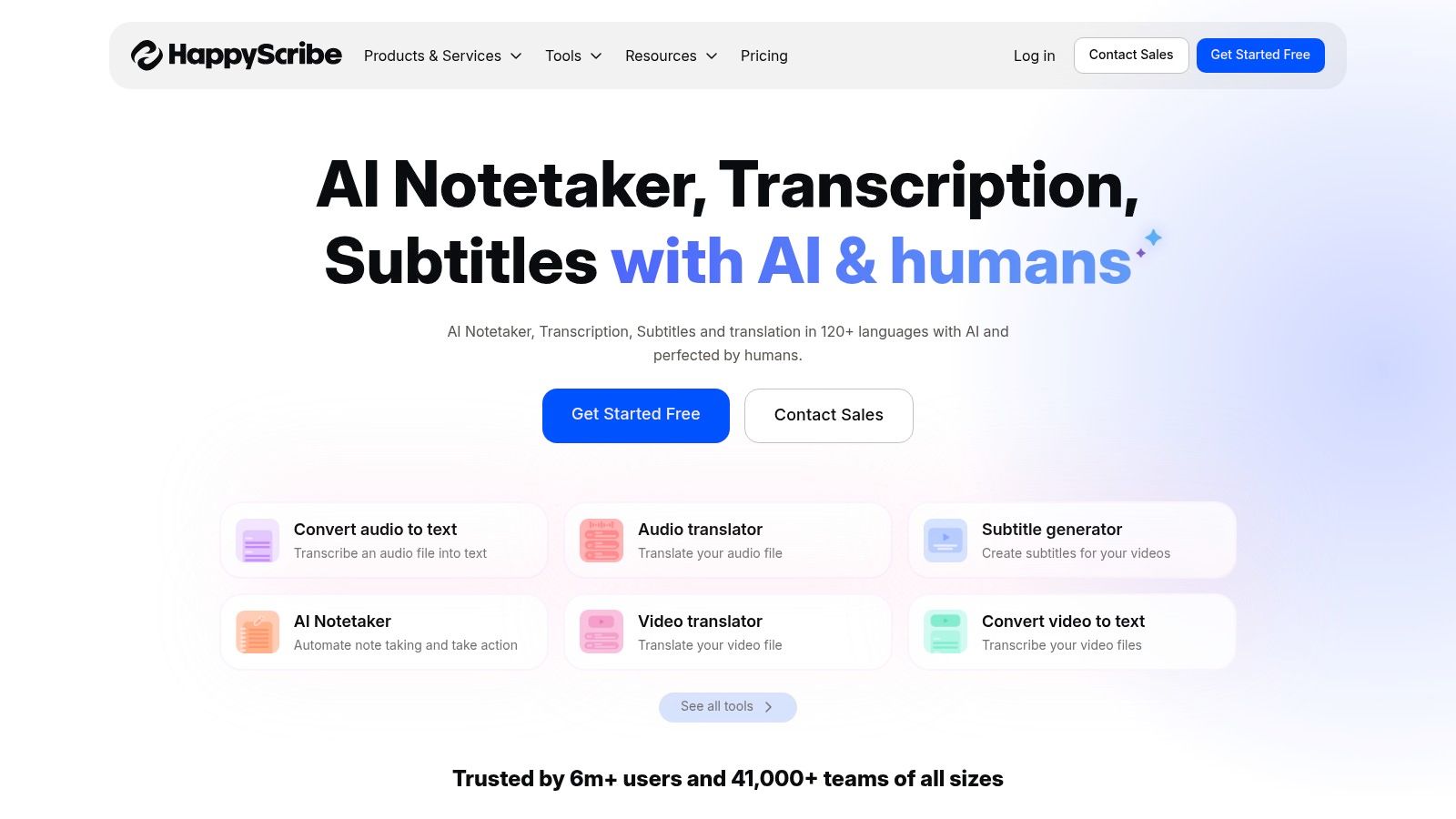
The platform’s strength lies in its transparency and specialized services for subtitling, including human-powered subtitle translation. Users can easily switch between automated and human services based on their budget and accuracy needs. The interactive editor allows for easy correction and refinement of AI transcripts and provides seamless exporting to popular subtitle formats like SRT and VTT. This makes it a go-to solution for video producers, podcasters, and global businesses looking to make their content more accessible.
Key Features and Considerations
- Best For: Content creators, global businesses, and anyone needing high-accuracy human transcripts or multilingual subtitles.
- Core Offering: A blended service providing fast AI transcription and highly accurate human-made transcription and subtitling.
- Pricing: Offers a free trial. Subscription plans include monthly AI transcription hours. Human-made services are priced transparently on a per-minute basis, with clear turnaround time estimates provided upfront.
- Limitation: The cost of human-powered services can become substantial for very long audio or video files, making it less budget-friendly for bulk, high-volume projects compared to purely AI solutions.
Website: https://www.happyscribe.com
8. Temi
Temi, from the same company behind Rev, offers a streamlined and budget-friendly approach to automated voice to text transcription software. It is designed for users who need a quick, no-frills transcription for one-off audio or video files without committing to a subscription. The platform’s core appeal lies in its simplicity: you upload your file, its advanced speech recognition engine processes it, and you receive an editable transcript in minutes.
This service is particularly useful for content creators, students, or professionals who have an occasional need for transcription and prioritize speed and low cost over advanced collaboration tools. The provided web editor allows for easy review and correction, including adjusting timestamps and speaker labels. While it lacks the collaborative features of more comprehensive platforms, its straightforward pay-as-you-go model makes it an accessible and highly efficient choice for clear, single-speaker audio files.
Key Features and Considerations
- Best For: Individuals, podcasters, and small businesses needing fast, low-cost automated transcription for individual files.
- Core Offering: A simple upload-and-transcribe service with a straightforward per-minute pricing structure.
- Pricing: A flat rate per audio minute with a free trial that includes one transcript up to 45 minutes. No subscriptions are required; users pay for what they use.
- Limitation: The service is purely automated, so it may struggle with heavy accents, background noise, or multiple overlapping speakers. For higher accuracy needs, users must upgrade to the parent company's human-powered service, Rev.
Website: https://www.temi.com
9. Google Cloud Speech-to-Text (API)
For developers and organizations needing to integrate powerful transcription capabilities directly into their own applications, Google Cloud's Speech-to-Text API stands as an industry benchmark. This is not a user-facing platform but a robust backend service that powers countless other products. It provides access to Google's advanced deep learning neural network algorithms, offering highly accurate voice to text transcription for both real-time streaming audio and pre-recorded batch files. Its strength lies in its scalability, extensive language support, and specialized models for use cases like medical dictation or phone call transcription.
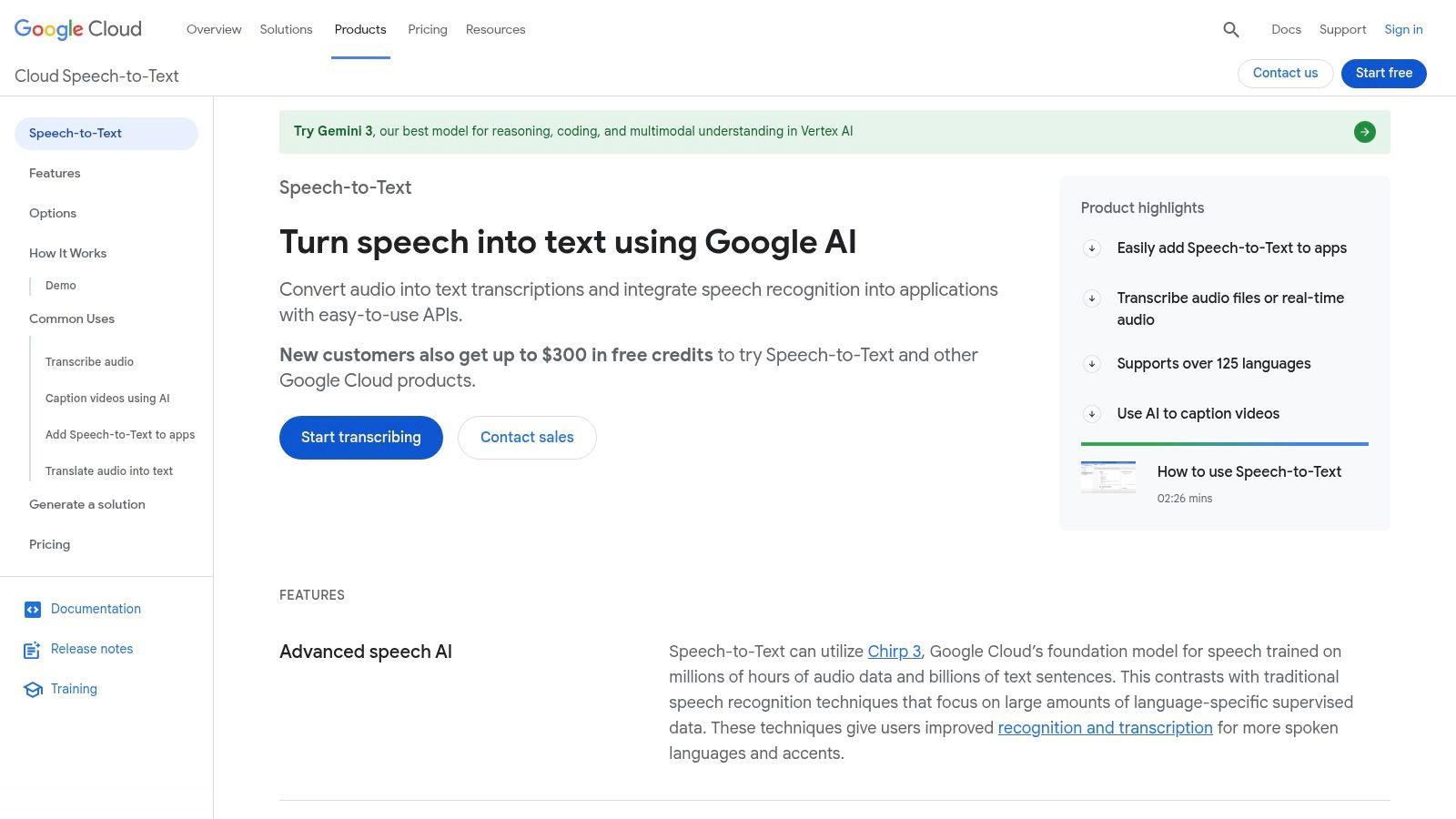
The platform is designed for technical users who require granular control over their transcription workflows. With features like automatic punctuation, speaker diarization, and confidence scores for transcribed words, developers can build sophisticated solutions tailored to specific needs. The pay-as-you-go pricing model is highly competitive, especially for large volumes, and new Google Cloud customers often receive free credits to get started. This makes it an ideal, albeit technical, choice for building custom voice-enabled applications or processing massive audio archives programmatically.
Key Features and Considerations
- Best For: Developers, enterprises, and media companies building custom applications or data processing pipelines.
- Core Offering: A powerful API for both real-time and batch audio transcription with access to various specialized models.
- Pricing: Pay-as-you-go per minute of audio processed. Pricing varies based on the model used (V1/V2) and features enabled. A generous free tier and new customer credits are typically available.
- Limitation: This is a developer tool and requires technical expertise to implement; it is not a standalone application for end-users. The complex pricing tiers require careful analysis to optimize costs. You can learn more about the underlying technology of ASR to better understand how these systems work.
Website: https://cloud.google.com/speech-to-text
10. Amazon Transcribe (AWS)
Amazon Transcribe is a core component of Amazon Web Services (AWS), offering a powerful, developer-focused engine for voice to text transcription. Unlike consumer-facing apps, Transcribe is a service designed to be integrated into larger applications and workflows. Its primary strength lies in its scalability and deep integration with the extensive AWS ecosystem, allowing developers to build sophisticated transcription pipelines for both batch processing of stored audio files and real-time audio streams.
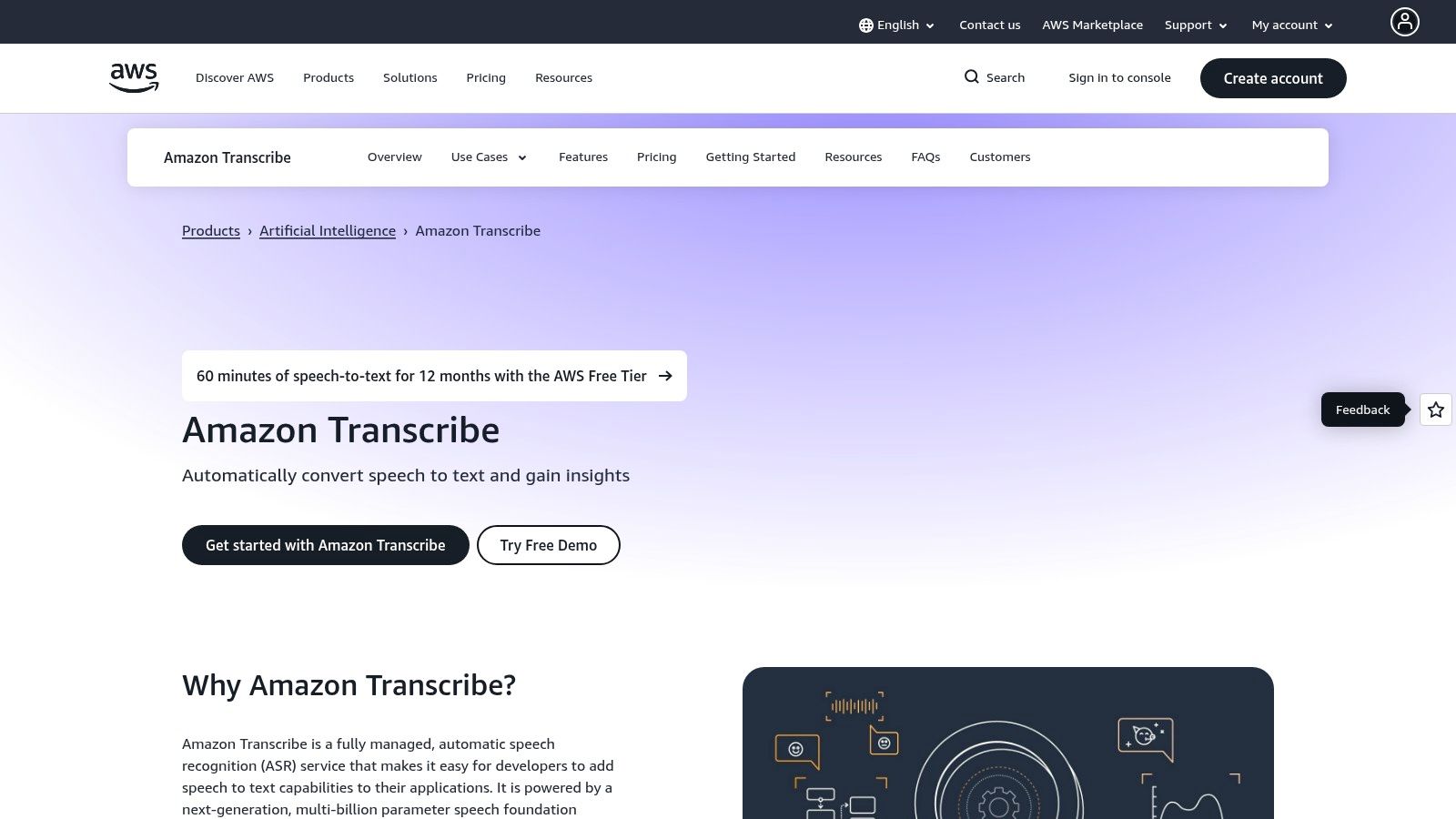
The service provides advanced features such as automatic speaker partitioning (diarization), custom vocabulary to recognize specific product names or jargon, and automatic language identification. For businesses in regulated industries, it offers specialized models like Amazon Transcribe Medical for healthcare and PII redaction to automatically remove sensitive personal information. This makes it an ideal solution for organizations that need a highly customizable, secure, and robust transcription foundation.
Key Features and Considerations
- Best For: Developers, enterprises, and organizations already invested in the AWS ecosystem needing scalable transcription capabilities.
- Core Offering: A suite of APIs for batch and real-time transcription with advanced features like custom language models, PII redaction, and call analytics.
- Pricing: Operates on a pay-as-you-go model. Offers a generous free tier for new AWS customers, followed by tiered pricing based on monthly usage. Costs can increase with add-on features.
- Limitation: The initial setup and management of IAM permissions can be complex for users without a technical or development background. It is not a standalone application but a service meant for integration.
Website: https://aws.amazon.com/transcribe
11. Microsoft Azure AI Speech (Speech-to-Text)
Microsoft Azure's AI Speech to Text is a powerful, developer-focused component of its broader suite of AI services. Rather than a standalone application, it's an API that developers can integrate into their own products and workflows. This makes it an incredibly flexible and scalable voice to text transcription software solution for enterprises and tech companies that require robust, high-volume transcription capabilities with deep customization options, including training custom models on domain-specific vocabulary.
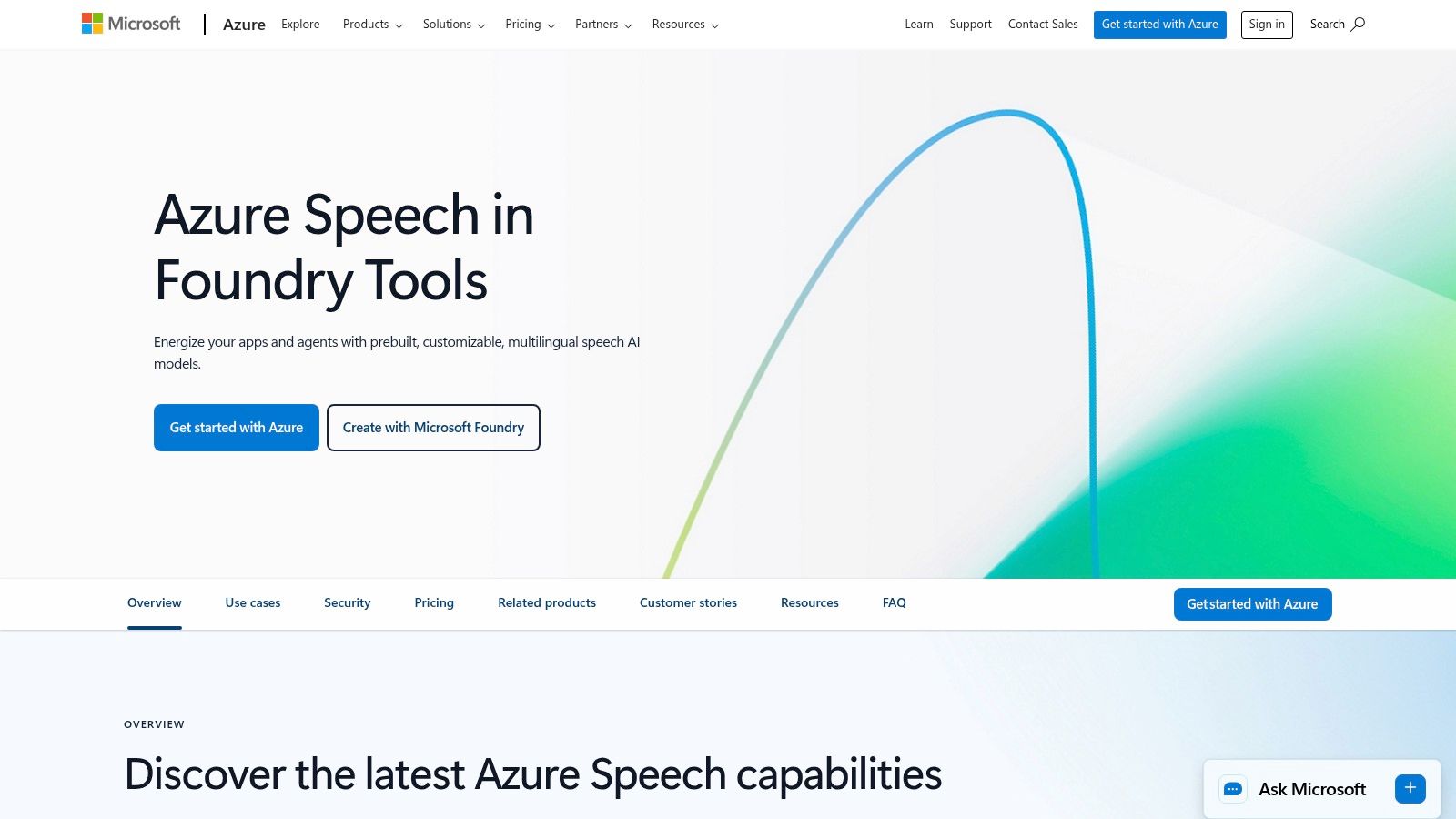
The platform excels in providing both real-time and batch processing, complete with features like speaker diarization and language identification. A unique advantage is its deployment flexibility; businesses can run the transcription service in the Azure cloud or on-premises using containers for enhanced data privacy and control. This makes it ideal for industries with strict compliance requirements. While it offers top-tier performance, its complexity means it's not a simple out-of-the-box tool and requires technical expertise to implement effectively.
Key Features and Considerations
- Best For: Developers, large enterprises, and businesses needing to build custom applications with integrated transcription.
- Core Offering: A highly customizable API for real-time and batch speech-to-text, with options for custom model training and on-premise deployment.
- Pricing: Operates on a pay-as-you-go model, billed per audio hour. A free tier is available with a monthly allowance, and commitment tiers offer discounts for high-volume usage.
- Limitation: Requires significant developer knowledge and setup within the Azure ecosystem. The complex, region-dependent pricing tables can be difficult for non-technical users to navigate.
Website: https://azure.microsoft.com/en-us/products/ai-services/speech-to-text
12. Nuance Dragon (Dragon Professional/Legal/Anywhere)
Nuance Dragon has a long-standing reputation as a heavyweight in the professional dictation space, setting it apart from many newer, cloud-first transcription services. Its strength lies in deep, on-device integration with Windows applications, allowing users to dictate directly into documents, emails, and specialized software like Electronic Health Records (EHRs). This makes it an indispensable tool for professionals in fields like law, medicine, and law enforcement who require robust, continuous dictation within their established workflows.
Unlike services that primarily transcribe pre-recorded audio files, Dragon excels at real-time, command-and-control speech recognition. It offers various editions tailored to specific industries, such as Dragon Legal and Dragon Medical, which come with specialized vocabularies for higher accuracy. The availability of perpetual desktop licenses offers an alternative to the subscription model, appealing to users who prefer a one-time purchase or need to operate in offline environments. Its cloud-based "Anywhere" versions provide more flexibility for mobile professionals.
Key Features and Considerations
- Best For: Legal, medical, and other professional users who need high-accuracy live dictation directly into desktop applications.
- Core Offering: A family of voice to text transcription software products for live dictation and transcription from audio recordings, with specialized professional vocabularies.
- Pricing: Varies significantly by edition (Professional, Legal, etc.) and reseller. Desktop versions involve a higher up-front cost for a perpetual license, while "Anywhere" versions are subscription-based.
- Limitation: The platform is heavily Windows-centric, and the purchasing process through resellers can be more complex than a direct SaaS signup. High initial costs for desktop versions can be a barrier for some users.
Website: https://dragon.nuance.com
Top 12 Speech-to-Text Comparison
| Product | Core features | Quality (Accuracy / Speed) | Pricing & Value | Best for (Audience) | Unique selling points |
|---|---|---|---|---|---|
| meowtxt 🏆 | Cloud transcription; drag‑drop & YouTube import; speaker ID; timestamps; AI summaries | ★ ~97.5% accuracy · up to 40× real‑time | 💰 Free 15m; Starter €4.99/500m (promo); Plus €9.99/1200m; Pro €14.99/3000m; volume discounts | 👥 Creators, podcasters, teams, developers | ✨ Instant 50–100+ lang translation; one‑tap mobile; encrypted + 24h auto‑delete; API & multi‑export |
| Otter.ai | Real‑time meeting transcription; meeting agent; calendar & Zoom/Teams integrations; mobile/web editor | ★ Reliable for live meetings (varies by audio) | 💰 Free tier; paid tiers for advanced features; EDU discounts | 👥 Educators, business teams, meeting-heavy users | ✨ Meeting agent joins calls; strong calendar & conferencing integrations |
| Rev | AI + optional human transcription; captions/subtitles; editing workspace; mobile app | ★ AI fast; Human ~99% | 💰 Pay‑per‑use human transcription; AI plans + enterprise options | 👥 Media pros, legal, enterprises needing human accuracy | ✨ Human + AI in one account; enterprise security (HIPAA/CJIS) |
| Descript | Text‑based audio/video editing; multitrack timeline; AI tools (Overdub, Studio Sound) | ★ High for editing workflows | 💰 Plans include transcription hours (Creator/Pro tiers) | 👥 Podcasters, YouTubers, content creators | ✨ Edit audio by editing text; Overdub voice cloning; integrated publishing |
| Sonix | Pay‑as‑you‑go/subscriptions; in‑browser editor; speaker diarization; API | ★ Accurate; team collaboration focused | 💰 Transparent per‑hour rates; free 30m trial; Premium exports | 👥 Agencies, researchers, teams | ✨ Second‑level proration; custom dictionary; robust API |
| Trint | Collaborative editing & shared workspaces; translation & caption exports | ★ Good for newsroom workflows | 💰 7‑day trial; monthly/annual subscriptions; enterprise invoicing | 👥 Journalists, media teams, publishers | ✨ Strong shared review/publishing workflows; comments & approvals |
| Happy Scribe | AI + human transcription/subtitling; broad language coverage; web editor | ★ High (human available) | 💰 Clear per‑minute pricing for human services; AI credits in plans | 👥 Translators, teams needing human subtitling | ✨ Human subtitle translation & transparent turnaround estimates |
| Temi | Simple automated transcription; web editor; developer API; optional prepaid balance | ★ Good for quick, low‑cost drafts | 💰 Very low per‑minute pricing; first file free (≤45m); no subscription needed | 👥 One‑off users, individuals on a budget | ✨ Extremely low friction & clear per‑minute pricing |
| Google Cloud Speech‑to‑Text (API) | Real‑time & batch recognition; medical models; multi‑channel support | ★ Enterprise-grade accuracy (model-dependent) | 💰 Pay‑as‑you‑go; tiered V2 pricing; free GCP credits | 👥 Developers, media teams embedding ASR | ✨ Mature ecosystem; dynamic batch discounts; rich models |
| Amazon Transcribe (AWS) | Batch & streaming; speaker diarization; PII redaction; call analytics | ★ High; configurable for enterprise needs | 💰 Pay‑as‑you‑go; add‑ons may increase cost; free tier for new users | 👥 AWS users, enterprises, contact centers | ✨ Deep AWS integration; custom vocab/models; PII redaction |
| Microsoft Azure AI Speech | Real‑time & batch; custom models; container/on‑prem deploys; diarization | ★ Flexible & enterprise‑grade | 💰 Per‑second billing; commitment tiers; pay‑as‑you‑go | 👥 Enterprises needing custom/on‑prem deployments | ✨ Containerized/offline options; custom speech training |
| Nuance Dragon | Live dictation into Windows apps; vertical editions (Legal/Medical) | ★ Mature dictation accuracy for Windows workflows | 💰 Desktop licenses or cloud subscriptions; reseller pricing varies | 👥 Legal, medical, professional users needing desktop dictation | ✨ On‑device/perpetual options; deep vertical integrations (EHR, legal apps) |
Making Your Final Choice: Which Transcription Tool Wins?
Navigating the crowded landscape of voice to text transcription software can feel overwhelming. We've journeyed through twelve distinct platforms, from AI-powered speed demons and developer-centric APIs to human-backed services promising near-perfect accuracy. The key takeaway isn't that one tool reigns supreme over all others; it's that the "best" choice is entirely dependent on your specific workflow, budget, and non-negotiable requirements.
Making the right decision requires you to look beyond flashy feature lists and honestly assess your daily operational needs. The ideal software for a solo podcaster editing their weekly show will differ vastly from the needs of a large legal firm archiving sensitive depositions or a development team building a voice-activated application.
A Quick Recap of Your Top Options
Let's distill our findings into a final, actionable summary. If your primary need is human-verified accuracy for critical files where every word matters, hybrid services like Rev and Happy Scribe offer a valuable safety net, albeit with longer turnaround times and higher costs. For those immersed in the world of live meetings and team collaboration, Otter.ai's real-time transcription and deep integrations with platforms like Zoom and Microsoft Teams make it a standout choice.
Content creators, especially those in video production, will find a powerful ally in Descript, which blurs the line between transcription and full-fledged media editing. Meanwhile, developers requiring granular control and scalability will naturally gravitate towards the robust APIs offered by Google Cloud Speech-to-Text, Amazon Transcribe, and Microsoft Azure AI Speech, which serve as the foundational engines for many other tools on this list.
How to Pinpoint the Right Tool for You
To make your final selection, move through this simple evaluation framework:
- Define Your Primary Use Case: Are you transcribing interviews, creating video captions, documenting meetings, or building a custom app? Your core task dictates the features you should prioritize.
- Assess Your Accuracy Tolerance: Is 95% AI-driven accuracy sufficient for your needs, or do you require the 99%+ precision that only human review can provide? This is a critical branching point that separates purely automated tools from hybrid services.
- Evaluate Your Workflow: Consider how a new tool will integrate into your existing processes. Do you need a simple upload-and-download portal, or do you require advanced features like collaborative editing, speaker identification, and custom vocabularies?
- Set Your Budget: Pricing models vary dramatically, from pay-as-you-go and monthly subscriptions to per-minute human transcription rates. Determine your expected volume and calculate the potential monthly or annual cost to avoid surprises. For a deeper dive into the underlying technology, as you near your final decision, consider consulting this comprehensive guide on the 12 best speech recognition software tools to better understand the core engines driving these platforms.
The Final Word
Ultimately, the right voice to text transcription software is an investment that pays dividends in saved time, enhanced accessibility, and streamlined content creation. For many modern users, from content creators to business professionals, the ideal solution strikes a balance between speed, accuracy, and intelligent features. Meowtxt carves out a compelling niche here, delivering rapid, highly accurate transcriptions coupled with valuable AI summaries and broad language support, all within a straightforward pricing model.
The technology is no longer a futuristic concept; it's a practical, accessible tool ready to transform how you work with audio and video content. By aligning your specific needs with the strengths of the platforms we've explored, you can confidently choose a solution that not only converts speech to text but fundamentally enhances your productivity.
Ready to experience a faster, smarter transcription workflow? meowtxt provides lightning-fast, highly accurate AI transcription, summarization, and support for over 90 languages, making it the perfect tool for creators and professionals. Try meowtxt today and see how effortless converting voice to text can be.


