
We’ve all been there—that sinking feeling hits five minutes before a big meeting: 'Where are my notes?' You find yourself frantically opening blank documents, trying to impose order on the chaos. Ineffective meetings don't just waste time; they kill momentum, obscure decisions, and create a fog of follow-up confusion. But what if the solution wasn't working harder, but smarter?
A well-chosen template for meeting notes transforms a chaotic discussion into a structured record of decisions, action items, and clear takeaways. It’s the difference between a meeting that fizzles out and one that sparks real progress. This guide is your strategic resource for finding the exact template that fits your workflow, whether you're a content creator, part of a fast-paced startup, or in a structured enterprise environment. While selecting the right template is crucial, for a broader understanding of tools designed to enhance all forms of note-taking, explore the best note taking apps.
Below, we break down 12 of the best platforms and tools offering a great template for meeting notes, from Google Docs and Notion to specialized project management software like Asana and ClickUp. Each option includes screenshots, direct links, and practical analysis to help you find the perfect fit and make every meeting count.
1. Google Docs (Meeting notes building block)
For teams already working within Google Workspace, Google Docs provides the most frictionless path to creating a collaborative template for meeting notes. Instead of hunting for a static file, you can simply type @ followed by "meeting notes" directly into a document. This command summons a "building block" that intelligently pulls details from a corresponding Google Calendar event.
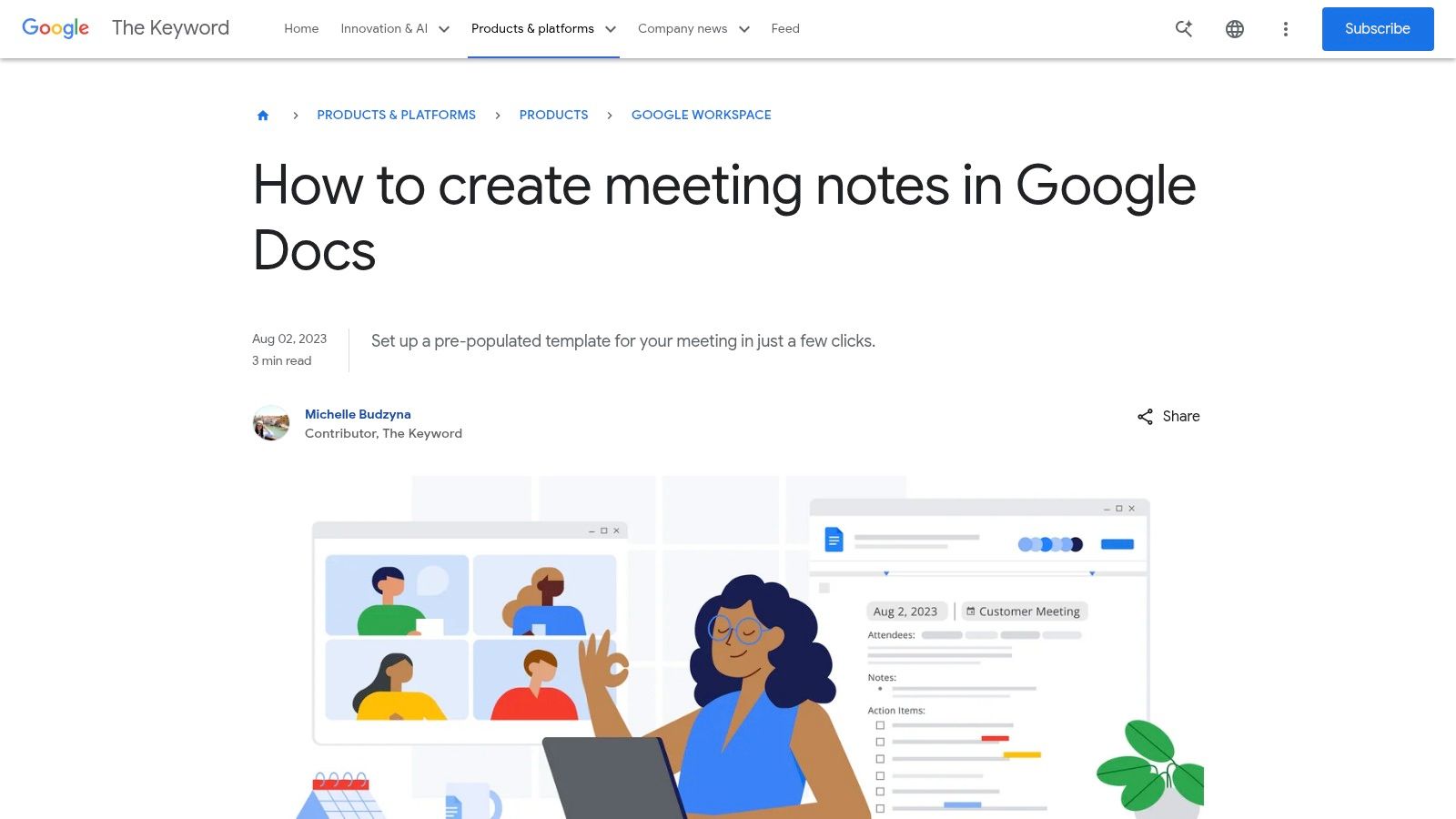
This feature pre-populates the meeting title, date, and attendee list, saving you valuable setup time. Its primary advantage is real-time collaboration; multiple participants can edit, comment, and assign action items simultaneously. The integration is seamless, allowing you to attach the notes directly to the calendar invite with a single click, ensuring the agenda and record are always accessible.
Key Features & Considerations
| Feature | Description | Best For |
|---|---|---|
| @ Meeting notes command | Instantly generates a structured notes section by pulling data from a Google Calendar event. | Teams seeking maximum efficiency and integration within Google Workspace. |
| Real-Time Collaboration | Multiple users can type, comment, and see changes live, with a full version history. | Live note-taking during brainstorming sessions or fast-paced project updates. |
| Calendar Integration | Attach the Doc to the event invite, making it the central hub for meeting information. | Ensuring all attendees have access to the agenda beforehand and the minutes afterward. |
Website: Google Docs
Pros:
- Free for personal accounts and included with Google Workspace subscriptions.
- Extremely fast to create and share directly from a calendar event.
Cons:
- Functionality is heavily dependent on the Google ecosystem.
- Limited visual customization options compared to dedicated design tools.
2. Microsoft Word / Microsoft Create
For professionals deeply integrated into the Microsoft 365 ecosystem, Microsoft Create offers a library of professionally designed templates for meeting notes, all built for the familiar Microsoft Word interface. These templates provide a structured, print-friendly starting point for formal meeting minutes, catering to corporate and enterprise environments where documentation is key.
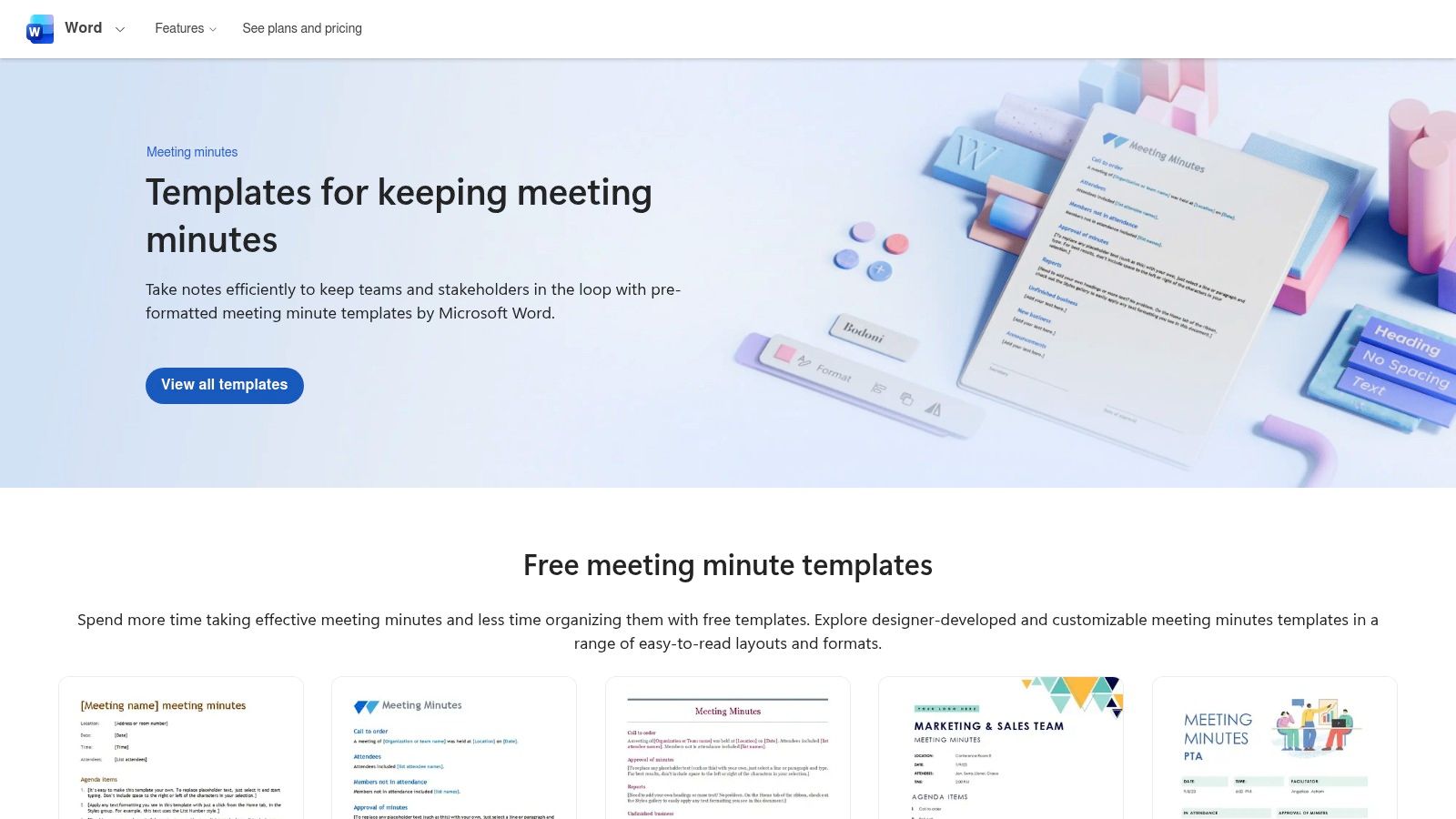
The platform's standout feature for modern teams is its AI-powered capability. With a Microsoft 365 Copilot subscription, users can leverage AI to transform raw meeting transcripts into polished, structured minutes. This integration with tools like Teams streamlines the post-meeting workflow significantly. For instance, you can use the output from Microsoft Teams transcription services as a direct input for Copilot to summarize and organize. The system’s real-time coauthoring via OneDrive ensures collaborative editing is as smooth as in any cloud-native tool.
Key Features & Considerations
| Feature | Description | Best For |
|---|---|---|
| Ready-to-use templates | A collection of professionally designed minutes templates available in familiar Word and Office formats. | Teams needing formal, easily exportable, or printable meeting documentation. |
| Copilot AI Assistant | Transforms meeting transcripts into structured minutes, summarizes discussions, and identifies action items. | Users looking to automate the creation of meeting notes and reduce manual summary work. |
| Real-Time Coauthoring | Multiple users can edit and comment on a Word document simultaneously when stored on OneDrive or SharePoint. | Collaborative minute-taking in corporate environments that run on the Microsoft 365 stack. |
Website: Microsoft Create
Pros:
- Familiar Word interface requires no new learning curve.
- Strong enterprise compatibility with deep Outlook and OneNote integration.
Cons:
- The best experience and AI features require a Microsoft 365 subscription.
- Copilot availability and functionality can vary based on your specific plan.
3. Atlassian Confluence
For teams that need meeting notes to live within a broader knowledge base, Atlassian's Confluence provides a powerful solution. It offers a structured template for meeting notes designed to create persistent, searchable records. This approach transforms meeting outputs from isolated documents into integrated parts of a team's wiki, connecting decisions and action items directly to project pages and product requirements.
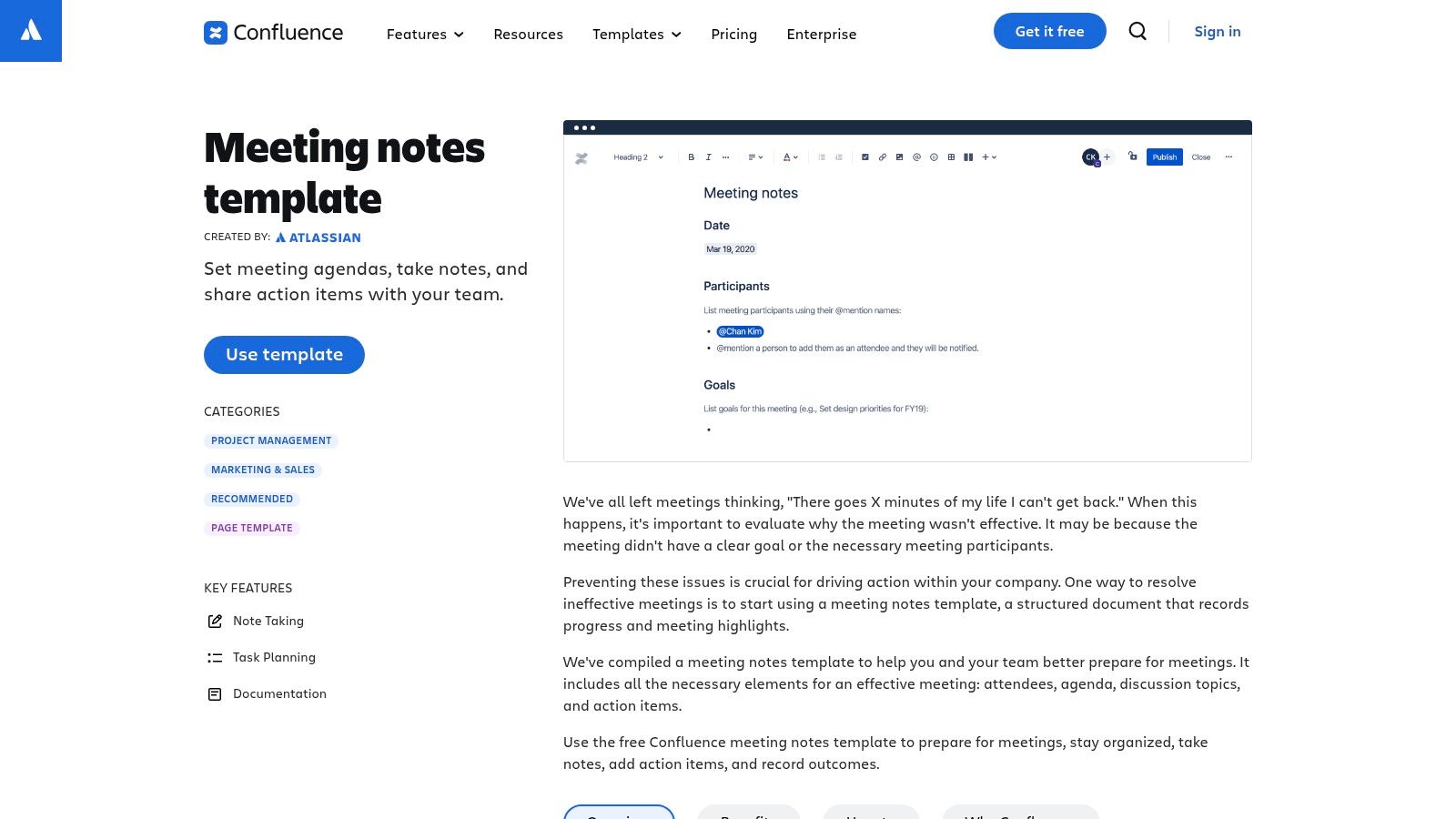
Unlike simple documents, Confluence templates come with pre-defined sections for attendees, discussion topics, decisions, and action items. Its key advantage is the deep integration with the Atlassian ecosystem, particularly Jira. You can create and assign Jira tickets directly from a meeting note, ensuring that action items are tracked within your team's existing project management workflow. This functionality makes it an essential tool for formalizing meeting outcomes and supports robust knowledge management best practices.
Key Features & Considerations
| Feature | Description | Best For |
|---|---|---|
| Jira Integration | Create and assign Jira issues directly from action items listed in the meeting notes. | Agile development teams and project managers using the Atlassian suite. |
| Structured Templates | Pre-built layouts for agendas, decisions, and tasks ensure consistency across all meetings. | Organizations aiming to standardize their meeting documentation process. |
| Persistent Knowledge Base | Meeting notes are saved as pages in a searchable team space, creating a historical record. | Teams needing to reference past decisions and track long-term project progress. |
Website: Atlassian Confluence
Pros:
- Excellent for creating a searchable, permanent archive of meeting decisions.
- Seamless workflow integration with Jira and other Atlassian tools.
Cons:
- Can feel heavier than a simple doc for quick, informal note-taking.
- Provides the most value when used with paid Confluence plans.
4. Notion Template Gallery
Notion is more than a note-taking app; it's a modular workspace where you can build a connected system for agendas, notes, and tasks. Its Template Gallery offers a powerful starting point, providing a template for meeting notes that integrates with databases for recurring meetings and decisions. This database-driven approach is its key differentiator, allowing you to link notes directly to projects, documents, and team members for unparalleled organization.
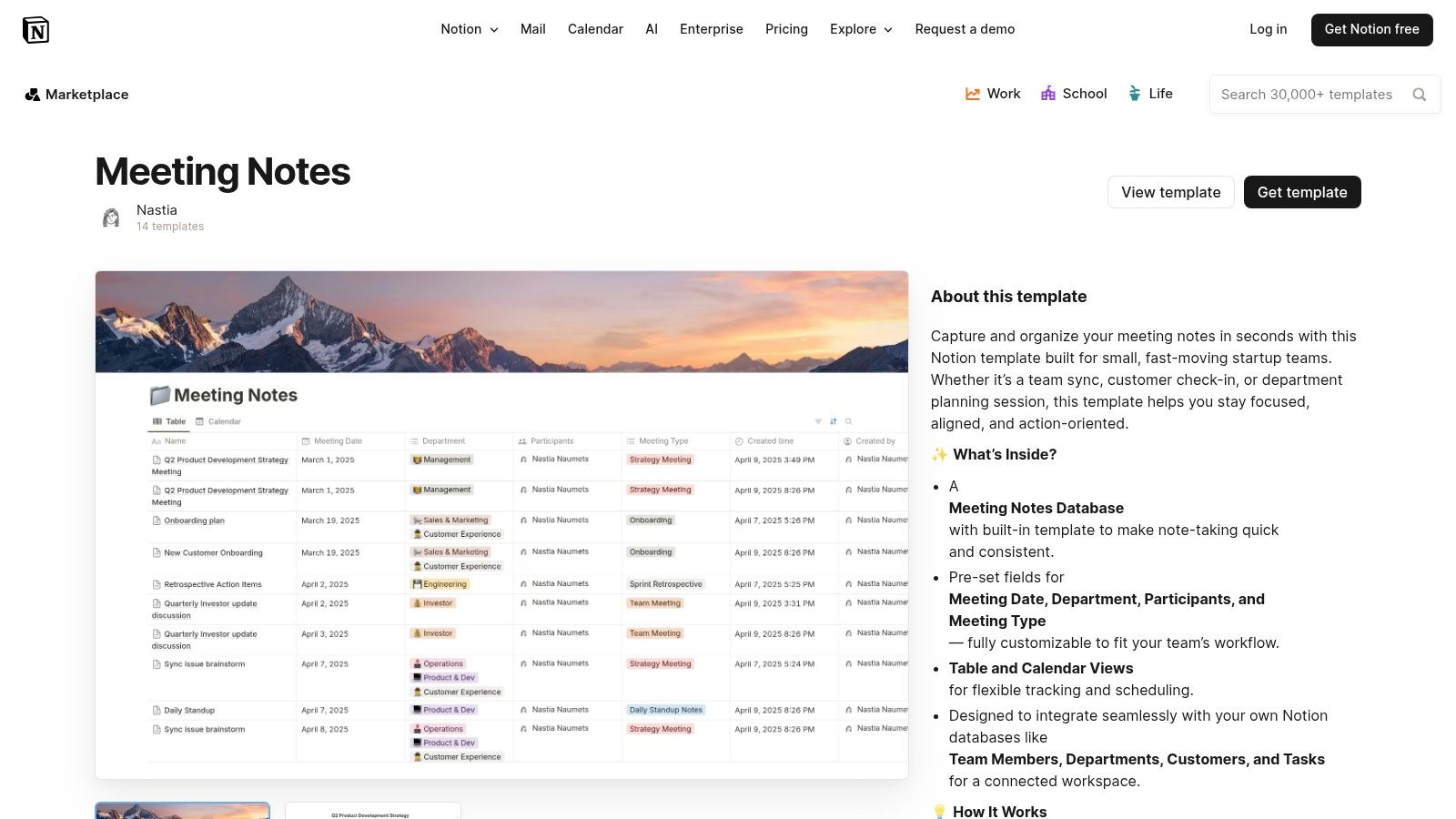
The platform’s strength lies in its deep customizability. You can adapt any template to fit your specific workflow or build a system from scratch. For those looking to leverage ready-made solutions, you might find valuable resources like PLR Notion templates that offer pre-built, advanced setups. Notion excels at creating a single source of truth where meeting outcomes live alongside the projects they influence.
Key Features & Considerations
| Feature | Description | Best For |
|---|---|---|
| Linked Databases | Connect notes, tasks, projects, and documents in a relational system for comprehensive context. | Teams building a knowledge management system or a single source of truth. |
| High Customizability | Templates can be modified with different views (calendar, list, board) and properties. | Users who want to tailor their note-taking process precisely to their needs. |
| Cross-Platform Collaboration | Real-time editing and commenting available on web, desktop, and mobile applications. | Distributed teams that need to access and contribute to meeting notes from any device. |
Website: Notion Template Gallery
Pros:
- Extremely customizable, enabling the creation of recurring note systems.
- A generous free plan is available, with many official and community templates offered at no cost.
Cons:
- The initial setup can require significant configuration to perfectly fit a team's workflow.
- Offline support is limited, which can be a challenge for users with unreliable internet access.
5. Miro (Template + Miroverse)
For meetings that demand more than just linear text, Miro provides a dynamic, visual canvas. It offers a dedicated template for meeting notes that functions as a collaborative digital whiteboard, perfect for brainstorming sessions, workshops, and strategic planning. Instead of just documenting what was said, teams can visually organize ideas using sticky notes, flowcharts, and diagrams.
Beyond its official template, Miro’s strength lies in the Miroverse, a community library filled with thousands of specialized templates. This allows teams to find frameworks for everything from project retrospectives to design thinking workshops. The platform excels at facilitating engagement, making it a powerful tool for turning passive listening into active participation and visual collaboration.
Key Features & Considerations
| Feature | Description | Best For |
|---|---|---|
| Visual Whiteboard Canvas | Offers pre-built frames for agendas, action items, and takeaways within an infinite, flexible workspace. | Creative teams, workshops, and meetings that benefit from visual thinking and mind mapping. |
| Miroverse Community Templates | A vast library of user-generated templates for niche meeting formats and workflows. | Finding specialized frameworks for retrospectives, journey mapping, or strategic planning sessions. |
| Built-in Facilitation Tools | Includes features like timers, voting, and private ideation modes to keep meetings structured and engaging. | Remote or hybrid teams needing tools to guide collaborative activities and gather structured feedback. |
Website: Miro
Pros:
- Excellent for visual workshops and collaborative brainstorming.
- Huge variety of specialized formats available through the Miroverse.
Cons:
- Board sprawl can become unwieldy without a strong facilitator.
- Many advanced features and templates require a paid subscription.
6. Canva (Meeting Minutes in Canva Docs)
When meeting notes need to be visually compelling and on-brand, Canva Docs offers a powerful design-first approach. Moving beyond plain text, Canva provides hundreds of professionally designed templates that can be customized with your brand’s colors, logos, and fonts. It excels at creating polished documents intended for a wider audience, such as board meeting summaries or client-facing project updates.
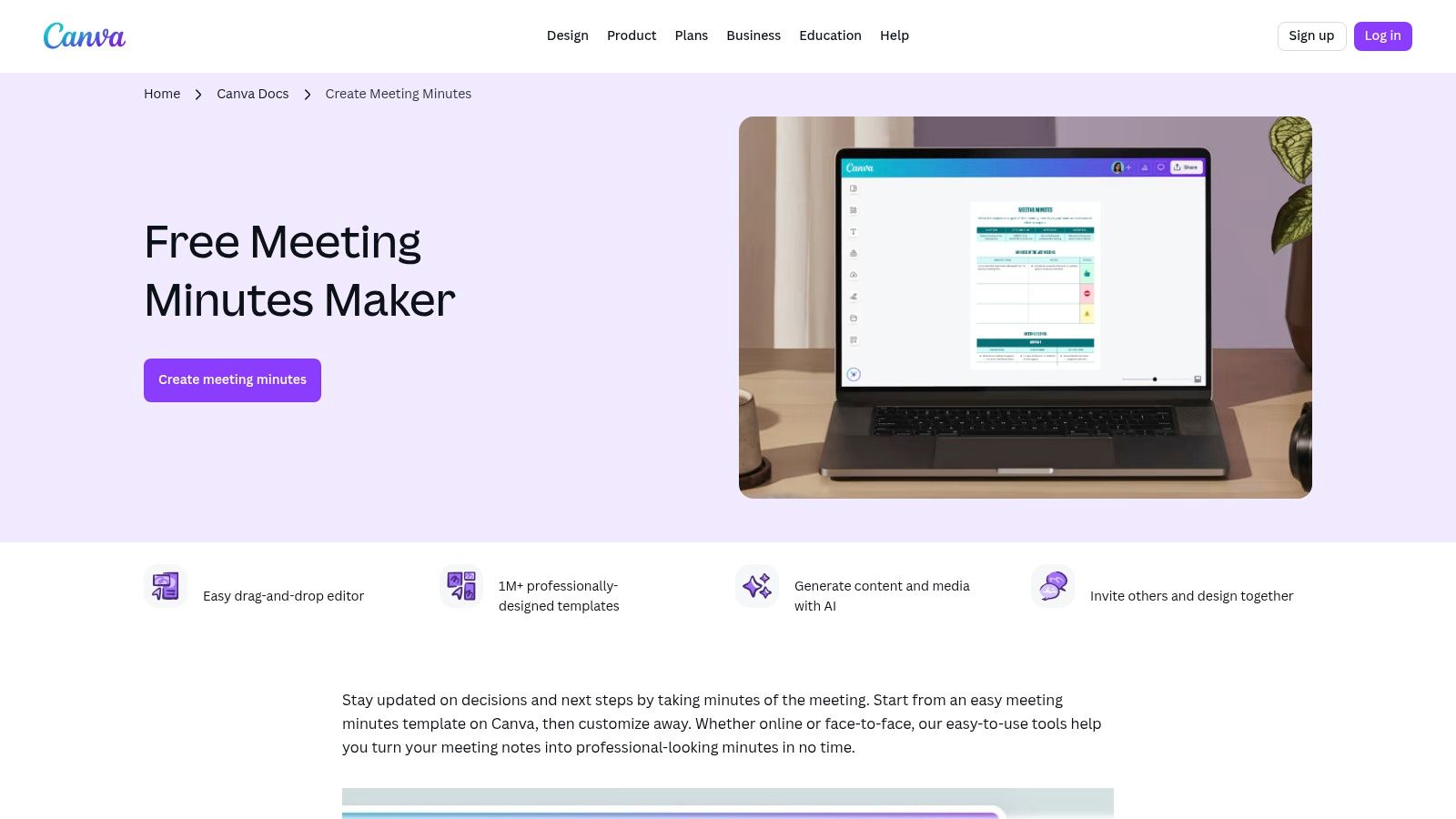
This platform is less about real-time collaborative note-taking and more about transforming raw notes into a presentable, easy-to-read format. The drag-and-drop interface allows you to easily incorporate charts, icons, and images, making your template for meeting notes not just a record but a communication tool. Once complete, documents can be shared via a link or exported as a high-quality PDF, perfect for formal distribution.
Key Features & Considerations
| Feature | Description | Best For |
|---|---|---|
| Drag-and-Drop Design | Easily customize layouts with brand kits, custom fonts, and a vast library of design elements. | Teams that need to produce polished, branded minutes for external stakeholders. |
| Large Template Library | Access hundreds of pre-made templates for various meeting types, from formal to creative. | Quickly creating a visually appealing document without starting from scratch. |
| Easy PDF Export | Share notes via a live link or export them as a professional, print-ready PDF with one click. | Formal record-keeping and sharing minutes with clients or board members. |
Website: Canva
Pros:
- Produces highly polished, on-brand minutes that are visually engaging.
- Intuitive interface makes professional design accessible to non-designers.
Cons:
- More design-focused than optimized for task or decision tracking.
- Many advanced templates and assets require a Canva Pro subscription.
7. ClickUp
For teams that need meeting notes to translate directly into project work, ClickUp offers a powerful, integrated solution. Its template for meeting notes lives within a broader project management ecosystem, allowing you to link discussion points and action items directly to tasks, assignees, and deadlines. This transforms static meeting minutes into a dynamic part of your workflow.
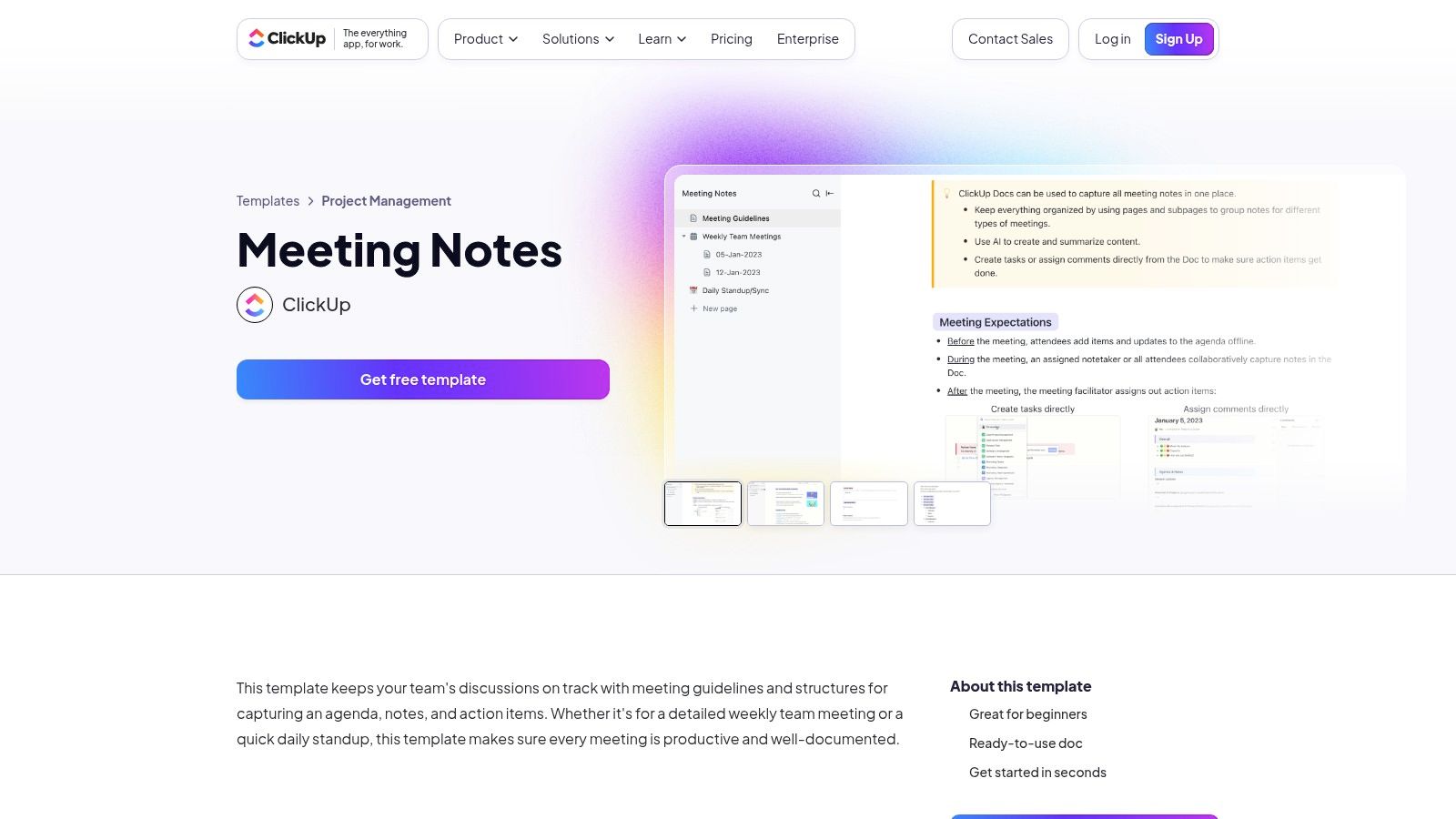
The platform's strength lies in its ability to connect every part of the work cycle. A decision made in a meeting can be captured in a ClickUp Doc, which can then be converted into a task and tracked on a Gantt chart or Kanban board without ever leaving the app. This direct link from note to action ensures nothing falls through the cracks and is ideal for complex project environments.
Key Features & Considerations
| Feature | Description | Best For |
|---|---|---|
| Docs Linked to Tasks | Natively connect notes and action items to tasks, complete with assignees and due dates. | Project teams needing seamless follow-through from meetings to execution. |
| Custom Fields & Views | Organize and visualize your notes and tasks in various formats like List, Gantt, and Calendar. | Teams that require flexible and customized ways to view project progress. |
| Integrated Collaboration | Features real-time editing, comments, mentions, and built-in AI tools for summarizing notes. | Agile teams that manage all communication and work tracking in one central hub. |
Website: ClickUp
Pros:
- Ensures strong action-item follow-through by keeping notes and tasks in one platform.
- A generous free tier is available for individuals and small teams.
Cons:
- Can feel complex for users who only need a simple note-taking tool.
- Most effective when your team already manages all work within ClickUp.
8. Smartsheet
For teams that prefer the structure of downloadable files, Smartsheet offers an extensive resource hub with a wide variety of templates for meeting minutes. It provides a library of free, downloadable files in formats like Word, Excel, Google Docs, and PDF, catering to different levels of formality and meeting types, including project kick-offs, staff meetings, and even Scrum stand-ups. This makes it an excellent starting point for project teams and PMOs that need a structured template for meeting notes without committing to a new platform.
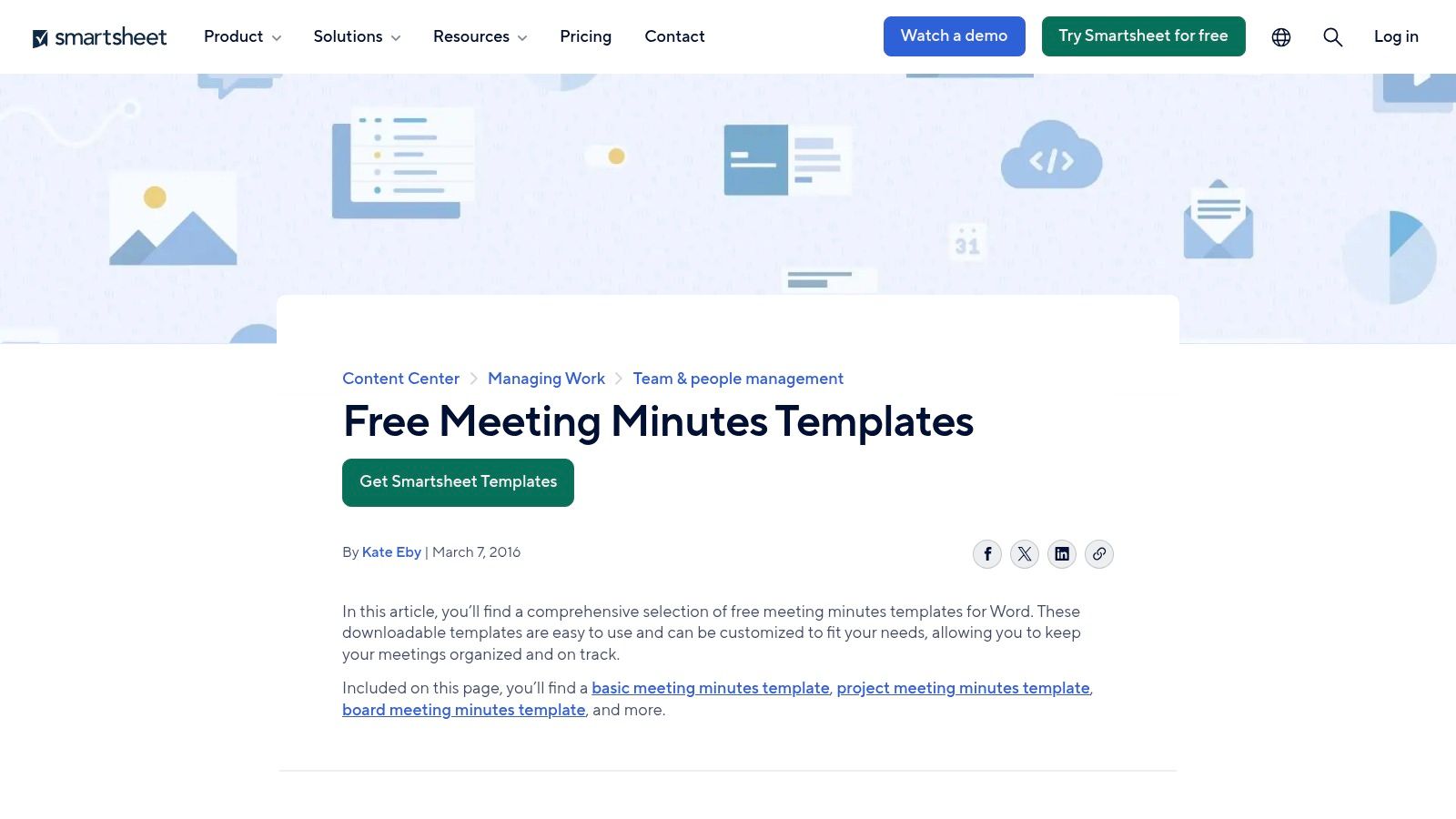
What sets Smartsheet apart is its focus on project management principles. Many of their templates come with built-in sections for tracking action items, decisions, and deadlines, which is ideal for formal project environments. The site also includes complementary articles on meeting best practices, offering guidance on how to use the templates effectively for better meeting outcomes.
Key Features & Considerations
| Feature | Description | Best For |
|---|---|---|
| Multiple Formats | Templates are available in Word, Excel, Google Docs/Sheets, and PDF for maximum flexibility. | Teams that want to use familiar software without learning a new system. |
| Project-Oriented Minutes | Includes specialized templates for project, staff, board, and Scrum meetings with action tracking. | PMOs and structured project teams needing formal documentation. |
| Best Practice Guidance | The resource hub includes articles and tips on running effective meetings. | Organizations looking to improve their overall meeting culture and processes. |
Website: Smartsheet
Pros:
- Broad, free library of templates adaptable to various meeting types.
- A strong fit for formal PMO environments and structured project teams.
Cons:
- Downloads are standalone files; collaboration requires a Smartsheet license.
- Lacks the real-time, integrated features of dedicated note-taking apps.
9. Dropbox Paper
For teams that prioritize simplicity and seamless file storage, Dropbox Paper offers a clean and minimalist template for meeting notes. It serves as a lightweight, collaborative document editor that is deeply integrated into the Dropbox ecosystem, making it an excellent choice for users who already rely on the platform for cloud storage.
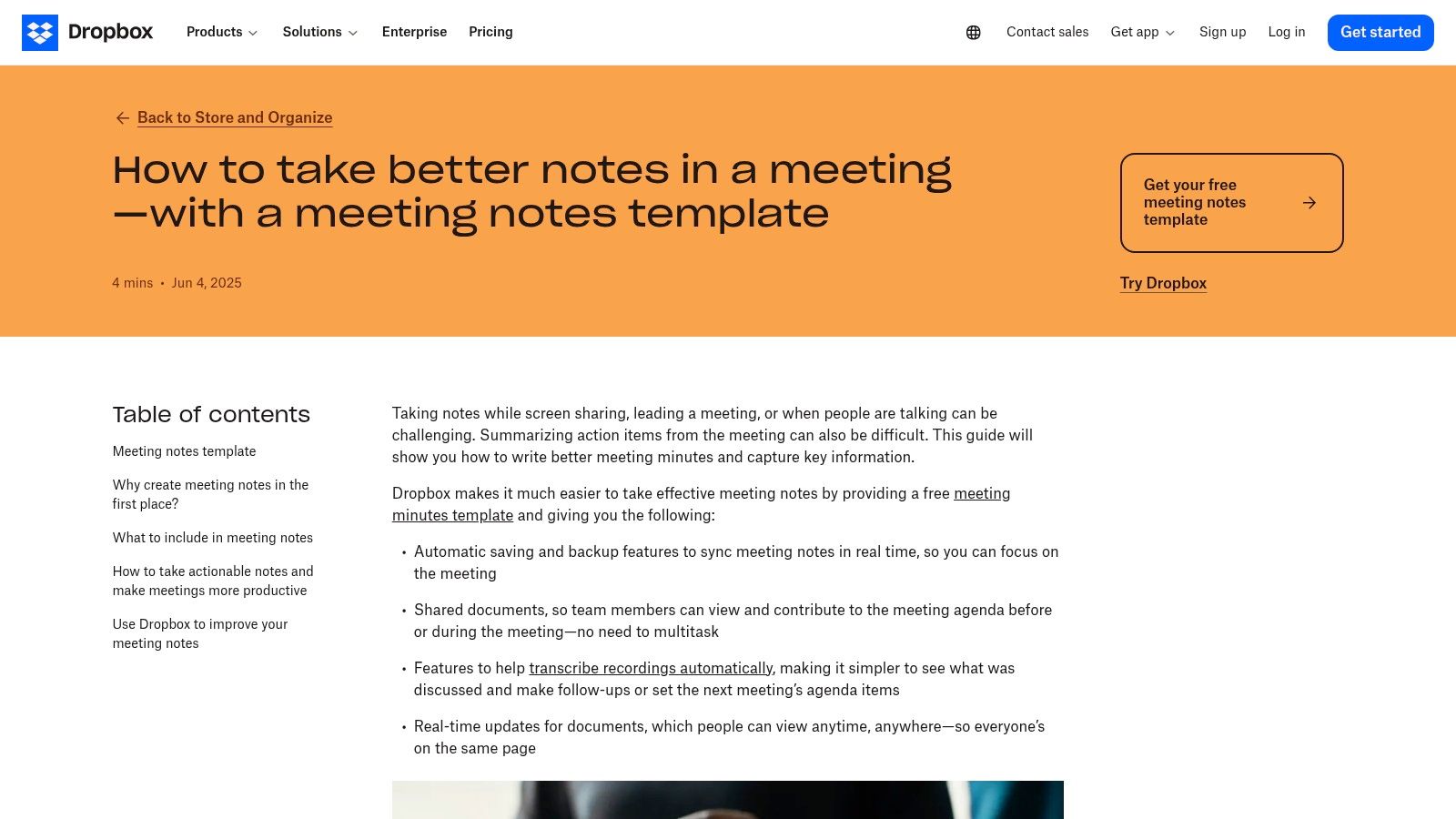
Its core strength lies in its low-friction approach. You can quickly create a document from a pre-built template or save any existing document as a custom template for future use. The live collaboration, autosave, and powerful versioning inherited from Dropbox ensure that notes are always up-to-date and securely backed up, providing peace of mind for important meeting records.
Key Features & Considerations
| Feature | Description | Best For |
|---|---|---|
| Lightweight Collaborative Docs | A distraction-free editor with real-time editing, comments, and task lists. | Small teams needing a straightforward, no-frills note-taking solution. |
| Template Library & Creation | Access a gallery of pre-made templates or turn any Paper doc into a reusable template. | Standardizing meeting formats like one-on-ones, project kickoffs, or daily standups. |
| Dropbox File Integration | Natively embed and preview any file stored in your Dropbox directly within the notes. | Teams that frequently reference mockups, spreadsheets, or presentations during meetings. |
Website: Dropbox Paper
Pros:
- Simple, intuitive interface is very easy for new users to adopt.
- Strong sync, backup, and version history powered by Dropbox infrastructure.
Cons:
- Lacks advanced project management features found in more robust tools.
- Provides the most value for teams already invested in the Dropbox ecosystem.
10. ProjectManager.com
For teams steeped in formal project management, ProjectManager.com provides a free, downloadable template for meeting notes designed specifically for Word. This resource stands out by combining a straightforward template with practical, project-centric guidance. It’s structured to rigorously capture agenda items, decisions made, and most importantly, actionable follow-ups.
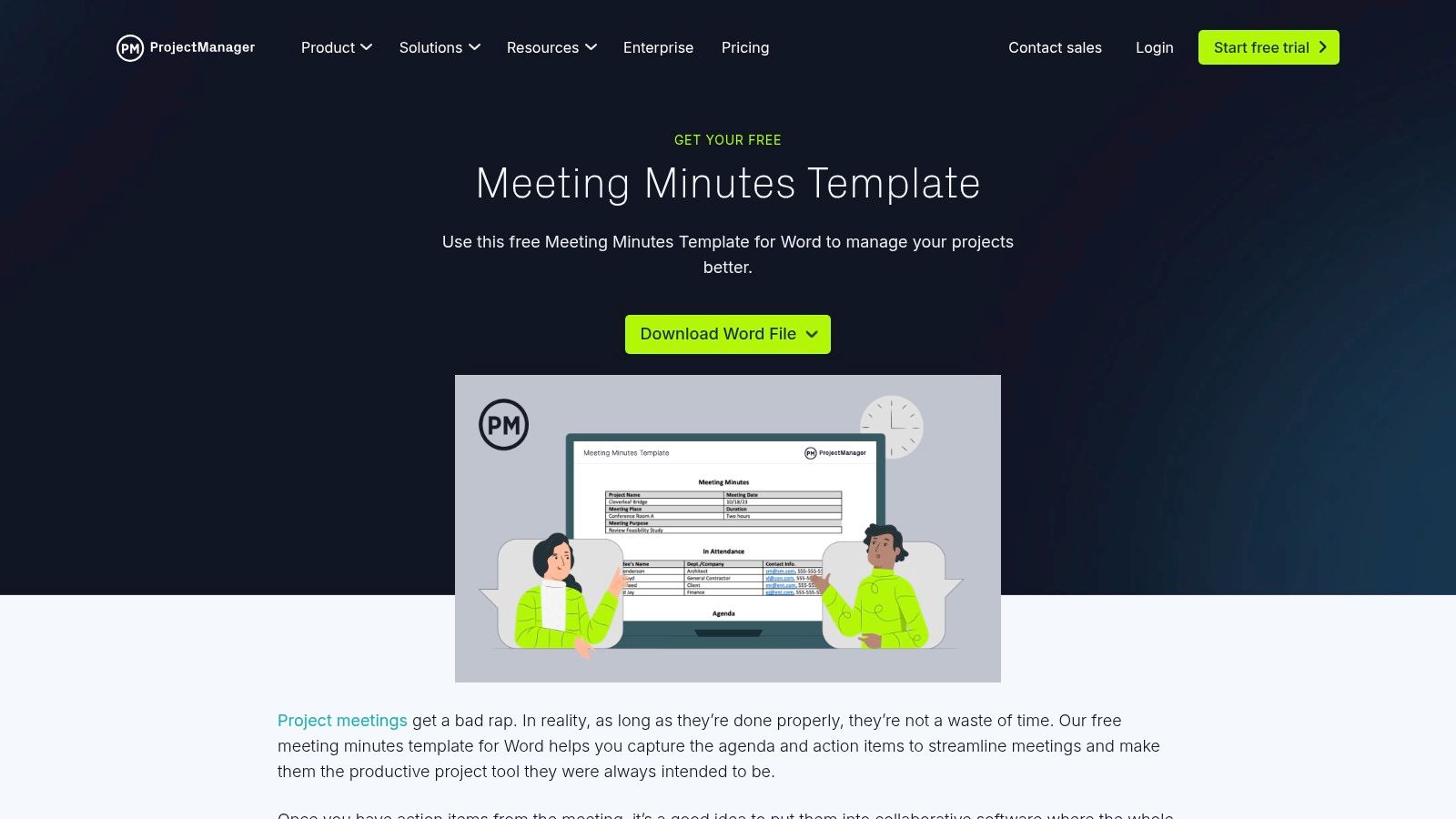
The template is a classic meeting minutes format, making it ideal for official record-keeping in recurring project check-ins or stakeholder updates. While the download is a standalone file, it's designed to funnel users toward their comprehensive project management platform. This is where action items documented in the template can be tracked and managed as part of a larger project plan.
Key Features & Considerations
| Feature | Description | Best For |
|---|---|---|
| Word Template | A traditional, downloadable meeting minutes template focused on agenda, decisions, and action items. | Formal project teams that require a documented, shareable record of proceedings. |
| Project-Management Guidance | The site provides best practices for running effective meetings and documenting outcomes. | New project managers or teams looking to standardize their meeting processes. |
| Platform Integration | Action items can be transitioned from the Word doc into the full ProjectManager.com software for tracking. | Organizations that need to connect meeting outcomes directly to project tasks and timelines. |
Website: ProjectManager.com
Pros:
- Free and easily accessible Word format, which is familiar to most business users.
- Excellent for recurring project meetings where structured documentation is key.
Cons:
- The template download is a lead magnet for their paid software.
- Requires manual effort to transfer action items into a project management tool unless you use their platform.
11. Asana (Meeting agenda/notes templates)
For teams focused on execution, Asana transforms the standard template for meeting notes from a passive record into an active work plan. Its core strength lies in directly converting discussion points and decisions into trackable tasks within your project management ecosystem. Instead of notes getting lost in a separate document, Asana embeds them directly into your team's workflow.
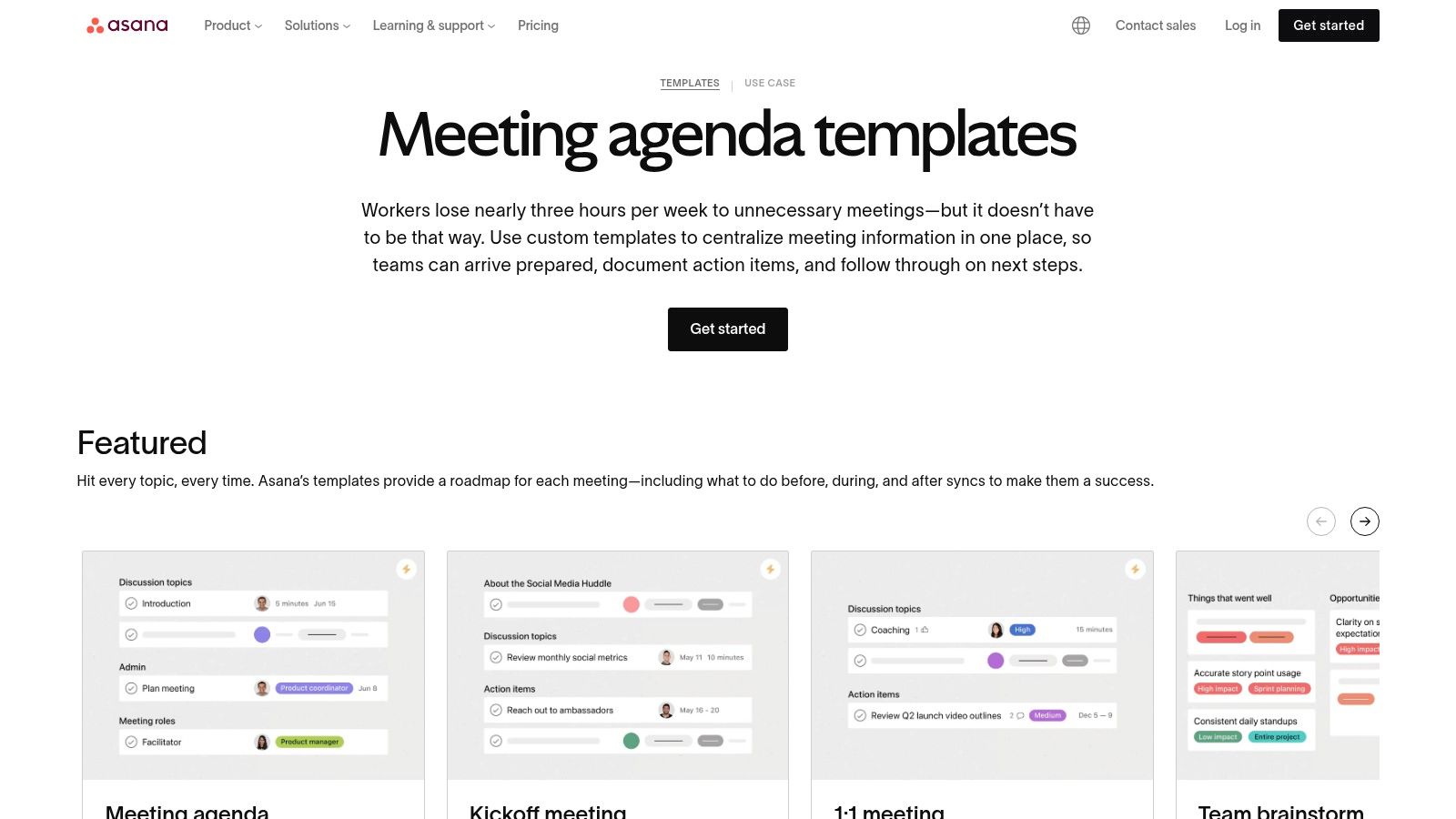
Asana offers a gallery of pre-built templates for various meeting types, from one-on-ones to board meetings. During a meeting, you can assign any note or action item to a specific person with a due date, ensuring accountability. This tight integration means that meeting outcomes are immediately visible alongside other project tasks, which is ideal for maintaining momentum and ensuring nothing falls through the cracks.
Key Features & Considerations
| Feature | Description | Best For |
|---|---|---|
| Action Item to Task Conversion | Turn any line item in your meeting notes directly into an assignable task with a due date. | Teams that need to ensure concrete follow-through and accountability after meetings. |
| Template Gallery | Provides a variety of pre-made templates for common meeting types like 1:1s, board meetings, and brainstorming. | Quickly standardizing meeting formats across different teams and functions. |
| Workflow Integration | Connects meeting outcomes with project boards and integrates with over 200 apps like Zoom and Slack. | Teams that manage their daily work and projects within the Asana platform. |
Website: Asana
Pros:
- Excellent for ensuring decisions and action items are followed up on.
- The free plan is robust enough for many small teams to get started.
Cons:
- Requires users to be on the Asana platform, which involves some initial setup.
- Most effective when your team's broader work is also managed inside Asana.
12. Evernote
Evernote excels as a personal knowledge base, and its ready-made Meeting Notes template extends this strength to individuals and small teams. This straightforward template for meeting notes provides a clean structure for listing attendees, outlining key discussion points, and defining action items. Its primary advantage is its robust ecosystem built around capture and retrieval.
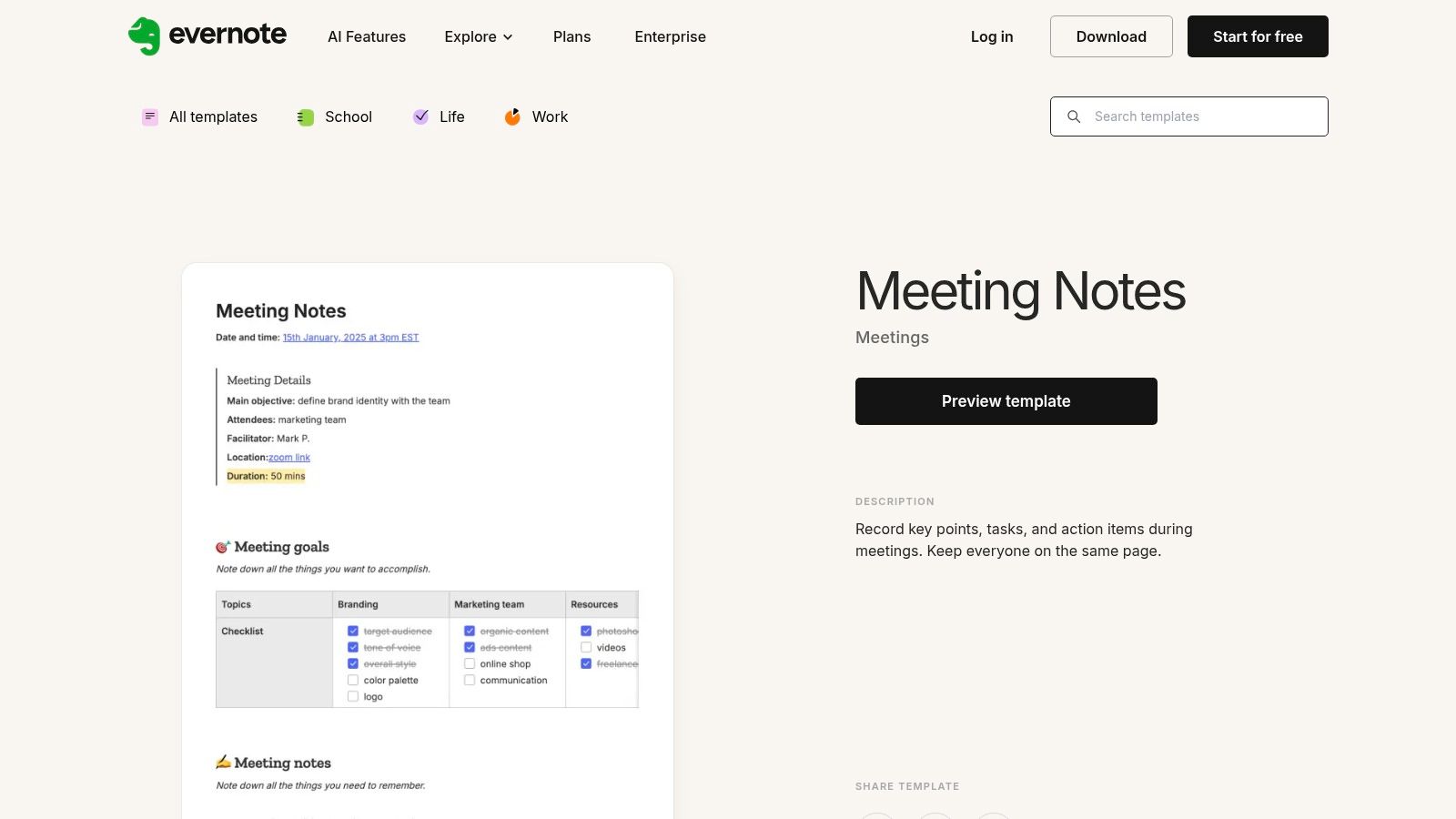
Unlike hyper-collaborative platforms, Evernote shines for solo note-takers or those who need to organize their thoughts before sharing. With powerful cross-device sync and offline access, you can jot down notes on your phone and find them waiting on your desktop. This makes it an ideal tool for building a searchable, personal archive of all your meeting outputs, especially when paired with automated processes like a guide to transcribing Zoom recordings.
Key Features & Considerations
| Feature | Description | Best For |
|---|---|---|
| Simple Template Structure | A clean layout with dedicated sections for attendees, notes, and clear action items. | Individuals and small teams who prioritize speed and simplicity over complex features. |
| Cross-Device Sync & Offline Access | Notes are available across all your devices, even without an internet connection. | Professionals who take notes on the go and need reliable access from anywhere. |
| Searchable Note Archive | Evernote’s powerful search function can scan text within notes, attachments, and even images. | Building a personal, long-term repository of meeting decisions and action items. |
Website: Evernote
Pros:
- Extremely low friction for creating and organizing personal meeting notes.
- Excellent search capabilities and offline-friendly applications.
Cons:
- Collaboration features are less robust than dedicated project management tools.
- The free plan is limited; the best experience requires a paid subscription.
Top 12 Meeting Notes Template Comparison
| Product | Core features ✨ | Quality ★ | Price 💰 | Target audience 👥 | Unique strength 🏆 |
|---|---|---|---|---|---|
| Google Docs (Meeting notes) | Calendar‑linked notes, one‑click attach, live collaboration | ★★★★ | 💰 Free / included in Workspace | 👥 Google Workspace teams needing quick shared notes | 🏆 Seamless Calendar integration & instant sharing |
| Microsoft Word / Create | Designer minutes, Copilot transcript → minutes, co‑authoring | ★★★★ | 💰 Best with Microsoft 365 subscription | 👥 Enterprises & Office users | 🏆 Copilot + deep Outlook/OneNote/Office integration |
| Atlassian Confluence | Structured meeting pages, inline tasks, Jira links | ★★★★ | 💰 Freemium; best value on paid plans | 👥 Teams needing searchable records & Jira users | 🏆 Persistent, linked documentation across projects |
| Notion Template Gallery | Linked DBs, relational links, cross‑platform collaboration | ★★★★ | 💰 Freemium; many free templates | 👥 Teams building connected note/task systems | 🏆 Highly customizable databases & templates |
| Miro (Miroverse) | Visual boards, prebuilt frames, facilitation tools (timers/votes) | ★★★★ | 💰 Freemium; some paid templates/features | 👥 Workshops, facilitators, creative teams | 🏆 Visual collaboration + facilitation toolkit |
| Canva (Meeting Minutes) | Drag‑and‑drop design, brand kits, export PDF/print | ★★★★ | 💰 Freemium; Pro for brand assets | 👥 Marketing teams & polished external minutes | 🏆 Fast, on‑brand, presentation‑ready minutes |
| ClickUp | Docs ↔ tasks, automations, multiple views (Gantt/Calendar) | ★★★★ | 💰 Generous free tier; paid for advanced features | 👥 Teams wanting notes tied to project work | 🏆 Strong action‑item follow‑through inside one platform |
| Smartsheet | Downloadable templates (Word/Excel/Google), PM guidance | ★★★ | 💰 Many free downloads; full features need license | 👥 PMOs & structured project teams | 🏆 Extensive formal templates + project focus |
| Dropbox Paper | Lightweight collaborative docs, autosave, Dropbox sync | ★★★ | 💰 Free; best with Dropbox storage plans | 👥 Small teams wanting simple synced notes | 🏆 Low‑friction sync & versioning via Dropbox |
| ProjectManager.com | Word meeting minutes template + PM best practices | ★★★ | 💰 Free template; paid platform upsell | 👥 Project managers needing formal minutes | 🏆 PM‑centric template with actionable guidance |
| Asana (Meeting templates) | Notes → tasks with assignees/dates, many integrations | ★★★★ | 💰 Freemium; paid for advanced workflows | 👥 Teams focused on task follow‑through | 🏆 Convert meeting outcomes directly into work items |
| Evernote | Clean meeting template, cross‑device sync, powerful search | ★★★ | 💰 Freemium; best on paid plans | 👥 Individuals & small teams / solo note‑takers | 🏆 Robust search, offline access & quick capture |
From Template to Transformation: Making Your Meetings Matter
Choosing the right template for meeting notes is more than an organizational tweak; it is a strategic decision that fundamentally alters how your team communicates, collaborates, and creates value. A blank document often leads to unstructured conversations and forgotten commitments. In contrast, a well-designed template provides the scaffolding for focused discussion, clear documentation, and concrete accountability. The journey through these tools, from the collaborative simplicity of Google Docs to the project management power of Asana, reveals one core truth: there is no single "best" solution.
The ideal template is one that seamlessly integrates into your team’s existing workflow and culture. A simple Word or Google Docs template might be perfect for a small team that values straightforward documentation. A more complex team deeply embedded in an ecosystem like Atlassian will find Confluence indispensable. For visually-driven brainstorming and strategic planning, Miro offers a dynamic canvas that a traditional document simply cannot match. The key is not to find a perfect template but to find the right template for your specific context.
Key Takeaways and Your Next Steps
Reflecting on the options presented, your path forward should be one of intentional experimentation. Avoid analysis paralysis and instead, take direct action.
- Audit Your Current Process: Where are the friction points in your current meetings? Are action items getting lost? Is there confusion about decisions? Pinpointing the problem is the first step to finding the right solution.
- Select Two Contenders: Based on your audit, choose two distinct templates from our list that seem to address your primary challenges. For instance, if your issue is a lack of follow-through, try a task-oriented template from ClickUp or Asana. If the problem is unfocused brainstorming, experiment with Miro.
- Pilot and Gather Feedback: Implement your chosen templates in a few low-stakes meetings. Ask your team for honest feedback. Was it intuitive? Did it improve the meeting's outcome? This iterative process is crucial for successful adoption.
- Customize and Standardize: No template is perfect out of the box. Use the feedback to customize your chosen format, adding or removing sections to fit your team’s unique needs. Once you have a version that works, standardize it across your team or organization to build consistency.
Implementing a new template for meeting notes is a commitment to better communication and efficiency. It signals that you value your team's time and are dedicated to making every minute count. By moving from a passive approach to an active, structured one, you transform meetings from a calendar obligation into a powerful engine for progress. The right framework doesn't just capture what was said; it catalyzes what gets done.
Ready to supercharge your meeting notes? A great template is only half the battle. meowtxt provides AI-powered, highly accurate transcriptions, allowing you to capture every detail of your conversation effortlessly. Pair your new template with a flawless transcript from meowtxt to ensure no key decision, action item, or brilliant idea is ever lost again.


