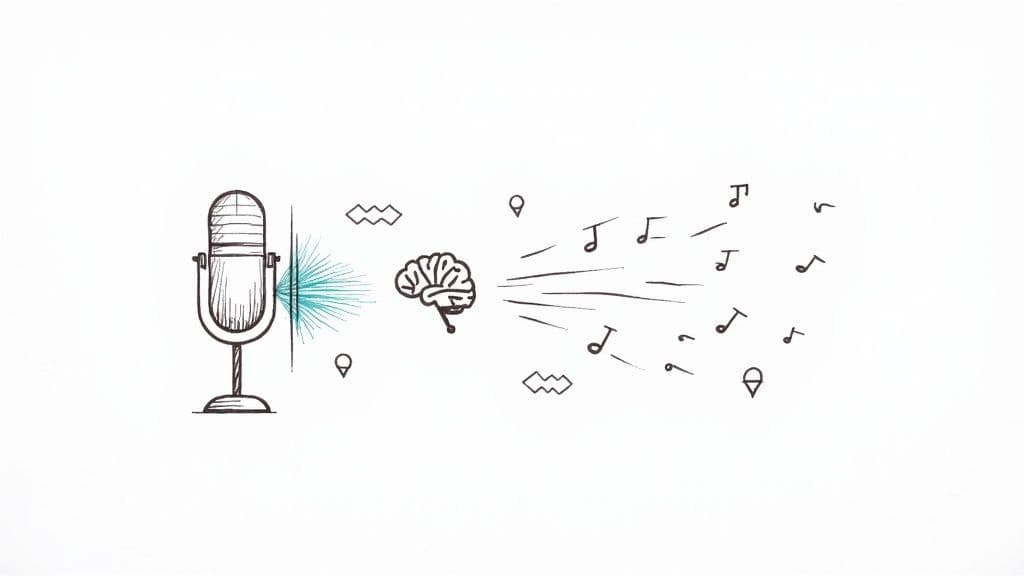
To get a good translation of your audio to English, you need a process that's both fast and dead-on accurate. Modern AI tools that handle this work in a two-step process: first, they transcribe the spoken words into text, and then they translate that text. What used to take hours or even days of painstaking manual work now gets done in minutes, making it easier than ever to translate audio to English for any project.
Why Accurate Audio Translation Matters
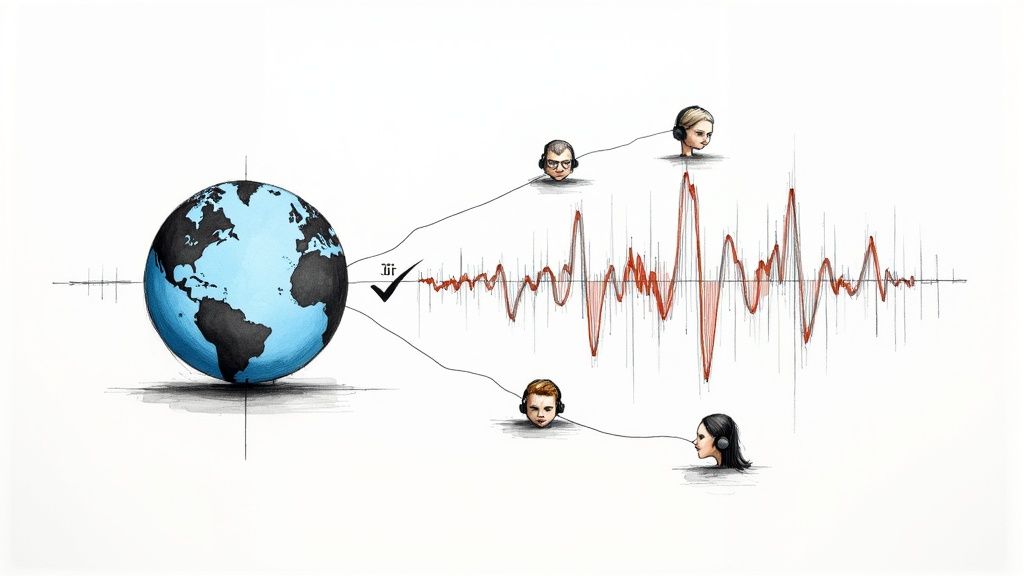
In our ridiculously connected world, the ability to translate audio to English has gone from a "nice-to-have" luxury to an essential tool. It’s no longer just for massive corporations, but a daily necessity for content creators, researchers, journalists, and global teams. Getting it right breaks down communication walls, opening up content that was previously locked away from a huge potential audience. An accurate English audio translation can be a game-changer.
This capability transforms how we share and consume information. Think about a podcast creator in Spain suddenly reaching a massive new fanbase in the United States, or a journalist who needs to quickly translate audio to English from an interview with a non-English speaker for an international story. The possibilities are huge.
The Growing Demand for Audio Translation
The market for this technology is exploding, all driven by our need for instant, multilingual communication. The global Speech-to-Speech Translation market was valued at USD 0.56 billion and is on track to hit USD 1.01 billion by 2030. This isn't just a random spike; it's a clear signal that the demand to translate audio to English and other languages is growing, fueled by AI advancements that make it more reliable.
This surge reflects a bigger shift. Businesses are pushing into global markets, educational content is crossing borders like never before, and we're all consuming media from an international buffet. The common thread? All of it depends on clear, precise audio translation.
Precise audio translation makes sure your message keeps its original intent, context, and nuance. A tiny error can flip the meaning of a statement entirely—something you can't afford in legal, medical, or technical fields where every word counts.
Beyond Words to Global Connection
Good translation is about so much more than just swapping words. It's about making sure the core message lands with a new audience in a way they understand and connect with. For any business that's serious about its global footprint, figuring out how to approach navigating multiple languages globally is a must. It’s the difference between a marketing campaign that soars and one that falls flat.
Ultimately, mastering the workflow to translate audio to English gives you some serious advantages:
- Wider Audience Reach: Make your podcasts, videos, and lectures accessible to English-speaking audiences all over the world.
- Improved SEO: You can turn translated transcripts into blog posts and articles, giving your content a massive boost in search engine rankings for English keywords.
- Enhanced Accessibility: Provide subtitles and captions for viewers who are deaf or hard of hearing, meeting accessibility standards and including everyone.
When you embrace this technology, you're not just translating words. You're building connections and creating brand-new opportunities for your content to make an impact.
Getting Your Audio Ready for Flawless Translation
Before you even think about starting to translate audio to English, you need to start with a clean, clear source file. This is non-negotiable. The quality of your original recording is the single biggest factor that dictates how accurate your final AI transcription and translation will be.
Think of it this way: you're giving the AI a blueprint to follow. If that blueprint is smudged and hard to read, you're going to get a wonky result. Taking just a few minutes to prep your audio file can save you hours of headaches and manual edits down the line.
Choosing the Right Audio Format
The file format you use matters, but maybe not as much as you think. It's really about preserving the integrity of the sound. Your choice usually boils down to two camps:
- Lossless Formats (like WAV or FLAC): These are the heavyweights. They're uncompressed, meaning they keep 100% of the original audio data. For archival-grade projects or when every nuance is critical, this is the gold standard for audio translation.
- Compressed Formats (like MP3 or M4A): These are far more common because their smaller file sizes make them a breeze to upload and share. A high-quality MP3—encoded at 192 kbps or higher—is more than enough for most tasks where you need to translate audio to English. It strikes the perfect balance between quality and convenience.
Honestly, a crisp recording saved as a high-bitrate MP3 will always beat a muffled, noisy recording saved as a WAV file. The clarity of the audio itself is far more important than the digital container it's in.
Simple Steps to Polish Your Audio
You don't need to be a sound engineer to dramatically improve your audio quality. Free, powerful tools like Audacity are surprisingly easy for beginners to pick up for some basic cleanup before you begin the translation process.
When you load your file into a tool like this, you can see the sound waves visually. This makes it easy to spot and clip out long, awkward silences or irrelevant chatter at the beginning and end of the recording.
A couple of quick actions can make a world of difference. Normalize the volume to make sure it's consistent all the way through, and trim any dead air. For a more detailed walkthrough, check out our guide on how to improve audio quality for transcription.
Remember: The old saying "garbage in, garbage out" has never been more true than with AI. A clean, clear audio file is the foundation for a top-notch English translation. Spending just 10 minutes on prep can boost your accuracy by a huge margin.
Of course. Here is the rewritten section, crafted to sound like an experienced human expert while adhering to all your requirements.
A Proven Workflow to Translate Audio to English
Alright, with your audio file prepped and polished, let's get into the actual process. This is the workflow I’ve used time and again to translate audio to English reliably, using a modern AI service like MeowTxt to do the heavy lifting. A solid process is key to getting a high-quality, usable English translation every single time.
First things first: you need to upload your file. Most services have a simple drag-and-drop box. Once it's in the system, you'll be asked to specify the original language of the audio. Don't skip this. Correctly identifying the source language—whether it's Spanish, Mandarin, or French—gives the AI the right footing for an accurate transcription.
Configuring Your Transcription Settings
Before you hit that "transcribe" button, pause for a second and check the settings. For interviews, meetings, or podcasts, the most important option is speaker diarization. Ticking this box tells the AI to identify and label each person speaking (e.g., "Speaker 1," "Speaker 2").
If you don't, you'll get a confusing wall of text from a multi-person conversation, making the final English audio translation a nightmare to follow. Turning on speaker diarization organizes the dialogue logically, which is huge for context and readability. Trust me, this tiny click can save you hours of manual editing down the line.
This whole prep stage—getting your audio clean and ready before translation—is the foundation for everything else.
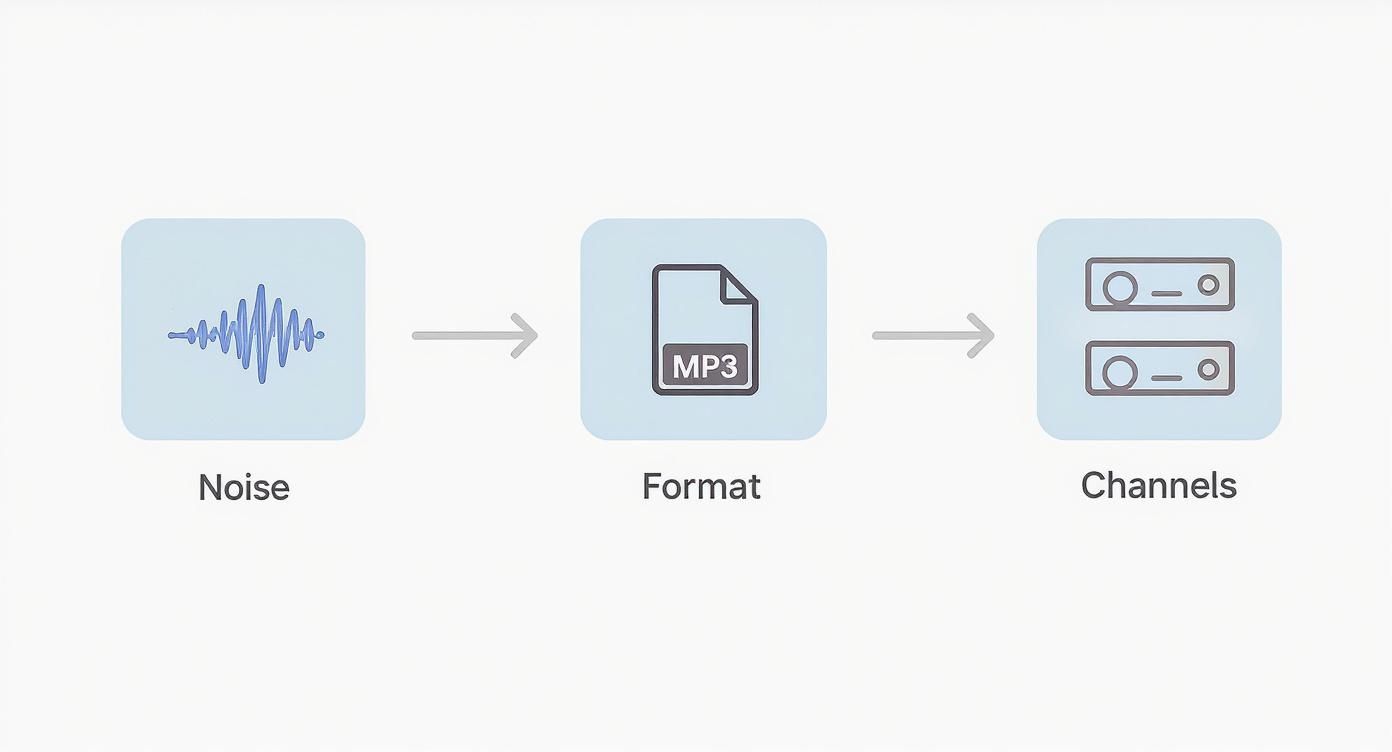
As you can see, a clean, well-formatted audio file isn't just a suggestion; it's the non-negotiable first step toward an accurate final translation.
Generating and Refining the Initial Transcript
After you’ve confirmed your settings, the AI gets to work. These tools are incredibly fast now, often churning through an hour of audio in just a few minutes. You'll get back a raw text transcript in the original language. And while AI accuracy is impressive—often hitting over 95%—it’s not perfect.
This is where your brain comes in. You need to read through the generated transcript and make some quick edits. The AI will almost always stumble on:
- Proper Nouns: Names of people, companies, or specific places.
- Technical Jargon: Industry-specific terms or acronyms.
- Homophones: Words that sound the same but mean different things.
Fixing these errors in the source transcript is absolutely vital. If you translate audio to English from text that has mistakes, those mistakes will be carried over and often made worse in the English version. Taking five minutes to clean up the original text builds the translation on a solid foundation. For a deeper look at this part of the job, our guide on converting audio to text has some extra tips.
The most common pitfall is skipping the review of the initial transcript. A translation is only as good as its source text. Editing the original language transcript first prevents a cascade of errors in the final English output.
Executing the Final Translation
Once you’re happy with the source transcript, the last step is the easiest. With a single click, you can tell the platform to translate the entire text into English. The AI processes your corrected transcript and delivers the full English version almost instantly.
To make things even more efficient, it's worth knowing what tools are out there. Some great resources offer overviews of the top AI tools for video translation, which often use similar tech. This entire workflow—upload, configure, transcribe, edit, and translate—takes the guesswork out of the process and gives you a clear path to getting reliable results, every time.
Advanced Tips for Optimizing Translation Accuracy
Getting a raw AI translation is a fantastic start, but let's be honest—it's rarely the finish line. If you want truly professional results that connect with an English-speaking audience, you need to add a human touch. That’s what separates a functional translation from a flawless one, especially when you need to translate audio to English with high precision.
Think of the AI as a brilliant but junior assistant. It does the heavy lifting, but your expertise is what polishes the final output. This means guiding the AI before it translates and meticulously refining the text after.
Build a Custom Vocabulary for Niche Terms
This is one of the most powerful tricks in the book. You can dramatically improve accuracy by teaching the AI your specific language. Many platforms let you create a custom vocabulary, and it's an absolute game-changer if you need to translate audio to English that’s packed with specialized terms.
For example, an AI won't magically know your internal codename, "Project Nightingale," or a technical phrase like "isobaric stabilization." By adding these to a custom vocabulary, you're telling the AI exactly how to handle them, ensuring they get transcribed and translated perfectly every single time.
This is non-negotiable for:
- Brand Names: Keep your branding consistent across all languages.
- Technical Jargon: Maintain precision for scientific, legal, or industry-specific content.
- Acronyms: Prevent the AI from misinterpreting your abbreviations.
Taking this step upfront will save you hours of tedious post-editing.
Handling Difficult Audio Challenges
Not all audio is created equal. Recordings with thick accents, overlapping speakers, or a ton of background noise can trip up even the best AI. Cleaning up your audio beforehand is a huge help, but you still need a smart review strategy to successfully translate audio to English from a challenging source.
When you're dealing with a strong regional accent, listen to the original audio segment while you read the AI's transcript. Your ear will catch phonetic mistakes the machine missed. For sections with overlapping speakers, use the timestamps to pinpoint the chaos and manually clarify who said what before hitting the translate button.
The human review is your ultimate quality control. It's where you catch subtle contextual errors, smooth out awkward phrasing, and ensure cultural nuances land correctly—things AI still struggles with.
The Critical Post-Translation Review
Once the AI gives you the English text, the real work begins. This is more than a simple spell-check. You're refining the grammar, context, and cultural relevance to make sure the English audio translation flows naturally and honors the original speaker's intent.
Getting this right is more important than ever. The global translation service market was valued at around USD 41.78 billion and is only getting bigger as businesses and creators communicate across borders. You can find more details on this growth in market analysis from firms like Straits Research. This massive market shows just how high the demand is for high-quality, nuanced translations.
Your final pass should ensure the tone feels right, idioms are properly localized, and the text reads like it was written by a native English speaker. This human touch turns a good automated translation into a perfect piece of content.
How to Export and Use Your English Translation
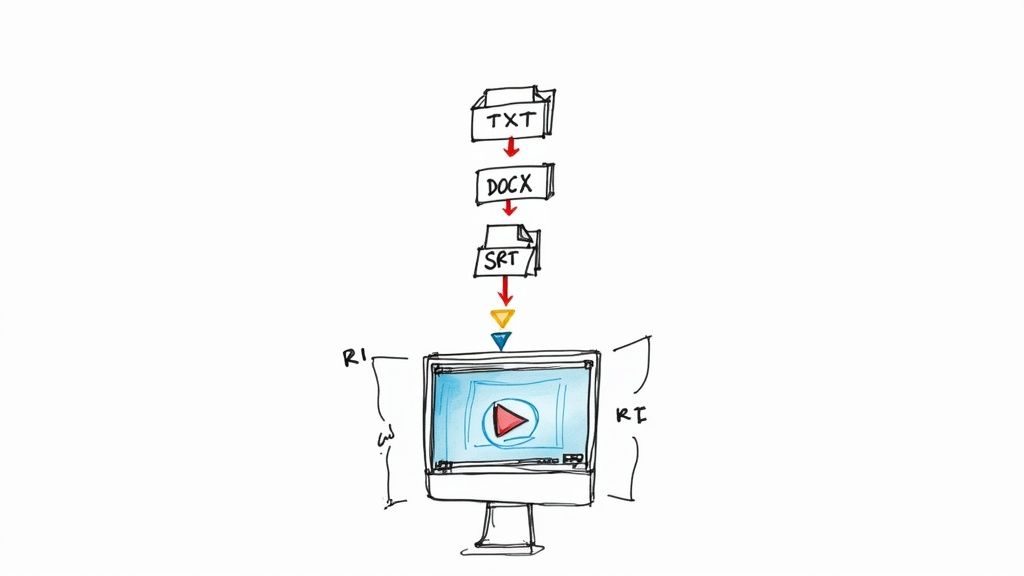
Alright, you've got your audio accurately translated into English. The final—and most important—step is actually putting that text to work. A solid AI tool will give you a handful of export options, and picking the right one is what makes your content genuinely useful. The format you need depends entirely on what you plan to do next with your English audio translation.
A plain text file (.txt), for example, is perfect when you just need to copy and paste the transcript into an email or a simple document. No frills. But if you’re drafting a formal report or turning an interview into a blog post, exporting as a Word document (.docx) is a lifesaver. It keeps the formatting intact and makes editing a breeze.
Choosing the Best Format for Your Project
Where things get a bit more specialized is with video captions and subtitles. Knowing the difference between the main formats is key to making your video content look professional and accessible.
- .SRT (SubRip Subtitle): This is the undisputed champ of subtitle formats. It’s a dead-simple text file with numbered lines, timecodes, and the subtitle text itself. If you're uploading to platforms like YouTube or Vimeo, .SRT is your go-to.
- .VTT (WebVTT): Think of .VTT as the modern successor to SRT. It’s the standard for HTML5 video players and gives you way more styling options—like changing text color or position—which offers more creative control for web-based videos.
The demand for these formats is exploding. The global language services market is on track to hit USD 96.21 billion by 2032, and a huge slice of that growth comes from making audio-visual content accessible. You can see more stats on this massive market shift over at Redokun. And if you ever get a VTT file but need an SRT, our guide on how to convert VTT to SRT is a handy resource to bookmark.
Real-World Applications for Your Translation
With the right file downloaded, you can start plugging your translated content into all sorts of projects. The whole point is to make the information searchable, shareable, and open to a much wider English-speaking audience.
A classic use case is adding captions to a YouTube video. Once you have your .SRT file, you just head into YouTube Studio, find the "Subtitles" section for your video, and upload it. Instantly, your content becomes accessible to viewers who are deaf, hard of hearing, or just watching with the sound off (which is a lot of people).
The real value of a translation isn't just in the text itself, but in how you apply it. A well-formatted transcript can be repurposed into blog posts, social media updates, and training materials, maximizing the reach of your original audio.
Here’s another great example: turning a translated interview into a compelling blog post. Export the text, structure the Q&A, pull out some killer quotes, and add your own headings. Just like that, you have a new piece of content that can start ranking on search engines. For business teams, a translated meeting recording becomes official meeting minutes, creating a searchable log of every decision and action item discussed.
Common Questions About Audio Translation
When you're looking to translate audio to English, a handful of questions always come up. Getting straight answers can save you a ton of headaches and help you pick the right approach for your project. Let's dig into some of the most common ones I hear.
One of the biggest concerns is always accuracy. How good are these AI tools, really? The answer is, surprisingly good—but with a few important things to keep in mind.
How Accurate Are AI Translation Tools?
Modern AI tools can hit 95% accuracy or even better, but that's in a perfect world. The single biggest factor is the quality of your audio source. A crisp, clean recording of one person speaking clearly with zero background noise will always give you the best shot at a flawless transcript and subsequent English audio translation.
However, you'll see accuracy start to drop when you're dealing with:
- Heavy accents the AI model hasn't been trained on extensively.
- Super technical jargon or niche industry terms.
- Multiple speakers talking over each other, which can really confuse the system.
This is why a final human review is always a smart move. That last pass helps you catch the subtle contextual mistakes or slightly awkward phrasing an automated tool might miss, making sure your final text sounds natural and polished.
What Is the Best Audio File Format?
If you're an archivist aiming for absolute maximum quality, a lossless format like WAV or FLAC is the technical winner. These uncompressed files preserve every single bit of the original audio data. They're the gold standard.
That said, for most real-world translation tasks, a good compressed file works just fine. An MP3 at 192 kbps or higher or an M4A file offers a great balance between a manageable file size and clear audio. Honestly, the clarity of the recording itself is way more important than the file extension. A clean MP3 will beat a muffled WAV every single time you need to translate audio to English.
Here's the bottom line: Don't get hung up on the file format. Focus on getting a clean recording first. Nail that, and the rest of the process gets a whole lot easier and more accurate.
Can I Translate Audio with Multiple Speakers?
Yes, you absolutely can, and this is where good tools really shine. Most advanced platforms now offer a feature called speaker diarization, or more simply, "speaker identification." This is a game-changer for anyone translating interviews, podcasts, or meeting recordings.
When you flip this setting on, the AI automatically figures out when a new person starts talking and labels their dialogue (like "Speaker 1," "Speaker 2," and so on). This turns a chaotic block of text into a readable, organized conversation. Before you process any file with more than one voice, always look for this feature. It's a tiny click that makes a huge difference in how useful your final English translation will be.
Ready to translate your own audio files with ease and accuracy? MeowTxt provides a simple, pay-as-you-go solution with speaker identification, multiple export formats, and top-tier accuracy. Get your first 15 minutes free and see how simple it is to convert and translate your audio.


