
Manually transcribing audio is a tedious, time-consuming task that drains productivity. Whether you're a content creator needing subtitles, a journalist with hours of interviews, or a student reviewing lecture notes, the manual process is a major bottleneck. The solution is an automated transcription service, but finding the best audio to text converter for your specific needs can be just as challenging. Many tools overpromise on accuracy, have confusing pricing, or lack essential features.
This guide cuts through the noise. We've rigorously tested the top platforms to give you a clear, comprehensive breakdown of the best options. Forget sifting through marketing fluff; we provide an honest assessment of each service's real-world strengths and weaknesses. You'll find detailed comparisons on critical factors like transcription accuracy, speed, language support, file compatibility, and privacy policies.
Inside this resource, you'll discover:
- Ranked reviews of 12 leading audio to text converter tools, from user-friendly platforms like MeowTxt and Otter.ai to powerful developer APIs like Amazon Transcribe and Deepgram.
- Specific use-case recommendations to help you choose the right tool whether you're a podcaster, researcher, marketer, or developer.
- Clear pricing analysis, breaking down complex subscription tiers and pay-as-you-go models so you know exactly what you're paying for.
Each entry includes screenshots and direct links to help you evaluate the platforms quickly. Our goal is to equip you with the information to select a service that not only saves you hours but also integrates smoothly into your workflow. Beyond just audio transcription, content creators can streamline their production by exploring the best AI tools for content creators. Let's find the perfect tool to turn your audio into accurate, usable text.
1. meowtxt
MeowTxt establishes itself as a premier contender for the best audio to text converter by delivering an exceptional blend of speed, precision, and practical tools. It's a cloud-first platform built for creators, professionals, and developers who demand high-quality, editable transcripts without being locked into expensive subscriptions. The service processes common audio and video formats like MP3, MP4, and WAV at an impressive rate, converting files up to 40 times faster than real-time playback.
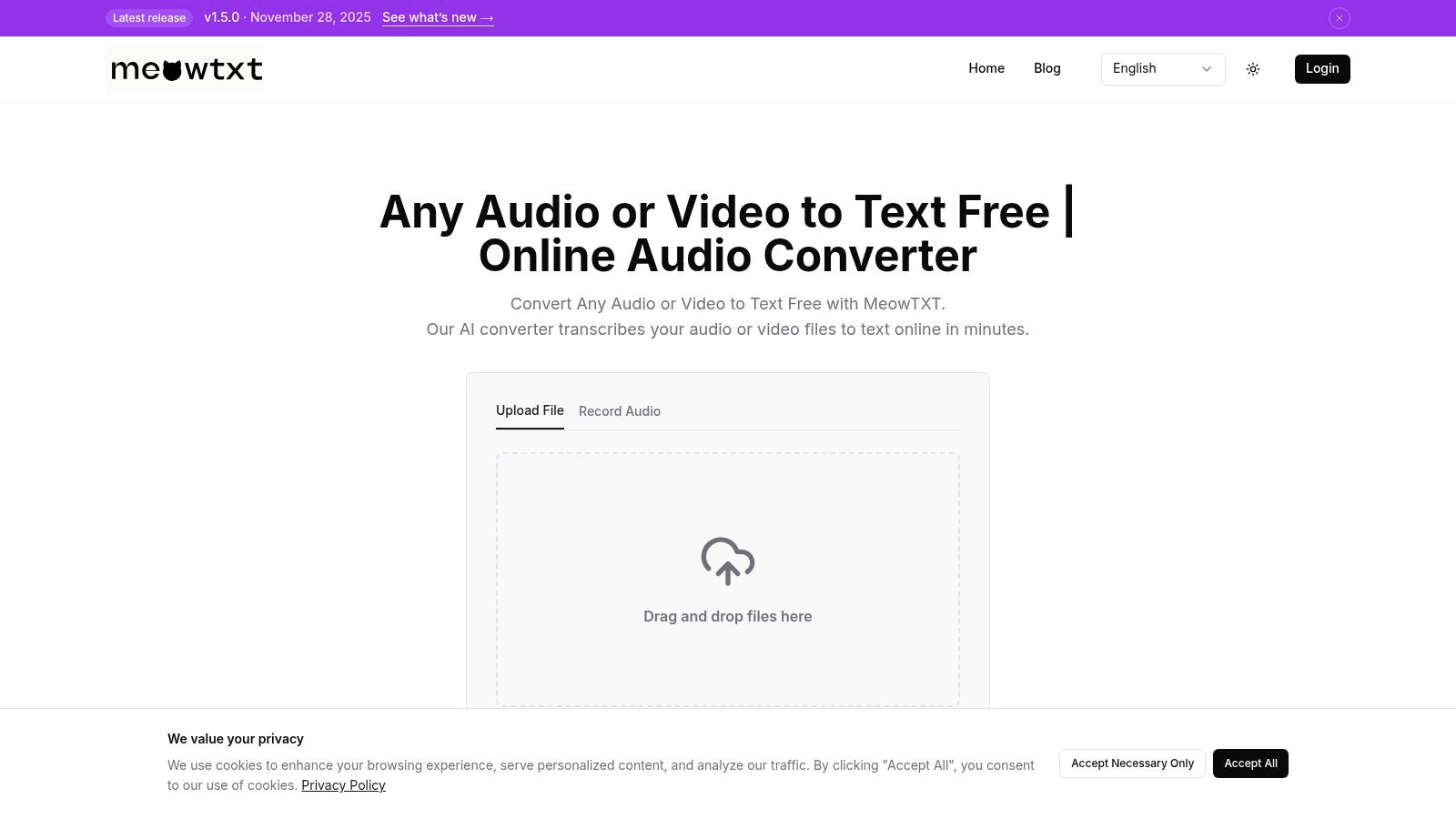
This platform excels not just in raw conversion but in its value-added features that streamline your workflow. MeowTxt automatically identifies and labels different speakers and adds smart timestamps, making transcripts easy to navigate. For those working with global audiences, it offers instant translation into over 100 languages and AI-powered summaries, perfect for distilling key insights from long meetings, lectures, or interviews.
Key Strengths and Use Cases
MeowTxt’s versatility makes it a standout choice for various applications:
- For Content Creators: Podcasters and YouTubers can rapidly generate transcripts for show notes or produce accurate SRT/VTT files for video captions, boosting accessibility and SEO.
- For Professionals: Journalists and researchers can transcribe interviews with high accuracy, saving hours of manual labor. The pay-as-you-go model is ideal for one-off projects.
- For Developers: The platform provides an accessible API and structured data exports (JSON, CSV), allowing for easy integration of transcription capabilities into applications without the overhead of self-hosting.
The service's commitment to security is clear, with files encrypted at rest and a 24-hour auto-delete policy for pay-as-you-go users, ensuring data privacy. While poor audio quality can affect accuracy, MeowTxt consistently delivers excellent results under clear recording conditions, cementing its position as a top-tier transcription solution.
Website: https://www.meowtxt.com
2. Otter.ai
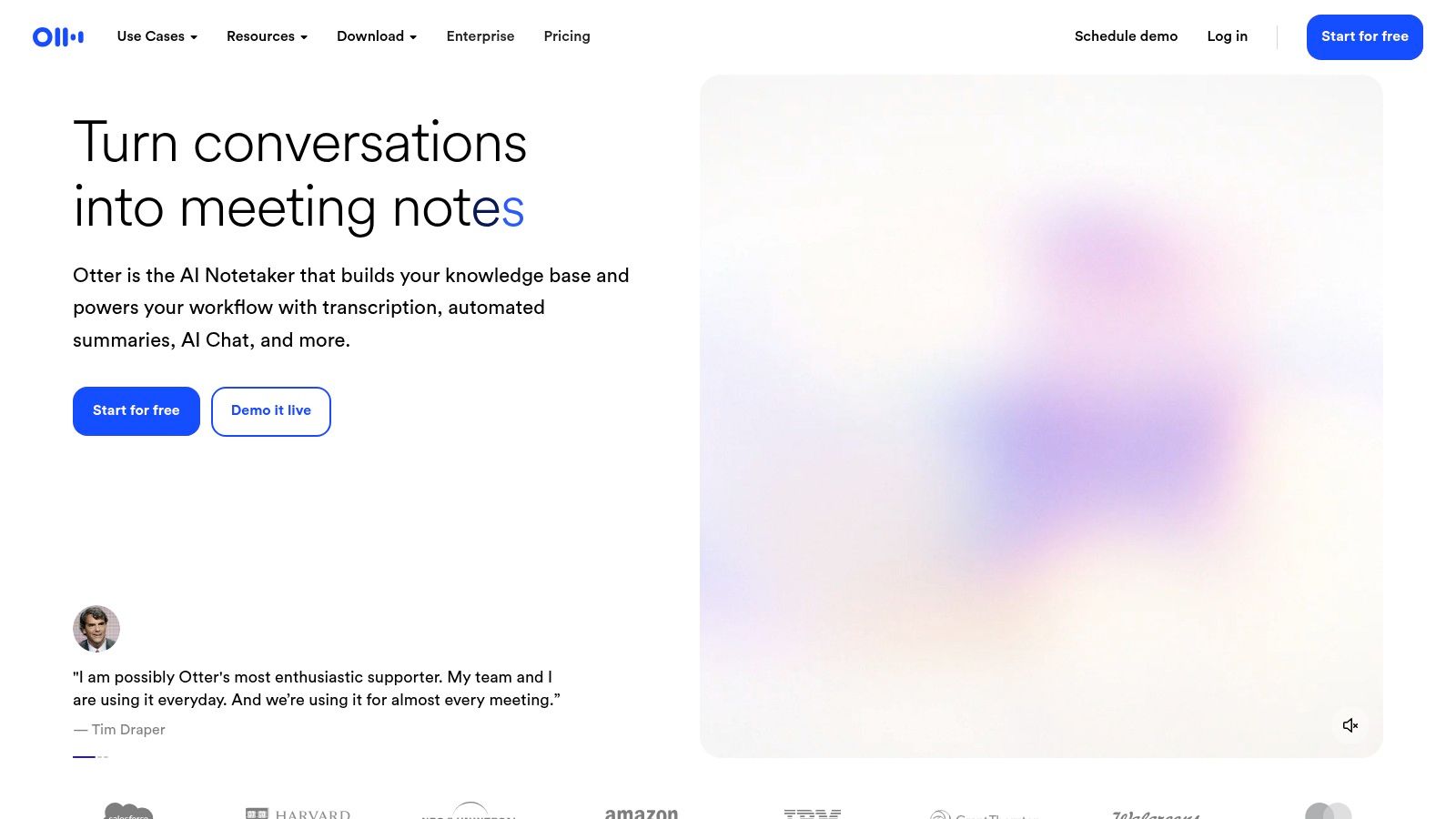
Otter.ai has firmly established itself as a leading audio to text converter, especially for teams and professionals who practically live in virtual meetings. Its core strength is its deep integration with platforms like Zoom, Google Meet, and Microsoft Teams. The "OtterPilot" AI agent can automatically join your scheduled calls, record the audio, and provide a real-time transcript, making it a powerful automated notetaker.
This meeting-centric approach is what sets Otter.ai apart. It isn't just about converting speech to text; it's about creating a collaborative, searchable record of your conversations. After a meeting, Otter generates an AI-powered summary, outlines key discussion points, and lists action items, transforming a raw transcript into a useful project asset.
Key Features and Use Cases
- Real-Time AI Notetaker: OtterPilot can auto-join meetings to transcribe and summarize discussions live. This is ideal for project managers and remote teams needing to keep everyone aligned without a dedicated notetaker.
- Collaborative Workspace: Users can highlight text, add comments, and assign action items directly within the transcript. This feature turns a static document into an interactive hub.
- Advanced Search: Otter’s search functionality is robust, letting you find specific keywords, speakers, or highlights across all your conversations.
- Pricing Structure: Otter.ai offers a Basic free plan with limited transcription minutes. Paid plans (Pro and Business) provide significantly more minutes and advanced features, starting around $16.99 per user/month.
While it excels at structured meetings, it can be less ideal for developers needing API access or for creators transcribing offline media. For a deeper look at tools optimized for meetings, you can explore the benefits of dedicated meeting transcription software.
Website: https://otter.ai
3. Rev.com
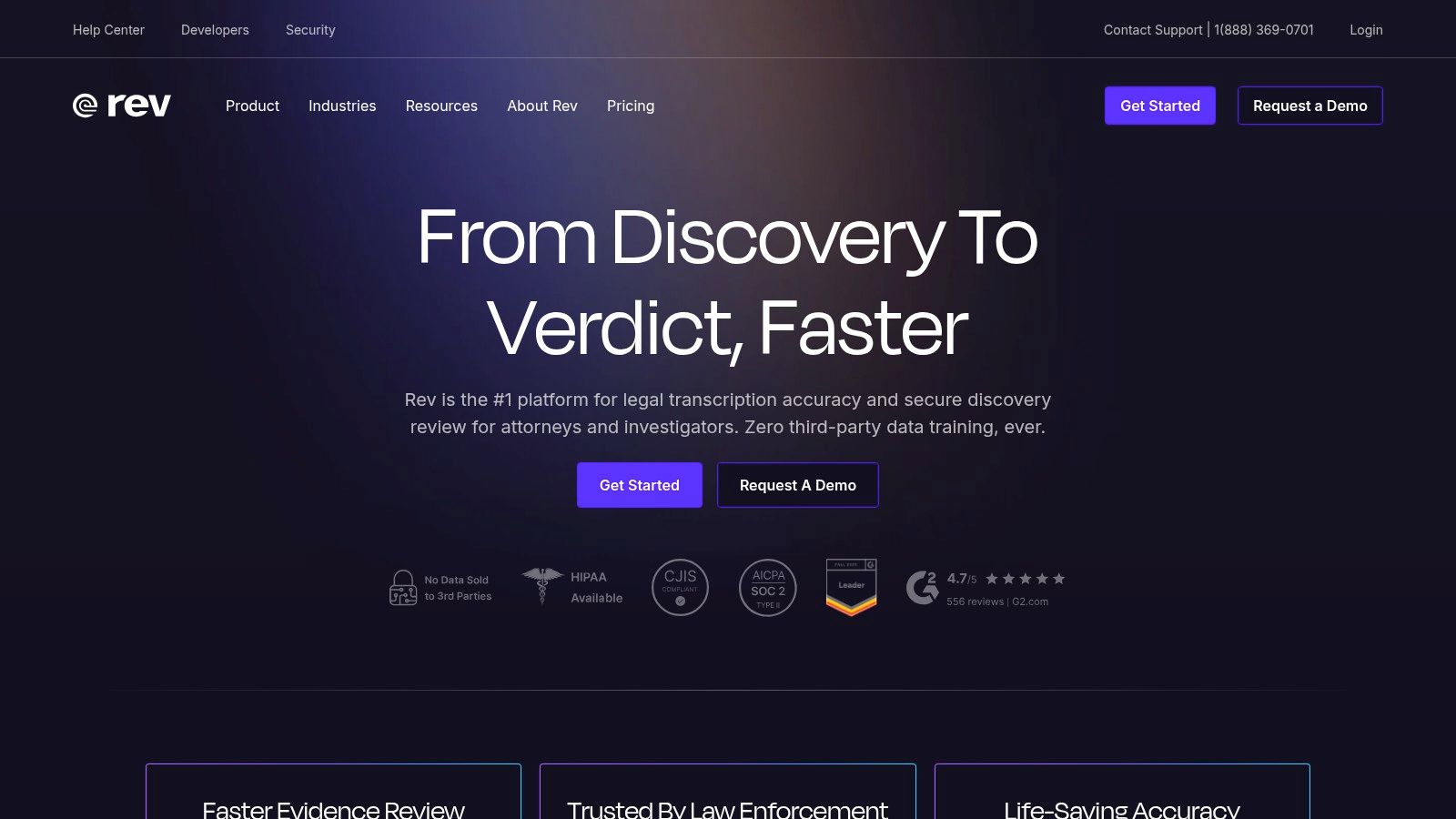
Rev.com holds a unique position in the audio to text converter market by offering a powerful hybrid model. It expertly bridges the gap between the speed of artificial intelligence and the unmatched accuracy of human transcriptionists. This makes it a go-to platform for users who need flexibility, whether that means getting a fast AI-generated draft or a polished, publish-ready transcript.
The core appeal of Rev is its one-stop-shop nature. You can upload an audio file and choose between a 90%+ accurate AI transcript delivered in minutes or a 99% accurate human-powered transcript returned within hours. This dual-service approach is perfect for professionals in legal, medical, or academic fields where precision is non-negotiable, as well as for creators who need a quick AI option for drafts.
Key Features and Use Cases
- Hybrid Transcription Model: Users can select between automated AI transcription (starting at $0.25/minute) or on-demand human transcription (starting at $1.50/minute). Journalists or researchers can use AI for internal review and human transcription for final, citable documents.
- Guaranteed 99% Accuracy (Human): When accuracy is paramount, Rev's human service is a reliable choice for verbatim transcripts, captions, and foreign subtitles.
- Team Collaboration Tools: The platform includes an editor where teams can review, comment on, and polish transcripts together.
- Flexible Pricing: Rev offers straightforward pay-per-minute pricing for both services, alongside subscription plans that bundle AI minutes and provide discounts.
While the AI service is cost-effective, the per-minute cost for human transcription can become significant for large volumes of audio. However, for those needing near-perfect accuracy, the investment pays off by reducing edit time. Understanding the value of a final human review is key, and you can learn more about effective proofreading in transcription to maximize quality.
Website: https://www.rev.com
4. Descript
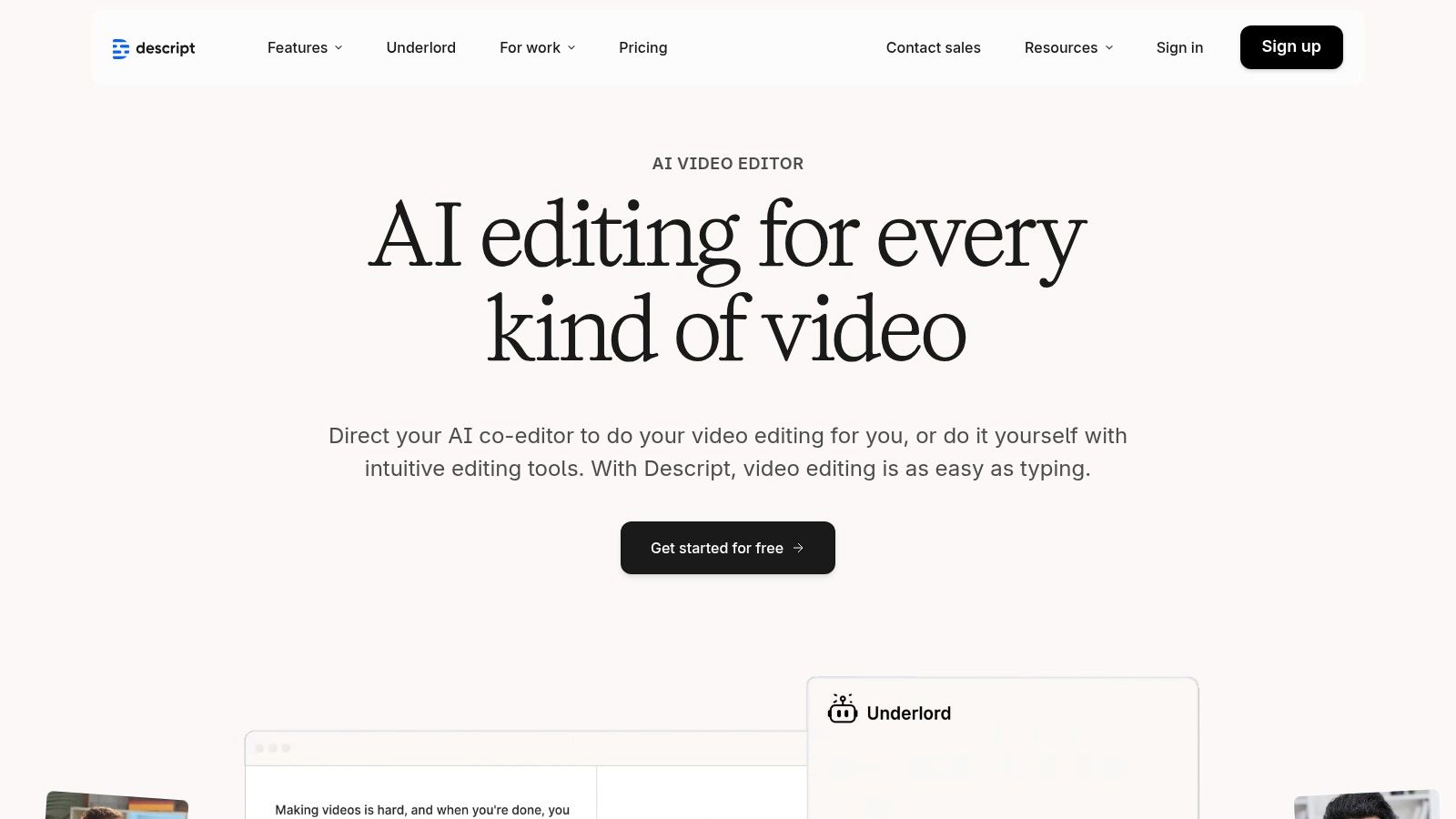
Descript has revolutionized the workflow for content creators by merging an AI-powered audio to text converter with a full-fledged video and audio editor. Its signature feature is "text-based editing," where deleting a word in the transcript also removes the corresponding audio or video clip. This approach makes editing media as simple as editing a document—a game-changer for podcasters, YouTubers, and marketers.
The platform is built from the ground up for creators who need more than just a transcript. It's a complete production tool. Once your audio is transcribed, Descript’s suite of features helps you polish the final product. You can automatically remove filler words like "um" and "uh," enhance vocal quality with Studio Sound, or even generate a synthetic voice clone for quick corrections.
Key Features and Use Cases
- Text-Based Media Editing: Perfect for podcasters and video creators who want to quickly cut and refine their content by simply editing the text. This dramatically speeds up post-production.
- Filler Word Removal: A one-click feature to detect and delete words like "uh" and "um" from both the transcript and the media file, creating a cleaner sound.
- Studio Sound & Overdub: Studio Sound enhances voice recordings to a studio-quality level. Overdub lets you create an AI clone of your voice to fix mistakes without re-recording.
- Pricing Structure: Descript offers a free plan with limited transcription time. Paid plans (Creator, Pro) unlock more hours and advanced features, starting around $15 per user/month.
Descript's power comes from its tight integration of transcription and editing. However, it's less suited for users needing a simple, bulk transcription service for enterprise use, as its features can be overkill for those unfamiliar with media editing.
Website: https://www.descript.com
5. Trint
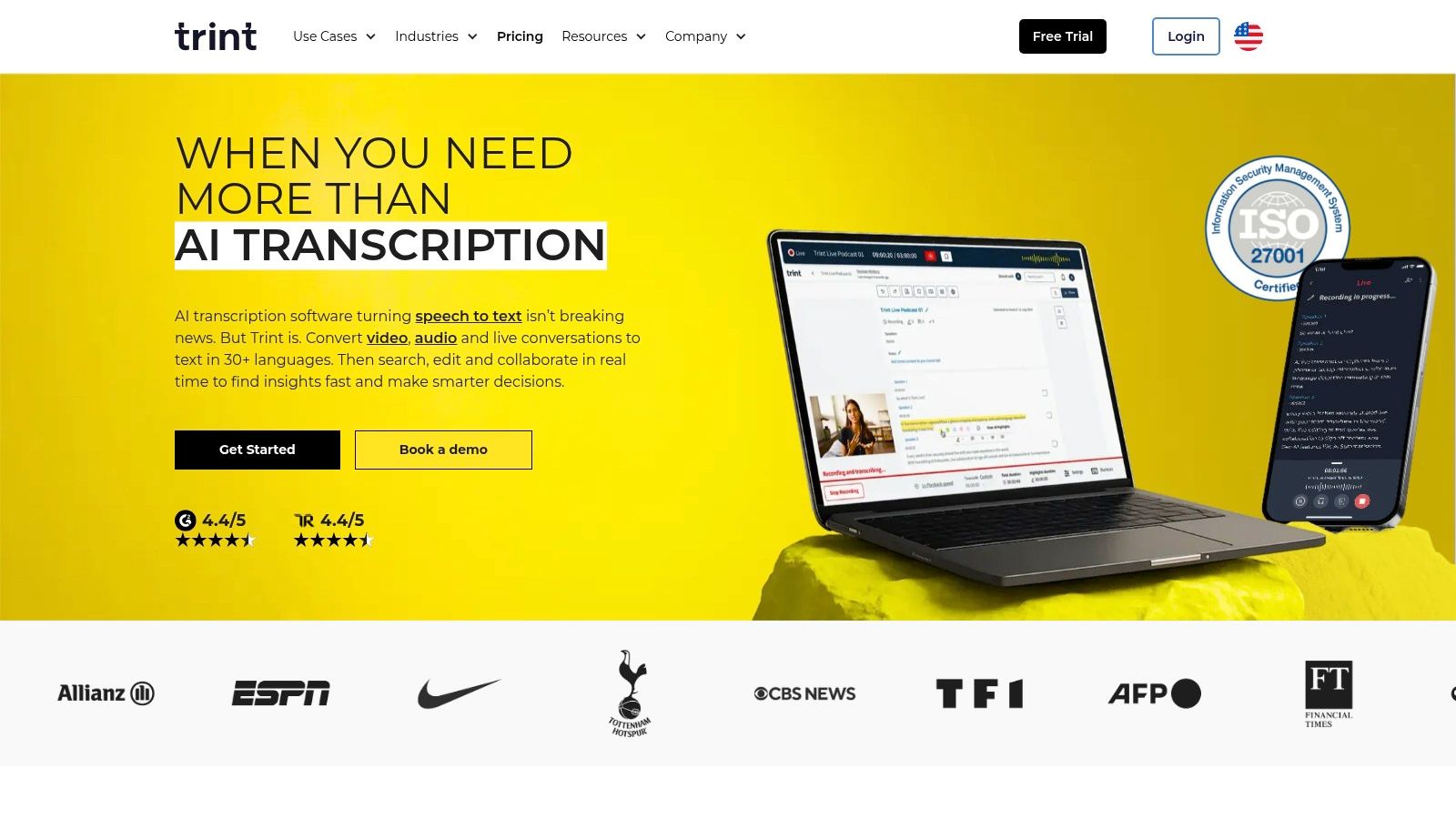
Trint positions itself as a newsroom-grade audio to text converter, built for the rigorous demands of journalists, media houses, and enterprise teams. Its primary differentiator is its blend of high-accuracy AI transcription with a suite of collaborative editorial tools. This platform is designed not just to convert audio to text, but to streamline the entire workflow from raw media to a finished story.
The emphasis on security and compliance makes Trint a standout choice for organizations handling sensitive information. It provides a secure, collaborative environment where teams can review, verify, and edit transcripts together in real-time. This focus on the post-transcription process, including story-building and subtitle creation, makes it a powerful content production hub.
Key Features and Use Cases
- Advanced Editorial Suite: Users can highlight key quotes, leave comments, and assemble rough cuts of a story directly within the platform. This is invaluable for documentary producers and journalists on a tight deadline.
- Enterprise-Grade Security: With ISO 27001 certification, Trint meets strict compliance requirements, which is crucial for legal, corporate, and governmental entities.
- Multi-Language Support: Trint accurately transcribes in over 40 languages, making it a go-to tool for international news organizations and global marketing teams.
- Pricing Structure: Trint offers monthly and annual subscriptions. The Starter plan begins at $60 per user/month for 7 transcriptions. Advanced and Enterprise plans require contacting sales for a custom quote.
While Trint's collaborative and security features are top-tier, its pricing makes it less suitable for individual creators or those needing a simple, pay-as-you-go solution. It is built for professional teams where collaboration and security are top priorities.
Website: https://trint.com
6. Sonix
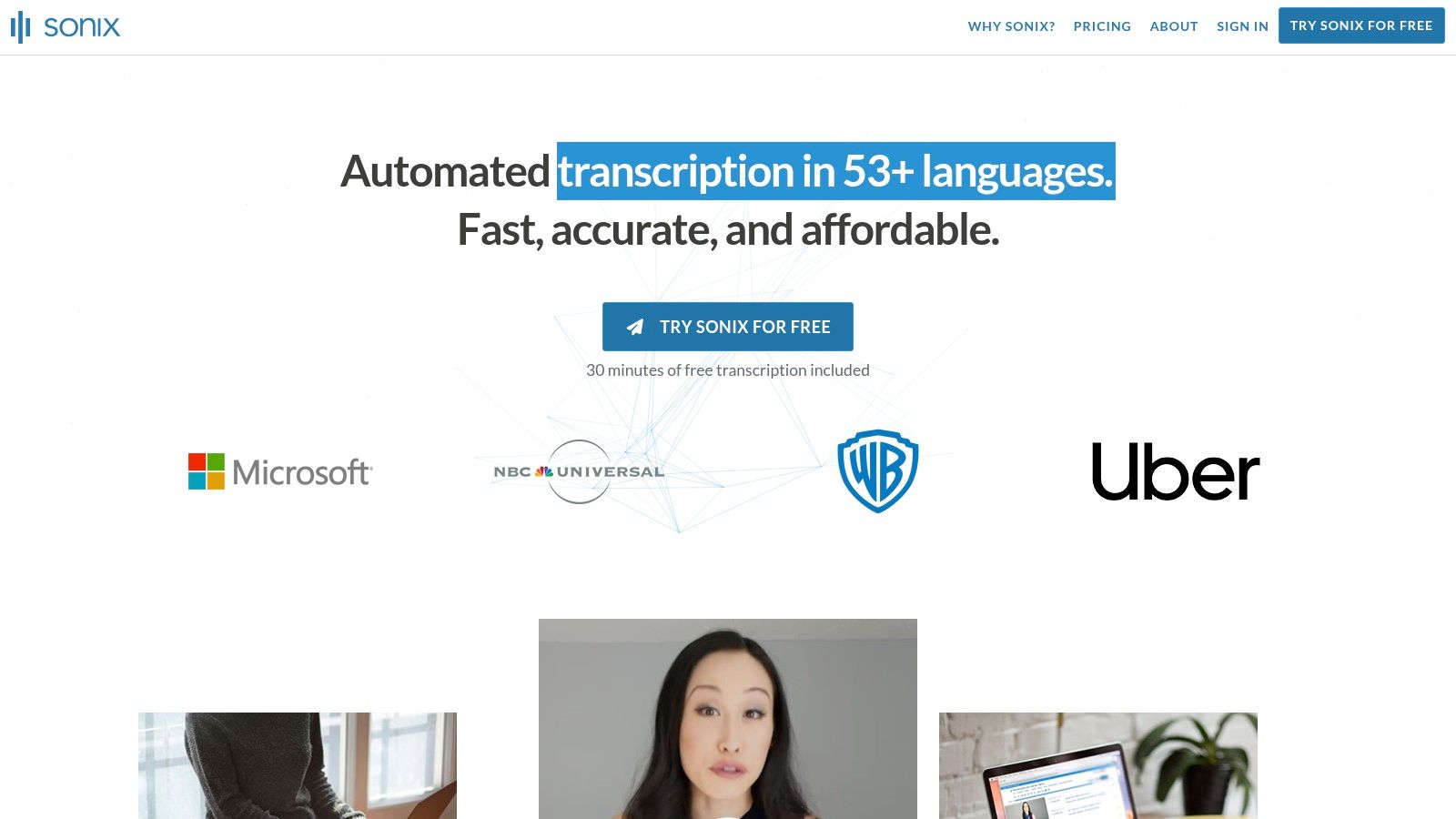
Sonix carves out its niche as a fast and flexible audio to text converter designed for users who need quick turnarounds. Its major differentiator is the choice between a pay-as-you-go model and a traditional subscription, catering to both one-off projects and continuous needs. This makes it an excellent option for journalists or consultants who need to transcribe interviews for billable client work.
The platform is built for speed, delivering automated transcripts with speaker labels and timestamps in minutes. Beyond simple transcription, Sonix offers automated translation into over 40 languages and generates subtitles in standard formats like SRT and VTT. This makes it particularly valuable for video creators and marketers looking to repurpose content for a global audience.
Key Features and Use Cases
- Flexible Billing: Sonix offers a standard pay-as-you-go rate for occasional users and a discounted Premium subscription for those with higher volume. This ensures you only pay for what you use.
- Multilingual Support and Translation: With support for over 40 languages and built-in translation tools, it’s ideal for creators expanding their content reach or global teams.
- Collaborative Editor: The in-browser editor allows users to polish and perfect their transcripts, making it a great tool for teams to collaborate on accuracy.
- Multiple Export Formats: Users can easily export transcripts to various formats, including TXT, DOCX, SRT, and VTT, simplifying the workflow for adding captions or creating written content.
While Sonix excels at speed and flexible billing, its pay-per-feature model for advanced tools can add up. It is also less suited for developers needing deep, custom API integrations compared to dedicated transcription APIs.
Website: https://sonix.ai
7. Happy Scribe
Happy Scribe holds a unique spot in the audio to text converter market by blending automated AI services with human-powered transcription. This dual approach makes it a great choice for creators and organizations that need both speed and guaranteed accuracy, particularly for international content. Its strength lies in its extensive language support, catering to a global audience.
The platform is built for versatility. You can quickly run an audio file through its AI for a fast, affordable transcript, or you can opt for its professional human service when precision is non-negotiable, such as for legal depositions or final video subtitles. This flexibility allows users to choose the right tool for the job without leaving the platform.
Key Features and Use Cases
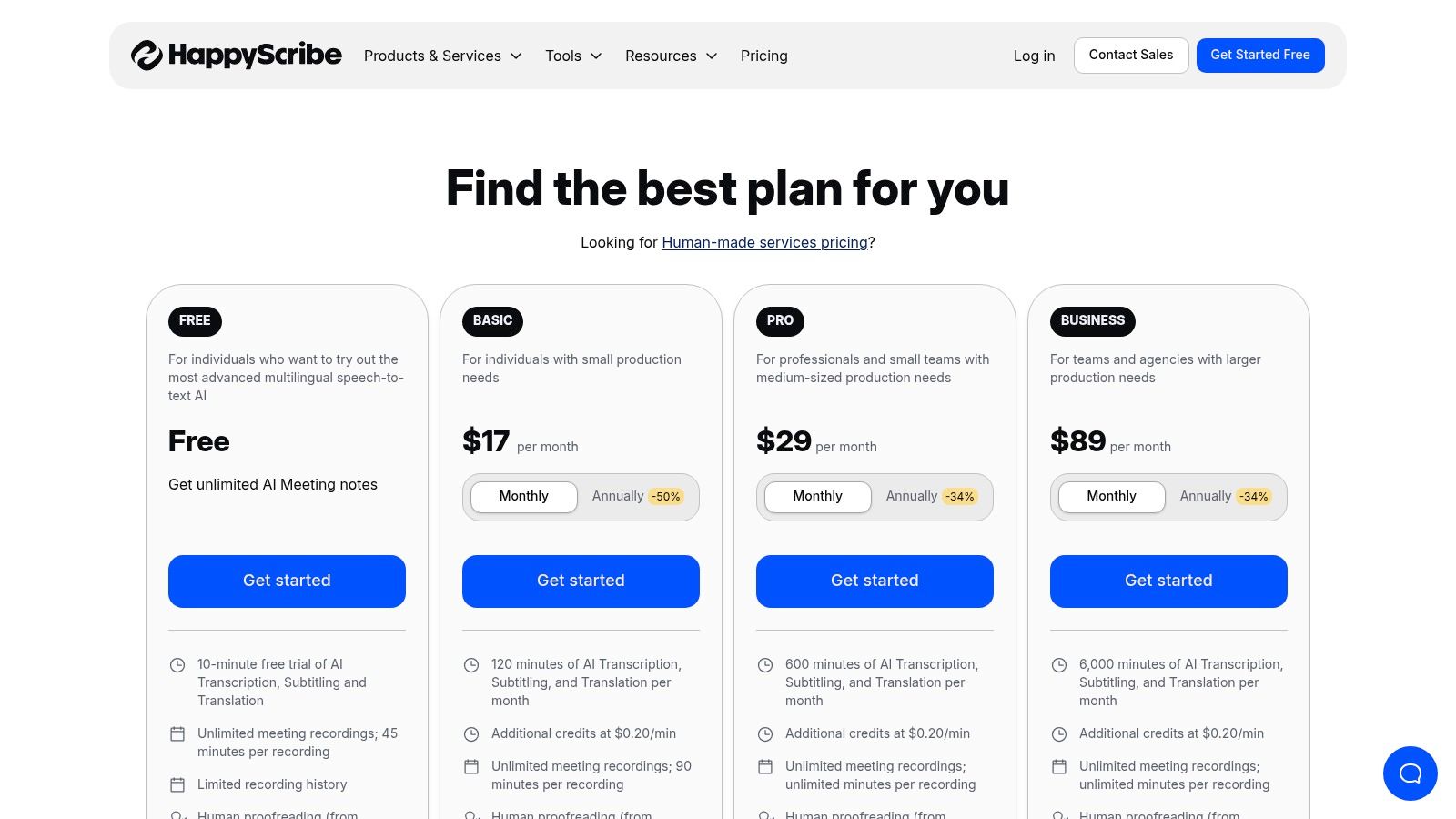
- Hybrid AI & Human Services: Users can choose between fast, automatic transcription (starting around $10/month for 120 minutes) or a human-perfected transcript (priced per minute, starting from €2.00/min). This is ideal for podcasters who need a quick draft for show notes but a flawless transcript for their website.
- Extensive Language Support: Happy Scribe excels in its support for a vast number of languages for both transcription and subtitling, making it a go-to for international marketing teams.
- Collaborative Editor: The platform includes an interactive editor that allows teams to review, edit, and comment on transcripts together, streamlining the proofreading workflow.
- Multiple Export Formats: Transcripts and subtitles can be exported in various formats, including TXT, DOCX, PDF, and SRT, ensuring compatibility with different systems.
The main drawback is that its pricing can feel segmented, with separate plans for AI and distinct per-minute rates for human services. However, for those needing a reliable, all-in-one solution for multilingual content, Happy Scribe is a powerful contender.
Website: https://www.happyscribe.com/pricing
8. Amazon Transcribe (AWS)
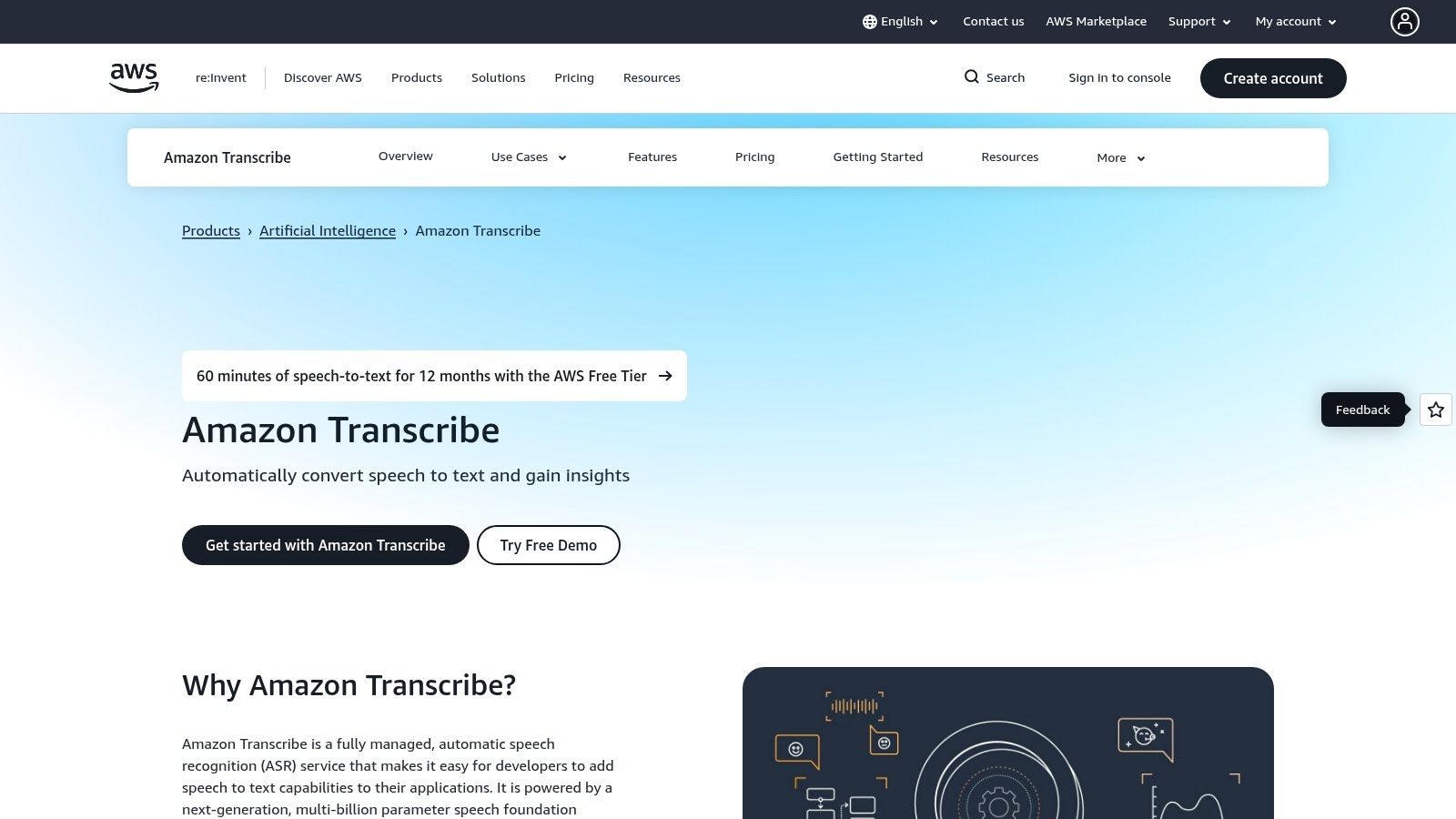
Amazon Transcribe is the heavyweight audio to text converter for developers and businesses already embedded within the Amazon Web Services (AWS) ecosystem. Unlike consumer-facing apps, Transcribe is a powerful API-driven service designed for building scalable transcription capabilities directly into applications. Its core strength lies in its deep integration with other AWS services and its robust, enterprise-grade features.
The platform is engineered for high-volume, automated processing. For instance, a media company could build a pipeline that automatically transcribes all new video uploads. It’s less about a friendly user interface and more about providing a powerful, compliant, and scalable transcription engine.
Key Features and Use Cases
- Developer-Centric API: Offers both real-time streaming and batch transcription, ideal for developers building products with voice features, call center analytics, or automated content archival systems.
- Enterprise Compliance and Security: Features like PII redaction and HIPAA eligibility make it a trusted choice for healthcare, finance, and legal industries where data privacy is paramount.
- Custom Vocabularies: Users can create custom vocabulary lists to improve the accuracy of domain-specific terms or product names that a general model might miss.
- Pricing Structure: Amazon Transcribe operates on a pay-as-you-go model, billed per second. It includes a generous free tier for new AWS accounts, typically offering 60 minutes per month for the first 12 months.
While incredibly powerful for technical users, its reliance on the AWS console and API makes it unsuitable for individuals seeking a simple upload-and-transcribe tool. The setup requires technical knowledge and its pricing can be complex.
Website: https://aws.amazon.com/transcribe
9. Google Cloud Speech-to-Text
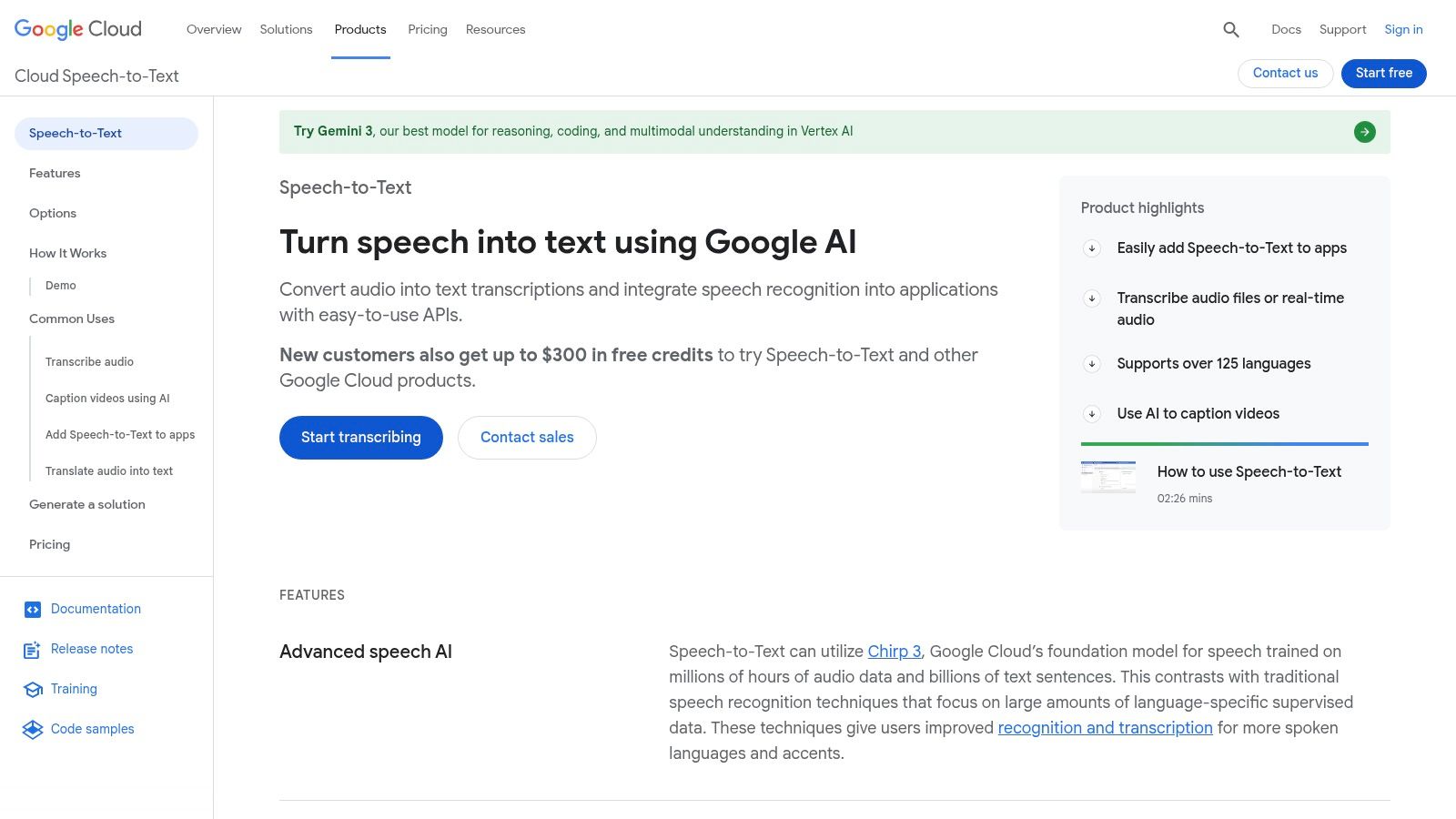
For developers and enterprises seeking a powerful, scalable audio to text converter, Google Cloud's Speech-to-Text API is a top contender. This isn't a simple drag-and-drop tool but a robust API built for integration into custom applications. Its core strength lies in its maturity, extensive language support, and deep integration with the Google Cloud Platform (GCP).
The platform is designed for technical users who need granular control over the transcription process. It offers both real-time (streaming) and batch processing modes, making it suitable for live captioning as well as for transcribing large archives of audio. Leveraging Google’s advanced machine learning, it provides high accuracy for a wide array of use cases, from call center analytics to voice-controlled applications.
Key Features and Use Cases
- Developer-Focused API: This is an ideal solution for developers building applications that require voice commands, real-time transcription, or data analysis from audio sources. It integrates seamlessly with other GCP services.
- Extensive Language and Model Selection: Google offers standard and enhanced models, including options optimized for telephony or video. Its impressive multi-language support makes it a go-to for global products.
- Enterprise-Grade Security: For businesses handling sensitive data, the service provides enterprise-level security and integration with GCP's Identity and Access Management (IAM).
- Pricing Structure: Google Cloud operates on a usage-based pricing model. There's a free tier for a limited number of minutes per month, after which you pay per minute of audio processed. Pricing can be complex, with different rates for various models.
While its power is undeniable for technical projects, its complexity and API-first nature make it unsuitable for individuals just looking for a quick, user-friendly transcription service.
Website: https://cloud.google.com/speech-to-text
10. Microsoft Azure Speech to Text
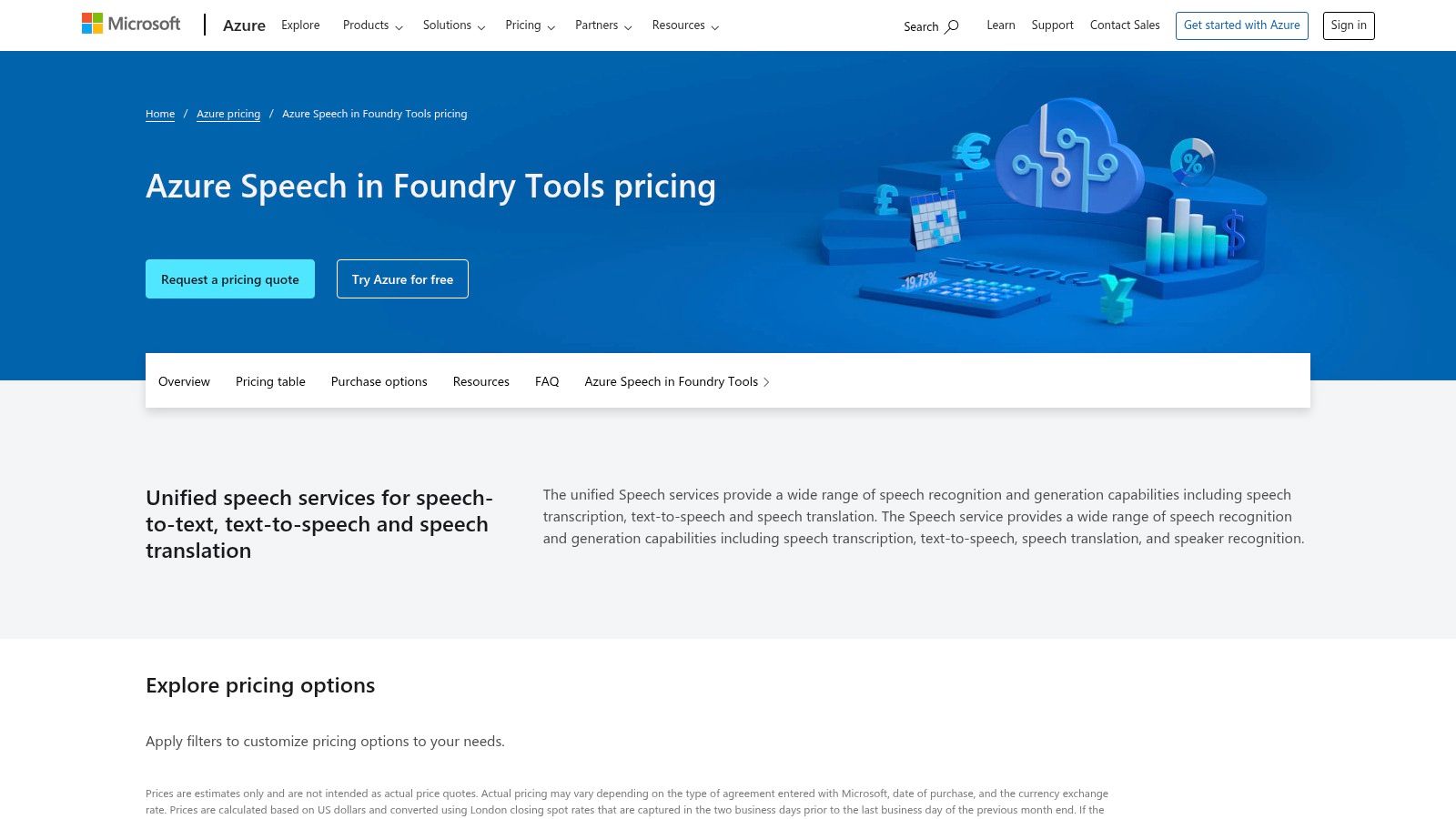
For organizations deeply integrated into the Microsoft ecosystem, Azure Speech to Text is a powerful, enterprise-grade audio to text converter. It’s designed less as a consumer-facing app and more as a foundational service for developers needing to build transcription capabilities into their own applications. Its key advantage is the seamless integration with other Azure services, offering robust security and compliance controls.
This service is a strong choice for companies already using Azure for cloud computing, as it simplifies billing and management. Azure provides both real-time and batch transcription models, allowing for flexibility in processing live audio streams or large archives. It’s a developer-centric tool built for scalability and reliability within a corporate environment.
Key Features and Use Cases
- Enterprise Governance: Azure excels with features like Private Link and Azure Active Directory (AAD) integration. This is critical for industries with strict data privacy requirements, such as healthcare and finance.
- Batch and Real-Time Modes: It supports both transcribing large volumes of pre-recorded audio and converting speech from live sources. This makes it suitable for call center analytics, live captioning, and media archiving.
- Customization and Add-ons: Users can add features like speaker diarization (identifying who spoke when) and language identification. It also allows for model customization to improve accuracy.
- Pricing Structure: Azure offers a free tier with 5 audio hours per month. Beyond that, it operates on a pay-as-you-go model with per-second billing, though its pricing tables can be complex.
While powerful for Azure-centric organizations, its complexity and developer focus make it less approachable for individual creators looking for a simple upload-and-transcribe interface.
Website: https://azure.microsoft.com/pricing/details/cognitive-services/speech-services/
11. OpenAI (Whisper)
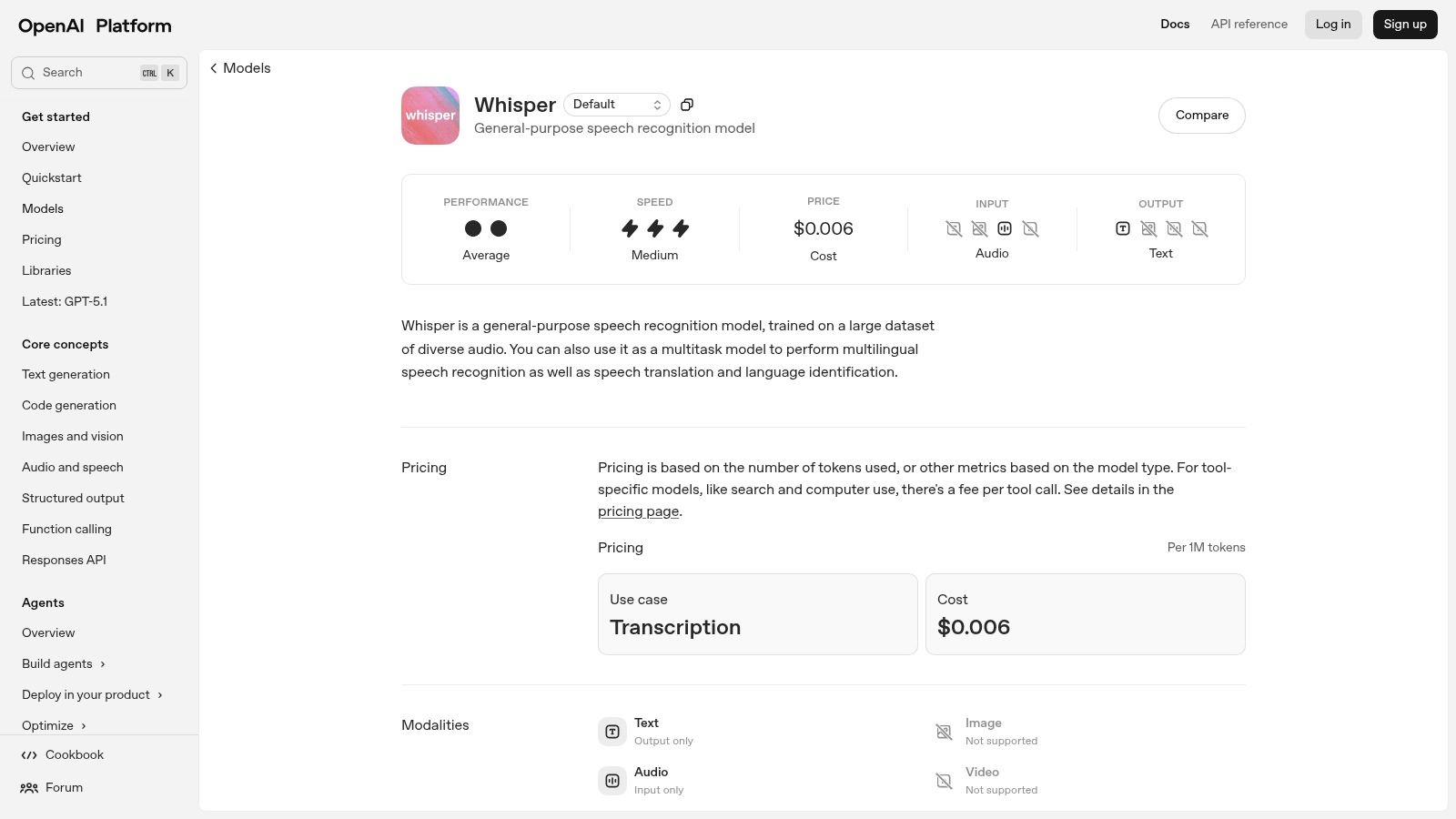
OpenAI's Whisper model is a powerful, general-purpose speech recognition engine that underpins many transcription services. It stands out by offering developers direct access to its highly accurate transcription and translation capabilities, either through a simple API or as an open-source model that can be self-hosted for maximum data control.
This developer-first approach makes Whisper a foundational tool rather than a polished, end-user application. It's the go-to choice for building custom transcription workflows, integrating speech-to-text into applications, or processing large volumes of audio programmatically. Its strength lies in its raw accuracy across numerous languages and its flexibility for technical implementation.
Key Features and Use Cases
- Developer-Focused API & Open-Source Model: Whisper is available via a REST API for easy integration or as open-source models for self-hosting. This is perfect for developers building custom apps or companies needing to process audio within their own secure infrastructure.
- Multilingual Transcription and Translation: The model excels at transcribing audio in dozens of languages and can also translate speech from those languages directly into English.
- Competitive Pricing: The API is priced on a per-minute basis, offering a cost-effective solution for those who can handle the technical integration. There are no monthly subscriptions, only pay-as-you-go usage.
- Broad Format Support: The API supports a wide range of common audio and video formats, including m4a, mp3, mp4, wav, and webm, reducing the need for pre-conversion.
While its performance is top-tier, Whisper lacks a user interface, a built-in editor, or collaborative features. It is purely an engine for transcription, making it less suitable for non-technical users looking for an all-in-one solution. For more on the technology behind it, you can learn what Automatic Speech Recognition (ASR) is.
Website: https://platform.openai.com/docs/models/whisper-1
12. Deepgram
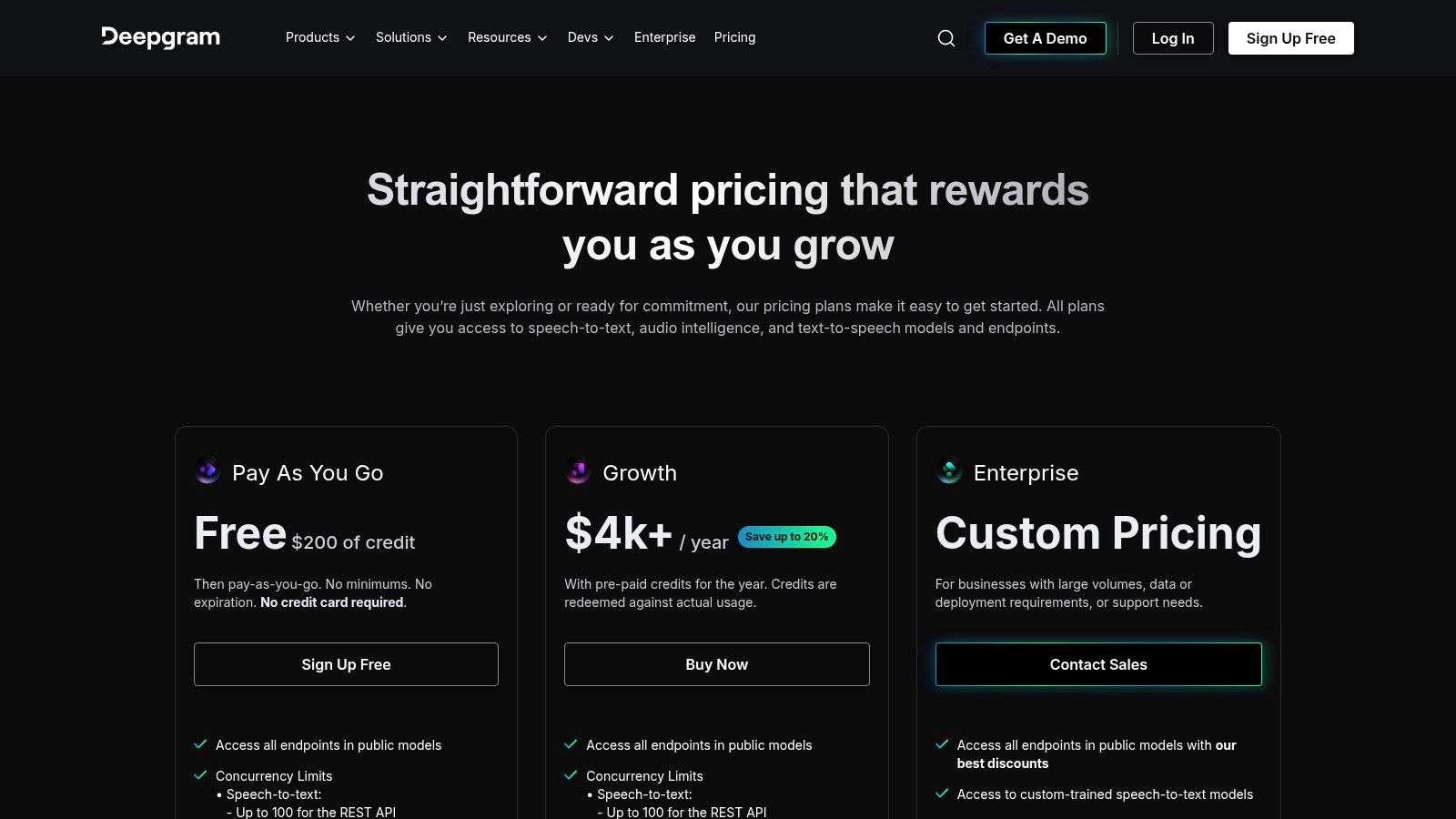
Deepgram positions itself as an enterprise-grade speech-to-text platform built for developers who need speed and scale. It's less of a consumer-facing tool and more of a powerful engine designed to be integrated into other applications. Its primary differentiator is its low-latency performance for both real-time streaming and pre-recorded transcription, making it a go-to choice for voice-enabled products.
This developer-first approach means Deepgram offers extensive APIs and clear documentation to help engineers build custom voice applications quickly. Instead of a polished user interface, it provides the building blocks for creating conversational AI or media transcription workflows. For businesses that need to process large volumes of audio with high accuracy and minimal delay, Deepgram is one of the best audio to text converter backbones available.
Key Features and Use Cases
- Low-Latency Streaming: Deepgram excels at real-time transcription, making it ideal for applications like live captioning, voice control systems, and contact center analytics.
- Audio Intelligence: Beyond transcription, it offers add-ons for summarization, topic detection, and entity recognition, allowing developers to extract deeper insights from audio.
- Usage-Based Pricing: The platform operates on a pay-as-you-go model, billing per second of audio processed. This is cost-effective for businesses with variable workloads.
- Self-Hosting Options: For enterprises with strict data security requirements, Deepgram provides an on-premise deployment option, ensuring data never leaves their environment.
While it's a powerful tool for developers, its API-centric nature means it is not a suitable out-of-the-box solution for individuals looking for a simple file-upload and transcribe service. It requires technical expertise to implement.
Website: https://deepgram.com/pricing
Top 12 Audio-to-Text Converters Comparison
| Service | Core features ✨ | Accuracy & Speed ★ | Pricing & Value 💰 | Best for 👥 |
|---|---|---|---|---|
| 🏆 meowtxt | Cloud ASR, speaker labels, smart timestamps, 100+ languages, AI summaries, API, mobile one‑tap | ★★★★☆ ≈97.5% peak, up to 40× real‑time | 💰 Pay‑as‑you‑go + Starter/Plus/Pro ($4.99/$9.99/$14.99), first 15 min free, volume discounts | 👥 Creators, professionals, developers |
| Otter.ai | Live meeting join, auto summaries, speaker ID, Chrome & calendar integrations | ★★★★ ~90–95% (meeting‑centric, real‑time) | 💰 Free + team plans with high minute caps | 👥 Teams using Zoom/Meet/Teams |
| Rev.com | Human 99% transcription on‑demand, AI option, captions, editor | ★★★★★ (human) / ★★★★ (AI); human turnaround varies | 💰 Per‑minute human rates; cheaper AI option; clear pricing | 👥 Users needing guaranteed human accuracy |
| Descript | Transcription + text‑based audio/video editing, Overdub, Studio Sound | ★★★★ ~93–95%, tight editing workflow speeds production | 💰 Subscription tiers; buy extra transcription hours | 👥 Podcasters, video creators, editors |
| Trint | Newsroom tools, live & batch, search/highlights, enterprise security | ★★★★ ~92–95% with editorial tools | 💰 Trial → team/enterprise pricing (sales) | 👥 Journalists, enterprise teams needing compliance |
| Sonix | Fast AI, web editor, subtitles & translations, pay‑as‑you‑go | ★★★★ ~92–94%, quick turnaround | 💰 Pay‑as‑you‑go or Premium subscription, trial credit | 👥 Users wanting flexible billing & fast subtitles |
| Happy Scribe | AI + human transcription/subtitles, wide language support, meeting recorders | ★★★★ Strong multilingual support | 💰 Per‑minute AI & human (language‑dependent) | 👥 International teams needing human options |
| Amazon Transcribe (AWS) | Streaming & batch, custom vocab, PII redaction, Call Analytics | ★★★★ Scalable accuracy; enterprise features | 💰 Per‑second usage, AWS free tier for new accounts | 👥 AWS‑centric enterprises & regulated industries |
| Google Cloud Speech-to-Text | Multilingual real‑time & batch, diarization, GCP security controls | ★★★★ Mature multi‑language performance | 💰 Usage‑based with tiered discounts | 👥 GCP developers & global apps |
| Microsoft Azure Speech to Text | Real‑time & batch, diarization, language ID, enterprise governance | ★★★★ Competitive batch pricing, enterprise controls | 💰 Free F0 tier (5 hrs/mo) + per‑second billing | 👥 Azure‑centric organizations |
| OpenAI (Whisper) | Multilingual ASR, API + open‑source models, broad format support | ★★★★ Varies by model & setup; good quality when tuned | 💰 Competitive per‑minute API; self‑host to control data | 👥 Developers who want self‑host or low API cost |
| Deepgram | Low‑latency streaming, summarization & entity add‑ons, self‑host options | ★★★★ Strong real‑time/low‑latency performance | 💰 Usage‑based per‑second, cost‑competitive at scale | 👥 Enterprises & devs needing real‑time analytics |
Making Your Final Choice in the World of Transcription
Navigating the crowded landscape of audio-to-text converters can feel overwhelming, but you now have a clear map of the best tools. We’ve explored twelve powerful options, from comprehensive editing suites like Descript to the raw, developer-focused power of AWS and Google Cloud. The key takeaway is simple: the "best audio to text converter" is not a one-size-fits-all title. It's the one that aligns perfectly with your workflow, budget, and technical needs.
Your decision hinges on a few critical questions. Who are you, and what are you trying to achieve? A journalist needing a quick, accurate transcript has different needs than a large company building a content pipeline. Reflect on the comparison points we've discussed: accuracy, speed, language support, and, crucially, the pricing model.
Key Takeaways for Selecting Your Transcription Tool
As you finalize your decision, keep these core principles in mind. They act as a final checklist to ensure you're making an informed choice.
- Subscriptions vs. Pay-As-You-Go: Subscription models like Otter.ai are excellent for consistent, high-volume users. However, for project-based work or sporadic needs, a pay-as-you-go service like MeowTxt or a direct API will almost always be more cost-effective and prevent you from paying for idle time.
- Human vs. AI Accuracy: While AI transcription has achieved incredible accuracy, services like Rev.com still hold an edge for mission-critical content. If you need a legally binding transcript where 100% accuracy is non-negotiable, the investment in a human-powered service is justified. For most other uses, from meeting notes to blog post drafts, top-tier AI is more than sufficient.
- Ecosystem vs. Standalone Tool: Consider how transcription fits into your larger workflow. Tools like Descript are content creation ecosystems. In contrast, developer APIs from AWS or Google Cloud are meant to be building blocks for custom applications. A standalone, focused tool offers a clean, efficient path from audio file to text document.
A Practical Framework for Your Final Choice
Let’s distill this down to actionable advice. This will help you find the best audio to text converter for your unique situation.
- For Indie Professionals and Freelancers (Journalists, Researchers): Your primary concerns are accuracy, speed, and cost control. A privacy-focused, pay-as-you-go model is your ideal solution. You need a tool that lets you upload a file, get a transcript, and export it without any recurring overhead.
- For Content Creators and Marketers: Your goal is volume and repurposing. You need a tool that can quickly process podcasts and videos into show notes and blog posts. Features like speaker identification, timestamps, and easy export formats are critical.
- For Students and Educators: Affordability is paramount. Look for services with generous free tiers or educational discounts. The ability to easily transcribe lectures into searchable, summarizable notes can be a game-changer for academic success.
- For Developers and Data Teams: You need raw power, flexibility, and scalability. Your decision will be based on API performance, documentation, and pricing per minute. The user interface is secondary to the power of the underlying engine.
Ultimately, the right tool empowers you to unlock the value trapped inside your audio files, transforming spoken words into tangible assets. Whether that asset is a perfectly captioned video, a searchable research archive, or the foundation of your next blog post, your choice of converter is the first, most crucial step.
Ready to skip the complex pricing and subscription traps? If you're looking for a fast, exceptionally accurate, and privacy-first tool that just works, give meowtxt a try. It’s the ideal choice for professionals and creators who need top-tier transcription with a simple pay-as-you-go model, no strings attached. Get your first transcript in minutes at meowtxt.


