
Learning how to transcribe a podcast is a simple process that unlocks massive benefits for your show. By converting your audio into text, you improve your search visibility, make your content accessible to a wider audience, and create endless opportunities for content repurposing. This guide will walk you through the entire process, from choosing the right method to optimizing the final transcript for maximum impact.
Why Podcast Transcription Is Your Secret Growth Weapon
Many podcasters overlook transcription, treating it as an optional chore. That's a huge mistake. A transcript is one of the most powerful marketing assets you can create, turning your audio content into a versatile tool for growth and engagement.
Think about it: search engines like Google can't listen to your audio files. As long as your valuable insights are locked inside an MP3, you're invisible to millions of potential listeners searching for the topics you cover. Transcribing your podcast makes every word you say indexable, putting you directly in the path of your target audience.
Unlocking SEO and Discoverability
When you publish a full transcript on your episode page, you are effectively creating a keyword-rich article that search engines can crawl, understand, and rank. Suddenly, someone searching for a niche topic, a guest’s name, or a specific product you mentioned can land directly on your website. This is how you start ranking for long-tail keywords related to your podcast's content.
In a crowded market with over 4.7 million podcasts, discoverability is everything. Turning your audio into searchable text isn't just a bonus; it's a core strategy for standing out. Every transcript is a new opportunity to attract organic traffic. You can explore more of these industry statistics about transcription's impact to see the data for yourself.
Expanding Your Audience Reach
Beyond SEO, transcription makes your content accessible to a broader audience. This includes people who are deaf or hard of hearing, non-native speakers who prefer to read along, and anyone who simply wants to consume content in a text-based format.
By providing a text version of your show, you are not just checking a box for accessibility; you are actively inviting new segments of the population to engage with your content on their own terms.
This inclusive approach builds a stronger, more loyal community around your show and demonstrates a commitment to your entire potential audience.
Maximizing Your Content ROI
Every podcaster knows the effort that goes into a single episode. A transcript helps you squeeze every drop of value from that work. It's the raw material for countless new pieces of content. You can easily pull out key quotes for social media, build detailed show notes, or expand a compelling segment into a full blog post.
This strategy transforms a single audio file into a library of assets you can repurpose across all your marketing channels, extending the life and reach of your content.
Choosing Your Transcription Method: Manual vs. AI Tools
Okay, you're convinced that transcription is essential. Now, how do you actually get it done? You have two main options: the traditional manual approach or the modern, automated route using AI tools.
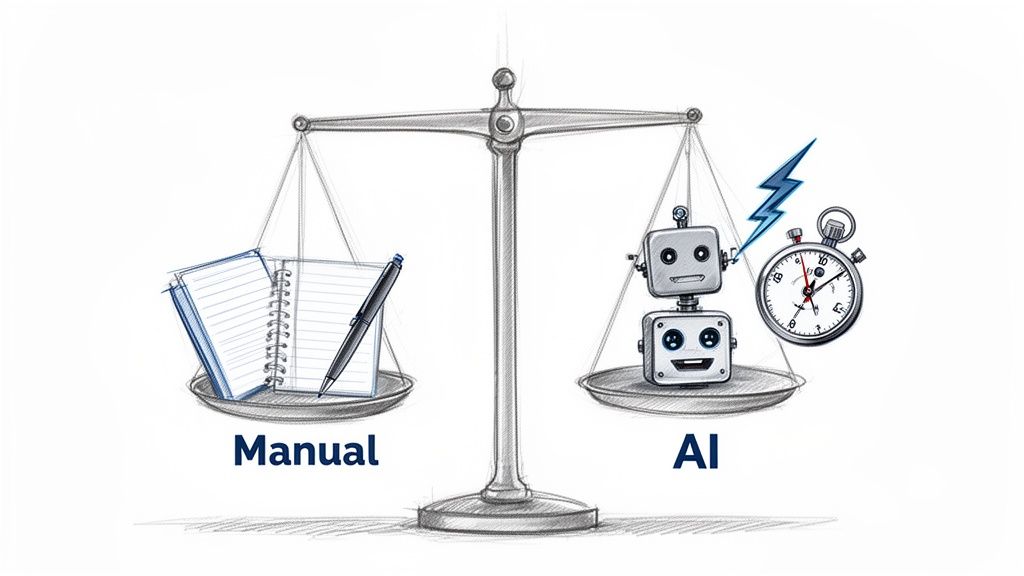
Your choice will directly impact your time, budget, and overall workflow. Let's break down the pros and cons of each.
The Case for Manual Transcription
Manual transcription involves a human listening to your audio and typing out every word. The biggest advantage of this method is the potential for near-perfect accuracy, especially for audio with multiple speakers, heavy accents, or complex technical jargon.
However, this precision comes at a significant cost in both time and money. Professional transcription services can be expensive, and doing it yourself is a massive time commitment. For many podcasters, the trade-off between quality and efficiency makes manual transcription impractical.
The Rise of AI Transcription Tools
This is where AI-powered services have become a game-changer for content creators.
Modern tools like Meowtxt use sophisticated speech-to-text algorithms to convert your audio into text in just a few minutes. The speed is remarkable, and the accuracy for clear audio often reaches 95-98%.
The difference is stark when you compare workflows. Manually transcribing one hour of audio can take 6-8 hours. With an AI tool, you get a draft in minutes, and podcasters report saving around 80% of their time. That's time you can put back into creating content and growing your show. For a deeper look at the available options, our guide on the best voice to text transcription software is a great place to start.
The bottom line is this: AI handles the heavy lifting, giving you a nearly complete transcript in minutes. Your job is then reduced to a quick proofread, saving you hours of tedious work.
For podcasters who need to work efficiently and affordably, AI is the clear choice. The speed ensures you can publish transcripts alongside your episodes, maximizing your SEO potential from day one. You can explore more of the best AI tools for podcasters to see how they can streamline your entire production process.
Manual vs AI Transcription at a Glance
To make the decision even easier, here’s a direct comparison of the key factors to consider when choosing how to transcribe your podcast.
| Feature | Manual Transcription | AI Transcription (e.g., Meowtxt) |
|---|---|---|
| Speed | Extremely slow (6-8 hours per audio hour) | Extremely fast (minutes per audio hour) |
| Cost | High ($1.50+ per minute) | Low (a few cents per minute) |
| Accuracy | Up to 99%+ | Up to 98% with clear audio |
| Workflow | Hands-off if outsourced, massive time sink if DIY | Get a draft in minutes, then a quick proofread |
| Best For | Highly technical or poor-quality audio; legal needs | Most podcasts, content repurposing, SEO, accessibility |
The table highlights a clear distinction. While a human touch might be necessary for a highly technical legal deposition, the combination of speed, cost-effectiveness, and high accuracy makes AI tools the most practical and powerful choice for the vast majority of podcasters.
Getting Your Hands Dirty: A Practical AI Transcription Workflow
Now that we've established why AI transcription is the go-to method for most podcasters, let's walk through how to do it. The process is surprisingly simple and requires no technical expertise.
We'll use Meowtxt as our example to demonstrate just how quick and easy it is to get a high-quality transcript. The single most important factor for success is the quality of your audio recording.
Prepping Your Audio for Maximum Accuracy
Before you upload your file, a little preparation can significantly improve the accuracy of your AI transcript. The goal is to provide the AI with the cleanest audio possible.
- Reduce Background Noise: Use your audio editing software to apply a noise reduction filter. Eliminating hums, echoes, and other background sounds will make a huge difference.
- Minimize Crosstalk: If you have multiple guests, try to edit the audio so people aren't speaking over each other. While modern AI can differentiate speakers, it performs best when one person is speaking at a time.
- Export a High-Quality File: While MP3s are common, exporting your audio as a WAV file is better. WAV files are uncompressed, giving the AI more data to work with, which can lead to higher accuracy.
Think of it like giving the AI a crystal-clear photo to analyze instead of a blurry one. Better input always results in better output.
Once your audio is prepped, you're ready to go.
From Upload to Transcript in Under 5 Minutes
This is where the process feels like magic. With a service like Meowtxt, you simply drag and drop your audio file into the browser.
You’ll typically see a clean, straightforward interface like this one.
There are no complicated settings to configure. Just upload your MP3 or WAV file, and the AI gets to work analyzing the audio, identifying speakers, and converting speech to text. For an hour-long podcast, this entire process is usually complete in a matter of minutes.
The initial draft you receive is more than just a block of text. It comes with features designed to save you time:
- Automatic Speaker Labels: The AI detects different voices and labels them accordingly (e.g., "Speaker 1," "Speaker 2").
- Timestamps: Each paragraph is tagged with its corresponding time in the audio, making it easy to review and edit specific sections.
This first draft gets you 95% of the way there. It's also worth noting that podcasting has a massive global audience. Some services offer translation, helping you tap into international markets. For more on this, check out these insights on the growth of AI transcription and its global impact.
How to Edit and Polish Your Transcript
An AI-generated transcript is a fantastic starting point, but the final 5% of editing is what elevates it from a rough draft to a professional, reader-friendly asset that reflects the quality of your brand. This isn't about spending hours on corrections; it's a strategic review focused on making the text accurate, clear, and easy to read.
This simple visual breaks down the three-step AI transcription workflow.
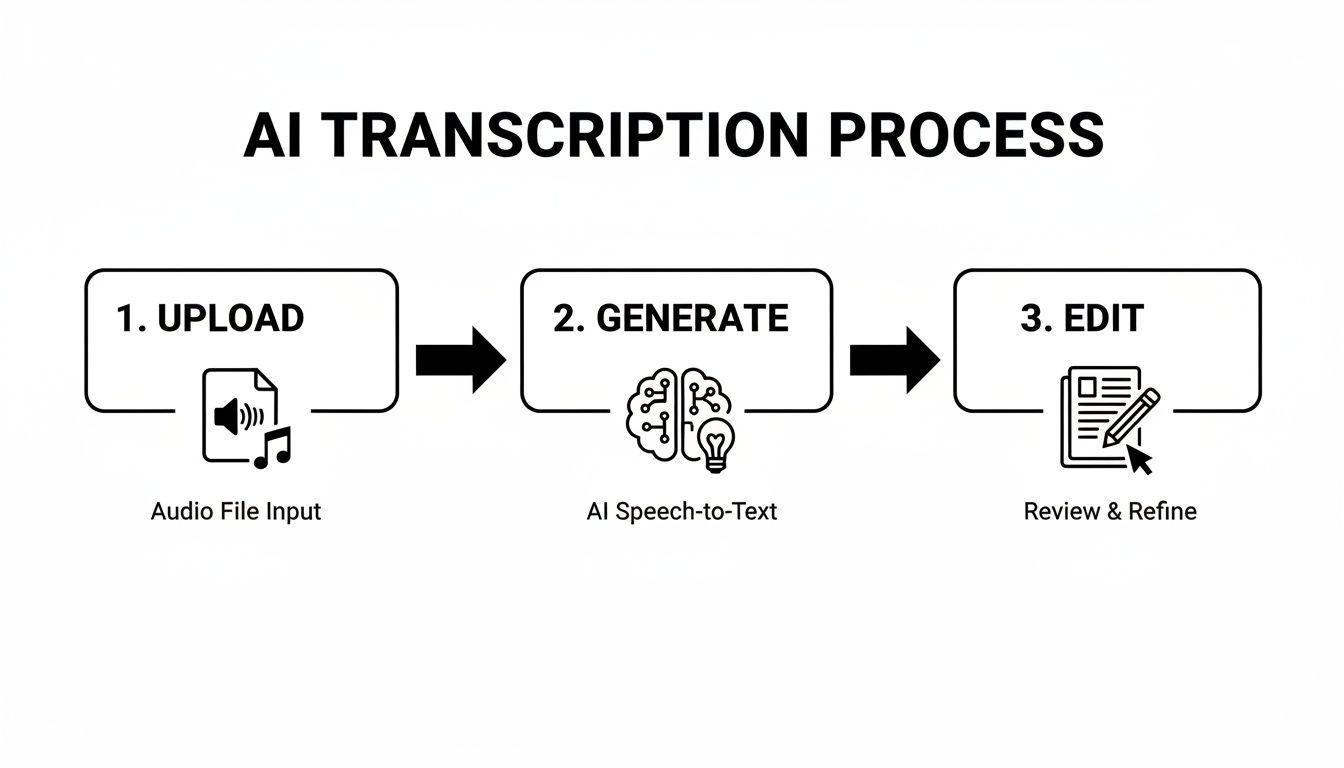
That "Edit" phase is the critical human touch that ensures a polished final product.
Your Editing Checklist
The most efficient way to proofread is to play the audio while reading along with the transcript. Your brain will naturally catch any errors or awkward phrasing. Focus on these key areas:
- Proper Nouns and Jargon: AI often struggles with unique names, company branding, and industry-specific acronyms. Correcting these is essential for accuracy and professionalism.
- Speaker Labels: Ensure the AI correctly identified each speaker. If it labeled your guest as "Speaker 2," change it to their name for clarity.
- Punctuation and Flow: Fix any run-on sentences and add paragraph breaks to improve readability. A wall of text is intimidating; break it up into digestible chunks.
A clean, well-formatted transcript sends a powerful message: you care about quality and the audience's experience. It’s a small effort that builds significant trust.
With the global podcasting market projected to grow exponentially, maintaining a professional standard is crucial for attracting listeners and sponsors.
Formatting for Readability
Once the text is accurate, the final step is to format it for your website. No one wants to read a giant block of text. Use these simple formatting techniques to make your transcript approachable and scannable:
- Use Subheadings: Add H3 or H4 headings to break the transcript into logical sections based on the topics discussed.
- Bold Key Phrases: Emphasize important takeaways, statistics, or quotes using bold text.
- Add Bullet Points: If a speaker lists several items, format them as a bulleted list for easy digestion.
This proofreading stage is a core part of the process. For more tips, check out our guide on best practices for proofreading in transcription. These small adjustments transform your transcript from a raw data file into a valuable piece of content that serves both your audience and your SEO strategy.
Turning Your Transcript Into an SEO Powerhouse
A polished transcript is more than just an accurate record of your episode; it’s a powerful content marketing tool. Don't let it sit unused in a folder. With a little strategic effort, you can turn that text file into an engine that drives traffic and engagement long after the episode is published.
The most important step is to treat the transcript as a standalone blog post. Clean it up with proper formatting—add subheadings, bold key phrases, and use blockquotes for impactful guest statements.
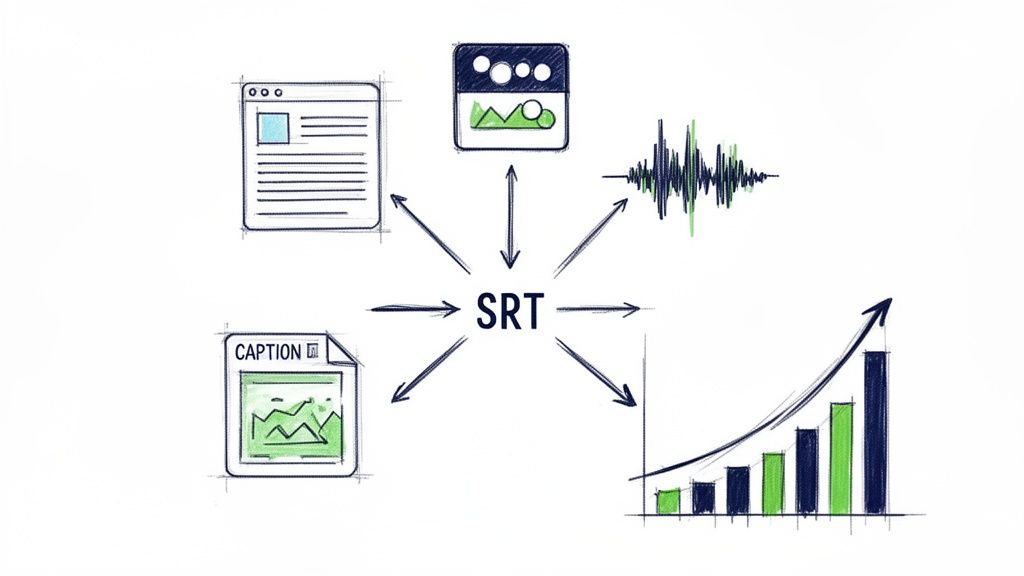
This simple act transforms your episode page into a keyword-dense article that Google can index, making your content discoverable through countless long-tail search queries. As Google's AI Overviews become more common, optimizing your transcribed content for these features is a smart move. Learning how to rank in Google AI Overviews can give you a competitive edge.
From Text to Multimedia Content
Your transcript is a goldmine for creating snackable content for social media. While few people will consume long-form content on platforms like Instagram or LinkedIn, they love quick, valuable insights.
Here’s how to repurpose your transcript:
- Quote Graphics: Find the most compelling quotes from your transcript and turn them into eye-catching graphics using a tool like Canva.
- Audiograms: Combine short audio clips with a static image and animated captions to share key moments from your episode.
- Detailed Show Notes: Use the transcript to create comprehensive show notes with timestamps, key topics, and links to all mentioned resources.
This multi-channel approach helps you amplify your message and meet your audience on their preferred platforms. For more ideas, explore these effective content repurposing strategies.
By atomizing your core content, you're not just repeating yourself. You're giving your best ideas more chances to be discovered by the right people at the right time.
Tapping Into Video SEO with Captions
Many podcasts are now also published on video platforms like YouTube. This opens up a huge new avenue for discovery, but only if you optimize it correctly.
YouTube is a massive search engine, and accurate captions are a critical SEO tactic. Exporting your transcript as an SRT file makes your video content searchable and accessible to a wider audience. Captions significantly improve watch time and engagement, signaling to YouTube's algorithm that your video is valuable.
Most transcription services, including Meowtxt, allow you to export in various formats. For your blog, a DOCX or TXT file is ideal. For YouTube, the SRT file is essential, as it contains the timestamp data needed to sync the captions perfectly with your video.
Got Questions? We’ve Got Answers.
Even with a clear plan, you might still have some questions about how to transcribe a podcast. Here are the answers to some of the most common queries from creators.
How Long Does It Take to Transcribe a One-Hour Podcast?
This question highlights the massive difference between manual and AI transcription. A professional transcriptionist typically needs 4-6 hours to transcribe one hour of clear audio. If you do it yourself, it could take even longer.
In contrast, an AI service like Meowtxt can generate the first draft of a one-hour episode in just a few minutes. Add another 15-20 minutes for proofreading, and you're done. The time savings are enormous.
Will Transcribing My Podcast Really Improve SEO?
Absolutely. This is one of the most significant benefits of transcription. Google cannot listen to your audio files, but it excels at reading and indexing text. By publishing a full transcript, you provide search engines with a keyword-rich document to crawl and rank.
This simple move makes your episode discoverable for every specific topic, guest name, and long-tail phrase you discussed. It opens up a whole new way for people to find you through organic search when they're actively looking for your expertise.
What Is the Best File Format for a Podcast Transcript?
The best format depends on how you plan to use the transcript. A good transcription service will provide several options.
Here’s a quick guide:
- For your blog or show notes: A DOCX or TXT file is perfect. They are easy to edit and copy into your website's content management system.
- For YouTube captions: You must use an SRT file. This format includes the timestamps required to sync the text with your video, which is crucial for both accessibility and video SEO.
Is AI Transcription Accurate Enough for Professional Use?
For nearly all podcasting purposes, the answer is a resounding "yes." Modern AI tools consistently achieve 95-98% accuracy with clear audio.
This level of precision is more than sufficient for creating high-quality blog posts, detailed show notes, social media content, and video captions. After a quick review to correct any jargon or unique names, the transcript is ready for professional use. While you might still hire a human for a legal deposition, AI is the smart and efficient choice for content creators.
Ready to turn your audio into a powerful growth tool? Meowtxt delivers fast, accurate, and affordable transcripts in minutes. Drag and drop your first file to get 15 minutes free and see how easy it is to transcribe your podcast today. Get started at https://www.meowtxt.com.


