Ever found a podcast, lecture, or live music performance on YouTube and wished you could just save the audio to listen to later? The need for a reliable youtube transfer to mp3 free solution is something students, researchers, music lovers, and content creators all share. However, trying to find a good tool in the vast sea of options can be a real headache. Many online converters are slow, packed with annoying ads, or even pose security risks, while desktop apps promise more power but require you to install and set them up first.
This guide is designed to cut through all that noise. We've personally tested and carefully reviewed the 12 most reliable, user-friendly, and effective tools out there today. Our goal is to help you find the perfect converter for what you need, whether you're a developer who wants a command-line utility or a student who just wants a simple one-click solution.
Inside, you'll find detailed breakdowns of each application, complete with screenshots and direct download links. We'll explore what makes each one stand out, who it’s best for, and give you an honest look at its real-world performance. While we're focusing on dedicated YouTube to MP3 converters, you might also be interested in general YouTube download options that handle a wider range of video and audio formats. Ultimately, this comprehensive guide is here to help you confidently and safely convert your favorite YouTube content into high-quality MP3 files, without the guesswork.
1. 4K YouTube to MP3 (4K Download)
For anyone looking for a stable, dependable desktop app for pulling audio, 4K YouTube to MP3 is a top contender. Unlike browser-based tools, this dedicated software for Windows, macOS, and Ubuntu offers a more solid and consistent experience, especially if you're processing a lot of content at once. Its biggest strength is its simplicity and focus on one main job: delivering a clean, high-quality youtube transfer to mp3 free of annoying browser pop-ups. The app is well-maintained with frequent updates that keep up with changes on YouTube's platform, which is a common reason why less-supported tools often break.
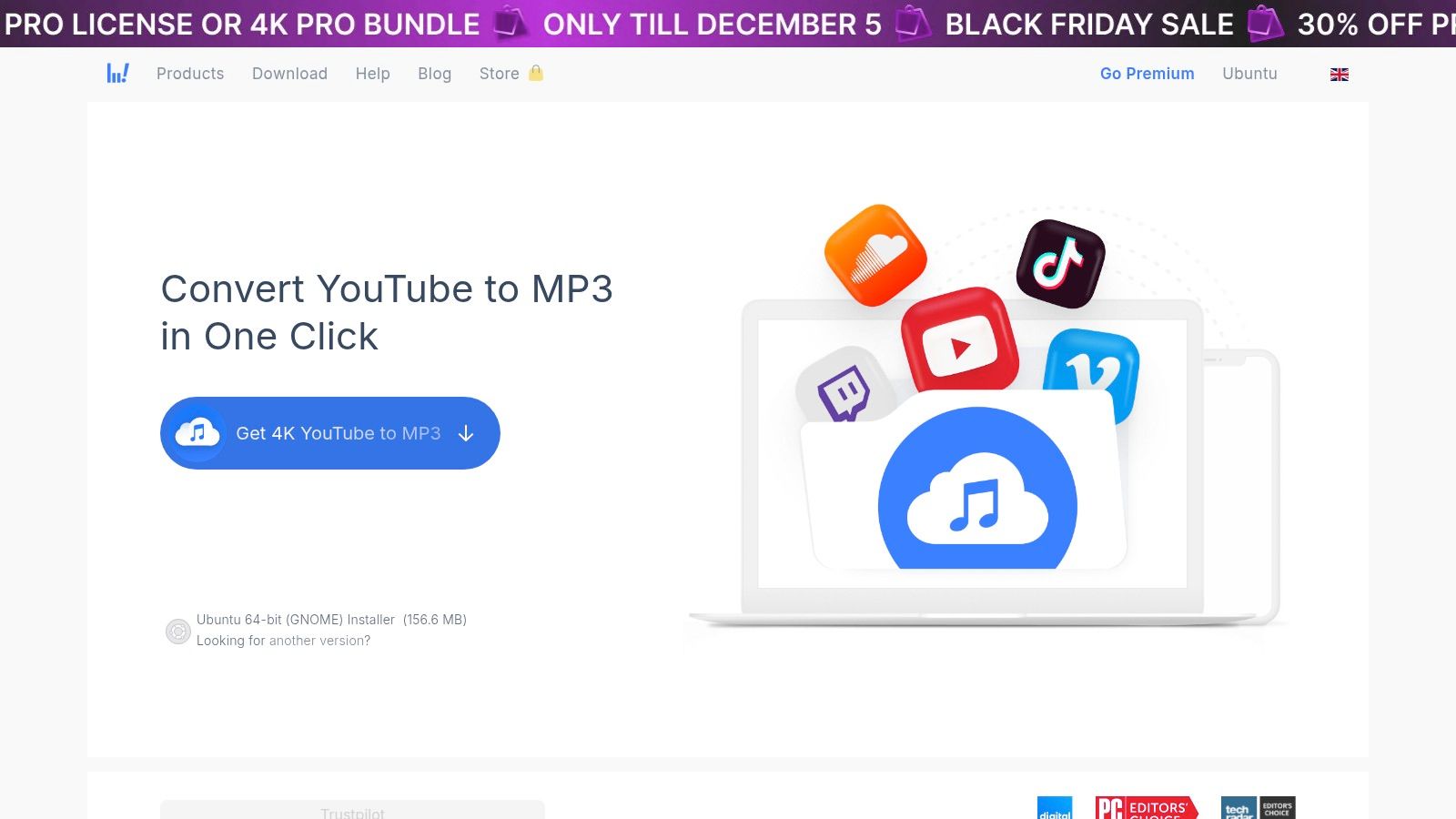
The free version is quite generous, letting you download up to 15 single audio tracks a day and 5 tracks per playlist. This is perfect for casual users, students grabbing lecture audio, or anyone who just needs to convert a few songs for offline listening. For heavier use, like downloading entire channels or unlimited playlists, you'll need a paid license.
Key Features & User Experience
The user interface is minimalist and gets the job done. You just copy a YouTube URL, hit the "Paste Link" button in the app, and the download starts on its own. You can set your preferred format (MP3, M4A, OGG) and quality beforehand, making the whole thing a one-click process. The app also supports downloading multiple files at once, letting you queue up links to process in the background.
- Pros: Stable desktop client, supports playlists/channels, transparent and actively supported.
- Cons: Highest quality and unlimited downloads are behind a paywall.
- Website: https://www.4kdownload.com/products/youtubetomp3-72
For anyone who wants a reliable desktop solution that just works, this is a fantastic place to start. The team's commitment to keeping the software functional is a huge plus over web tools that can stop working without warning. If you want to learn more about its features, check out a comprehensive review of the 4K YouTube to MP3 converter.
2. MediaHuman YouTube to MP3
MediaHuman YouTube to MP3 is another heavyweight desktop application that really shines at providing a powerful, free audio conversion experience. It's available for Windows, macOS, and Ubuntu, and sets itself apart with advanced features like playlist tracking and automatic tag detection. It's a fantastic tool for people looking to build an organized offline music library, since it can pull artist and title info right from YouTube and even find and embed album art. This focus on metadata makes it a top choice for a high-quality youtube transfer to mp3 free workflow, making sure your files are neat and well-organized.
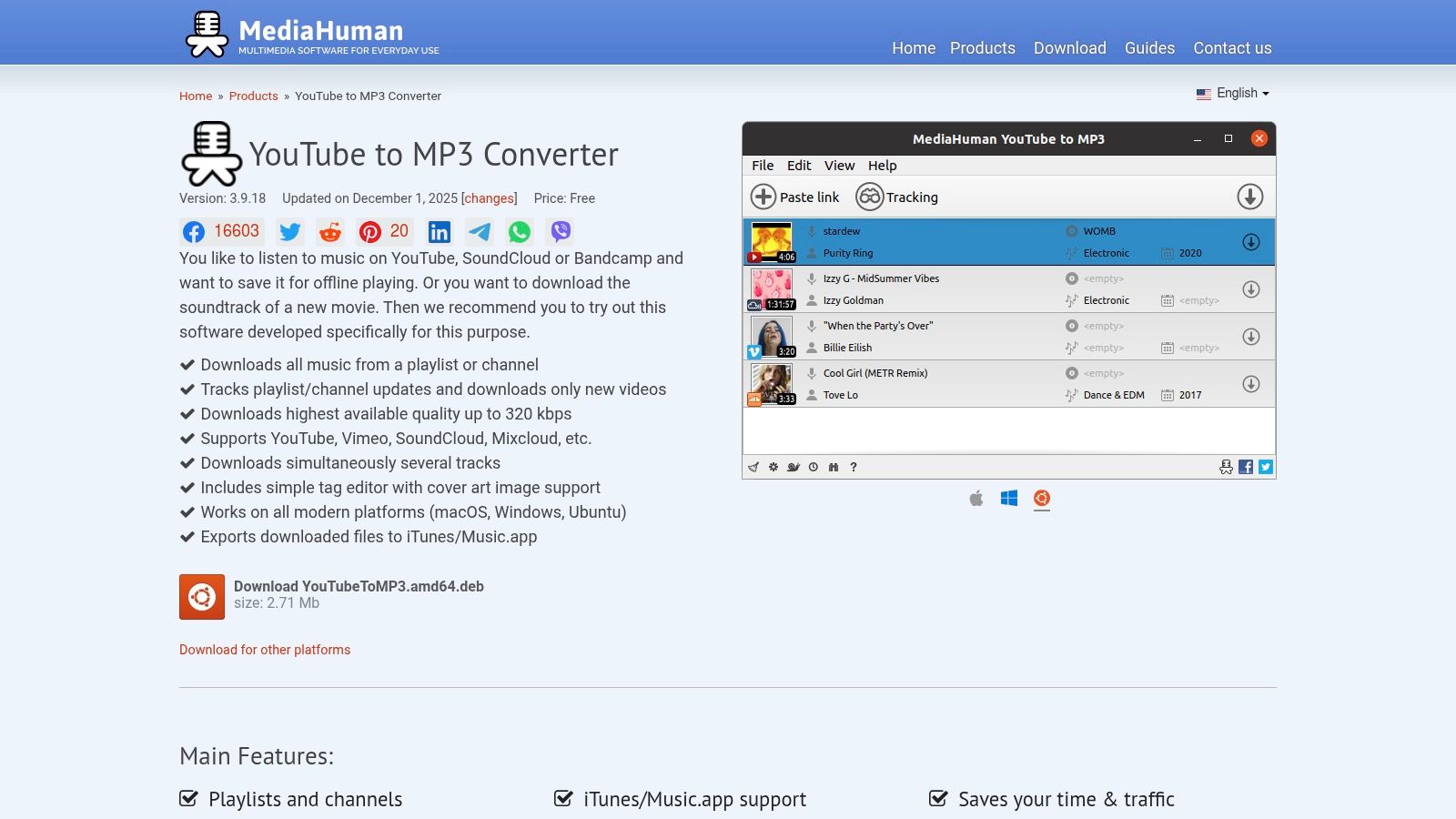
The software is freemium, but its free version is incredibly capable, handling batch downloads with multi-threaded processing for better speed. You can download whole playlists or channels and even subscribe to them within the app, which will then automatically download new videos as they come out. For those who manage music with Apple's ecosystem, the direct export to the Music app (what used to be iTunes) is a massive time-saver. While there's a paid "Turbo Boost" feature for max speed, the standard performance is more than enough for most people.
Key Features & User Experience
The interface is simple: drag and drop a URL or use the paste button, and the app queues it for download. You can set the output format (MP3, M4A, OGG) and bitrate up to 320 kbps in the settings. Its built-in tag editor is a fantastic feature, letting you fix any incorrect info before the files are saved. The developer is also known for being responsive and regularly pushes updates to keep the software working with YouTube's constant changes.
- Pros: Excellent playlist/channel support, built-in tag and artwork editor, direct export to iTunes/Music.
- Cons: Occasional parsing errors after a YouTube update until a patch is released, fastest speeds are a paid feature.
- Website: https://www.mediahuman.com/youtube-to-mp3/32/
For users who care about organization and metadata, MediaHuman provides a robust, desktop-based solution that does more than just convert files, making it a powerful library-building tool.
3. DVDVideoSoft – Free YouTube to MP3 Converter
DVDVideoSoft has been a key player in the conversion scene for years, offering a dedicated desktop app for Windows and macOS that focuses on bulk processing and format flexibility. Unlike single-use web tools, this software is built for people who need to handle entire playlists or channels efficiently. A great feature is its transparency; the developers often post "signature updated" notices, letting users know the tool is working with YouTube's latest changes—a common problem for less-maintained competitors. This makes it a dependable choice for a youtube transfer to mp3 free solution.
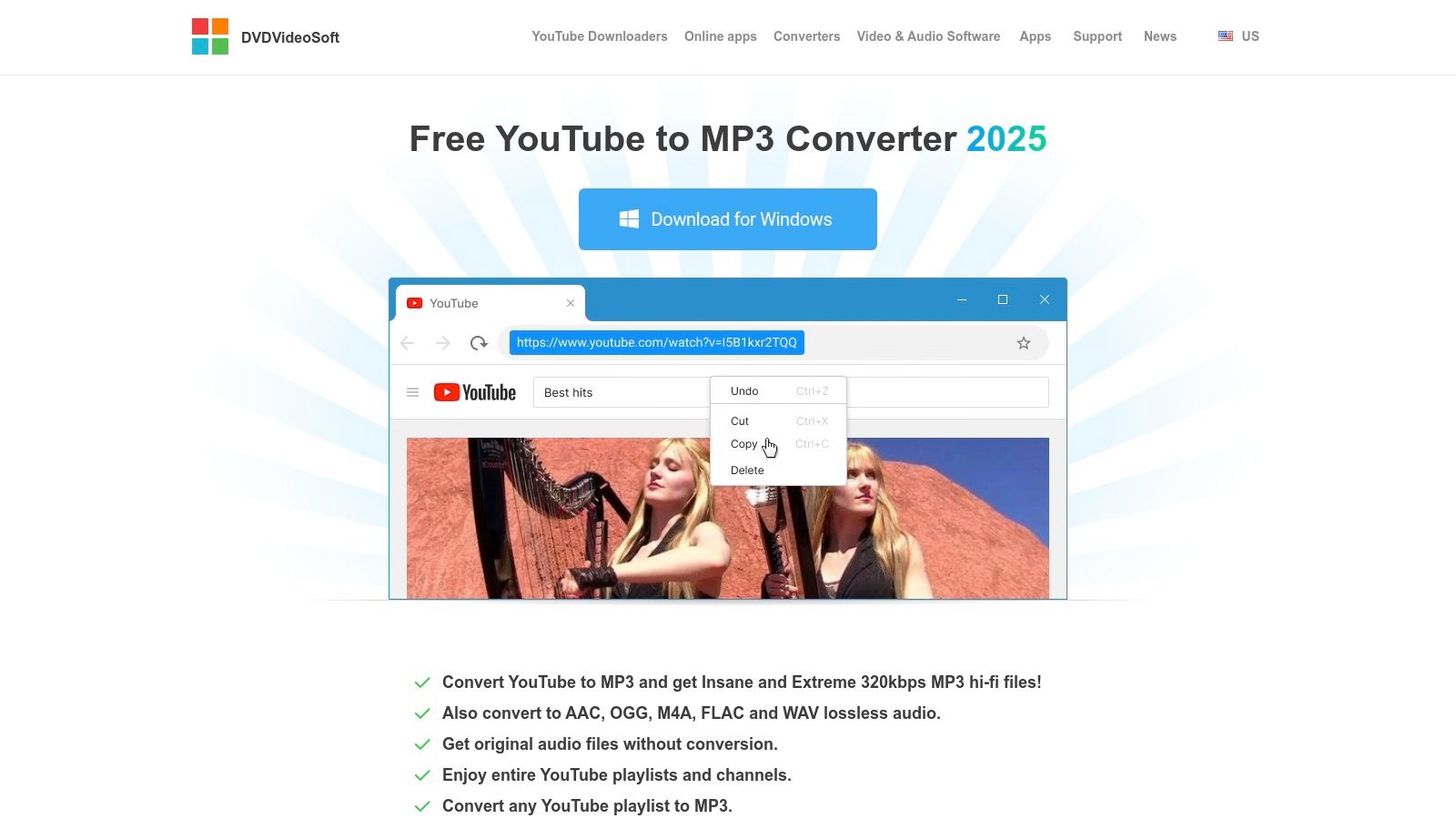
The free version is remarkably powerful, supporting unlimited batch downloads, which is a huge advantage over many rivals that have strict daily limits. It even lets you merge tracks and automatically fills in metadata tags. For audiophiles, the inclusion of lossless formats like FLAC and WAV, alongside the standard MP3 and M4A, provides high-fidelity options not often found in free converters.
Key Features & User Experience
The interface is straightforward and built for utility. You paste links, and the software queues them up for download. You can pre-set your desired format and quality, including an option to download the original audio stream without re-encoding for the best possible quality. While the application and website are ad-supported, the core functionality remains solid and focused on its main job of audio extraction.
- Pros: Strong bulk processing for playlists/channels, offers lossless output (FLAC/WAV), and provides clear status updates on its functionality.
- Cons: Requires a desktop installation (Windows/macOS only) and is ad-supported.
- Website: https://www.dvdvideosoft.com/products/dvd/Free-YouTube-to-MP3-Converter.htm
For users who need to archive large amounts of audio from YouTube without paying for a subscription, DVDVideoSoft presents a powerful and time-tested option. If you're comparing different desktop apps, you can read more about how the DVDVideoSoft YouTube to MP3 Converter measures up against others.
4. YTD Video Downloader & Converter
YTD Video Downloader & Converter is a long-standing desktop application known for its no-nonsense approach to media conversion. It offers a reliable alternative to web-based tools for both Windows and macOS users, providing a consistent process for downloading and converting videos. Its main draw is a simple 4-step workflow that makes a youtube transfer to mp3 free accessible even for people who aren't tech-savvy. While it supports video downloads from various sites, its MP3 extraction feature is a core part of the tool.
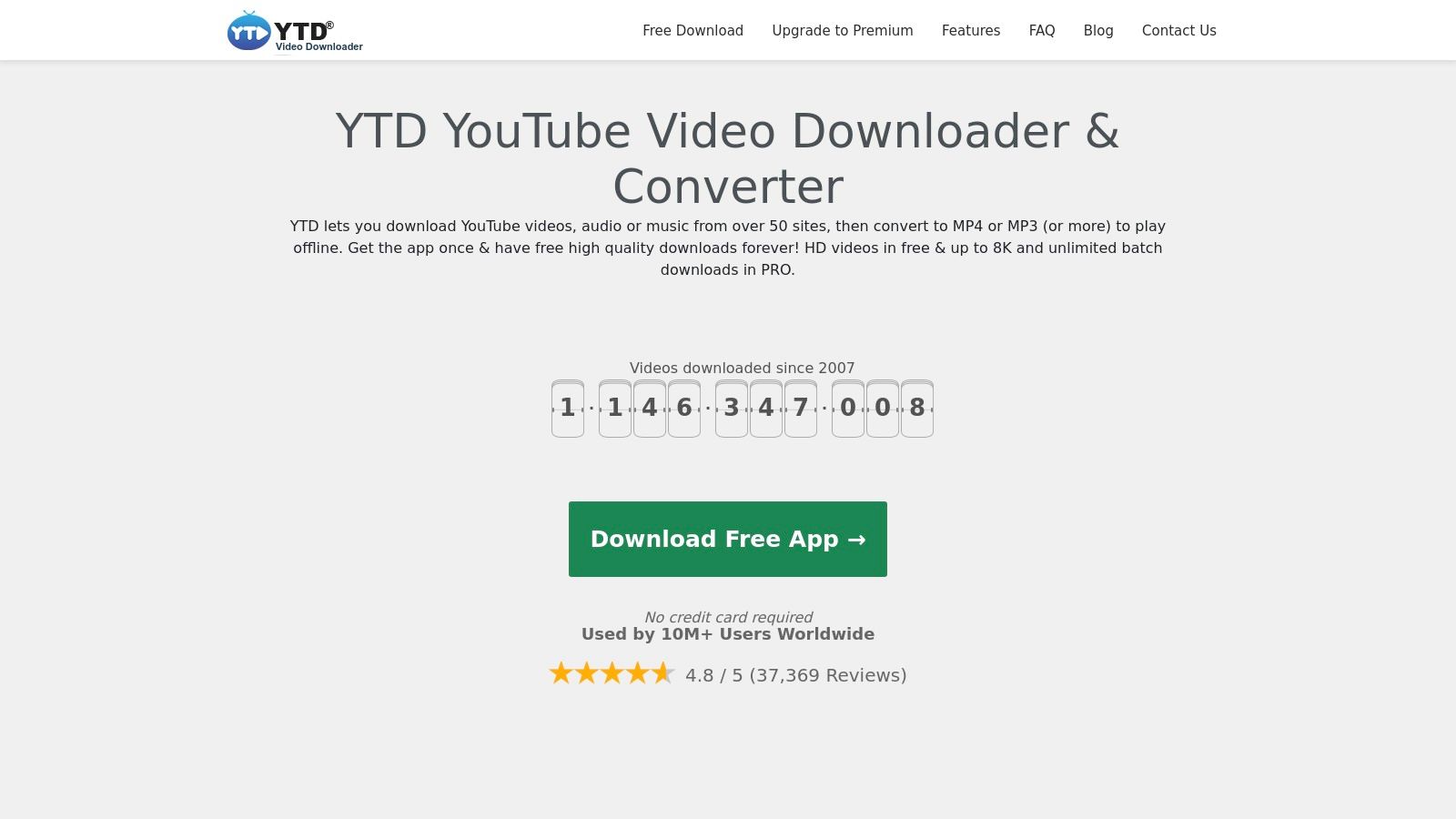
The free version acts as a functional trial, letting users test the basic download and conversion process. However, to unlock its most powerful features, like unlimited batch downloads, faster conversion speeds, and higher quality formats, you'll need to upgrade to the Pro version. This model gives users a chance to see if it works for them before buying, which is a key difference from many ad-heavy web tools that offer no such guarantee.
Key Features & User Experience
The user interface is designed for simplicity: paste a URL, pick your format (like MP3), choose a quality setting, and click download. This guided process takes out any guesswork. The application can handle both single videos and playlists, though batch processing is a main feature of the paid versions. The software also claims to support over 50 other video hosting sites, making it a versatile tool that goes beyond just YouTube.
- Pros: Very easy for beginners, established software with a large user base, free version for basic testing.
- Cons: Most useful features (batch downloads, highest quality) are locked behind the Pro version.
- Website: https://www.ytddownloader.com/en/
For users who prefer a dedicated desktop client and are willing to consider an upgrade for more advanced features, YTD offers a stable and proven solution. Its long history in the market means it has been refined over many years, providing a dependable user experience.
5. Any Video Converter (AVC)
For users who need more than just a simple converter, Any Video Converter (AVC) presents itself as a complete media toolkit. It's a desktop application that goes way beyond audio extraction, offering a suite of video editing, conversion, and downloading features. Its ability to perform a youtube transfer to mp3 free is just one part of a much larger, more powerful software package for Windows and macOS. This makes it perfect for users who manage various media formats and want more advanced control over their files.
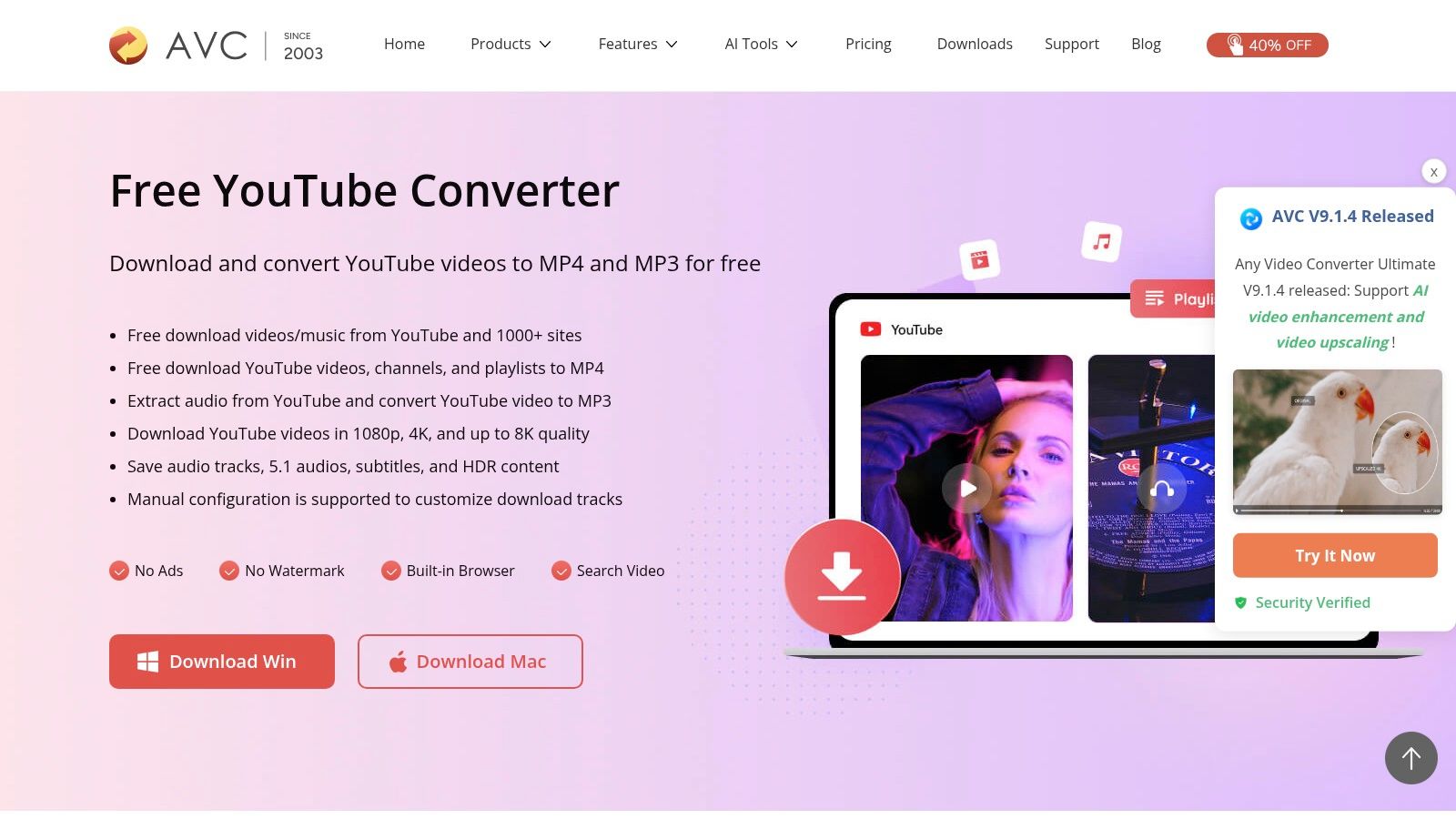
The free version is quite capable, supporting downloads from YouTube and over 100 other sites, along with basic editing functions like trimming. However, the true power of the software is unlocked in its paid versions (Pro/Ultimate), which add features like simultaneous downloads and remove all limitations. While the free version works great for occasional conversions, those needing to process large batches of content will find the upgrade necessary for an efficient workflow.
Key Features & User Experience
Unlike single-function web tools, AVC’s interface feels more like a complete media workstation. You add video URLs, select an output profile (like MP3, WAV, or FLAC), and can even make simple edits like trimming unwanted intros or outros before converting. The software supports a wide range of audio and video codecs, giving you fine-tuned control over the final output. Its strength is providing a single application for downloading, converting, and editing media without needing multiple programs.
- Pros: A full-fledged media toolkit, not just a converter; supports many sites and formats.
- Cons: Core batch-processing and advanced features are locked behind a paywall.
- Website: https://www.any-video-converter.com/features/youtube-converter.html
For content creators or marketers who regularly turn video into audio formats for podcasts or social clips, AVC offers a robust, all-in-one solution. It’s less of a quick-grab tool and more of a permanent fixture in a digital media workflow.
6. SnapDownloader
SnapDownloader is a premium desktop application for Windows and macOS that positions itself as a powerful, all-in-one media downloader. While it isn't a permanently free tool, its comprehensive 48-hour full-feature trial is a great way to handle a short-term, intensive project. It supports over 900 websites, far beyond just YouTube, making it a versatile choice for users who need to download from various sources. Its polished, modern interface and robust feature set make it a top-tier tool for anyone needing a high-quality youtube transfer to mp3 free solution, even if just for a short time.
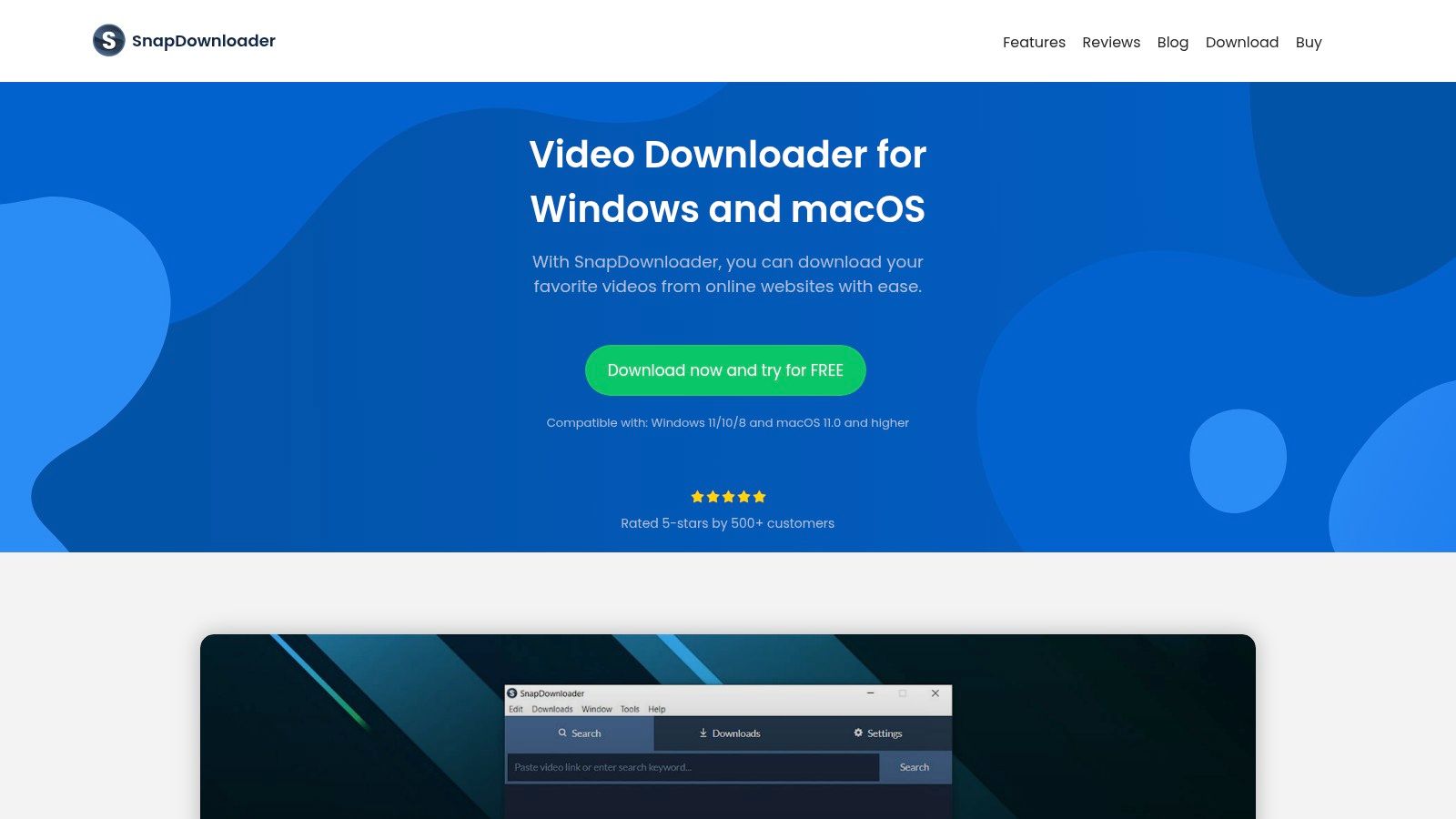
The free trial gives you unrestricted access to all its features, including 8K video downloads, playlist and channel batch processing, and scheduled downloads. This trial period is perfect for one-off tasks, like downloading an entire podcast series or archiving a channel before the trial ends. After 48 hours, a paid subscription or a lifetime license is needed to keep using the software.
Key Features & User Experience
The user experience is clean and intuitive. You paste a link, and SnapDownloader presents a clear dialog with all available format and quality options, from low-res MP4s to high-bitrate MP3s. One of its standout features is the built-in video trimmer, which lets you snip a specific audio segment from a long video before downloading, saving both time and disk space. The download scheduler is another practical tool for users who want to manage bandwidth by running large downloads overnight.
- Pros: Modern UI, supports 900+ sites, built-in trimmer and scheduler, full-featured 48-hour free trial.
- Cons: No permanently free version; requires a paid license for long-term use.
- Website: https://snapdownloader.com/
For users who value a premium, feature-rich experience and don't mind a trial-based model or eventual purchase, SnapDownloader offers one of the most reliable and user-friendly desktop clients out there.
7. JDownloader 2
JDownloader 2 isn't a simple converter but a powerful, open-source download manager that's built for a different kind of user. While browser-based tools offer speed, JDownloader provides unmatched control and flexibility for those who manage large batches of downloads from multiple sources, not just YouTube. It runs as a desktop application for Windows, macOS, and Linux, making it a cross-platform solution for power users. Its ability to perform a youtube transfer to mp3 free comes from its deep integration with link-grabbing and its use of external encoders like FFmpeg/LAME to produce high-quality audio files.
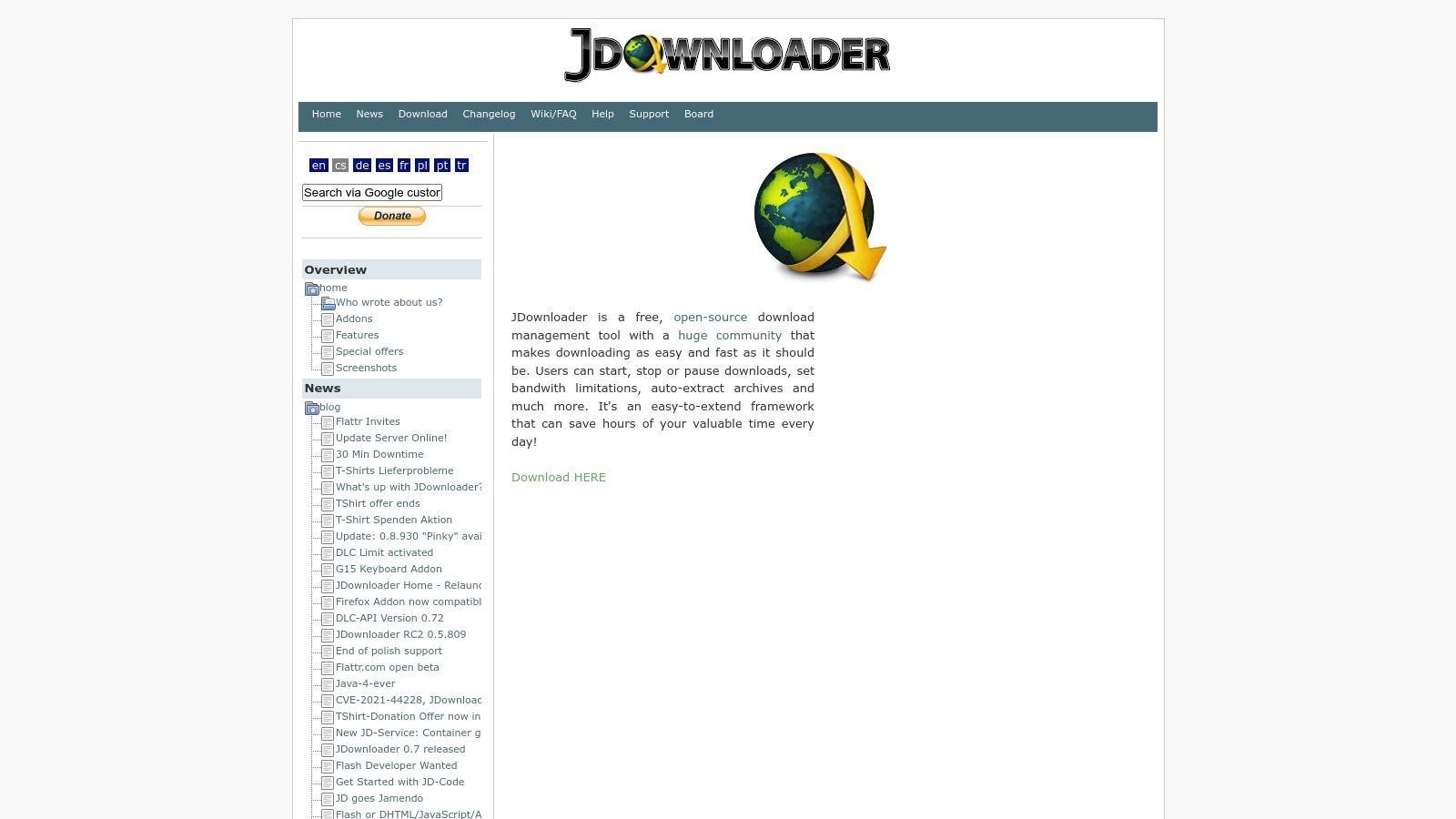
This tool is completely free, but users should be careful during installation. The standard installer might include bundled offers, so it's highly recommended to look for the "ad-free" installer directly from their site for a cleaner setup. Because it relies on a community-supported plugin system, it is highly adaptable, though it can sometimes have temporary downtime when YouTube updates its platform.
Key Features & User Experience
The user experience is geared toward technical users. After installing, the application's "LinkGrabber" automatically watches your clipboard for copied URLs. When you copy a YouTube link, JDownloader analyzes it and shows all available download options, including video streams and separate audio tracks. You can then select the audio format you want and add it to a download queue. This makes it exceptionally good for setting up long lists of conversions to run in the background.
- Pros: Entirely free and extremely flexible, supports large batches and mixed-site downloads, and is available for all major desktop operating systems.
- Cons: The standard installer contains optional software offers, and its functionality can break temporarily after YouTube platform changes.
- Website: https://jdownloader.org/
For users who need to manage extensive download queues and appreciate fine-grained control over the process, JDownloader 2 is a robust, community-driven tool that stands apart from single-purpose web converters.
8. yt-dlp (open-source)
For power users, developers, and anyone comfortable with the command line, yt-dlp is the undisputed king. As a community-driven fork of the legendary youtube-dl, this open-source tool is constantly updated, often fixing issues with YouTube and other sites just hours after they happen. It represents the most powerful and flexible method for a youtube transfer to mp3 free, giving you unparalleled control over the entire process, from format and quality to metadata and post-processing. Its strength lies in its speed, reliability, and support for thousands of websites, far beyond just YouTube.
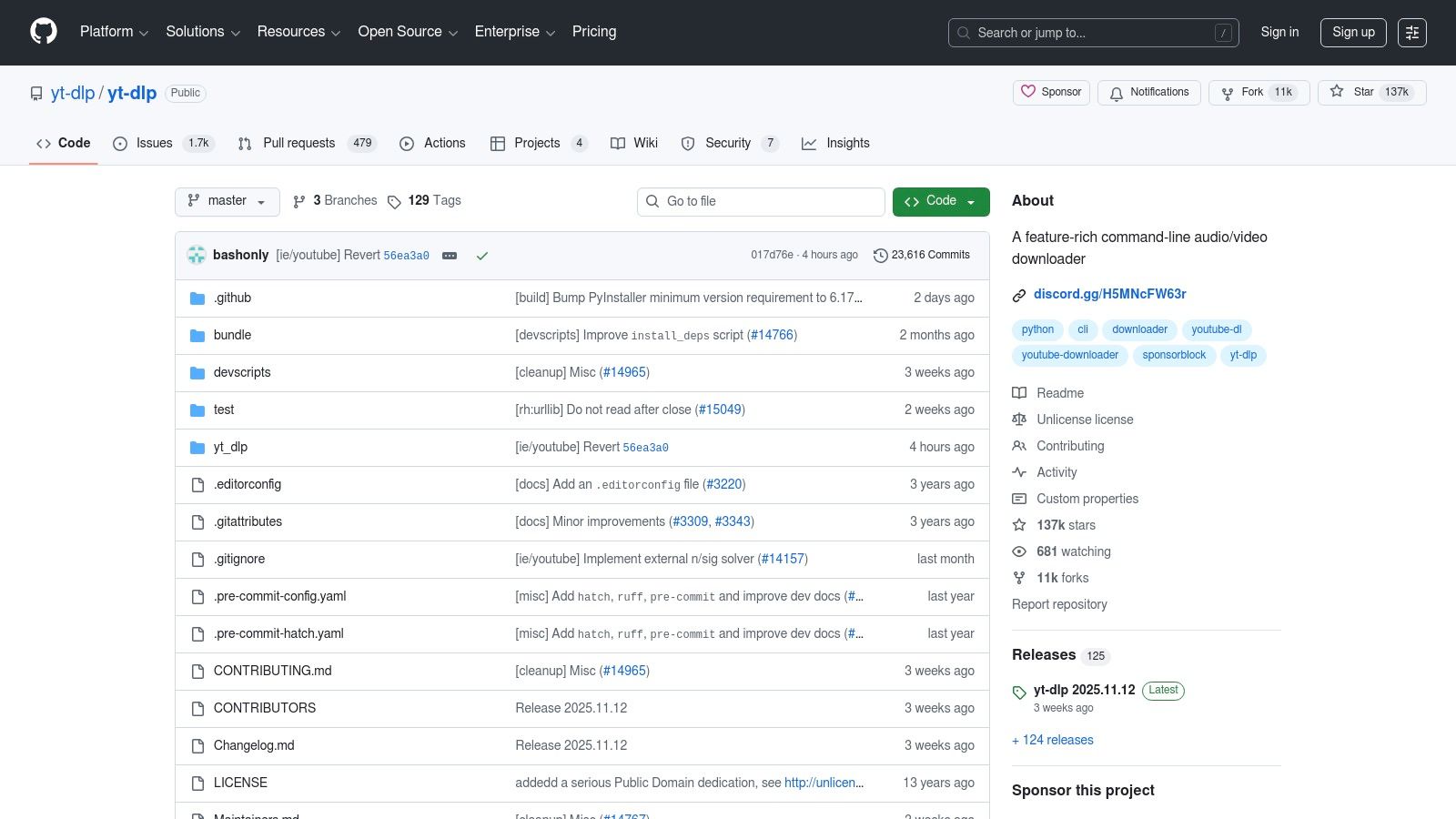
Being a command-line tool, it is entirely free and has no ads or limitations. It runs on Windows, macOS, and Linux, and its real power is unlocked through scripting. Users can create simple scripts to automate the process of downloading and converting entire playlists or channels to MP3, making it the perfect solution for archival projects or bulk content processing.
Key Features & User Experience
The user experience is text-based and requires learning specific commands, which can be a big hurdle for beginners. However, once you get the hang of it, it's faster and more efficient than any GUI-based tool. A basic command like yt-dlp -x --audio-format mp3 [URL] is all you need to extract the audio. It integrates with FFmpeg for powerful post-processing, allowing you to embed thumbnails, set bitrates, and normalize audio volume automatically during the download.
- Pros: Completely free, fastest to receive updates, highly scriptable for automation, supports thousands of sites.
- Cons: Requires command-line knowledge, presenting a steep learning curve for non-technical users.
- Website: https://github.com/yt-dlp/yt-dlp
While it's not for everyone, yt-dlp is the ultimate tool for those who need reliability and control above all else. For a closer look at how it compares to other solutions, you can explore this overview of different YouTube to MP3 converters.
9. aTube Catcher
A long-standing veteran in the download utility world, aTube Catcher is a powerful, multi-functional desktop application for Windows. It's much more than a simple conversion tool, offering a suite of features that include a screen recorder, video merger, and even a disc burner. For users who need a comprehensive solution for managing media, it provides a feature-rich environment for a youtube transfer to mp3 free of charge, handling downloads from a wide array of sites beyond just YouTube. Its longevity is a testament to its reliability and consistent updates.
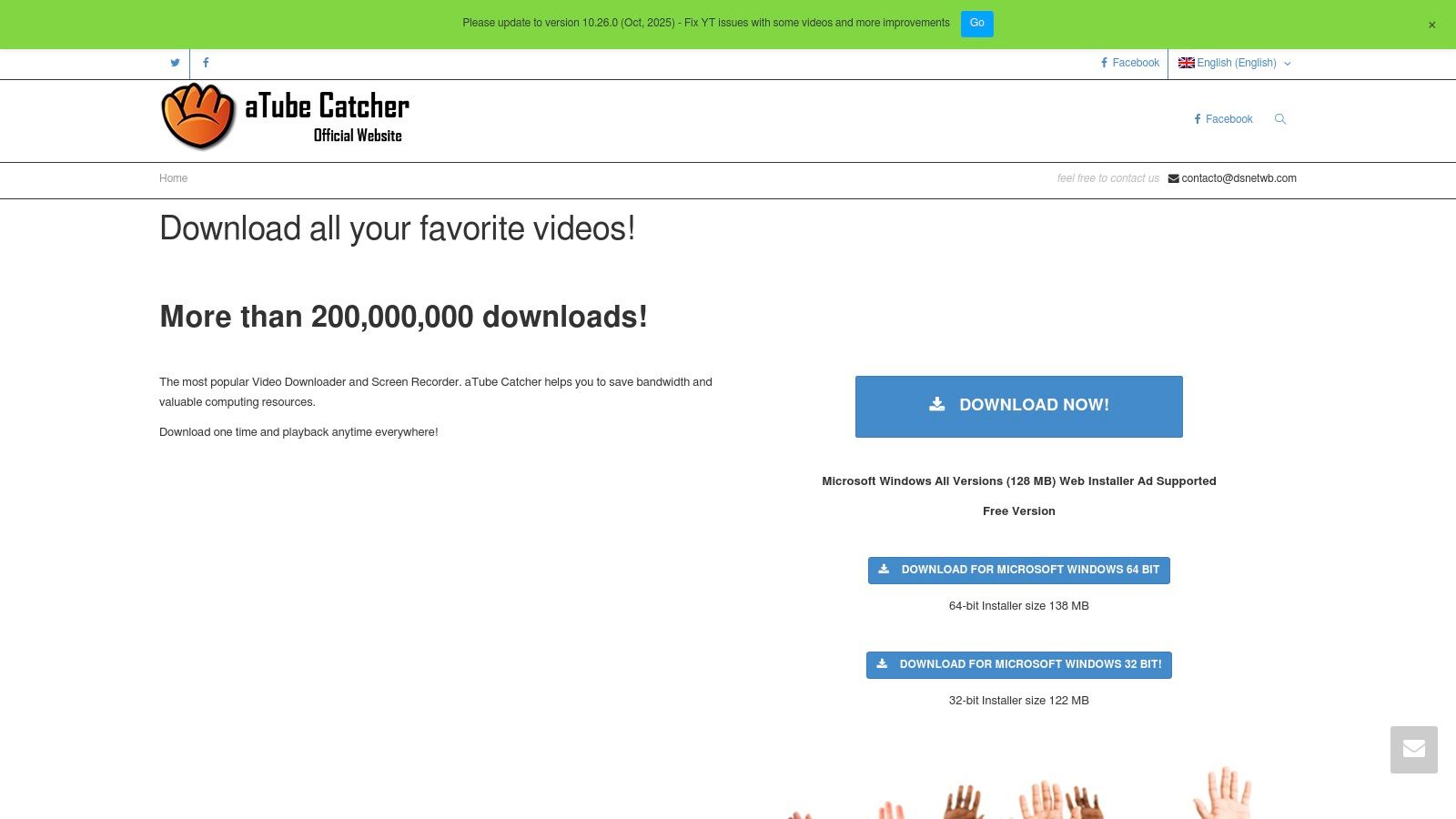
Unlike single-purpose tools, aTube Catcher is built for versatility. It supports a massive list of output formats, giving users precise control over the final audio or video file. The software can handle batch downloads and entire playlists, making it a workhorse for users who need to process large amounts of content. While its interface might look a bit dated compared to modern apps, its functionality is robust and proven. Just be mindful during installation, as the web installer may include bundled software offers.
Key Features & User Experience
Using aTube Catcher involves pasting a video URL into the "URL del Video" field and selecting an output profile, like MP3 with high quality. The "Stream Catcher" mode is particularly useful for finding and downloading media that is otherwise hard to capture. The sheer number of options can be overwhelming for new users, but its power lies in this flexibility. It’s a tool designed for users who want more than just a basic converter and prefer having multiple media tools in one free package.
- Pros: Extremely feature-rich (downloader, screen recorder, etc.), supports numerous sites and formats, completely free.
- Cons: Windows only, interface feels dated, installer may contain adware.
- Website: https://www.atube.me/
10. ByClick Downloader
ByClick Downloader is a Windows-based desktop application that aims to simplify the download process from numerous video sites, not just YouTube. It positions itself as an all-in-one solution for users who frequently grab content from platforms like Facebook, Instagram, and others, offering a streamlined workflow for video and audio extraction. Its key selling point is the "one-click" mode, which automatically detects a copied YouTube link and presents a pop-up to start the download, making the process of a youtube transfer to mp3 free nearly effortless for less technical users.
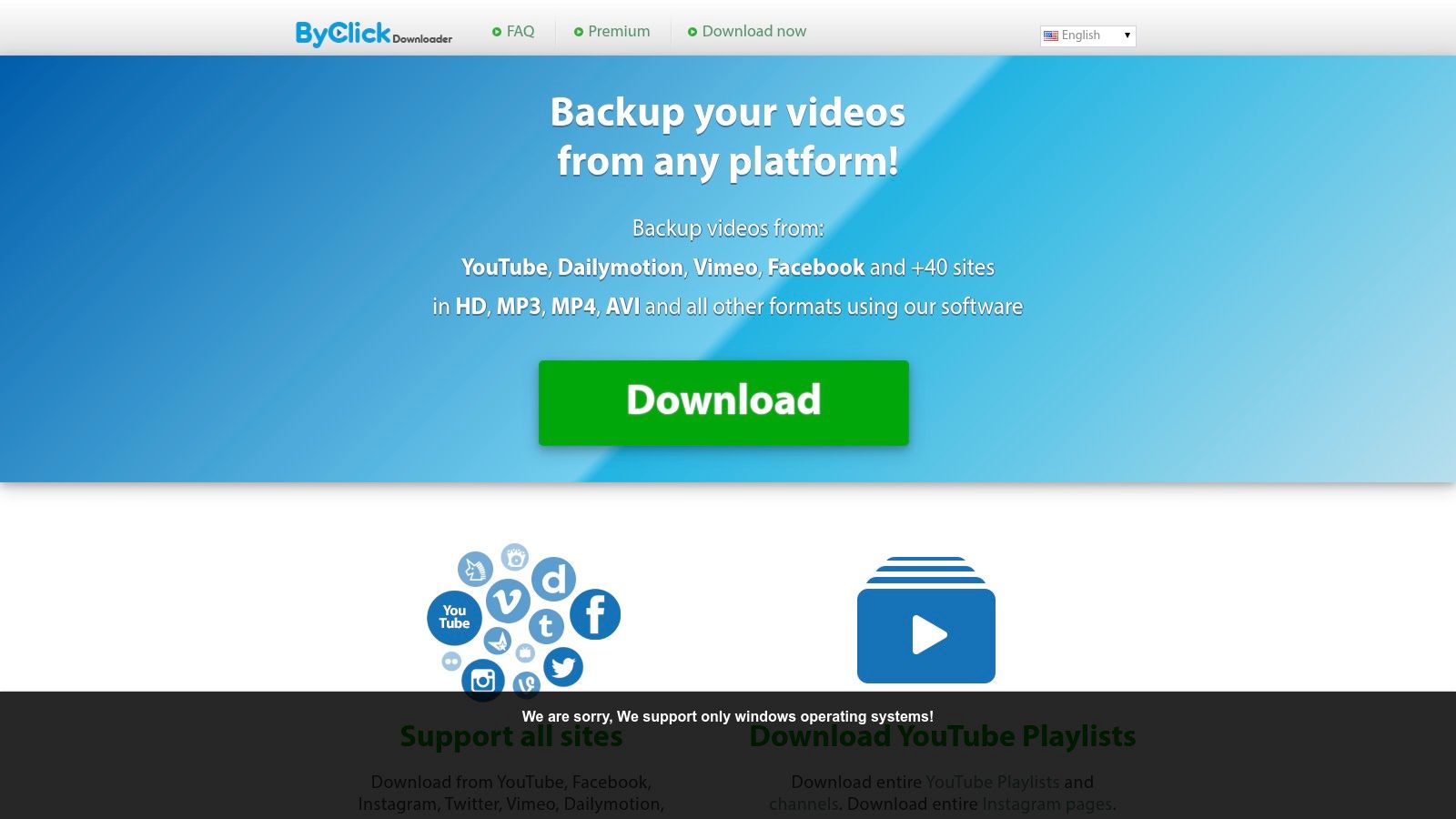
The free version provides basic functionality, but the premium version unlocks the full feature set, including unlimited downloads, playlist and channel conversion, and higher-quality audio options. The paid license is often available at a promotional price, making it a budget-friendly choice for those needing more than what free web tools offer. The software’s interface includes a handy recommendation panel based on popular trends, which some users might find useful for discovery.
Key Features & User Experience
ByClick Downloader prioritizes ease of use above all else. Once installed, its auto-detect feature significantly speeds up the workflow. Users can pre-configure their preferred format (MP3, MP4, etc.) and quality, so every subsequent download requires minimal interaction. This makes it ideal for users who want to build a music library or save lecture series without navigating complex settings for each file. The application also supports downloading entire YouTube playlists and channels with a single paste.
- Pros: Very simple "paste and go" workflow, supports a wide range of popular video sites, affordable premium version.
- Cons: Windows-only software, some third-party reviews are mixed, requiring careful evaluation before purchase.
- Website: https://www.byclickdownloader.com/
While its website is somewhat sparse on technical details, ByClick Downloader is a strong contender for Windows users seeking a straightforward, multi-site downloader. Its simplicity is its greatest strength, making it accessible to anyone regardless of their technical expertise.
11. Freemake (Video/Audio Downloader)
Freemake has been a well-known name in the software utility space for a long time, offering a suite of tools for Windows users focused on media conversion. While primarily a desktop software developer, their platform provides extensive guidance and tools for audio extraction. Their approach is all about a simple, user-friendly experience, making the process of a youtube transfer to mp3 free accessible even for non-technical users. It’s less of a single-purpose web tool and more of a complete ecosystem for downloading and converting media from various online sources.
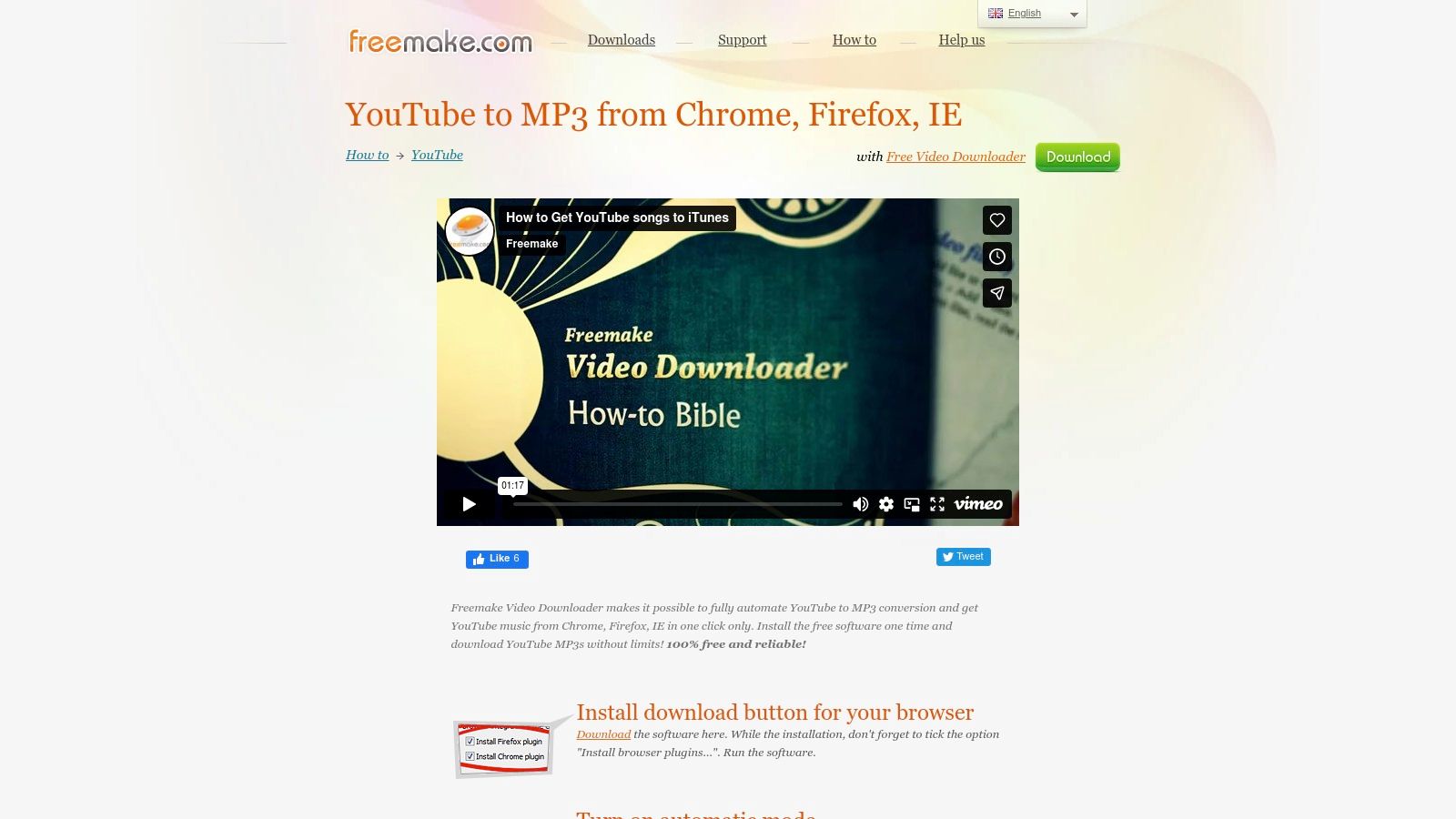
The brand is famous for its detailed tutorials and how-to guides, walking users through every step of the conversion process. This educational side is a huge plus for beginners who might be intimidated by other tools. Historically, Freemake has operated on a freeware model, often supported by bundled software or ads, so users should pay close attention during installation to avoid any unwanted extras.
Key Features & User Experience
Freemake's desktop applications are designed for a straightforward workflow. You copy a URL from YouTube or another supported site, paste it into the software, and select your output format and quality. The software includes a one-click mode that can be pre-configured to automatically convert any pasted link directly to an MP3, streamlining the process significantly. Browser integration further simplifies this, allowing users to initiate downloads without leaving their web browser.
- Pros: Detailed tutorials and quick process for basic needs, long-established brand with user resources, simple workflow for non-technical users.
- Cons: Windows-centric and has a history with ad-supported/freeware installation models.
- Website: https://www.freemake.com/how_to/how_to_convert_youtube_to_mp3_from_your_browser
For Windows users who appreciate having a dedicated application and value extensive support resources, Freemake offers a reliable and proven solution. Its focus on simplicity makes it a great choice for those who want to convert audio without dealing with complicated settings.
12. AmoyShare AnyUTube
AmoyShare AnyUTube offers a compelling all-in-one desktop and mobile solution for users who prefer an integrated search and download experience. Available for Windows, macOS, and even Android, this application lets you search for content directly within its interface, eliminating the need to switch between your browser and the app. This integrated browser is its key differentiator, streamlining the process from discovery to download. It's an excellent tool for those who want a single program to manage their entire youtube transfer to mp3 free workflow, from finding a video to converting it.
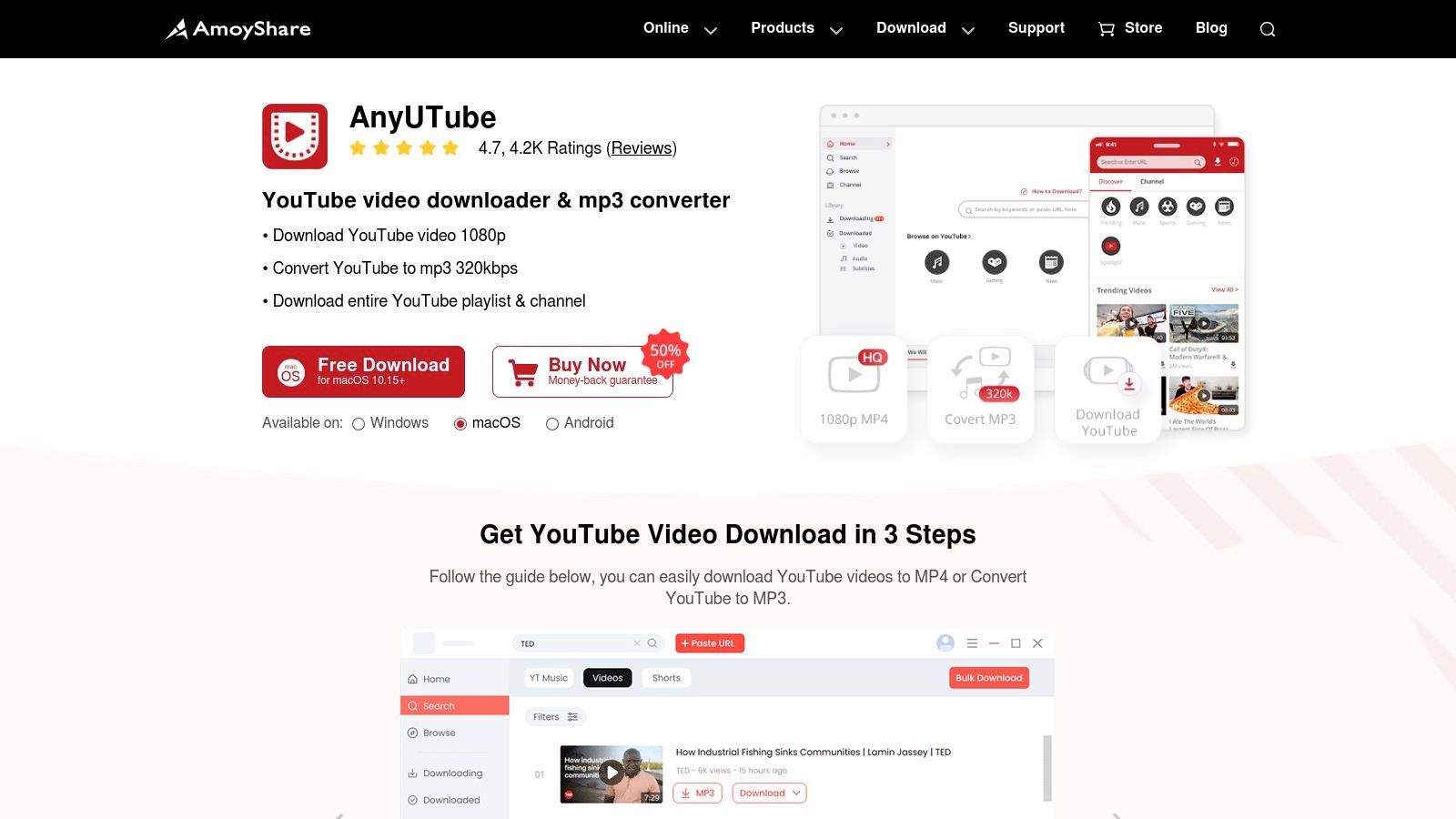
The software operates on a freemium model. The free trial gives you a taste of its capabilities but comes with strict limits on the number of conversions. To unlock unlimited downloads, batch processing, and access to higher quality formats like 1080p or 4K, a paid upgrade is necessary. This transparency is helpful, as users know exactly what they are getting before committing.
Key Features & User Experience
The workflow is incredibly straightforward: use the built-in search bar to find a video by keyword or paste a URL directly. Once you find your content, you can choose your desired output format (MP3, MP4, etc.) and quality before starting the download. The support for over 1,000 websites makes it a versatile media grabber, not just a YouTube tool. The multi-platform support, especially the inclusion of an Android app, is a major plus for users who want a consistent experience across their devices.
- Pros: All-in-one search and download interface, multi-OS support including Android, transparent freemium model.
- Cons: The free version has very restrictive limits, and software reliability can be affected by changes on source websites.
- Website: https://www.amoyshare.com/anyutube/
For users who value convenience and want to manage their media downloads from a single application on desktop or mobile, AnyUTube presents a well-designed and feature-rich option.
12 Free YouTube‑to‑MP3 Tools Comparison
| Tool | Key features | UX / Quality | Price / Value | 👥 Target audience | ✨ Notable USP |
|---|---|---|---|---|---|
| 4K YouTube to MP3 (4K Download) | One‑click MP3/M4A/OGG, playlists, simultaneous downloads | ★★★★ — stable, frequent patches | 💰 Free + Pro (transparent pricing) | Creators & general users | ✨ Active changelog & reliable updates 🏆 |
| MediaHuman YouTube to MP3 | MP3/M4A/OGG up to 320 kbps, tagging, playlists | ★★★★ — polished freemium app | 💰 Freemium (strong free tier) | Music lovers & casual converters | ✨ Built‑in tag/artwork editor |
| DVDVideoSoft – Free YouTube to MP3 Converter | MP3/M4A/FLAC/WAV/OGG, batch & merging, auto‑tag | ★★★★ — simple & bulk‑friendly | 💰 Free (ad‑supported) | Bulk converters & lossless seekers | ✨ Lossless output options |
| YTD Video Downloader & Converter | MP3/MP4 conversion, 4‑step workflow, multi‑site | ★★★ — very easy, pro gated features | 💰 Free + Pro upgrades | Non‑technical users | ✨ Extremely simple paste→convert flow |
| Any Video Converter (AVC) | Convert/edit/trim, presets, batch downloads | ★★★★ — full media toolkit | 💰 Free tier; Pro/Ultimate paid | Power users & editors | ✨ Comprehensive media toolkit 🏆 |
| SnapDownloader | 900+ sites, trimming, scheduler, proxy support | ★★★★ — modern UI, reliable updates | 💰 Paid (48‑hr full trial) | Professionals & frequent downloaders | ✨ Scheduler + proxy & trimming |
| JDownloader 2 | Clipboard monitor, plugin updates, FFmpeg integration | ★★★★ — flexible, community‑driven | 💰 Free (open‑source) | Automation users & power users | ✨ Extensible plugin ecosystem |
| yt‑dlp (open‑source) | CLI, rapid fixes, FFmpeg post‑processing, scriptable | ★★★★★ — fastest updates, robust | 💰 Free (open‑source) | Developers & automation specialists | ✨ Fastest site fixes & scripting power 🏆 |
| aTube Catcher | Multi‑site download, MP3 conversion, screen recorder | ★★★ — feature‑rich Windows tool | 💰 Free | Windows users needing extras | ✨ Integrated screen recorder & disc burning |
| ByClick Downloader | One‑click mode, quality selection, playlist grab | ★★★ — very easy, mixed reviews | 💰 Affordable paid (promos) | Casual Windows users | ✨ Paste‑and‑download simplicity |
| Freemake (Video/Audio Downloader) | Browser integration, one‑click MP3, tutorials | ★★★ — beginner friendly | 💰 Free/ad‑supported; paid ad‑free | Beginners & quick converters | ✨ Extensive how‑to resources |
| AmoyShare AnyUTube | MP3/4K support, in‑app keyword search, 1,000+ sites | ★★★★ — all‑in‑one search→download | 💰 Free trial → paid | Multi‑OS & mobile users | ✨ In‑app search + Android support |
Making Your Final Choice and the Next Step: Transcribing Your Audio
We’ve just walked through a complete list of twelve powerful tools, each offering a unique way to handle a youtube transfer to mp3 free of charge. From the surgical precision of command-line interfaces to the user-friendly simplicity of dedicated desktop apps, the perfect solution for your audio needs is definitely out there. Finding it, however, means taking a moment to think about your own workflow and what's most important to you.
Making the right choice isn't just about picking the tool with the most features; it's about matching a tool's strengths to your specific needs. The path to selecting your ideal converter begins with a simple question: what kind of user are you? Are you a power user who needs to batch-download entire playlists or channels? Or are you a casual user who just wants to grab a single track quickly?
How to Choose Your Ideal Converter
To boil down our findings into clear advice, think about these user types and our top recommendations for each:
For the Power User and Developer: If you’re comfortable with the command line and demand total control, flexibility, and the fastest updates, yt-dlp is in a league of its own. Its massive library of commands makes it the undisputed champion for complex, automated downloading tasks. JDownloader 2 is also a strong contender for those who manage huge volumes of downloads and love its link-grabbing and queue management features.
For the Everyday User Seeking Simplicity and Reliability: If you just want a clean, dependable application that does one job exceptionally well, 4K YouTube to MP3 and MediaHuman YouTube to MP3 are your best bets. They offer intuitive interfaces, consistent performance, and the features you actually need without overwhelming you. These are the "install and forget" options that just work every time.
For the All-in-One Content Creator: If your needs go beyond a simple
youtube transfer to mp3 free, and you frequently work with various video formats, Any Video Converter (AVC) or aTube Catcher provide incredible value. These multi-functional toolkits can handle conversion, basic editing, and even screen recording, bringing several content creation tasks into one application.For the Cautious User: If your main concern is avoiding bundled software and adware, sticking to open-source options like yt-dlp or being extremely careful about using official download links for tools like DVDVideoSoft is key. Always choose a custom installation so you can uncheck any unwanted third-party offers.
Beyond the MP3: Unlocking the Value in Your Audio
Once you have successfully converted your file, the journey doesn't have to end. For many of our readers—from students and journalists to marketers and content creators—the audio file is just the beginning. The real value is in the spoken words. Manually transcribing an hour-long lecture, interview, or podcast can take hours of painstaking work, creating a huge bottleneck in any project.
This is where the next logical step in your workflow comes into play: automated transcription. By using an AI-powered service, you can transform your brand-new MP3 into a fully editable, searchable, and shareable text document in just a few minutes. This opens up a world of possibilities:
- Students and Researchers can get text-based lecture notes for easier studying and citation.
- Content Creators can instantly generate captions, subtitles, and show notes to improve accessibility and SEO.
- Marketers can repurpose webinar and podcast audio into blog posts, social media content, and detailed articles.
- Journalists can quickly get a written record of interviews, saving critical time for analysis and writing.
After successfully converting your audio to MP3, the next logical step for many creators might be transcription. For those looking to dive deeper into this process, exploring the best software for transcribing video can provide valuable insights and help you choose the right tools for turning audio into text. Taking this step effectively bridges the gap between listening to content and actively using it.
Ready to unlock the content within your audio files? meowtxt provides fast, accurate, and affordable transcription for all your projects. Simply upload the MP3 you just created and get a polished text transcript back in minutes, ready to be edited, summarized, or repurposed for your specific needs. Start turning your audio into actionable content today at meowtxt.


